
Secure file sharing: what teams should demand
Published on · Updated on
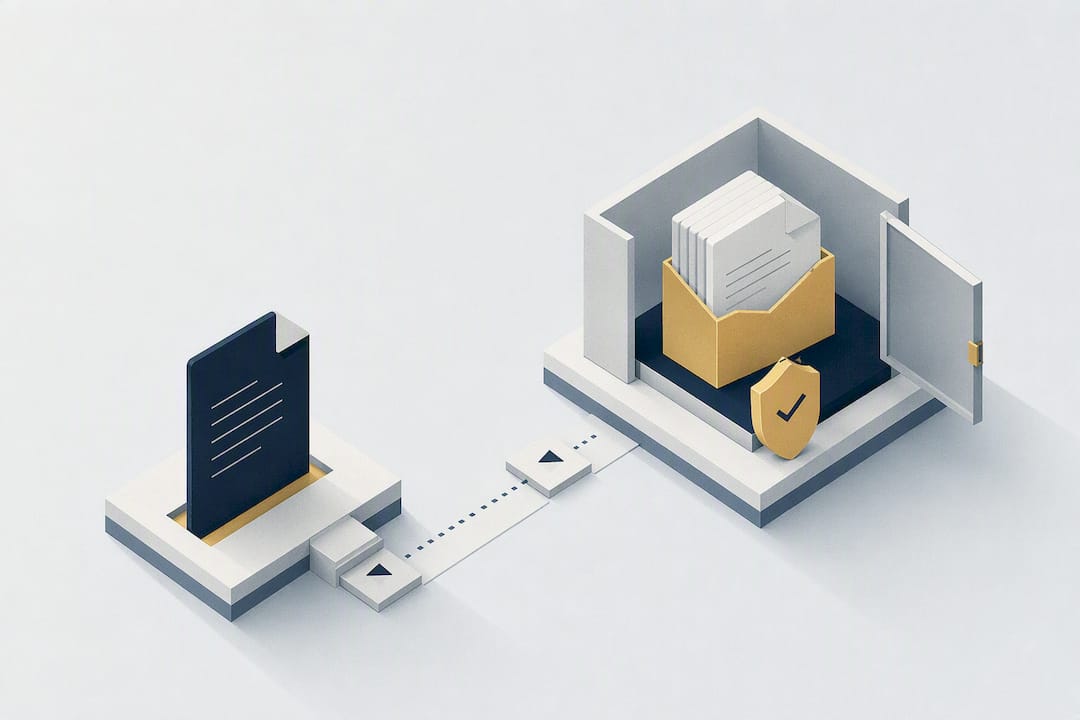
For professional teams, the right approach is still an enterprise cloud solution that combines strong encryption, granular permissions and complete access logging. Data sovereignty and traceability of exchanges now make the difference between a simple transfer tool and a genuine document governance platform. An option like Cloud OS is a good illustration of what local infrastructure designed for small businesses can offer.
In brief:
- Optimal security rests on a sharing platform that combines strong encryption, granular access controls and detailed logging, suited to the needs of small businesses.
- End-to-end encryption offers maximum confidentiality but has limits in key management and recovery after a loss, which complicates external sharing.
- To secure a share, you need to classify, clean up, configure strong protection, monitor access and revoke quickly when needed, using links with expiry dates and authentication.
- Compliance means controlling server location, log management, SLA commitments and internal accountability, in particular through a least-privilege access policy.
- Local data sovereignty gives full control over hosting, avoiding legal risks and ensuring management suited to the confidentiality of sensitive files.
Table of contents
- Which features to demand from a secure sharing platform?
- Encryption in transit, at rest, end-to-end: what are the differences?
- How to secure file sharing from end to end?
- Which compliance obligations for solid file governance?
- Why data sovereignty changes the game for small businesses
- Cloud OS for file sharing you control from end to end
- Sources
- Frequently asked questions
Which features to demand from a secure sharing platform?
A secure sharing service worthy of the name is judged first by the precision of its access controls, not by the size of its storage space. A serious secure sharing platform must let you define who sees what, for how long, and under which conditions.
Here are the features to check before choosing your tool:
- Granular permissions: access by role, by group, or limited to a specific time window.
- Protected links: mandatory password, automatic expiry date, restriction to named email addresses.
- Download control: blocking local saves, visible watermarks on sensitive documents, in-browser preview with no download possible.
- Detailed logging: viewing history, alerts on unusual access, exportable reports for an audit.
- Versioning and anti-ransomware protection: retention of earlier versions, regular snapshots, and proper handling of large files that exceed the usual transfer limits.
Pro tip: Never rely on a “permanent” sharing link. Always set an expiry date, even a long one, so that a link forgotten six months ago doesn’t become an open door for anyone.
Encryption in transit, at rest, end-to-end: what are the differences?
Three notions come up constantly and are often confused. Encryption in transit, through the TLS protocol, protects data while it travels between your device and the server. Encryption at rest, usually AES-256, protects the files stored on the provider’s disks. End-to-end encryption (E2EE) goes further: the keys stay on the client side, which means even the host cannot read your files.
Proton promotes E2EE as the reference for sharing sensitive documents, with passwords and expiry dates configurable on every link. But that strength comes with a real operational cost.
- If an employee loses their key, recovering the file often becomes impossible without a recovery procedure planned in advance.
- Key management complicates large-scale sharing with external partners.
- Administrative or legal requests for access to data become harder for the provider to handle, which has implications for your compliance.
A solid architecture separates the encryption keys from the storage infrastructure and provides for off-site replication of backups. That is exactly what the best practices for professional cloud storage recommend, insisting on redundancy and off-site snapshots to guarantee continuity in the event of an incident.
How to secure file sharing from end to end?
Sharing documents securely always follows the same logic: prepare, share, control, revoke. Skipping a step means opening a breach.
- Classify and clean up the file. Remove sensitive metadata (author, revision history, GPS coordinates of an image) and apply a clear confidentiality classification before sending anything.
- Choose the right channel. A named invitation with authentication suits recurring exchanges with a known partner; a single-use secure link is better for a one-off delivery.
- Configure the protections before sending. A password separate from the accompanying message, a short expiry date, two-factor authentication for the recipient if the tool allows it.
- Monitor and revoke as needed. Check the access logs regularly and cut off access as soon as the business need disappears, without waiting for automatic expiry.
- Plan a periodic review. Delete or archive active shares older than three months during a quarterly audit.
Pro tip: Create a naming template for your shared links (client, date, project). An audit becomes three times faster when you don’t have to open each link to know what it refers to.
Tools like LockTransfer illustrate this level of traceability with AES-256 encryption and direct integration into office suites, a sign that certification and auditing are becoming expected standards, not premium options.
Which compliance obligations for solid file governance?
Compliance isn’t limited to ticking a GDPR box. It requires precise contractual commitments and internal policies that are enforced, not just written.
Before signing with a provider, demand clear answers on these points:
- The exact location of the servers and any subcontractors involved in processing the data.
- The retention period of access logs and their availability in the event of an audit.
- Service level agreements (SLA) on availability and restoration times.
- The frequency of real restoration tests, not just theoretical backups.
Internally, formalize who is responsible for document security, whether a dedicated DPO or the IT manager. A least-privilege access policy, where each person sees only what they need, mechanically reduces the risk surface if an account is compromised.
Why data sovereignty changes the game for small businesses
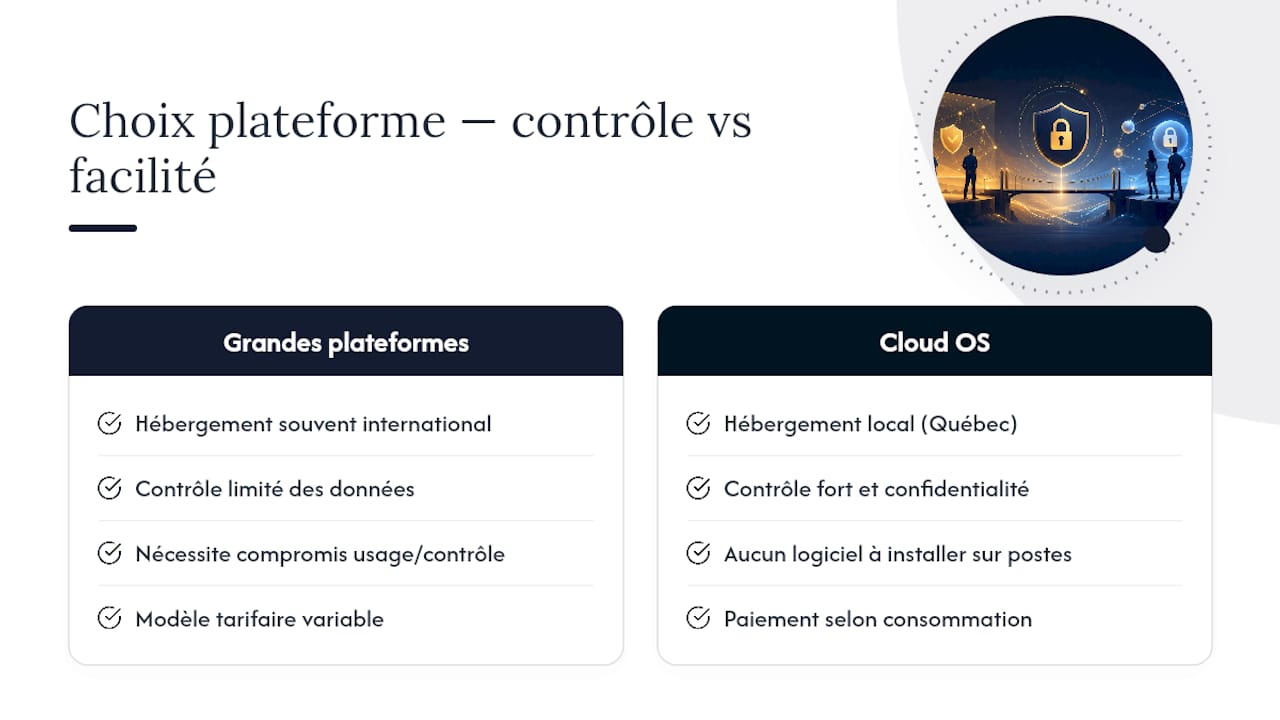
The large international platforms, whose collaboration capabilities Microsoft documents, offer solid features but leave little control over where the data actually lives. For a small business, this question goes beyond the technical debate: it touches on legal exposure to foreign jurisdictions.

Locally hosted infrastructure, like what Cloud OS offers Québec small businesses, changes the game on two concrete points. First, access to office, video or GIS tools requires no installation, which simplifies deployment for a team with no dedicated IT department. Second, usage-based pricing avoids paying for idle storage capacity, a frequent problem with conventional flat-rate subscriptions.
A company that handles engineering drawings or sensitive client files doesn’t just need strong encryption. It needs to know where its files physically live, and who can legally access them.
— Maxime
Cloud OS for file sharing you control from end to end
The large international platforms often impose a trade-off between ease of use and real control over your data. Cloud OS takes the opposite angle for Québec small businesses: the infrastructure stays hosted locally, with security and hosting measures designed for the confidentiality of shared files, without ever asking you to install anything on your workstations.
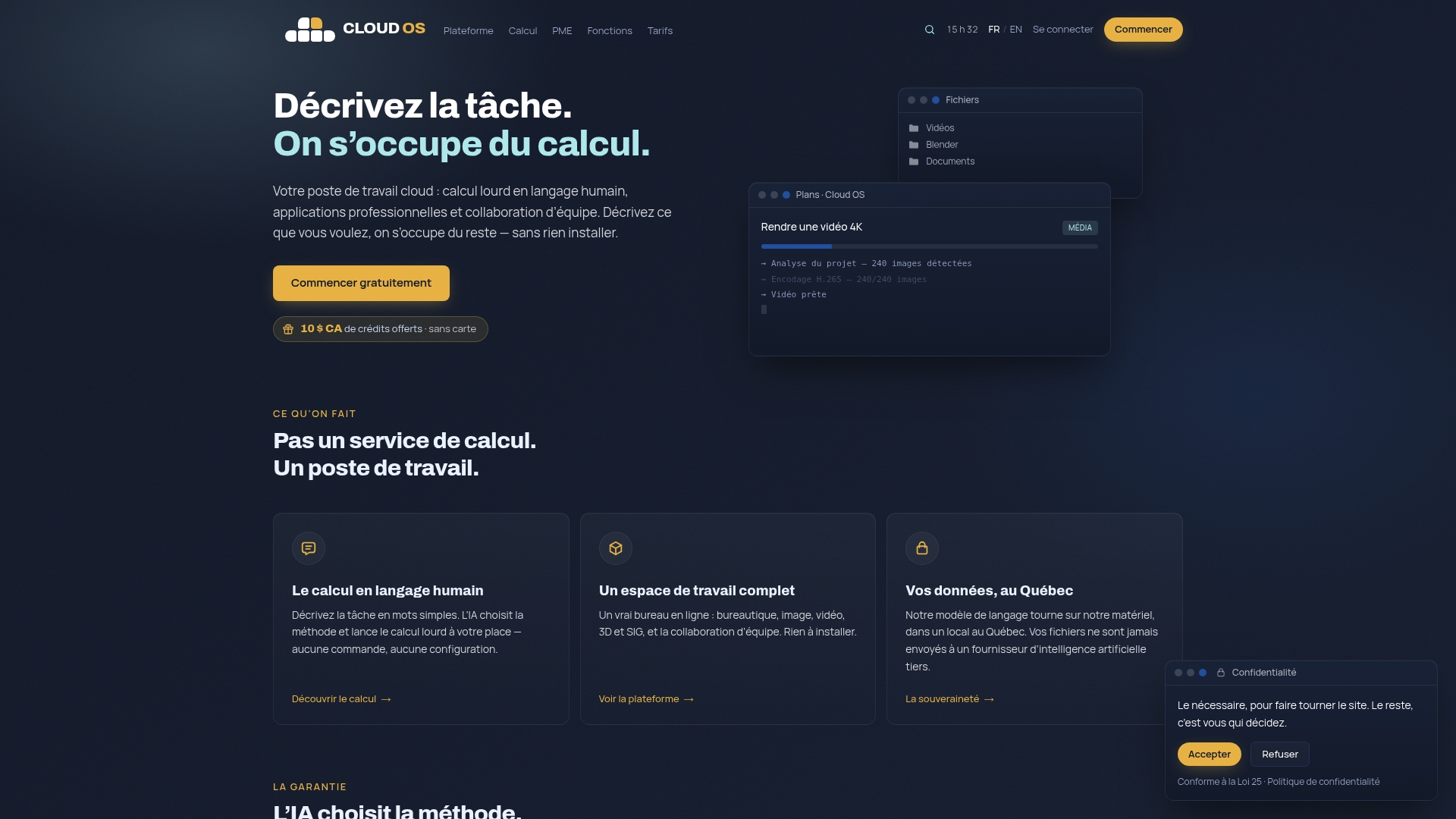
Concretely, a team can bring office software, document processing and collaboration tools together in a single environment, then pay only for what it uses. Monthly subscription plans are available to try the environment or for more advanced use, scaled to a team’s volume of exchanges.
If your priority is data sovereignty combined with a managed service free of technical complexity, head to the pricing page to compare the plans and start with the one that matches your volume of exchanges.
Sources
To go further on implementation, see the Cloud OS terms of use on the contractual management of services, as well as the recommendations on redundancy and off-site snapshots for building a reliable recovery plan.
- Stockage en ligne Cloud | Collaboration sécurisée ACLG - ACLG (in French)
Frequently asked questions
Which is the most secure document sharing platform?
There is no single universal answer: the best platform depends on your sovereignty and control requirements. Look for a service that combines strong encryption, granular permissions and complete logging, as Cloud OS offers small businesses with locally hosted infrastructure.
How can I send a protected file securely?
Strip the file of its sensitive metadata, then share it through a password-protected link with a short expiry date rather than as a conventional attachment. Enable two-factor authentication for the recipient if your tool allows it, and check the access logs after sending.
What is the best secure file transfer software?
The right choice depends mostly on your traceability and compliance needs, more than on any single feature. A tool combining AES-256 encryption and office suite integration suits regular business transfers, while an end-to-end encrypted solution like Proton is better for occasional, highly sensitive exchanges.
What is the best WeTransfer alternative for a professional team?
For professional use, prefer a service with access controls and auditing over a simple consumer transfer tool. Cloud OS, for example, lets you centralize document sharing with usage-based pricing from US$10 per month on the Discovery plan, with no local installation required.
Is end-to-end encryption always necessary?
No. End-to-end encryption provides the highest level of confidentiality but complicates recovery if a key is lost. For most internal team exchanges, robust encryption in transit and at rest, combined with strict access controls, is more than enough.