
Usage-based cloud pricing: when does it pay off for a small business?
Published on · Updated on

Usage-based pricing suits your small business if your compute workloads are one-off, variable or seasonal — a 3D rendering project, say, or GIS analysis in Abitibi-Témiscamingue. It turns risky without governance, because budget overruns are waiting as soon as a job runs longer than planned. For steady, heavy workloads, a subscription is often still cheaper. The two approaches can also be combined to match what you actually need.
In brief:
- Usage-based pricing pays off for one-off or seasonal projects, but it can produce serious overruns without tight control.
- Managing it well means real-time monitoring, precise resource tagging and a regular cost review, through FinOps and ITAM practices.
- For a stable, predictable workload, a subscription or a reserved instance is generally cheaper over 12 to 36 months.
- Light governance is enough to avoid unplanned costs while keeping the flexibility of usage-based billing.
- Small businesses should start by assessing their consumption profile, working out whether their activity is one-off or regular, in order to choose the right pricing model.
Table of contents
- What exactly does usage-based cloud pricing pay for?
- When usage-based pricing lowers your costs
- The risks of budget overruns and lock-in
- Taking back control with FinOps and ITAM
- Subscription, reserved instance or usage: how to decide
- An implementation checklist for your small business
- What usage-based pricing really tells you
- Flexible pricing designed for Québec small businesses
- Sources
- Frequently asked questions
What exactly does usage-based cloud pricing pay for?
Usage-based cloud pricing bills what you actually consume, not what you reserve. Every provider measures its own mix of indicators, but a few metrics come up everywhere.
- CPU or GPU compute hours: actual processing time, often the heaviest line on the bill for AI or 3D rendering.
- Storage in gigabytes: the volume of data kept, billed by the month or by the day.
- Input and output (I/O): the number of reads and writes against your databases or files.
- Bandwidth: data transferred out of the provider’s network.
- AI tokens or tasks: the billing unit for artificial intelligence models, usually per token or per request.
These metrics translate straight into a monthly bill: the more you process, the more you pay, with no fixed minimum to meet. The mechanism turns a capital expense (CapEx), such as buying servers, into an operating expense (OpEx) spread over real usage — a principle the Government of Canada’s guidance on choosing the right cloud confirms. For small businesses starting artificial intelligence projects, the AI Compute Access Fund can also lighten the compute bill.
When usage-based pricing lowers your costs
Three scenarios show where pay-per-use genuinely changes the financial picture for a Québec small business.
- A one-off AI project. A manufacturer testing a demand forecasting model for six weeks avoids buying a CA$15,000 GPU server to use it once. It pays for the compute while it runs, then switches the expense off.
- A 3D render for an outside client. An architecture studio or an engineering firm that has to deliver an animated model can rent rendering power for a few days instead of maintaining a dedicated workstation all year.
- Seasonal GIS analysis. A mining engineering firm that processes drilling data in QGIS mostly in spring and summer has no need for live GIS infrastructure in January. It pays only for the months of heavy use.
In all three cases, the business avoids the hardware purchase, the electricity, the server room cooling and the maintenance that come with in-house infrastructure. Public funding such as the AI Compute Access Fund can absorb part of the compute cost for eligible projects on top of that, narrowing the gap between buying and renting further.
The risks of budget overruns and lock-in
Pay-per-use has a flip side: without control, the bill climbs fast and without warning. A forgotten processing job left running overnight, an unexpected traffic spike or a badly sized task can double a monthly bill in a few hours.
45% of Canadian companies in the AI sector name cloud cost as a major obstacle to their growth, according to the AI compute consultations run by ISED.
Other risks deserve your attention before you move entirely to usage-based billing:
- Vendor lock-in: migrating large volumes of data to another provider is expensive, and it weakens your hand in price negotiations.
- Prices that rise as you scale: some usage rates step up once your volume passes a threshold.
- Weak governance compounding security risk: adopting the cloud does not hand responsibility for security to the provider, as the Canadian Centre for Cyber Security points out. Poor oversight of access can lead to unauthorized use, and so to costs you did not plan for.
Taking back control with FinOps and ITAM
Two disciplines limit the risk of financial drift: FinOps, which manages the cloud budget as an active financial line, and IT asset management (ITAM), which keeps an overall view of what is running and what no longer serves a purpose.
- Turn on real-time consumption tracking, with automatic alerts as soon as a budget threshold comes into view.
- Tag every resource by project, department or client, so you can trace where a cost came from in a few clicks.
- Set up automatic asset discovery to find out which resources are live, a practice the Canadian Centre for Cyber Security recommends in its ITAM guidance.
- Shut down idle resources without delay: a test server nobody remembered to close costs as much as a production server.
- Review your cloud budgets quarterly, project by project, rather than once a year.
That leaves you time to stop a job or renegotiate before the bill turns into a bad surprise.
A central inventory of resources, sometimes managed through a cloud broker, preserves the visibility a small business needs when it runs several projects in parallel without a dedicated IT team.

Subscription, reserved instance or usage: how to decide
The decision rests on a simple rule: how predictable the workload is dictates the model.
- Steady, predictable workload: a subscription or a reserved instance generally costs less over time, because the provider rewards commitment with a lower rate.
- Variable or unpredictable workload: usage-based pricing avoids paying for capacity that sits idle half the time.
- Work out your total cost of ownership (TCO) over a period of 12 to 36 months before deciding. Compare the cumulative price of a fixed subscription against a simulation of your real usage over the same months.
A web server with steady traffic all year is a good fit for a reserved instance. Training an artificial intelligence model once a quarter is a better fit for pay-per-use. The Government of Canada likewise recommends weighing how long the need will last before choosing between an operating expense and a capital expense.
An implementation checklist for your small business
Here are the concrete steps for moving to usage-based pricing without a financial surprise.
- Take stock of your current workloads: which processes are one-off, and which run constantly?
- Define two or three tracking indicators (cost per task, maximum monthly cost, resource utilization rate).
- Turn on budget monitoring in the first month, not after the first surprise bill.
- Start with a limited pilot, such as a one-off GIS analysis or a mining calculation, before generalizing.
- Review the results after 60 days and adjust the alert thresholds to the usage you actually observed.
- Check that your provider encrypts data at rest and in transit, a baseline recommendation of the Canadian Centre for Cyber Security for small and medium-sized organizations.
A regional small business with limited connectivity gains from testing on a short project first, such as processing drilling data, before committing to heavier workloads.
What usage-based pricing really tells you

Pay-per-use opens up capabilities few small businesses could justify ten years ago: GPU compute, 3D rendering, advanced geomatics. But that access is only worth something if the business keeps a hand on its consumption. A small business that turns on pay-per-use without budget tracking recreates the problem of buying oversized hardware, only in a monthly version that stays invisible until the bill arrives.
What tends to be underestimated is that light governance — tagging, alerts, a quarterly review — costs far less to put in place than the overruns it prevents. The cloud work environment is built on that logic: artificial intelligence does the planning, but a deterministic engine always does the running, so results are reproducible, and pricing is transparent: one all-inclusive subscription, with a gauge that shows how much of the month’s allowance you have used. Data and processing stay on servers owned and hosted locally, which answers the sovereignty question that any pay-as-you-go arrangement raises: knowing where your drilling data or your GIS analyses really live.
— Maxime
Flexible pricing designed for Québec small businesses
You do not need to buy a GPU server to run a one-off 3D render or process a GIS layer in the middle of drilling season. This service is an all-inclusive subscription: GPU compute, 3D rendering and geomatics processing all draw on the same monthly allowance, from 10 $ CA a month, with no hardware to maintain and no obligation to commit for more than a month at a time.
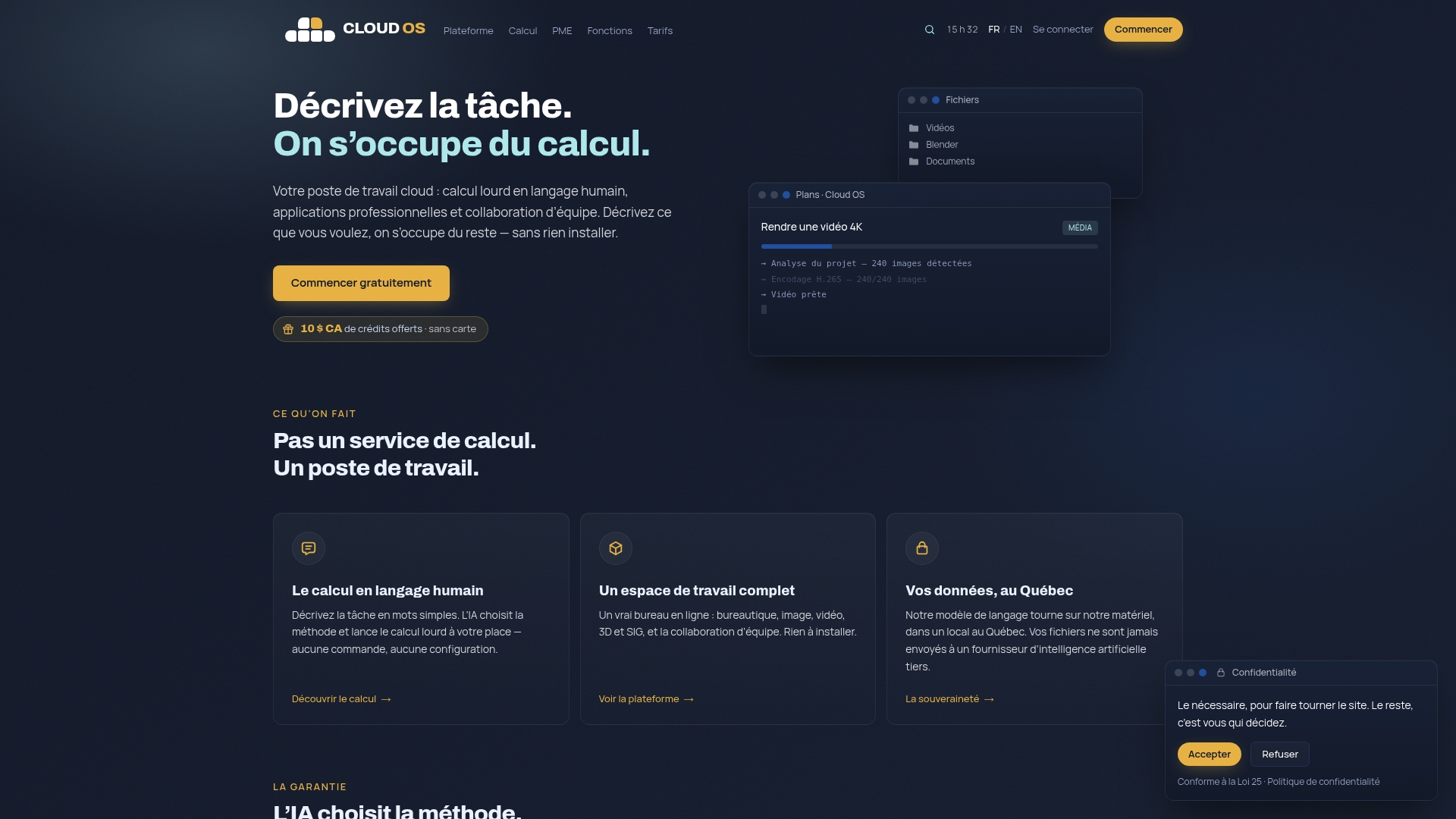
Your data and your processing stay on infrastructure hosted in Québec, which counts especially for firms handling sensitive drilling data or reports that meet the NI 43-101 standard. If your workload becomes steady rather than occasional, the Business plan raises that allowance for 60 $ CA a month, and a 14-day trial with no card is the cheapest way to measure what you really consume. See the full detail of Cloud OS plans and rates to compare them against your real volume, or explore the compute and 3D rendering features before you start your first project.
Sources
To go further on governing your cloud costs, three government references are worth a bookmark. The Government of Canada sets out the financial criteria for choosing the right cloud model. The Canadian Centre for Cyber Security explains how ITAM cuts unnecessary spending. The firm Cost Beacon also offers cloud cost reviews paid out of the savings achieved, a useful option for a small business with no in-house FinOps team.
- AI Compute Access Fund — Program guide (ISED)
- Benefits and risks of adopting cloud-based services - Canadian Centre for Cyber Security
Frequently asked questions
What is usage-based cloud pricing?
It is a model where you pay for what you actually consume — compute hours, storage, transfer, tasks — rather than for capacity you reserve. Cloud OS itself took the other route: one all-inclusive subscription, with a monthly allowance and a gauge that shows where you stand.
How can I avoid a budget overrun with pay-per-use?
The Canadian Centre for Cyber Security also recommends automatic discovery of idle assets, to avoid forgotten charges.
Is usage-based pricing cheaper than a subscription?
It depends how regular your workload is. For variable or occasional use, pay-per-use generally costs less; for a constant, heavy workload, a subscription or a reserved instance often works out cheaper over 12 to 36 months.
Is there any financial support to reduce the cost of AI compute?
Yes. ISED’s AI Compute Access Fund can cover part of the eligible compute costs for Canadian businesses developing artificial intelligence projects.
How much does Cloud OS cost?
Two all-inclusive plans, with no per-task invoice: Personal at 10 $ CA a month and Business at 60 $ CA a month, each with a monthly allowance of tasks and a gauge that warns you at 80%. A 14-day trial with no card comes first, and commitments of 1 to 24 months bring a discount of up to 30%. The full detail is listed on the Cloud OS pricing page.