Office
Calligra online, with nothing to install
KDE's office and graphics suite, in your browser.
Included from the Personal plan
An office and graphics suite
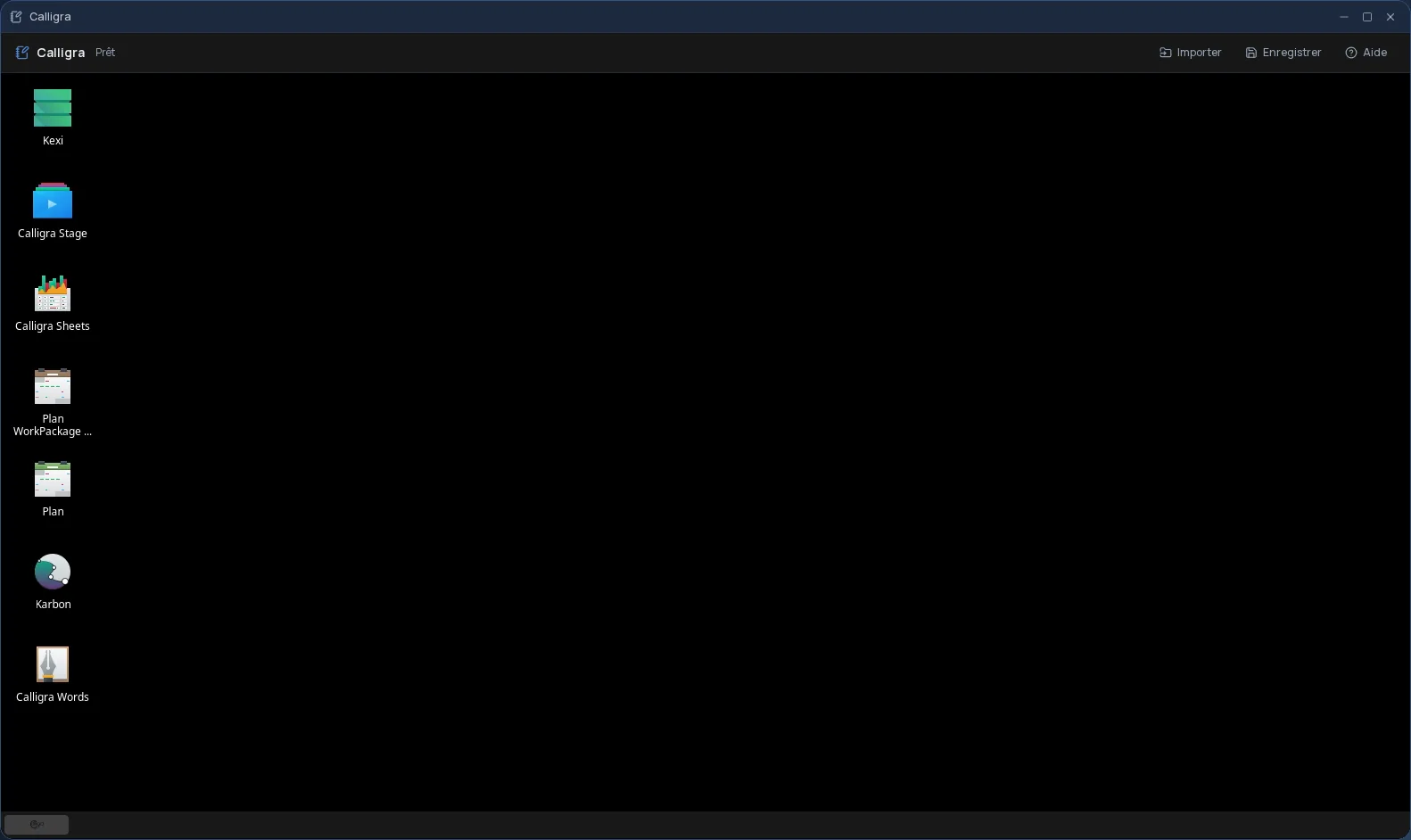
Calligra is the free office suite of the KDE community. It brings office work, drawing and project management together in one family of programs. In Cloud OS, it runs in a window of your online desktop, with its modules:
- Words for text, Sheets for spreadsheets, Stage for presentations;
- Karbon for vector drawing;
- Plan for project planning;
- Kexi for databases.
Your files stay in your own space
You import files from the Files app: they land in Calligra's “Storage” folder, where you open them with the module of your choice. Once the work is done, you send them back to Files.
- Several files imported one after another, without closing the import window.
- Every file sent back arrives as a new file: the original is never overwritten.
- Your files are hosted in Québec.
Who is it for?
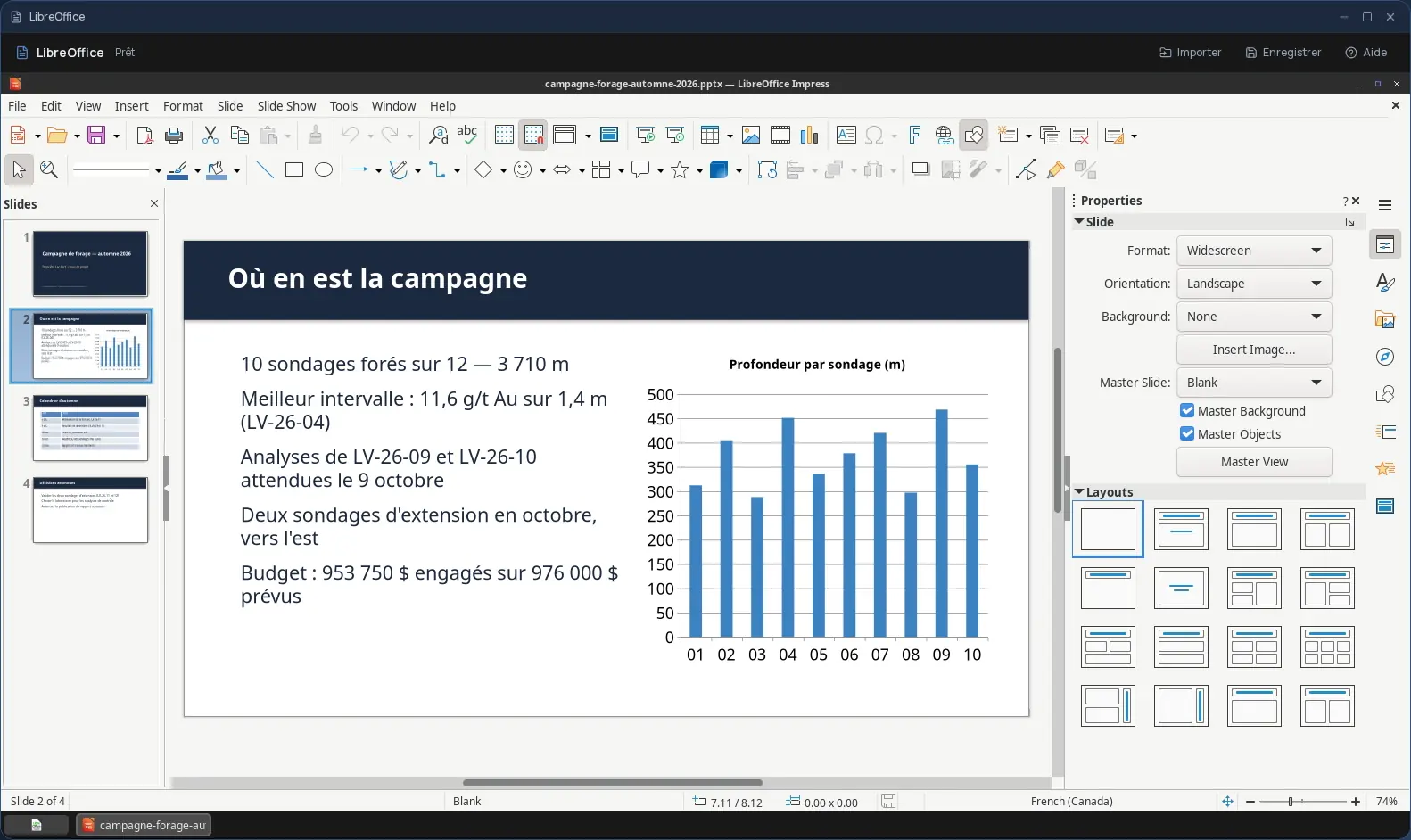
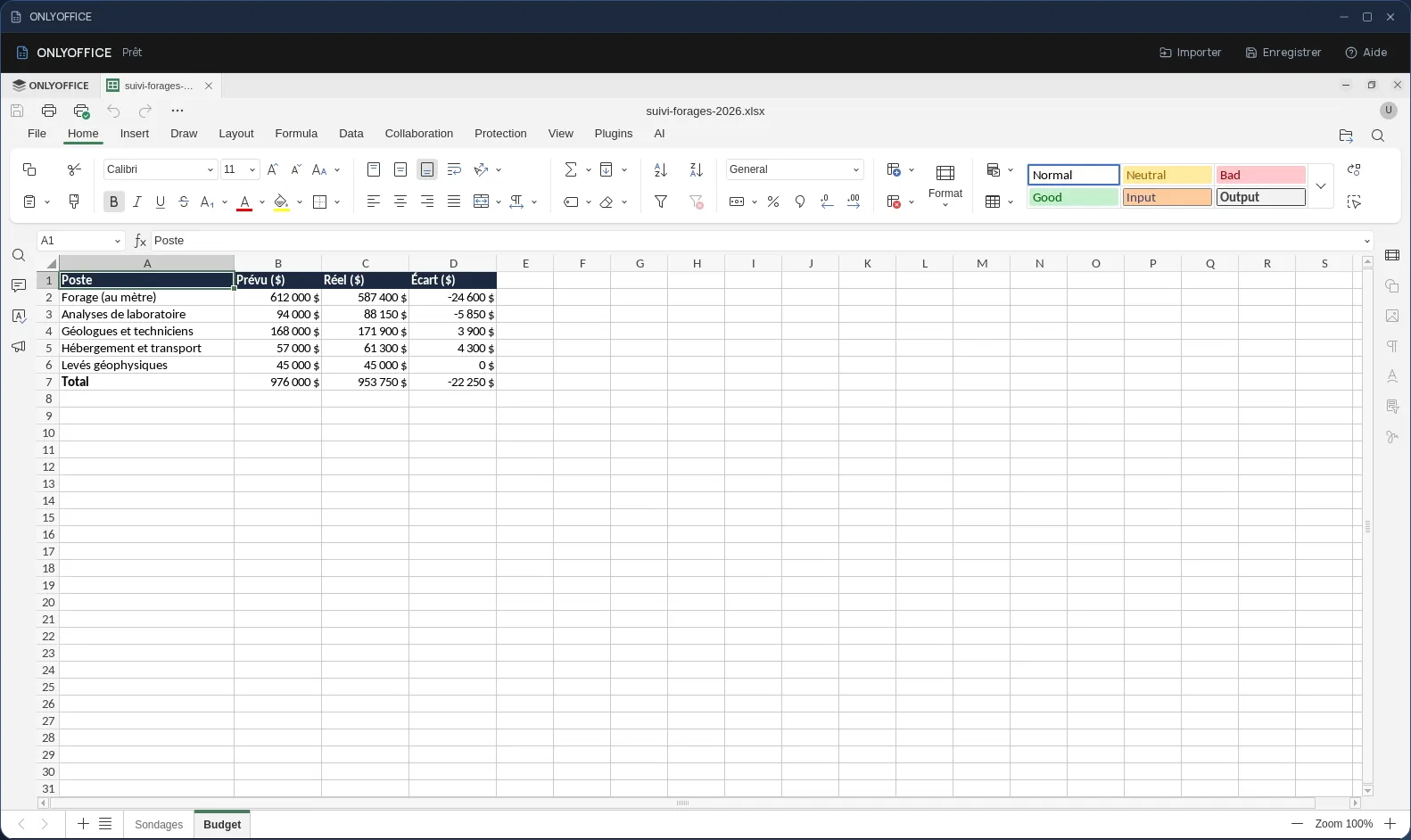
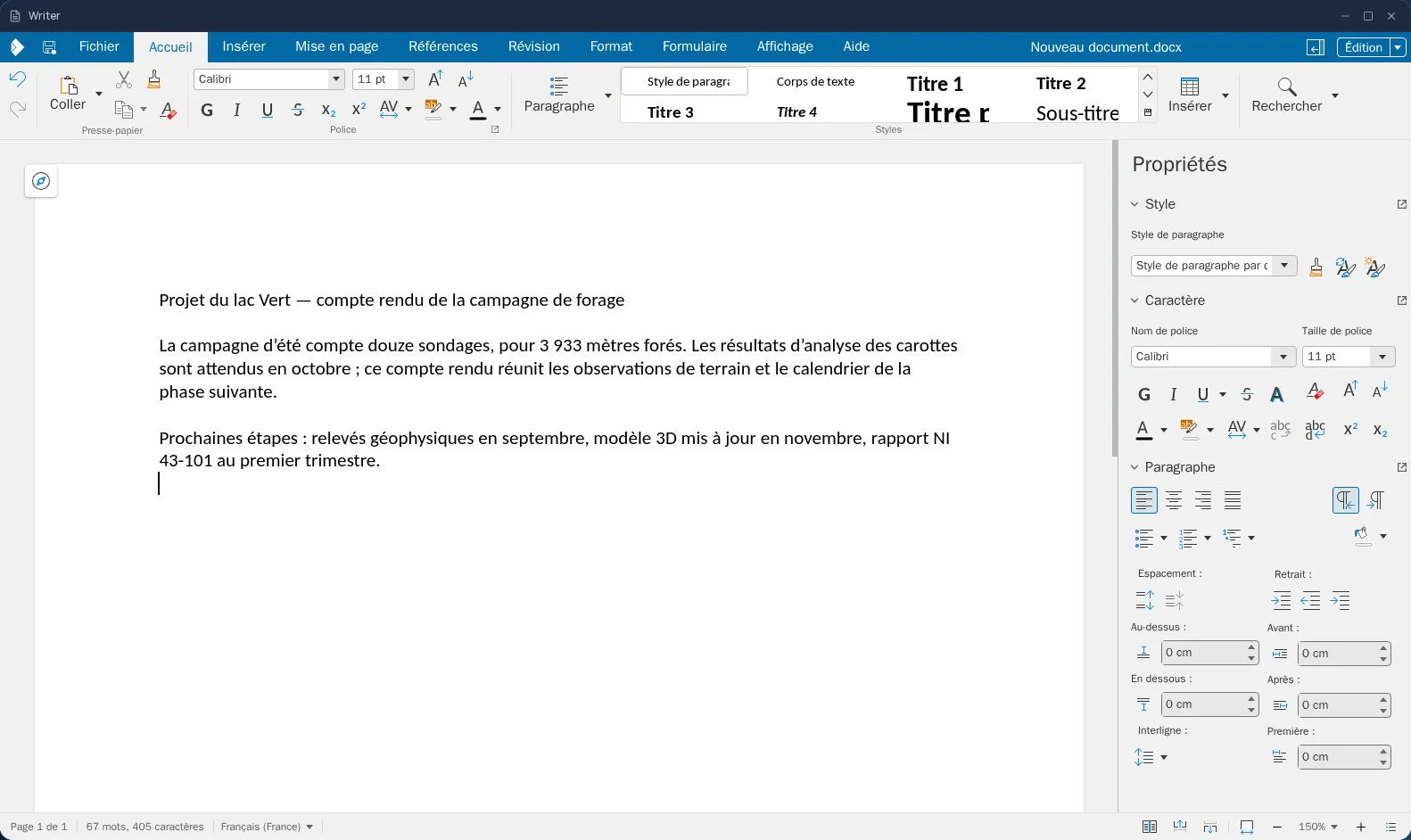
For people who already know Calligra, who work in OpenDocument format, or who want Karbon or Plan with nothing to install. For everyday Word, Excel and PowerPoint documents, and above all for working together, the Cloud OS office suite (Writer, Calc, Impress) is the better fit.
Good to know
A Calligra session is temporary: remember to send your work back to Files before closing it, since that is where it is kept. Calligra is used from a computer; it is not offered on phones.
Frequently asked questions
- Do I need to install Calligra to use it in Cloud OS?
- No. Calligra runs in a window of your online desktop, from the browser. There is nothing to install or update on your computer.
- How do I open one of my files in Calligra?
- Import it from Files: it is copied to the app's “Storage” folder. Then open it from the module you want, such as Words or Sheets.
- Could my original files be overwritten?
- No. Files you send back from Calligra to Files arrive as new files; the original stays as it was.
- Is Calligra included in the subscription?
- Yes, from the Personal plan, like the other desktop software. There is no fee per app: each launch counts as one task in your plan's allowance.