Office
LibreOffice online, with nothing to install
The complete free office suite, in your browser.
Included from the Personal plan
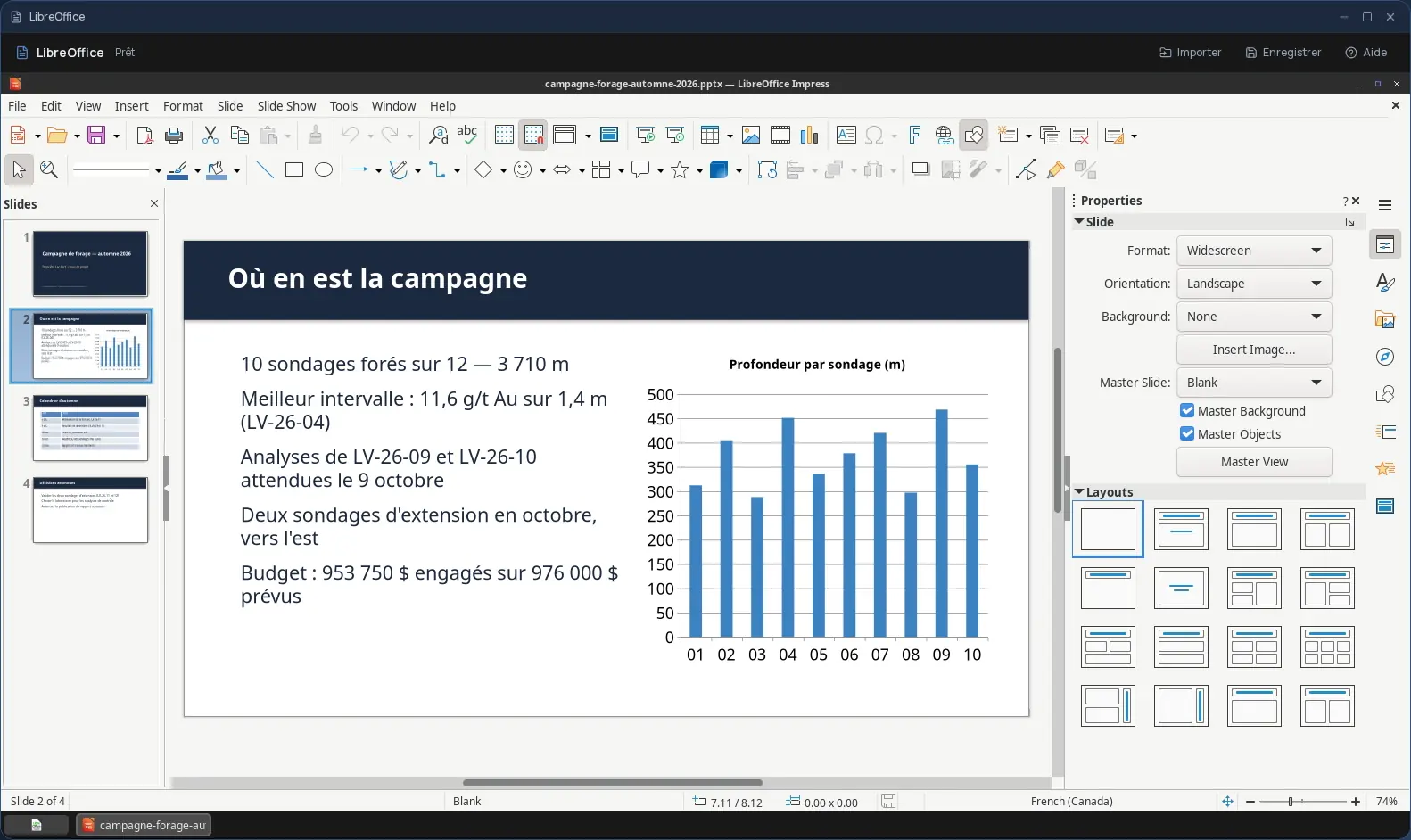
The real LibreOffice, with all its modules
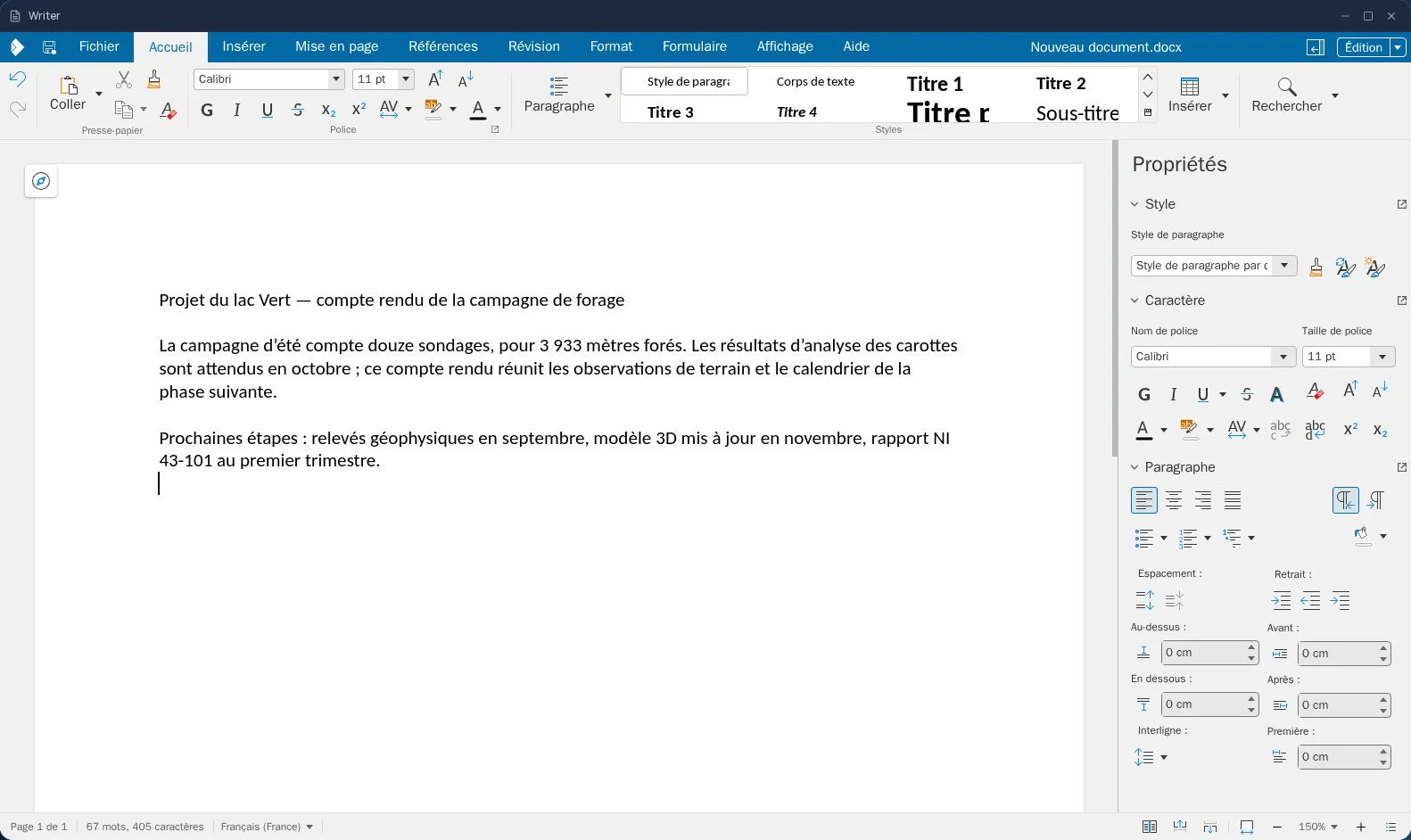
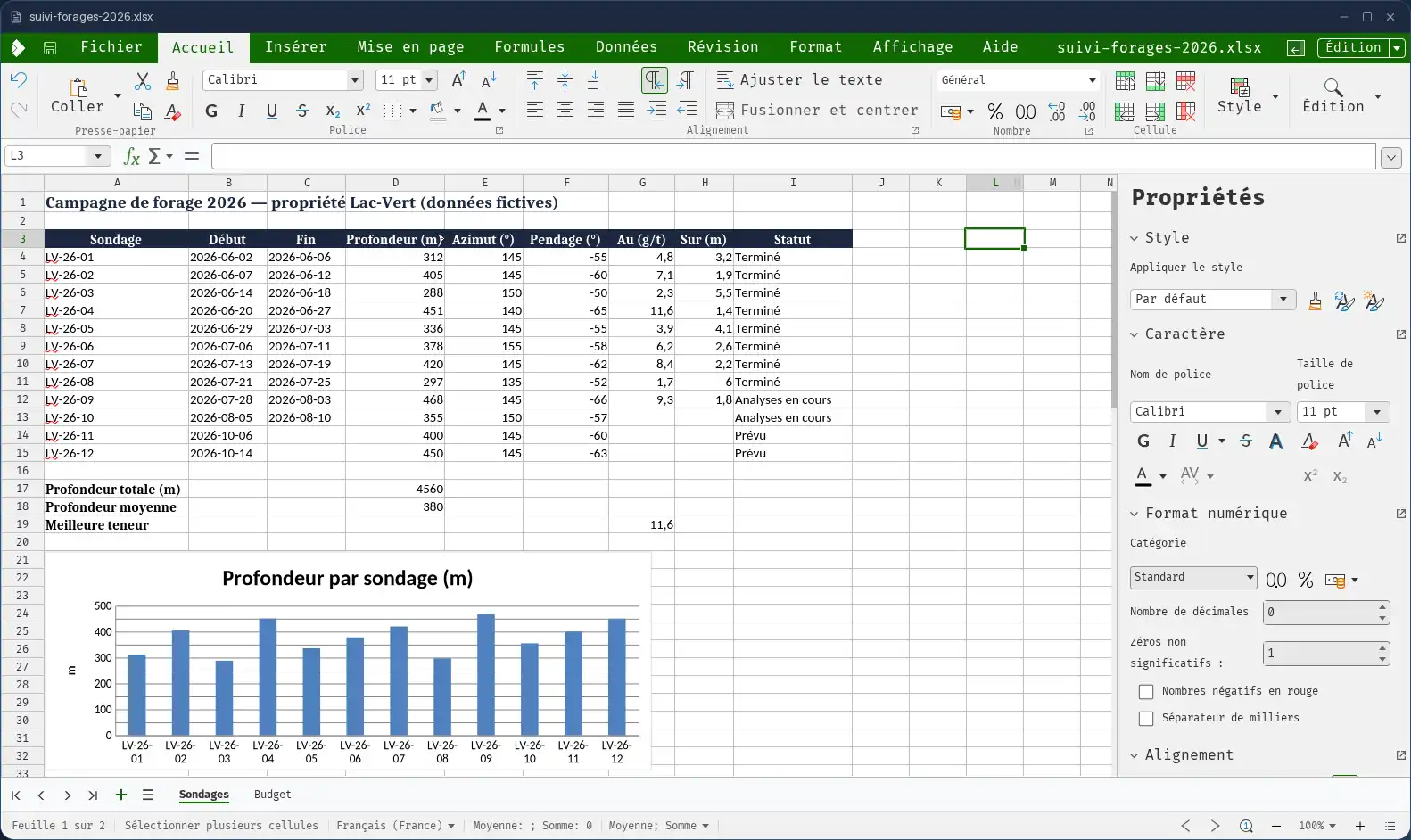
LibreOffice is the leading free office suite, developed by The Document Foundation. In Cloud OS, the desktop program itself runs in a window of your online desktop, with its menus, its options and its modules:
- Writer for text, Calc for spreadsheets, Impress for presentations;
- Draw for diagrams and drawings;
- Math for formulas;
- Base for small databases.
Your documents stay in your own space
You pick documents in the Files app, and they open straight in LibreOffice. Once the work is done, you send them back to Files.
- Several files imported one after another, without closing the import window.
- Every file sent back arrives as a new file: the original is never overwritten.
- Your files are hosted in Québec.
LibreOffice or the Cloud OS office suite?
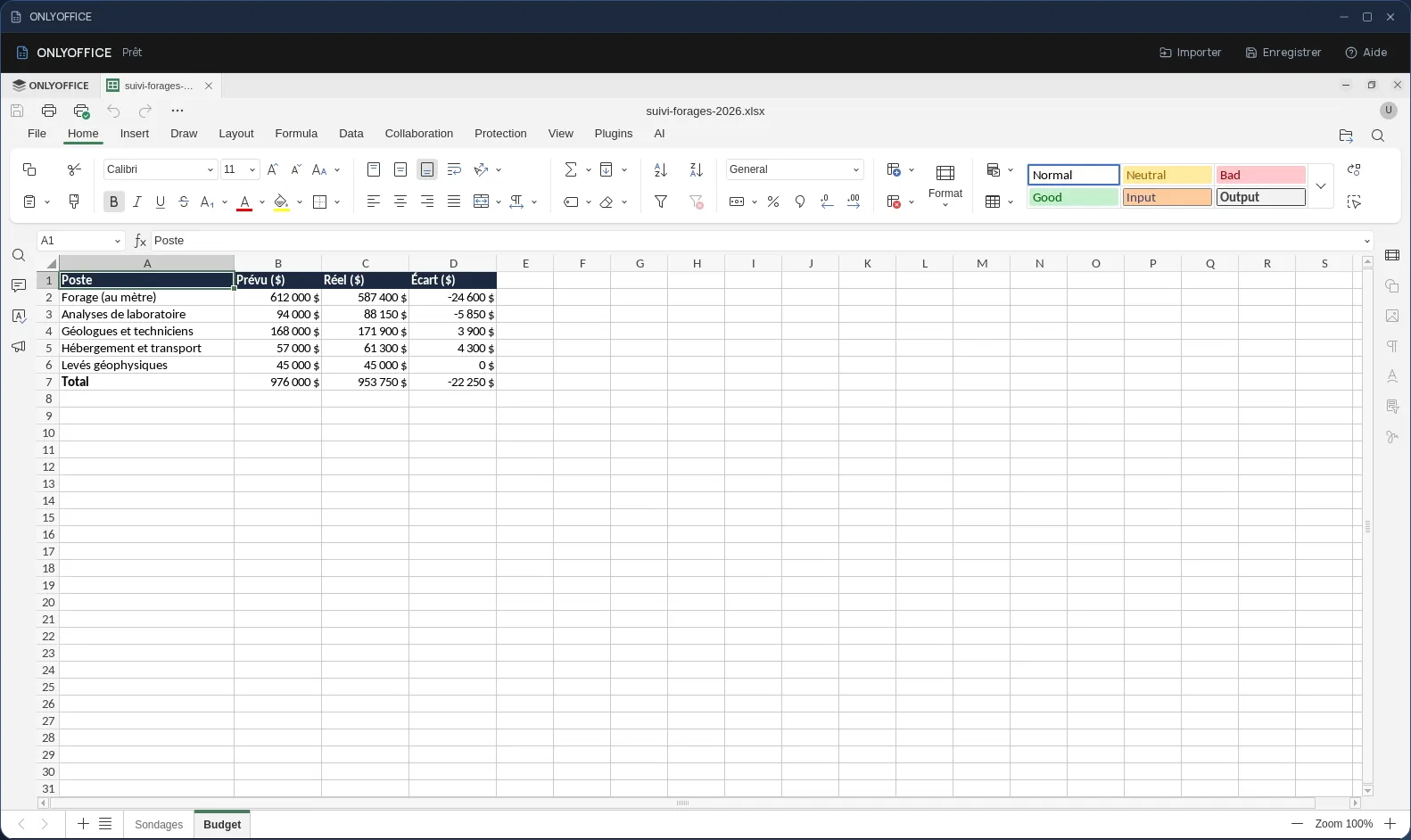
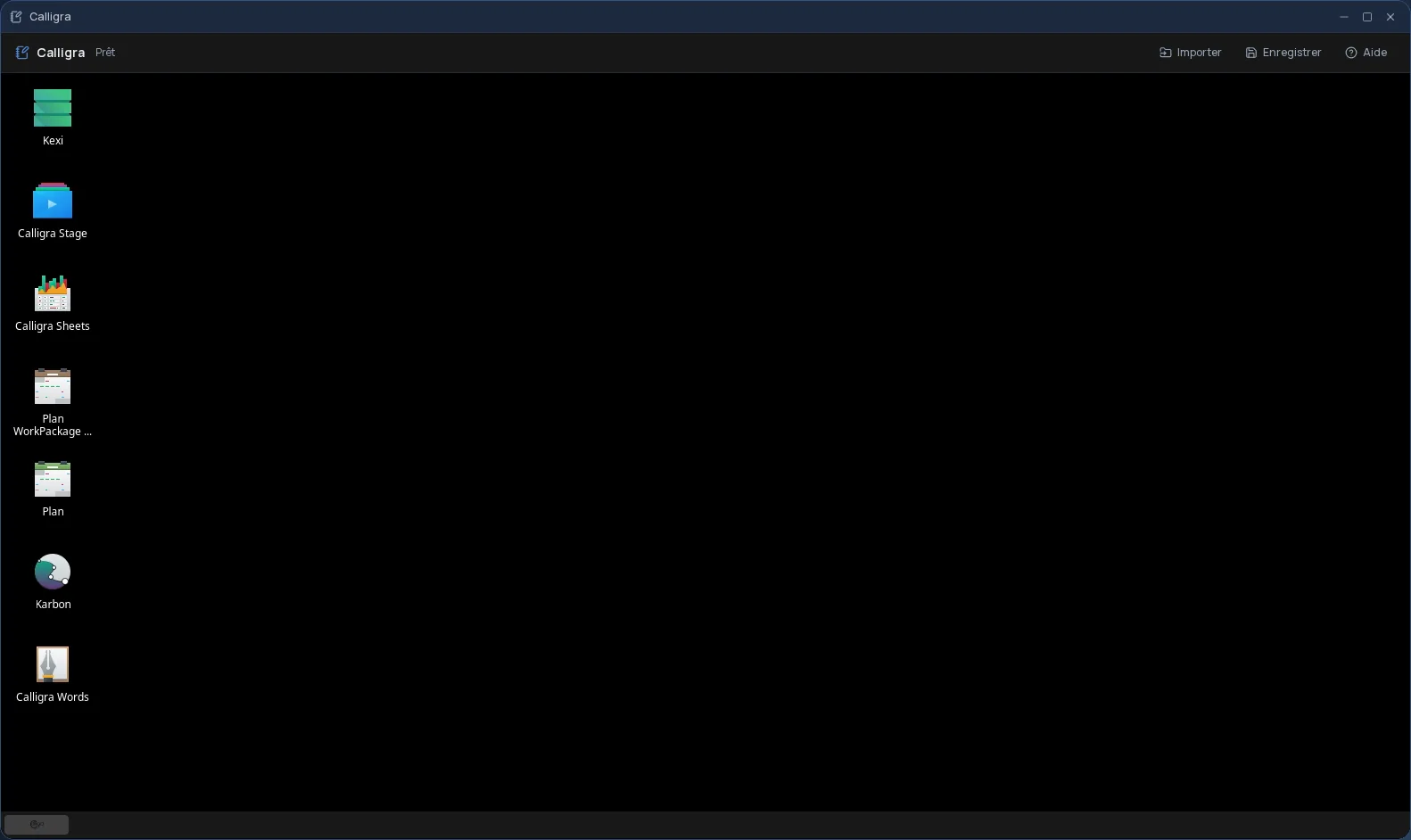
Cloud OS also has its own office suite — Writer, Calc and Impress — which opens your files with a double-click in Files and lets several people work on the same document. That is the one for everyday work. LibreOffice is there when you need the full desktop program: Draw, Math or Base, advanced options, or documents built for it.
Good to know
A LibreOffice session is temporary: remember to send your work back to Files before closing it, since that is where it is kept. LibreOffice is used from a computer; it is not offered on phones.
Frequently asked questions
- Do I need to install LibreOffice to use it in Cloud OS?
- No. LibreOffice runs in a window of your online desktop, from the browser. There is nothing to install or update on your computer.
- Can several people work together in LibreOffice?
- Not in the desktop program: each session is your own. To write together on the same document, use the Cloud OS office suite (Writer, Calc, Impress), which supports co-editing.
- Could my original documents be overwritten?
- No. Files you send back from LibreOffice to Files arrive as new files; the original stays as it was.
- Is LibreOffice included in the subscription?
- Yes, from the Personal plan, like the other desktop software. There is no fee per app: each launch counts as one task in your plan's allowance.