Office
Calc, the online spreadsheet for your Excel files
Your Excel workbooks, in the browser, together.
Included from the Personal plan
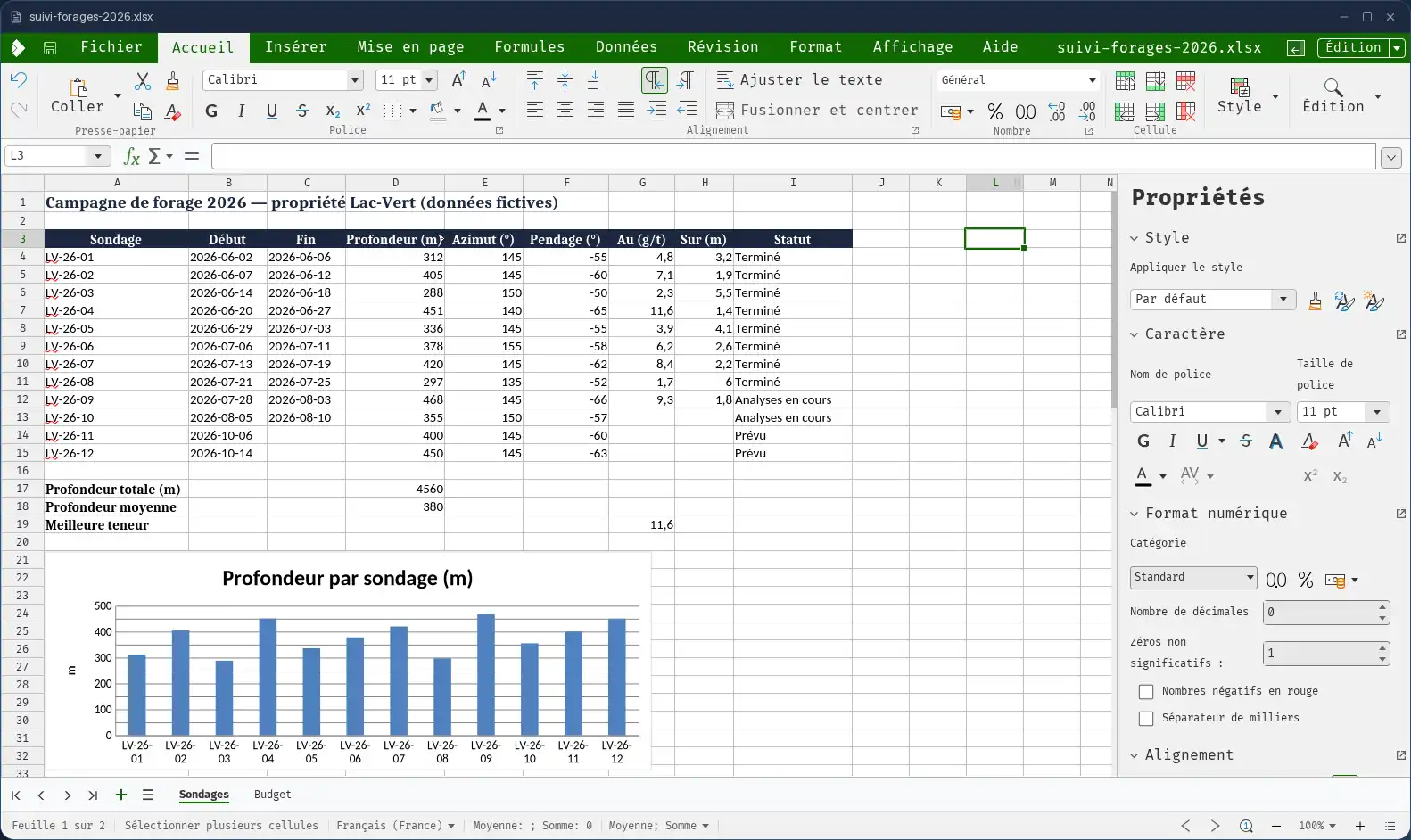
A full spreadsheet, in a window of the desktop
Calc is the spreadsheet of the Cloud OS office suite, alongside Writer for text and Impress for presentations. It opens in a window of your online desktop, with what you expect from a spreadsheet: formulas, sorting and filters, formatting, charts.
A new workbook is saved in Excel format (.xlsx), the one your clients, your accountant and your partners open without a second thought.
Your existing workbooks open as they are
From the Files app, a workbook opens straight in Calc. Budgets, price lists, project trackers: you pick up your files where you left them.
- Excel (.xlsx, .xls), OpenDocument (.ods) and CSV formats.
- “Save As” creates a copy in Files, next to the original, which stays untouched.
- An image from your space goes into the sheet without going through your computer.
Several people on the same workbook
The Cloud OS office suite supports co-editing: several people work in the same workbook at the same time, without emailing versions back and forth or wondering which one is current.
Good to know
Every workbook lives in the Files app of your own space, hosted in Québec. Nothing to install or update on your computer. Calc is used from a computer; it is not offered on phones.
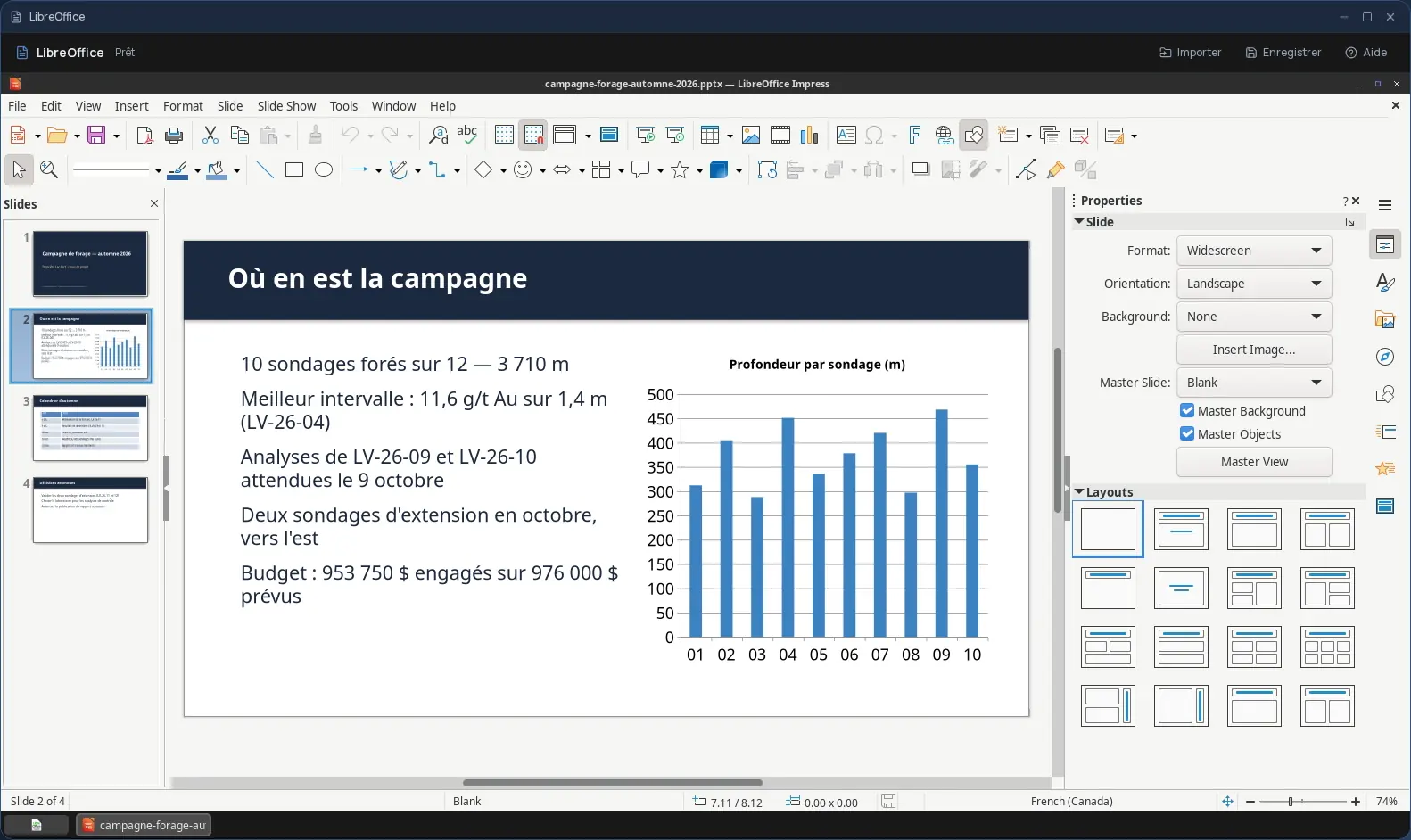
Not to be confused with LibreOffice, also offered in Cloud OS: that is a full desktop program, opened in a separate session, without co-editing.
Frequently asked questions
- Does Calc open Excel files?
- Yes. Calc opens Excel (.xlsx and .xls), OpenDocument (.ods) and CSV workbooks; a new workbook is created in .xlsx format.
- Can several people work in the same workbook?
- Yes. The Cloud OS office suite supports co-editing: several people edit the same file at the same time.
- How is it different from LibreOffice Calc?
- Calc is part of the built-in Cloud OS office suite: it opens your files straight from Files and supports co-editing. LibreOffice, also offered, is the full desktop program, opened in a separate session, without co-editing.
- Do I need to buy a spreadsheet licence?
- No. Calc is included in the subscription from the Personal plan, like the rest of the office suite.