Office
Impress, your PowerPoint presentations online
Your PowerPoint presentations, in the browser, together.
Included from the Personal plan
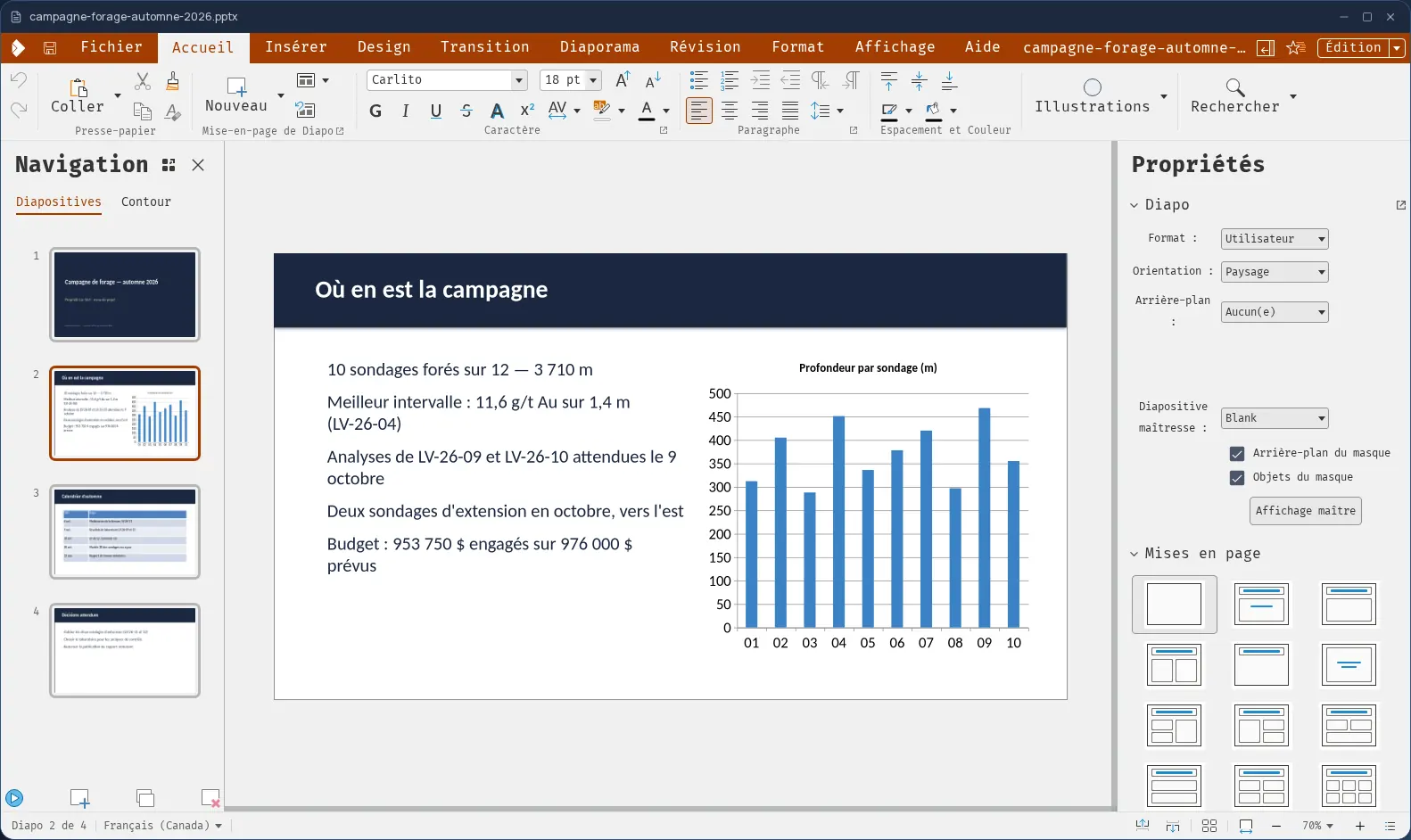
Slides, with no software to install
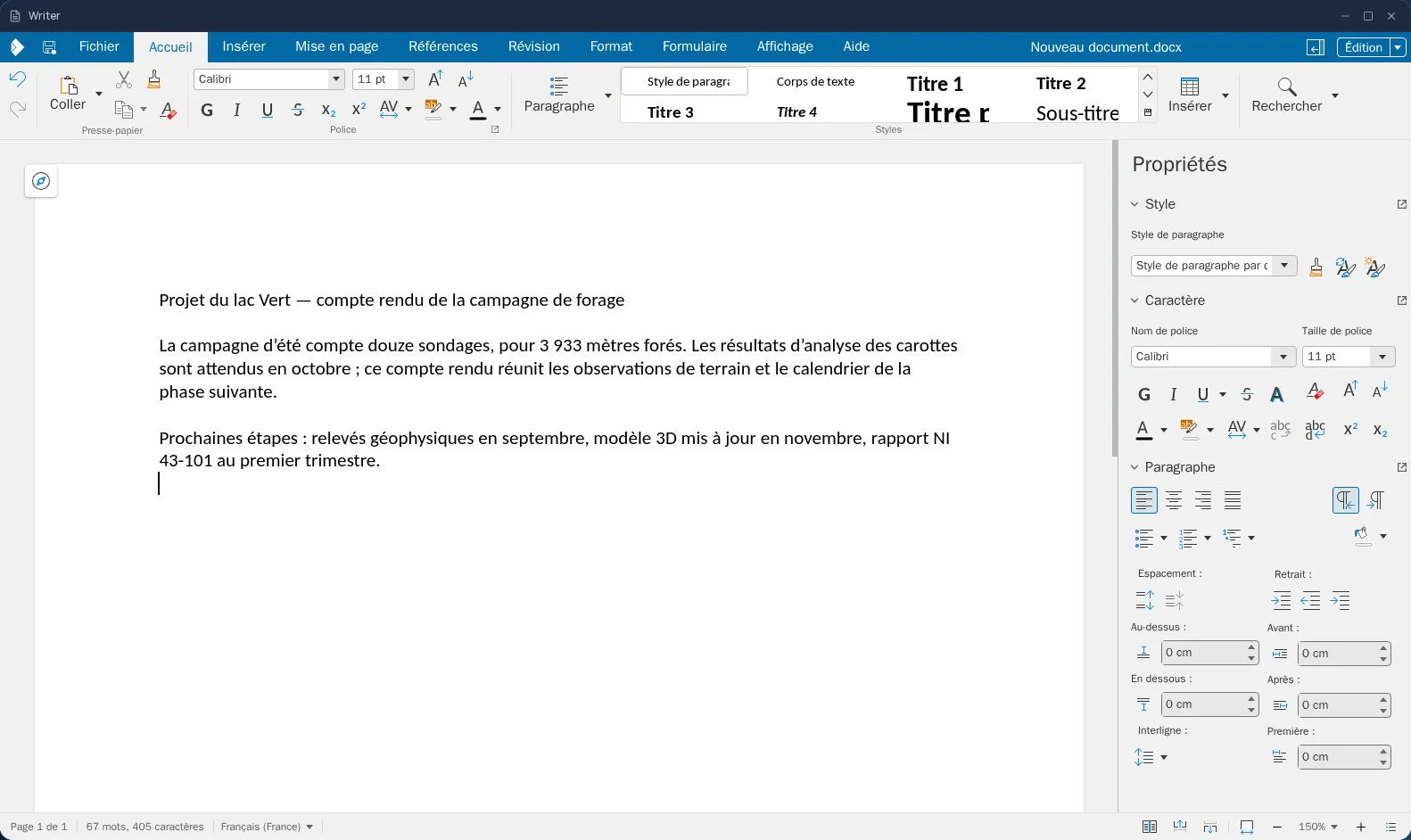
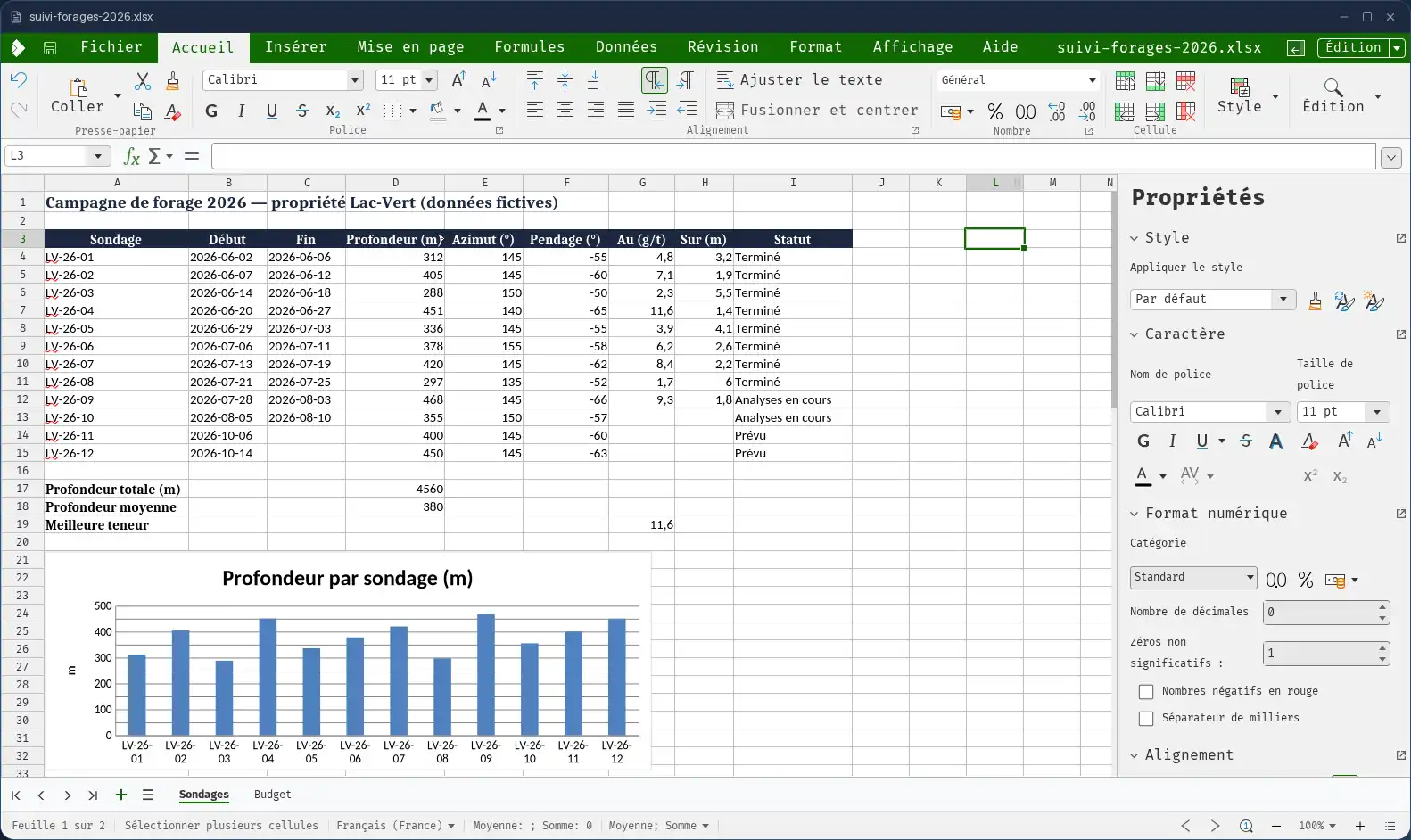
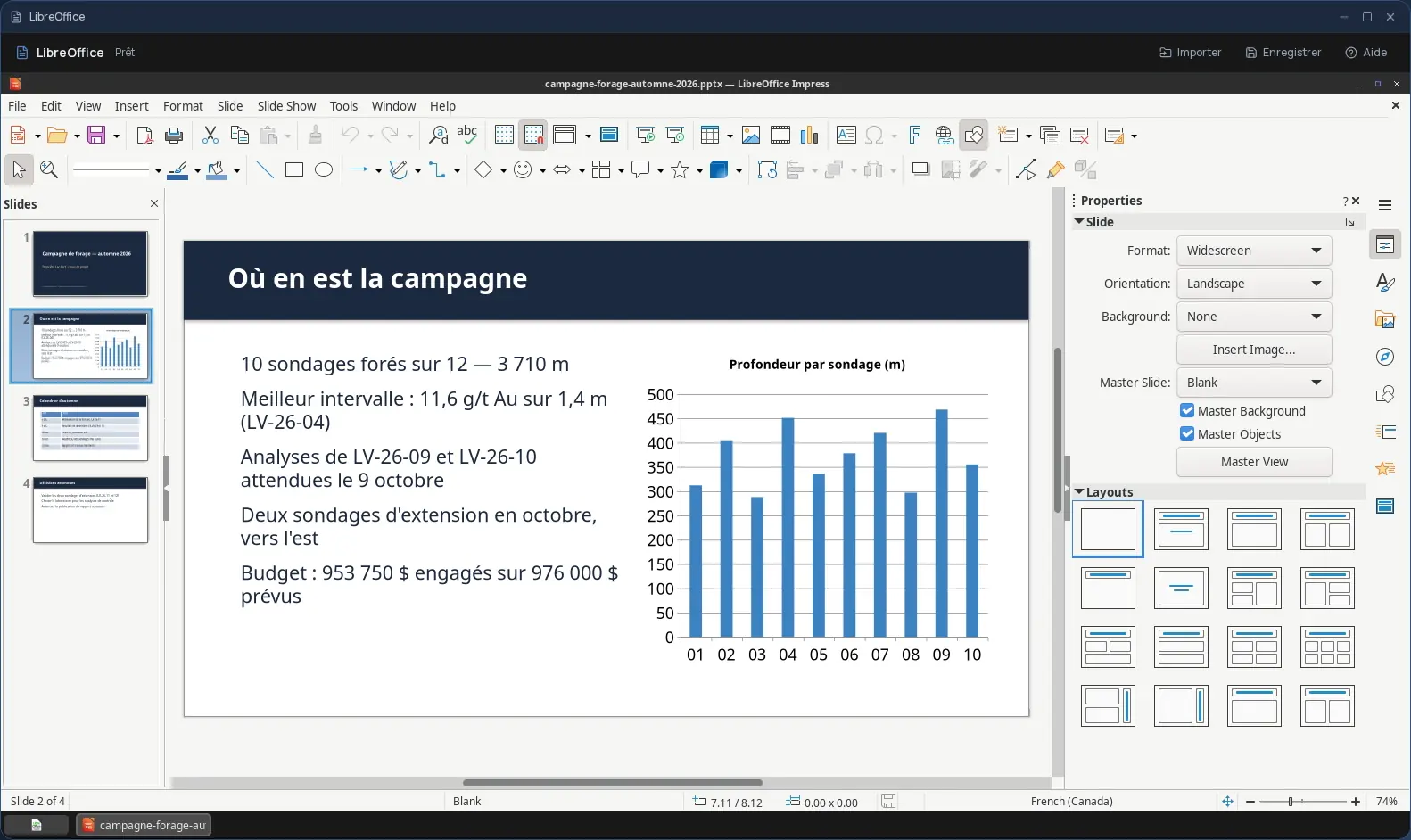
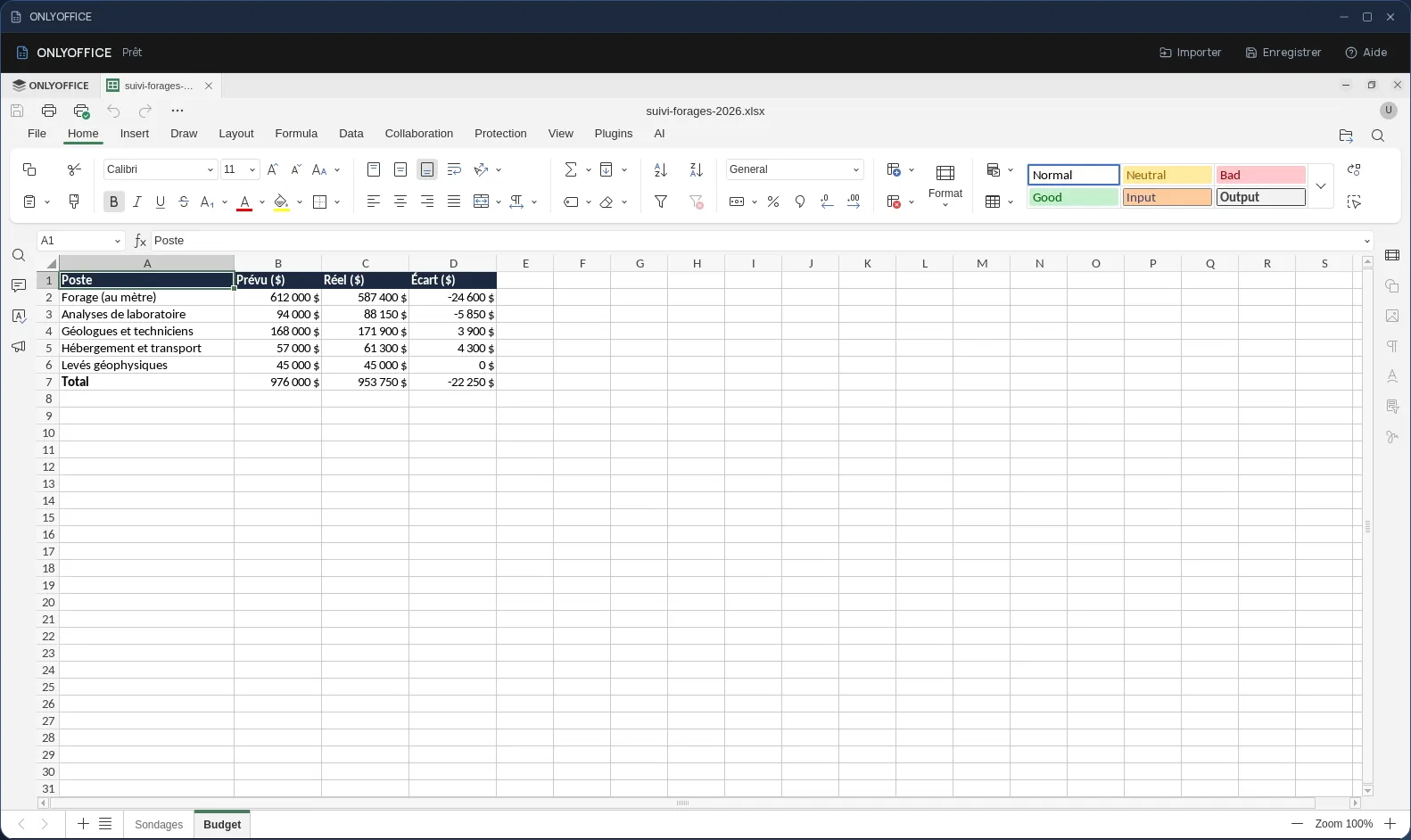
Impress is the presentation tool of the Cloud OS office suite, with Writer for text and Calc for spreadsheets. It opens in a window of your online desktop: slide layouts, text, images, shapes, transitions, then the slideshow to present.
A new presentation is saved in PowerPoint format (.pptx): the deck you send to a client or project at a partner's office opens without surprises.
Your images and videos are already there
A presentation opens straight from the Files app. To illustrate it, you insert an image, an audio clip or a video picked from your space, without downloading it to your computer first.
- PowerPoint (.pptx, .ppt) and OpenDocument (.odp) formats.
- “Save As” creates a copy in Files, next to the original, which stays untouched.
Several people on the same presentation
The Cloud OS office suite supports co-editing: everyone prepares their slides in the same file at the same time, instead of stitching five versions together the night before the meeting.
Good to know
Every presentation lives in the Files app of your own space, hosted in Québec. Impress is used from a computer; it is not offered on phones. Not to be confused with LibreOffice Impress, also offered in Cloud OS as a full desktop program, in a separate session and without co-editing.
Frequently asked questions
- Does Impress open PowerPoint files?
- Yes. Impress opens PowerPoint (.pptx and .ppt) and OpenDocument (.odp) presentations; a new presentation is created in .pptx format.
- Can I put a video in a presentation?
- Yes. Impress inserts an image, an audio file or a video picked from your Files space, without going through your computer.
- Can several people prepare a presentation together?
- Yes. The Cloud OS office suite supports co-editing: several people edit the same presentation at the same time.
- Do I need to buy a presentation software licence?
- No. Impress is included in the subscription from the Personal plan, like the rest of the office suite.