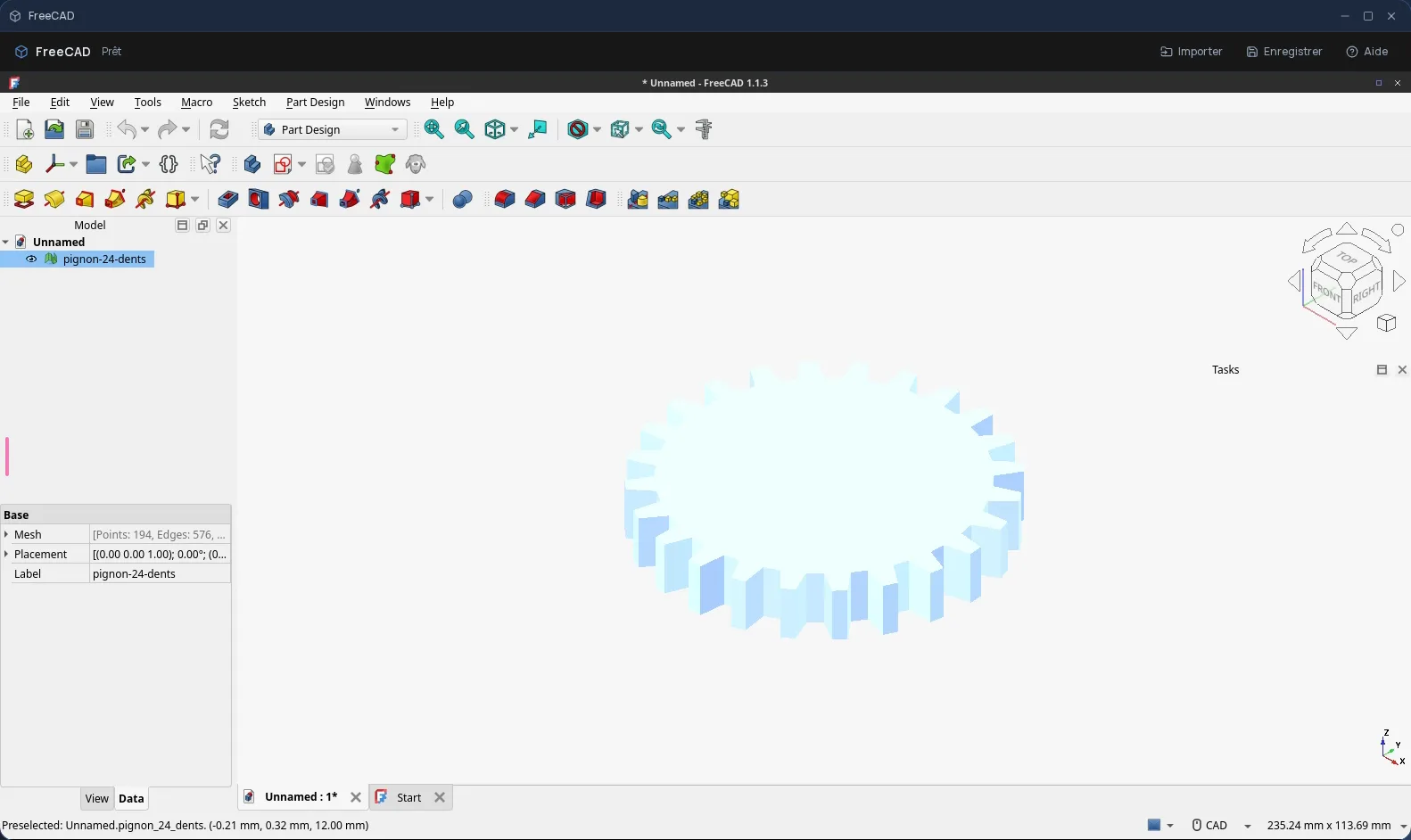
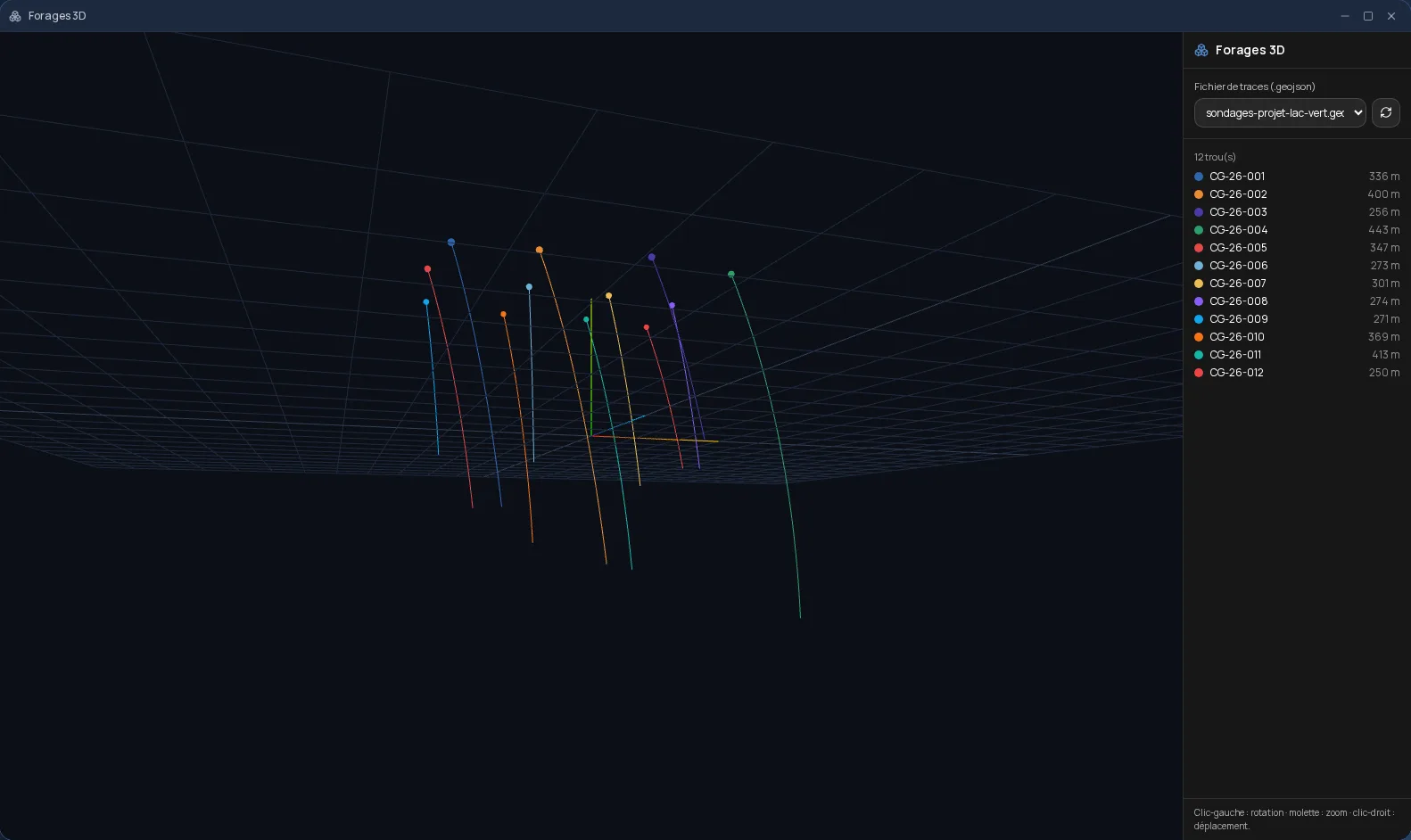
Development and CAD
A coding agent that works in an isolated sandbox
Describe the task: the agent writes, runs and commits the code.
Included from the Personal plan
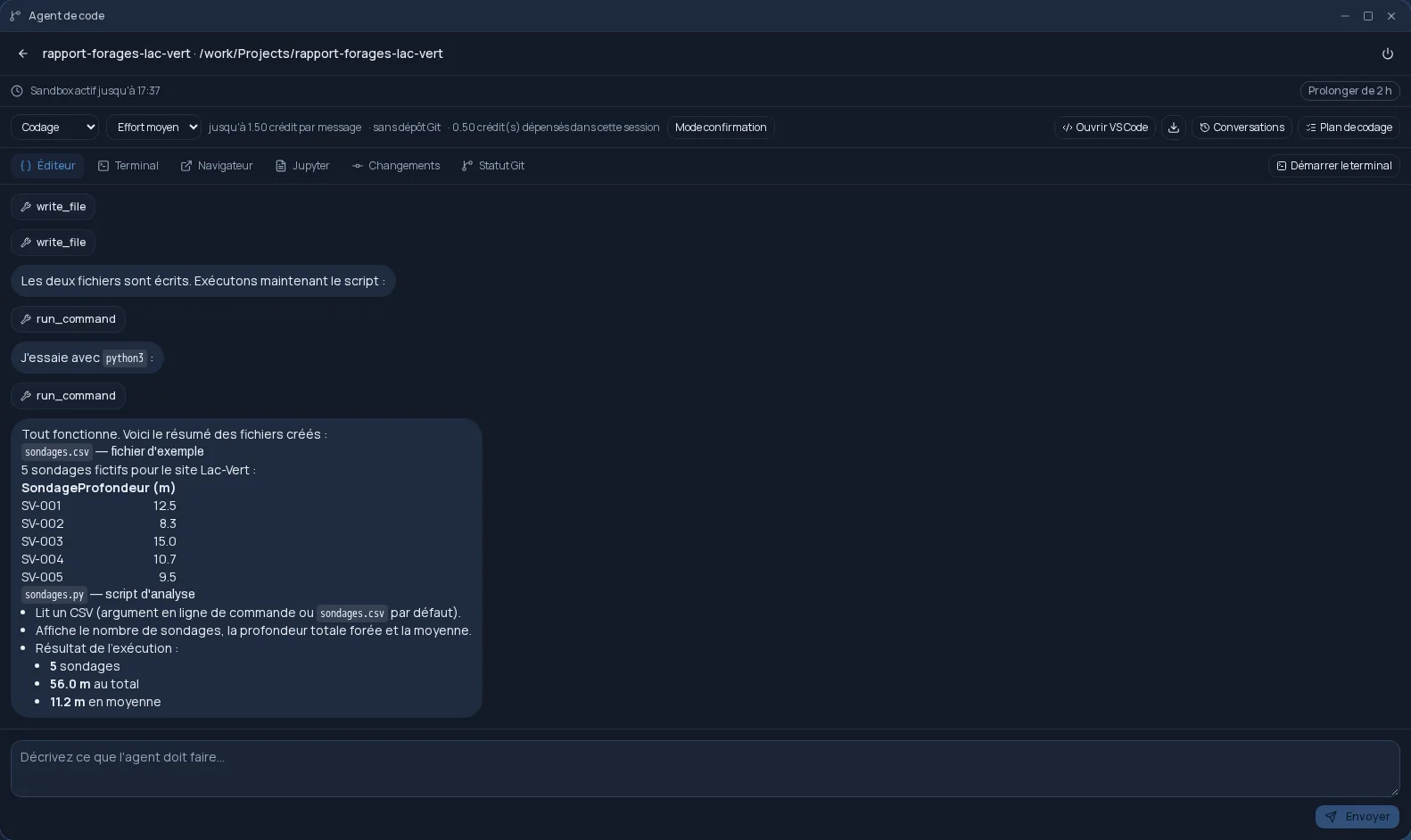
It does the work, not just suggestions
You write what needs doing, in plain language. The agent reads the project files, edits them, runs the commands and reports on what it did. For a longer task, it first prepares a coding plan, which you approve, then carries it out step by step.
An isolated environment, with your tools
Each session runs in an isolated sandbox. You get an editor, a terminal, a browser and Jupyter, and you can open the project in VS Code. MCP tools are enabled by default, and you can connect your own MCP servers.
Connected to your Git repositories
A project can live without a repository, or be linked to GitLab, GitHub or Forgejo/Gitea with a personal access token, encrypted and never shown again. The agent commits to your branches, and the “Changes” tab shows exactly what it modified.
Frequently asked questions
- Do I need a Git repository to use the agent?
- No. A project can exist without a repository; you link it to GitLab, GitHub or Forgejo/Gitea whenever you want.
- Where does the code run?
- In an isolated sandbox dedicated to the session, not on your computer.
- Can I take over the code myself?
- Yes. The editor, the terminal and VS Code remain available in the same session, and the “Changes” tab shows every change the agent made.