Image and photo
Online photo editor, with layers
A layer-based image editor, opened in one click from your files.
Included from the Personal plan
Edit an image without leaving your files
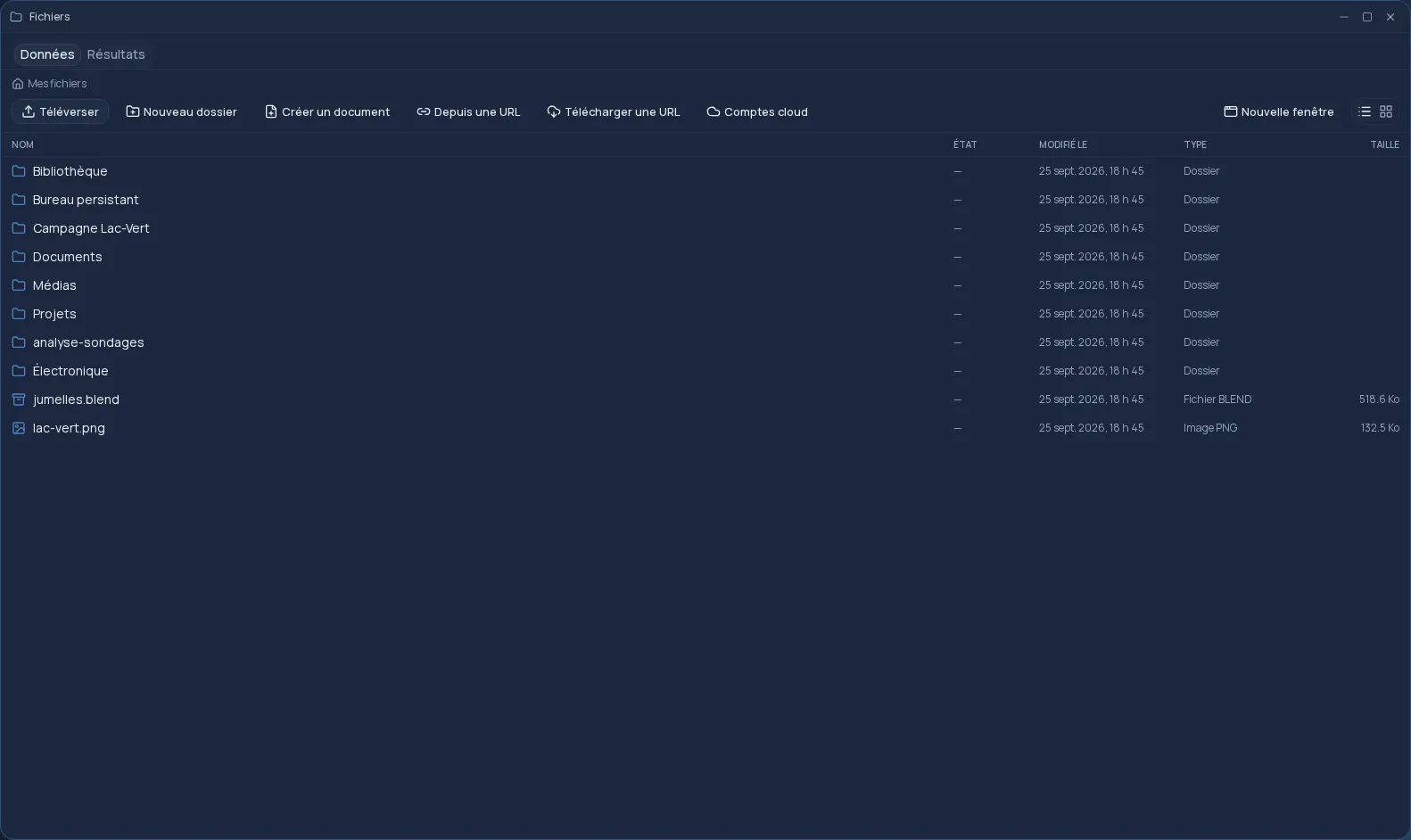
In the Files app, right-click a photo, choose “Édition avancée” (advanced editing), and it opens in the editor. No software to launch, no upload to a third-party site: the image goes straight from your space to the editor, and the editor is served by Cloud OS.
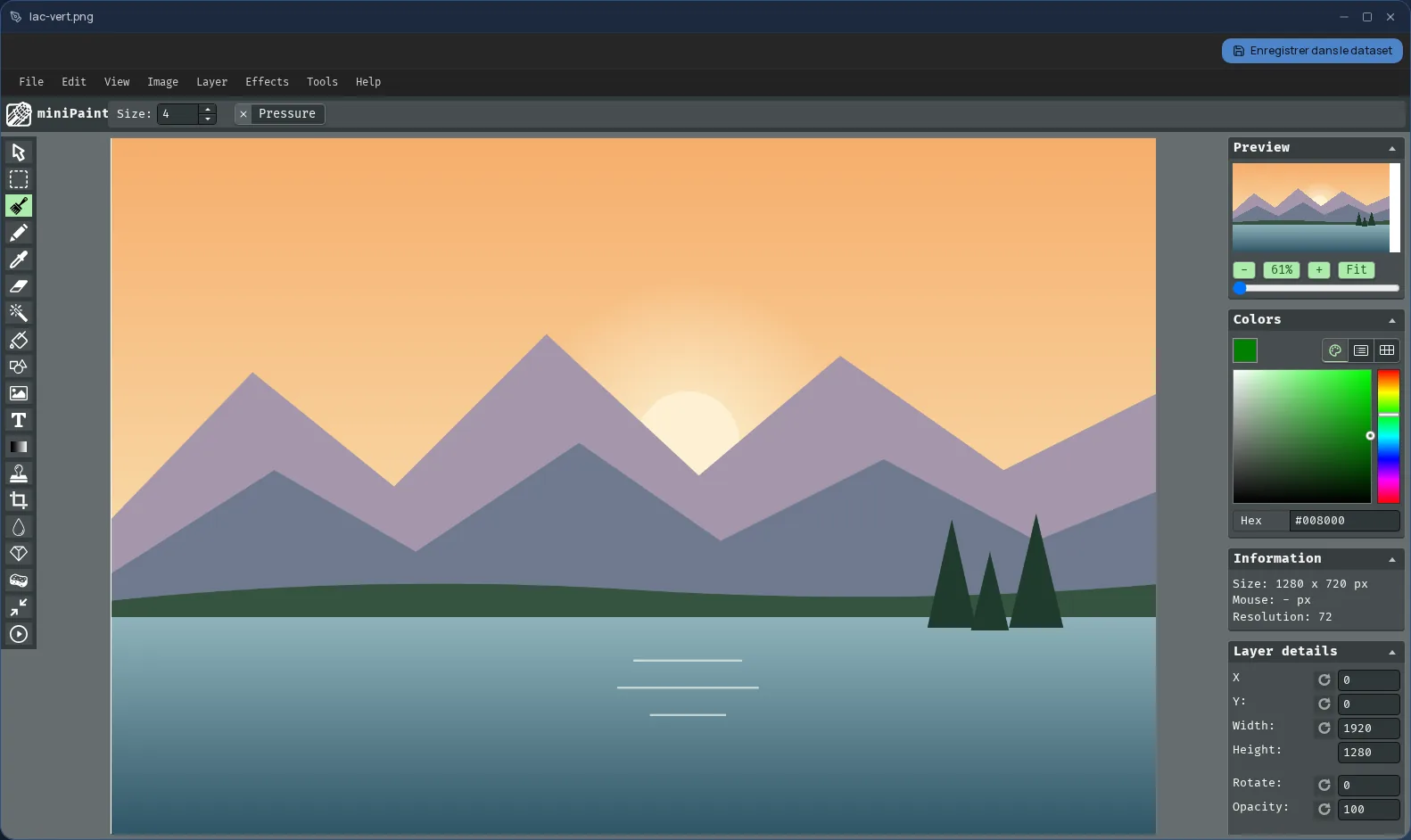
The editor is built on miniPaint, a free image editor that runs in the browser; that is the name it goes by on your desktop.
The tools of a layer-based editor
It works with layers, like desktop photo editing software: you stack a photo, some text and a shape, and edit each one separately.
- Layers, selections, brush and eraser.
- Text and shapes.
- Cropping, rotating and resizing.
- Colour, brightness and contrast adjustments, filters and effects.
- PNG, JPEG, WebP or GIF photos.
The original is never overwritten
“Save” creates a new PNG file, named after the original followed by “-édité”, in the same folder. Your starting photo stays untouched, and your files are hosted in Québec.
When you save, the layers are merged into a single image. The editor is used from a computer; it is not offered on phones.
Frequently asked questions
- Do I need to install software to edit my photos?
- No. The editor opens in a window of your online desktop, from the browser. There is nothing to install on your computer.
- Are my photos sent to an outside website?
- No. The editor is served by Cloud OS, and the edited image goes back to your own space, hosted in Québec.
- Are layers kept when I save?
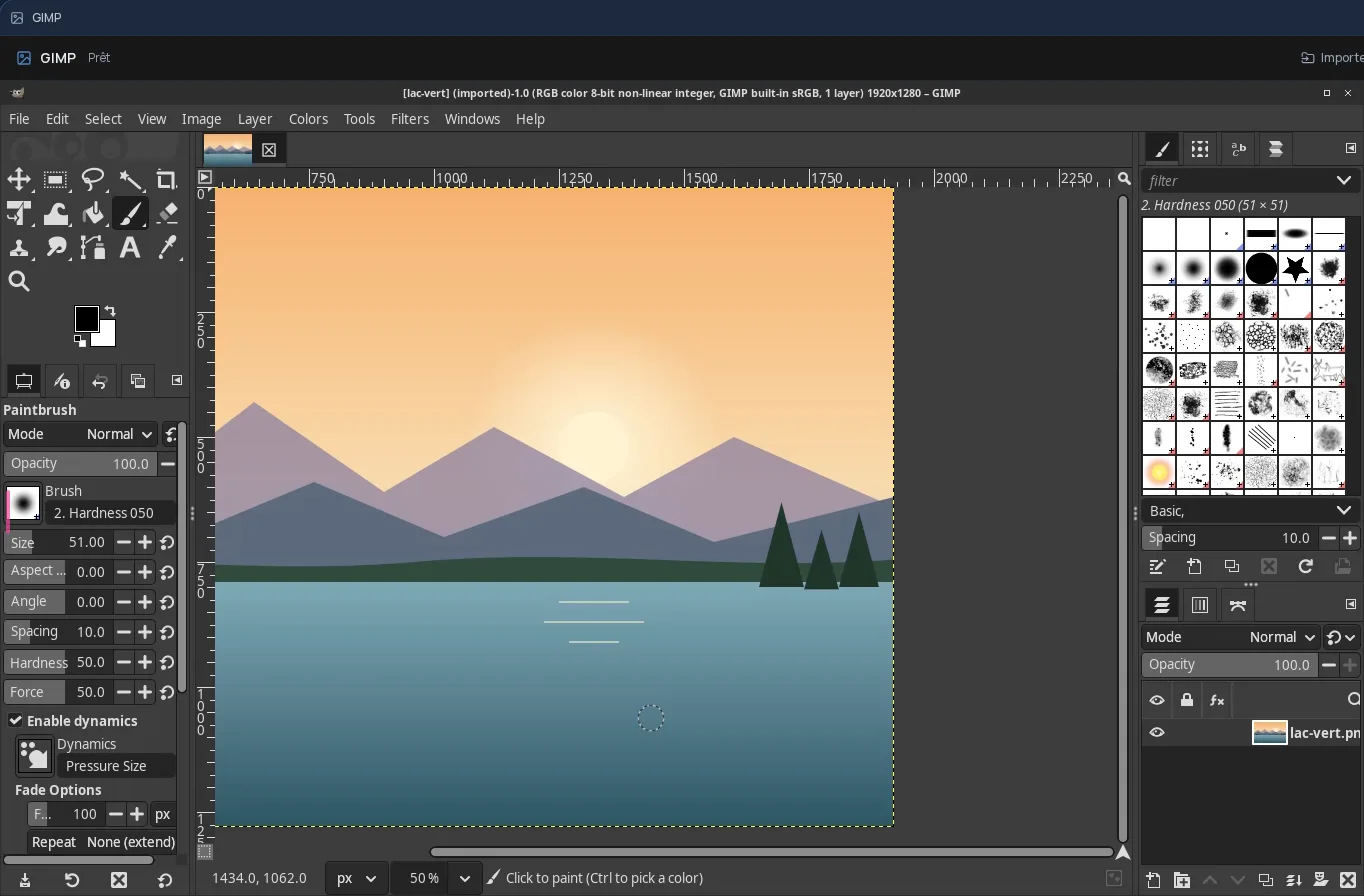
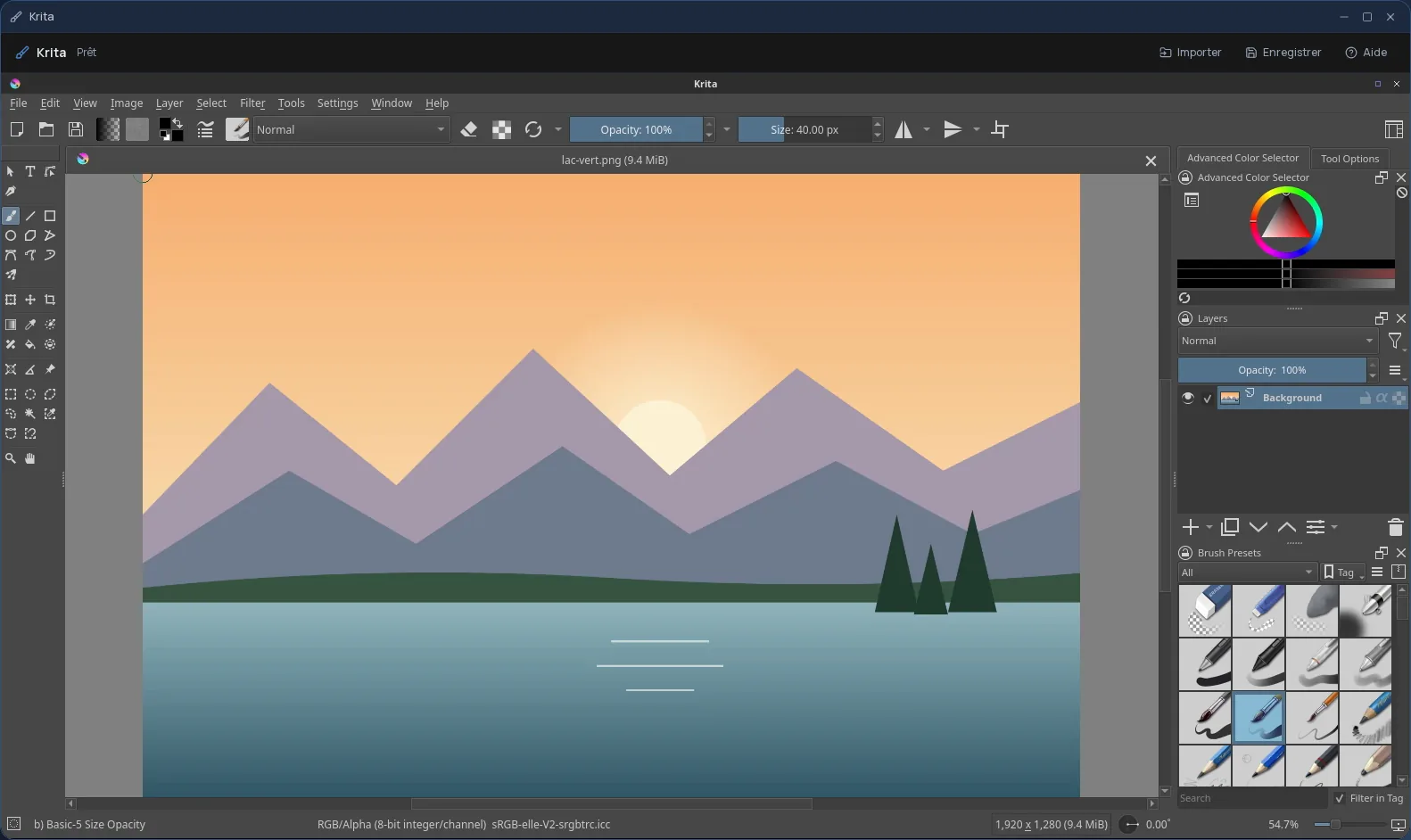
- No. Saving produces a flattened PNG image. For a project you come back to often, layers included, GIMP or Krita, also offered in Cloud OS, are a better fit.
- Does the image editor cost extra?
- No. It is included in the subscription from the Personal plan.