Your desktop
Files, your online storage hosted in Québec
All your files in one place, opened with a double-click, shared with your team.
Included from the Personal plan
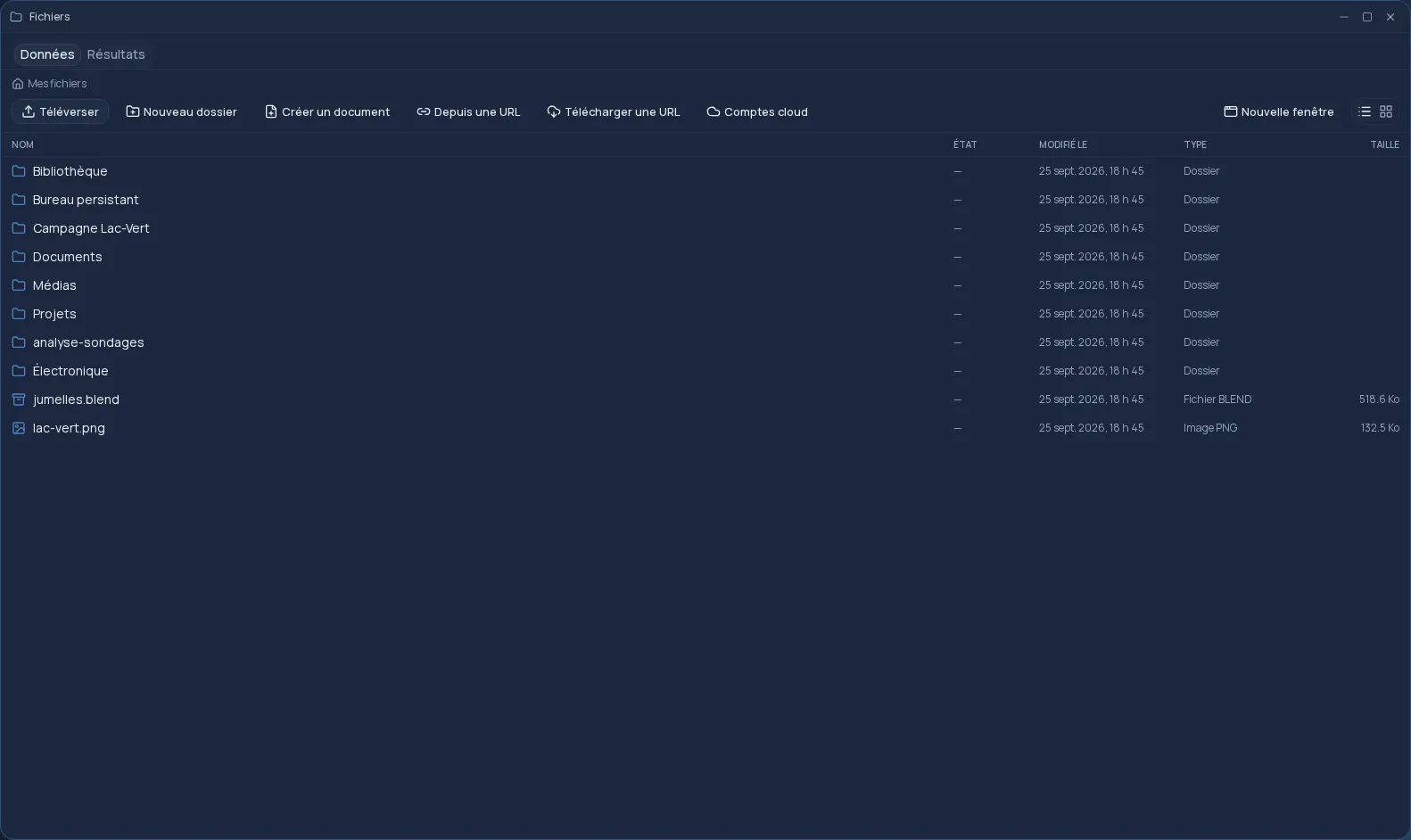
A real file manager, in your browser
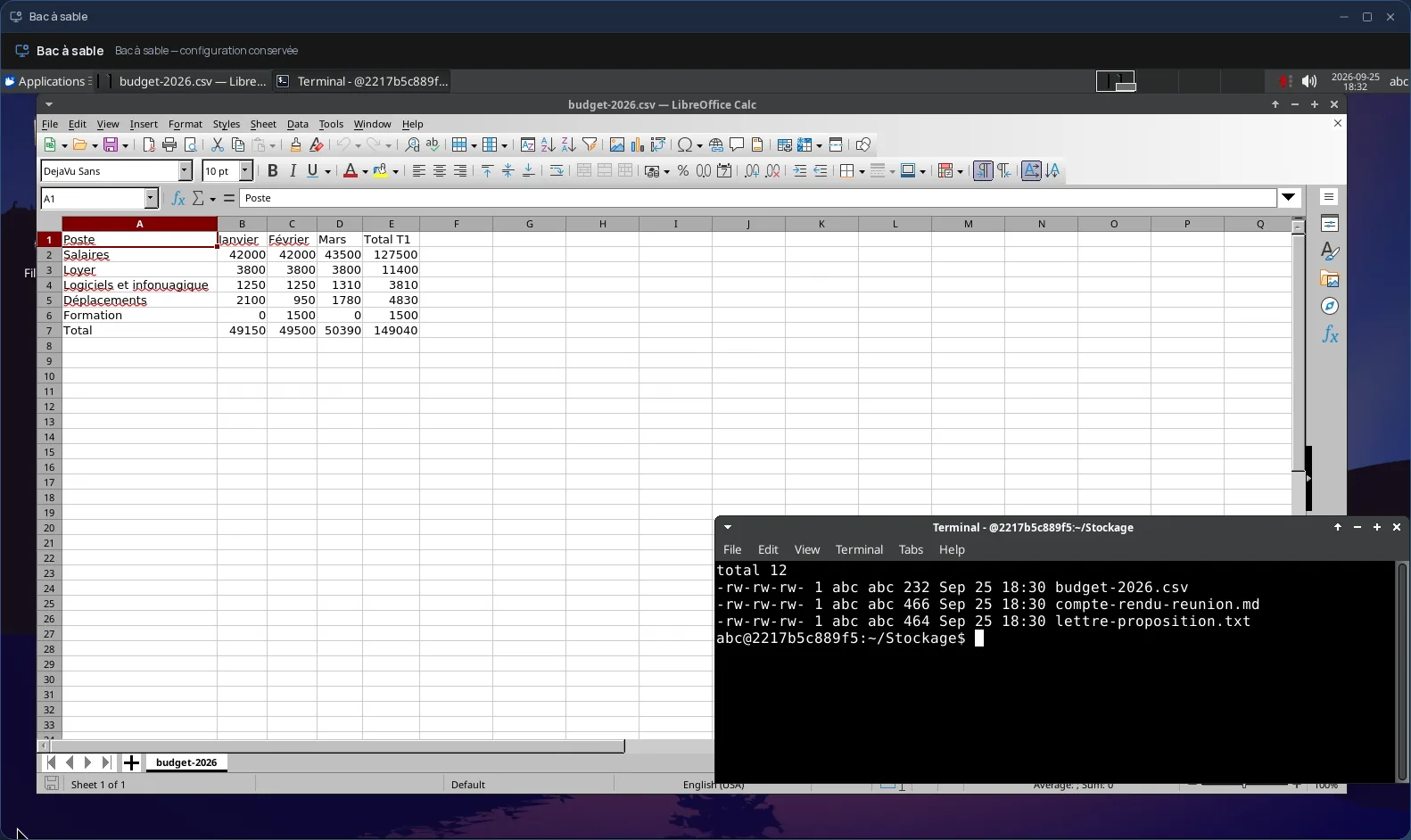
Files is the heart of your Cloud OS desktop: your documents, images, videos and archives are organized in folders, just like on your computer. You drag files from your computer to upload them, copy, cut and paste, and open several windows to move a file from one folder to another.
- Uploads of up to 20 GB per file.
- Compress to .zip and extract an archive in place.
- Fetch a file from a web address, in the background.
- A trash bin, to restore what was deleted too quickly.
Every file opens in the right place
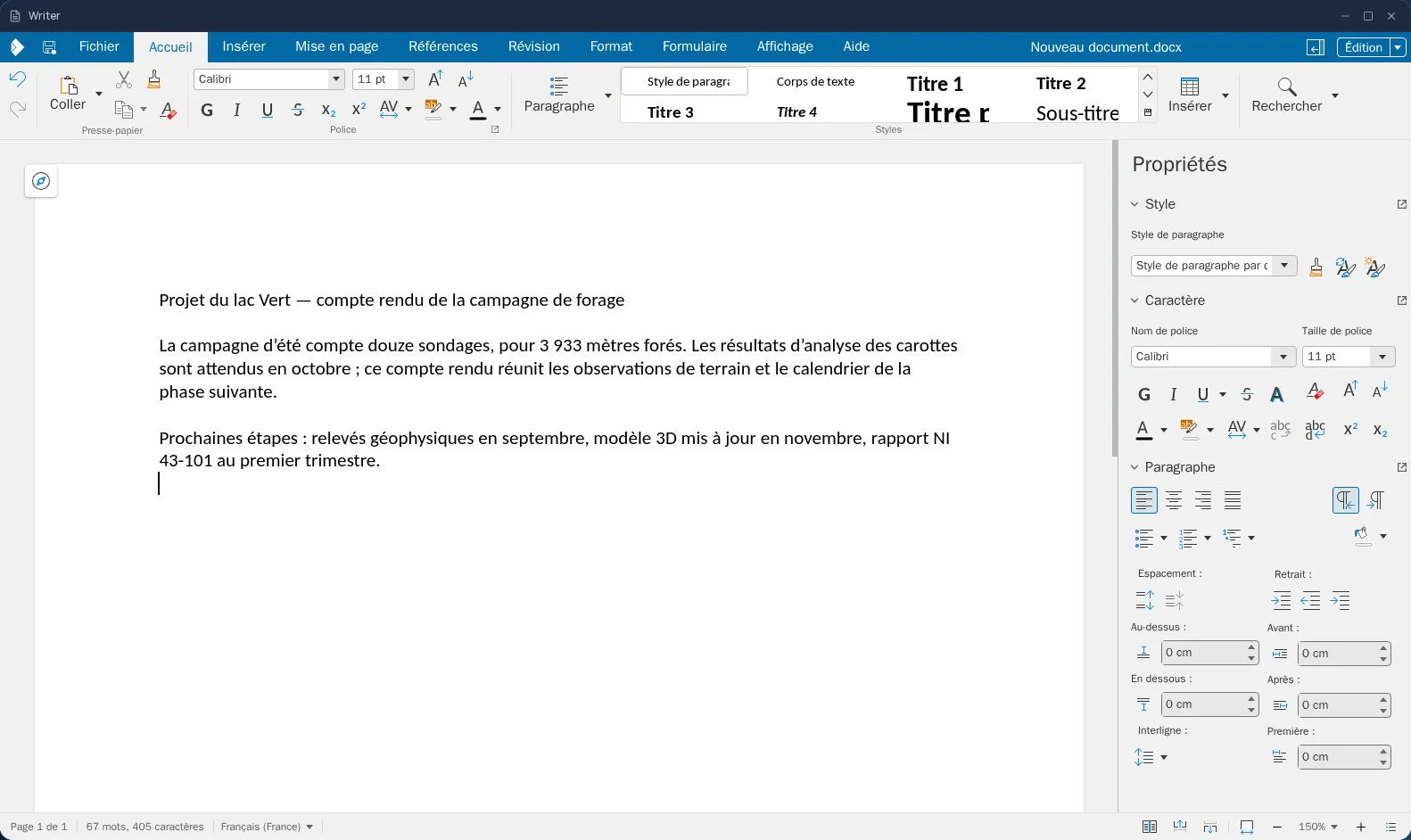
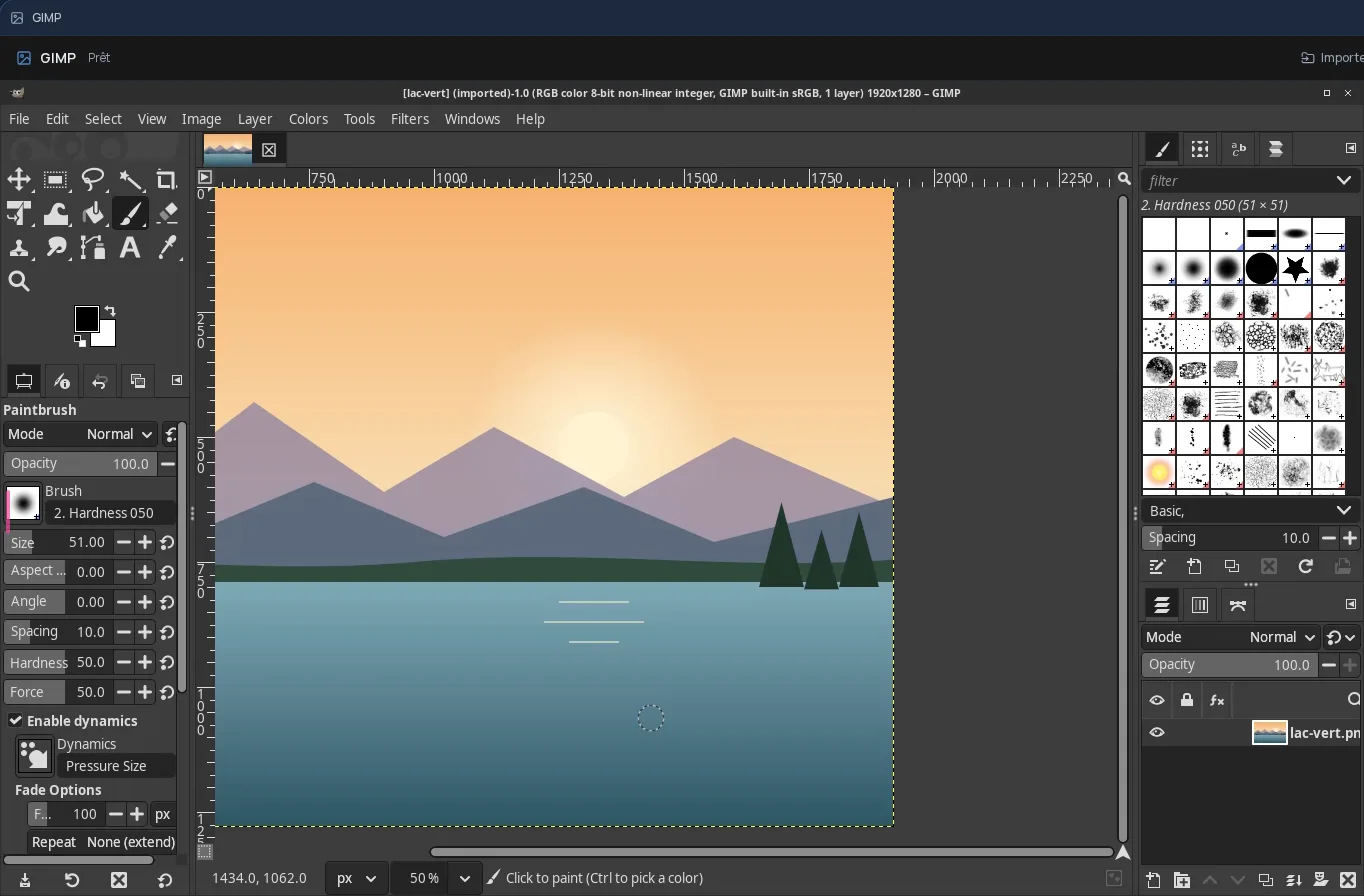
A double-click is all it takes: a Word, Excel or PowerPoint document opens in the built-in editor, a PDF in the viewer, an image, video or sound in the preview, with no download. You can also create a new document, spreadsheet or presentation right in the folder you are in.
Cloud OS search does not stop at file names: it also looks inside your PDFs and documents. And the files your tasks produce land in the “Results” tab, sorted on their own into Documents, Videos, Music or Images.
Shared with your team, not with everyone
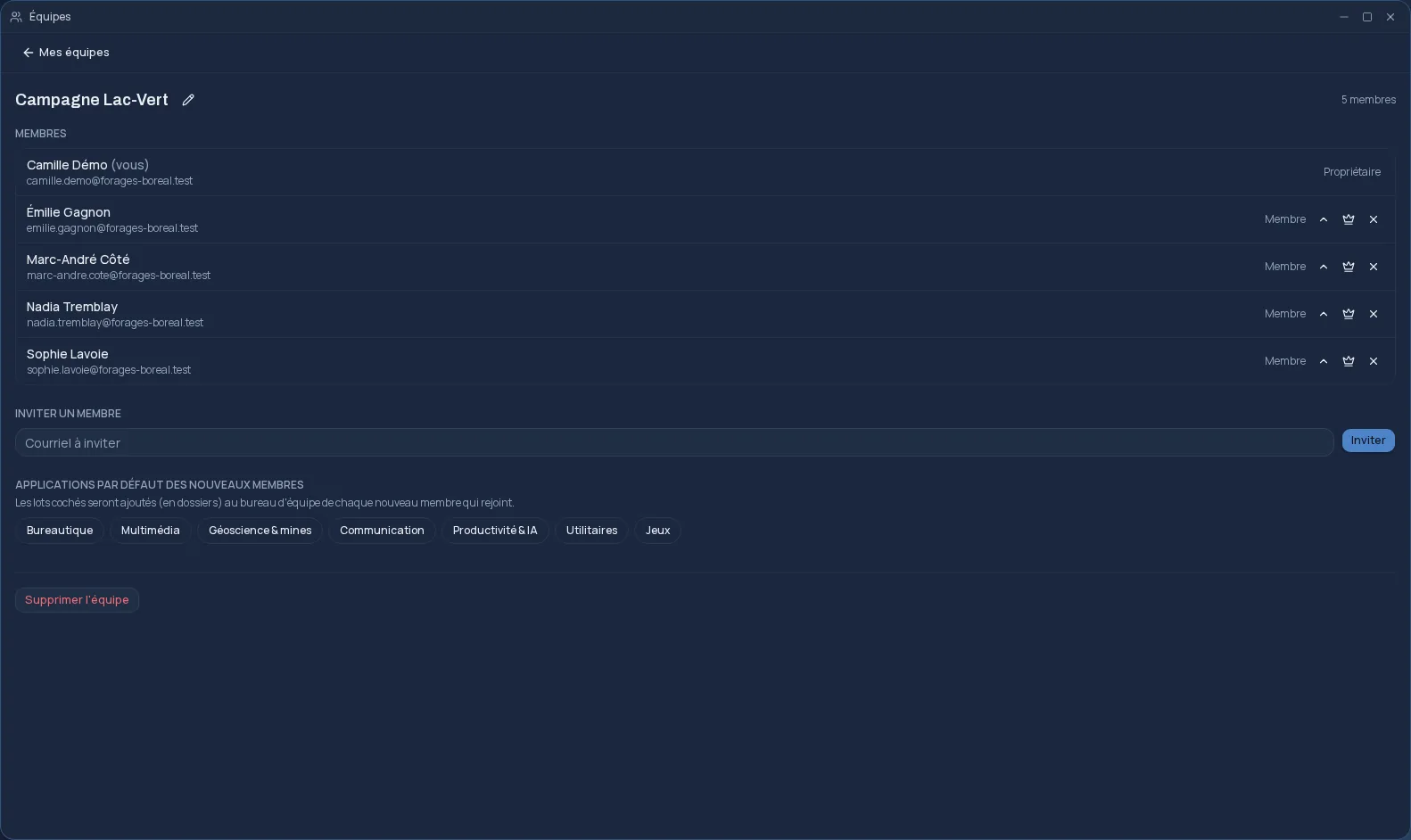
A file or a folder, with everything in it, can be shared with one or more of your teams: their members find it in their own desktop. There is no public link travelling outside your teams. Each file's properties show who owns it and which teams it is shared with.
Already working with Google Drive or OneDrive? Connect your account to import files from it, and send a file back whenever you need to.
Your data stays in Québec
Your files are stored on the Cloud OS infrastructure, hosted in Québec. Files is included from the Personal plan, like the apps that use it: office, image editing, video editing and desktop software.
Frequently asked questions
- Where are my files stored?
- On the Cloud OS infrastructure, hosted in Québec. They only go out to Google Drive or OneDrive if you choose to send them there yourself.
- Can I share a file with someone?
- Yes, with your teams: a shared file or folder shows up for every member of the team you pick. Files does not create public links; to share with a person, invite them to a team.
- How large a file can I upload?
- Up to 20 GB per file.
- Is a deleted file gone for good?
- Not right away: it goes to the trash bin first, where you can restore it. It is only erased for good when you empty the trash or delete it from there.