Your desktop
Sandbox, an online Linux desktop that keeps your settings
A full Linux desktop of your own, left exactly as you left it.
Included in the Business plan
A real Linux desktop, in a window
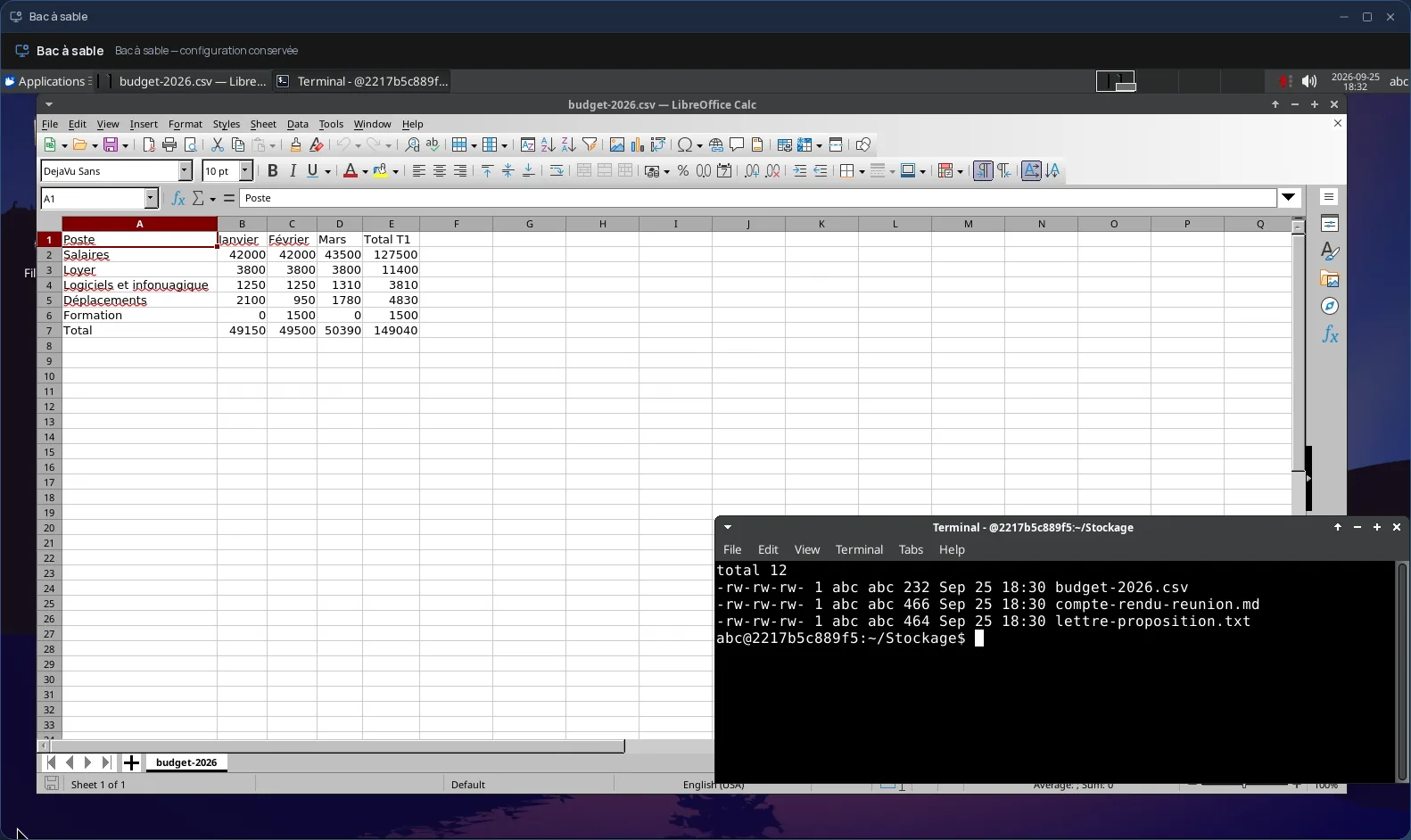
The Sandbox opens a full Linux desktop in a Cloud OS window: an XFCE environment with its file manager, a terminal and the LibreOffice suite (documents, spreadsheets, slides). It is a whole workstation, not a single app.
It covers what the Cloud OS apps do not: trying out a command-line tool, keeping a working environment set up for a project, or having a Linux desktop without installing one.
It stays the way you left it
Most desktop software in Cloud OS runs in a temporary session. Not the Sandbox: the same desktop is always waiting for you. Your settings, bookmarks and downloads are kept from one visit to the next.
- First start in about thirty seconds, then near-instant reopening.
- One desktop per user, shared with no one.
- Your data is hosted in Québec.
Connected to your Files
The Sandbox's “Stockage” (storage) folder syncs with a “Bureau persistant” folder in the Files app, subfolders included. What you drop there from Cloud OS shows up in the desktop when it opens; what you save there in the desktop goes back to Files when it closes, or whenever you ask.
Included in the Business plan
The Sandbox is part of the Business plan, along with web hosting and team creation. It is used from a computer; it is not offered on phones.
Frequently asked questions
- How is it different from the other desktop software in Cloud OS?
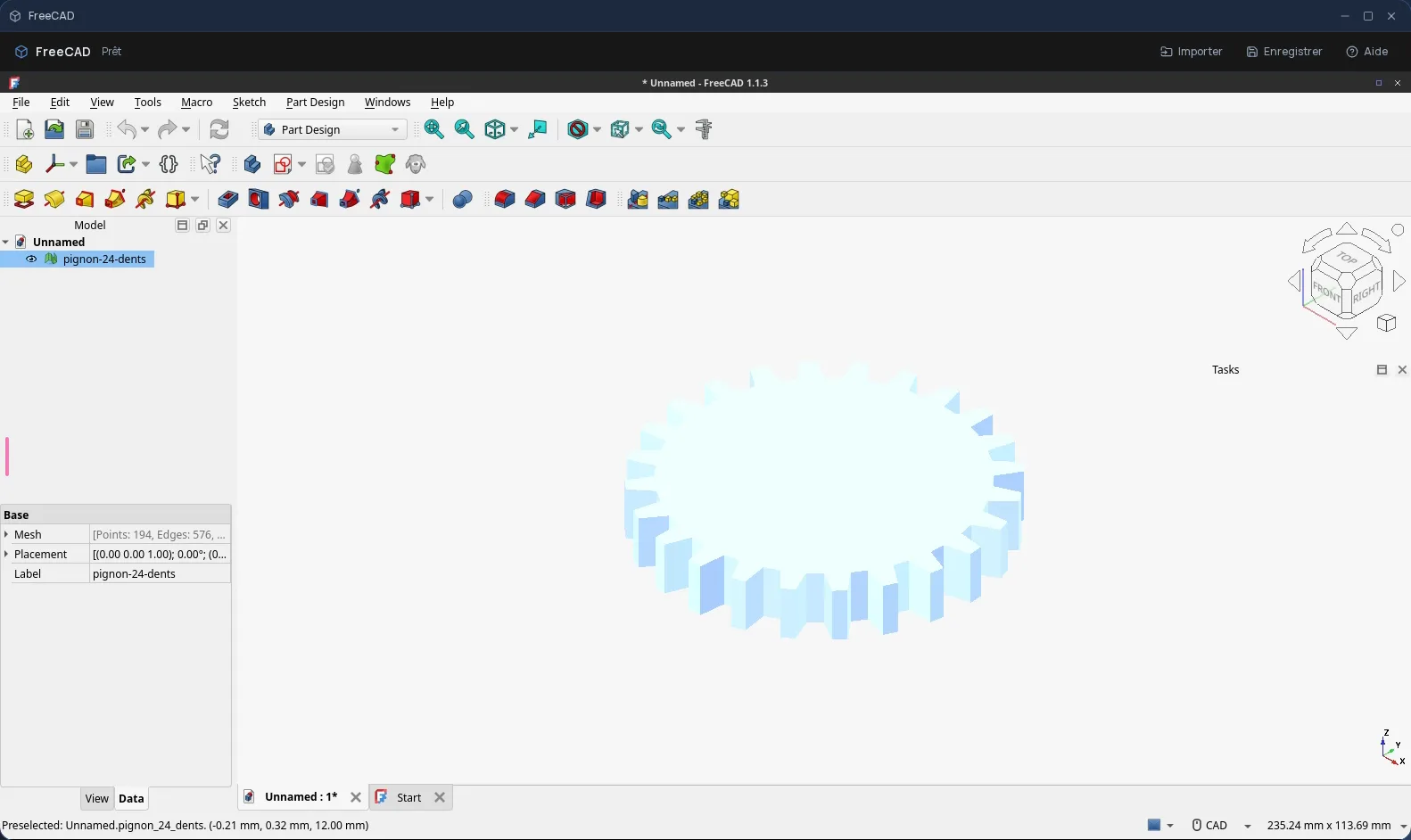
- Software such as GIMP or FreeCAD opens in a temporary session: anything not sent back to Files is gone when it closes. The Sandbox is a whole desktop reserved for you, and it keeps its configuration from one visit to the next.
- Are my files kept if I close the Sandbox?
- Yes. The desktop's home folder is kept between visits, and its “Stockage” folder is also synced with your Files in Cloud OS.
- Which plan do I need for the Sandbox?
- The Business plan. It is not part of the other plans, which give access to the rest of the apps and desktop software.