Your desktop
Teams, a shared workspace for your business
A shared desktop for your team, right next to your personal one.
Included from the Personal plan
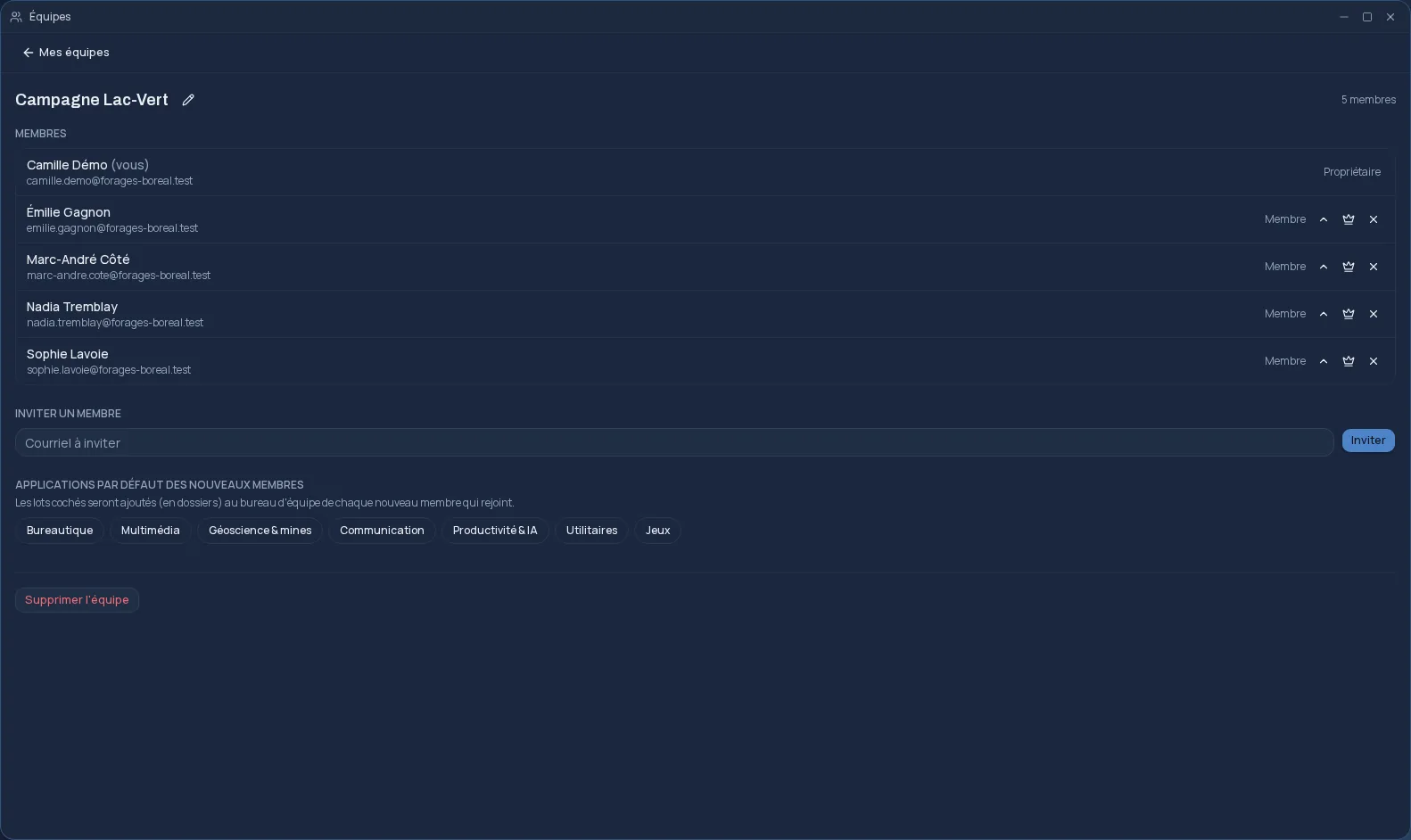
A desktop for the team, next to yours
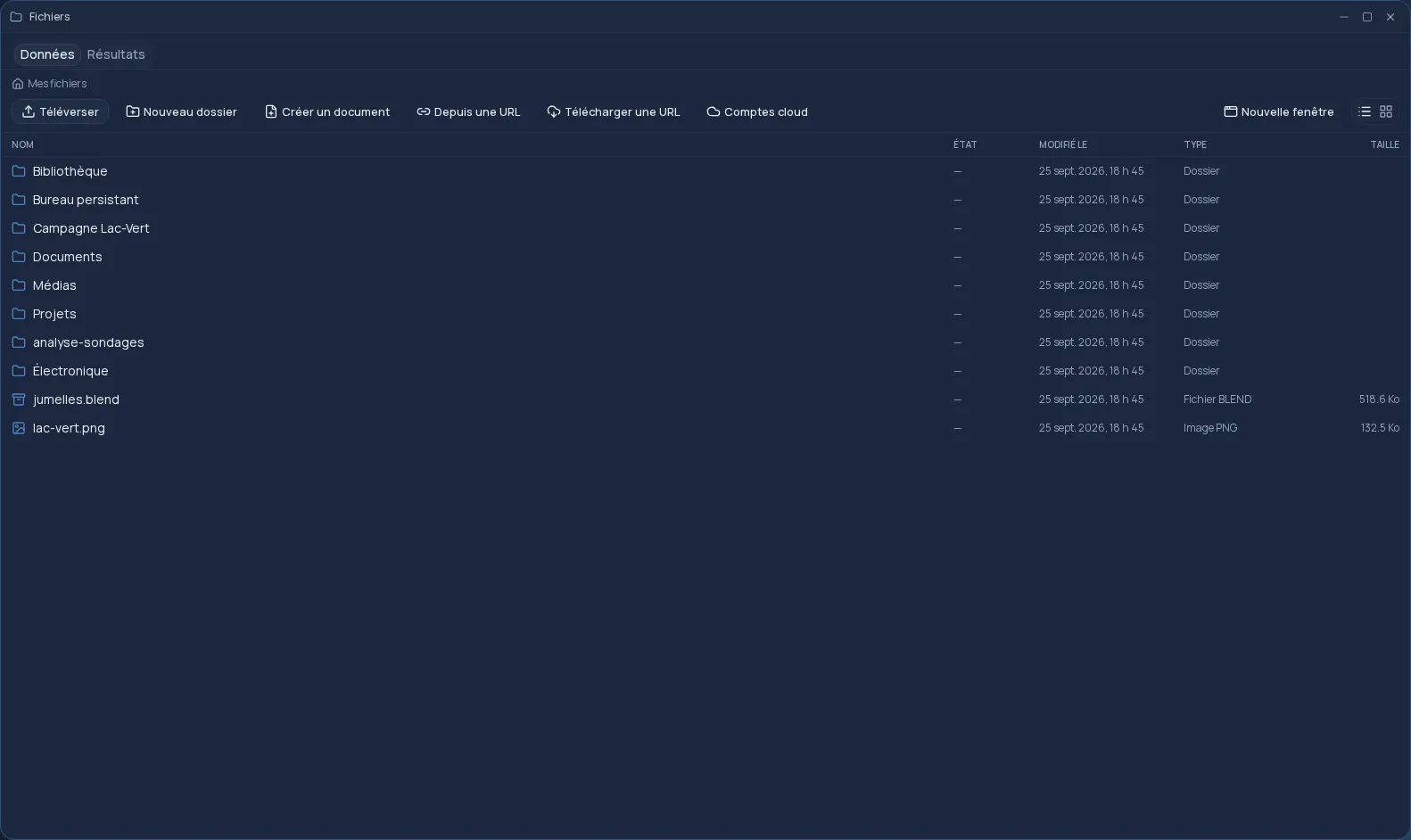
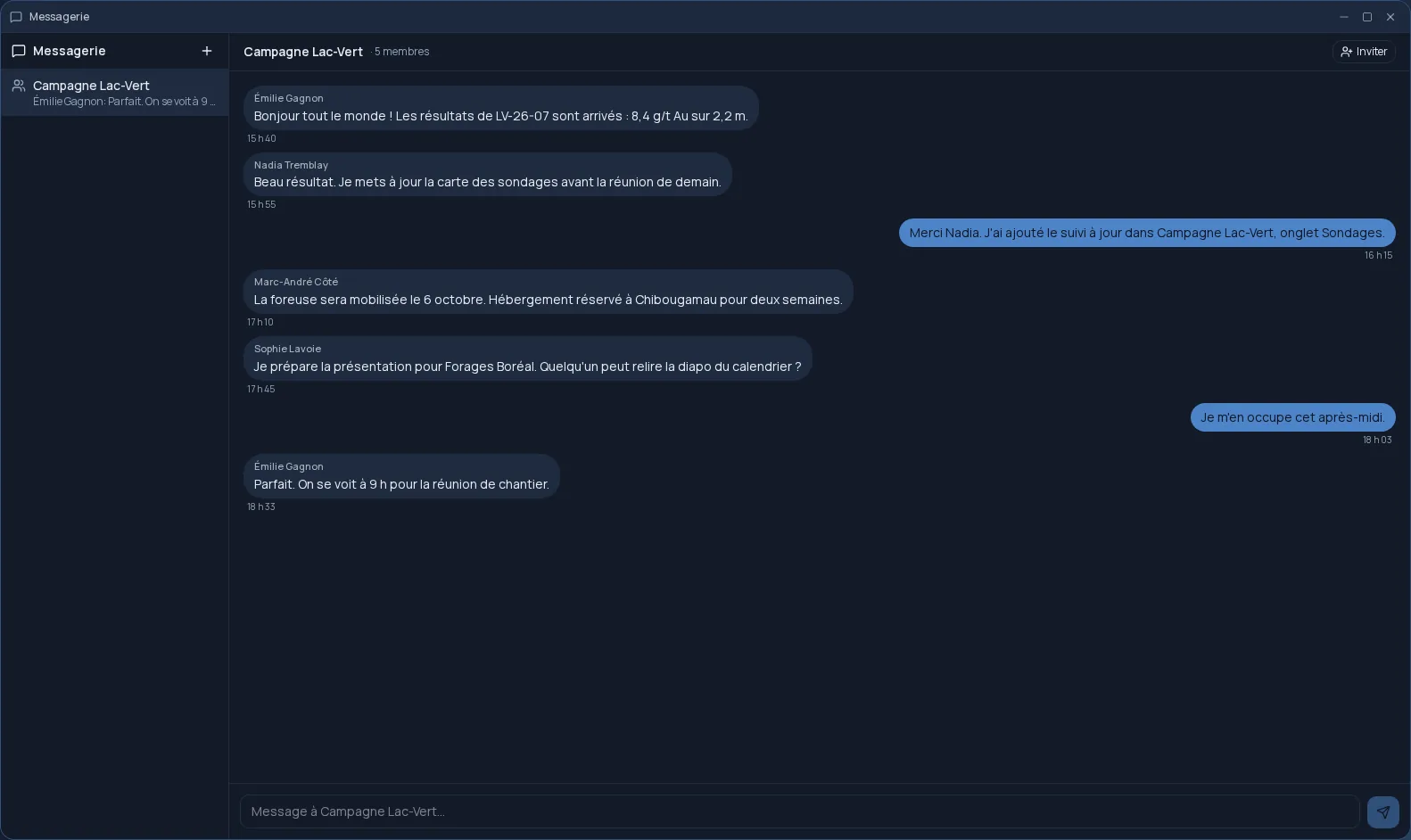
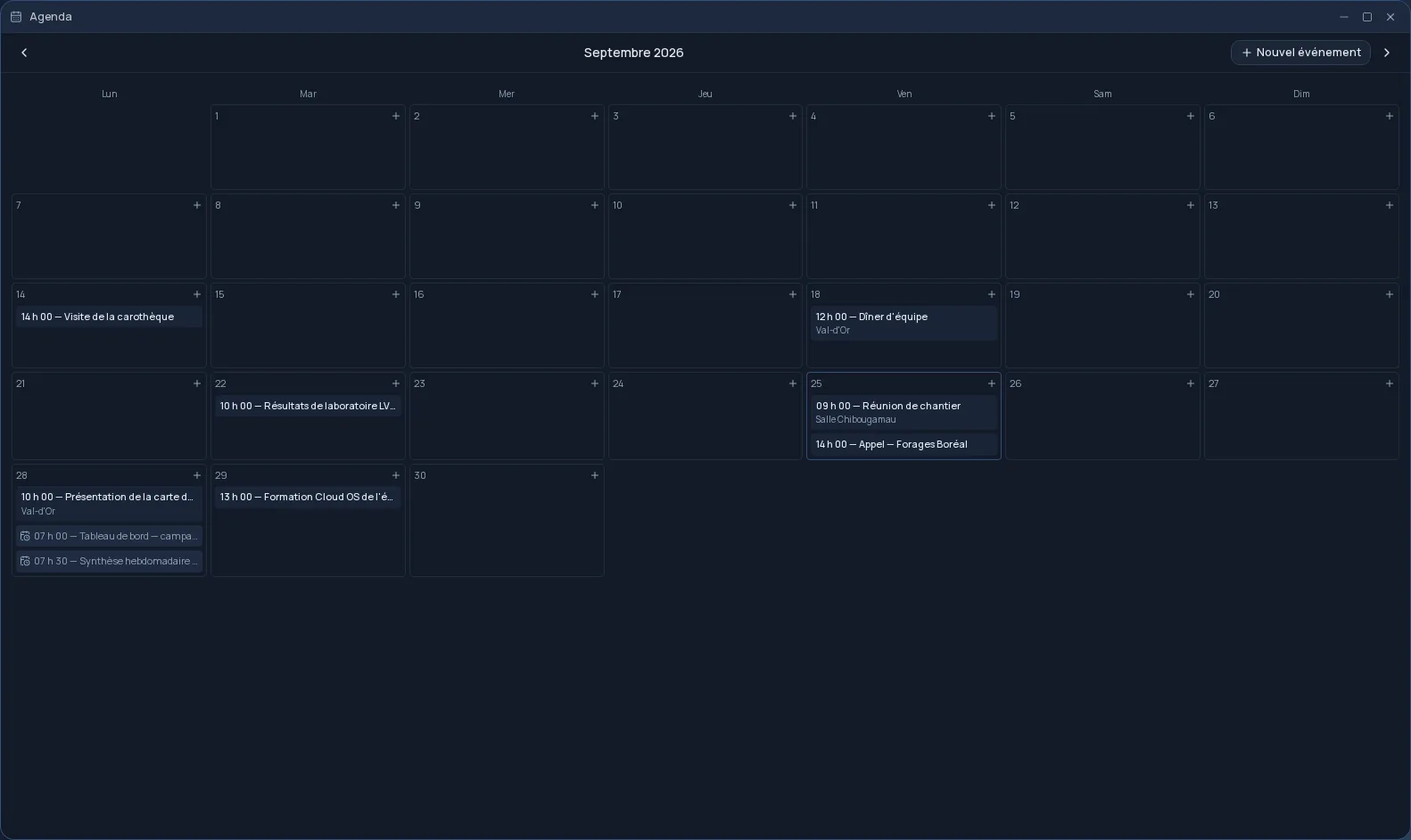
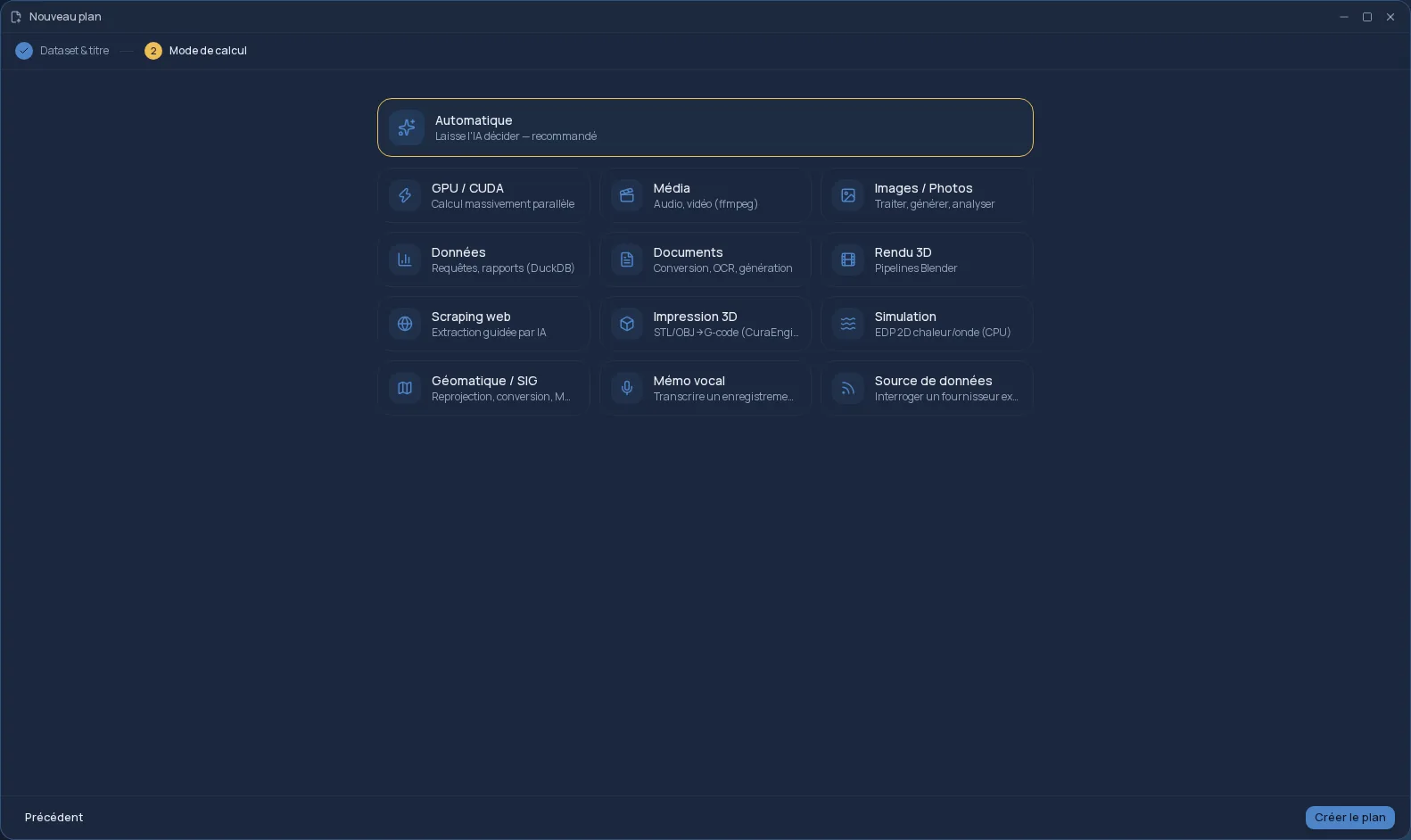
Every team has its own desktop in Cloud OS. A switcher in the taskbar takes you from your personal space to a team's: Files, Plans and Workflows then show the team's content, and yours is one click away.
You can also share a file, a whole folder, a Plan or a workflow you created in your personal space with one or more teams.
Invite, welcome, organize
An owner invites someone by email address. They receive a link valid for seven days, and if they already have an account, the invitation also waits for them in Cloud OS the next time they sign in.
- Two roles, owner and member, with several owners possible.
- Transfer ownership, remove a member, revoke an invitation before it is accepted.
- Apps ready on every new member's desktop, chosen by the owner.
- Deleting a team hands its shared files and Plans back to their creators.
A shared allowance
Members with a paid plan can put their usage allowance into the team pool, when the owner has the Business plan. The team then draws on a shared reserve rather than on each person's allowance.
Joining or creating a team
Joining a team is included from the Personal plan. Creating one requires the Business plan, paid: a team then has up to 25 members, pending invitations included.
Frequently asked questions
- Which plan do I need to use Teams?
- To join a team, the Personal plan is enough. To create one, you need the Business plan, paid: team creation is not available during the free trial.
- How many people can a team have?
- Up to 25 members. Pending invitations count toward that total, so a team never ends up over the limit once they are all accepted.
- What happens to the files if the team is deleted?
- Shared files and Plans become personal again: each one goes back to the person who created it, instead of being erased along with the team.