Business and productivity
An online calendar, with reminders and your CalDAV calendars
Your appointments, reminders and external calendars, in one place.
Included from the Personal plan
Your month at a glance
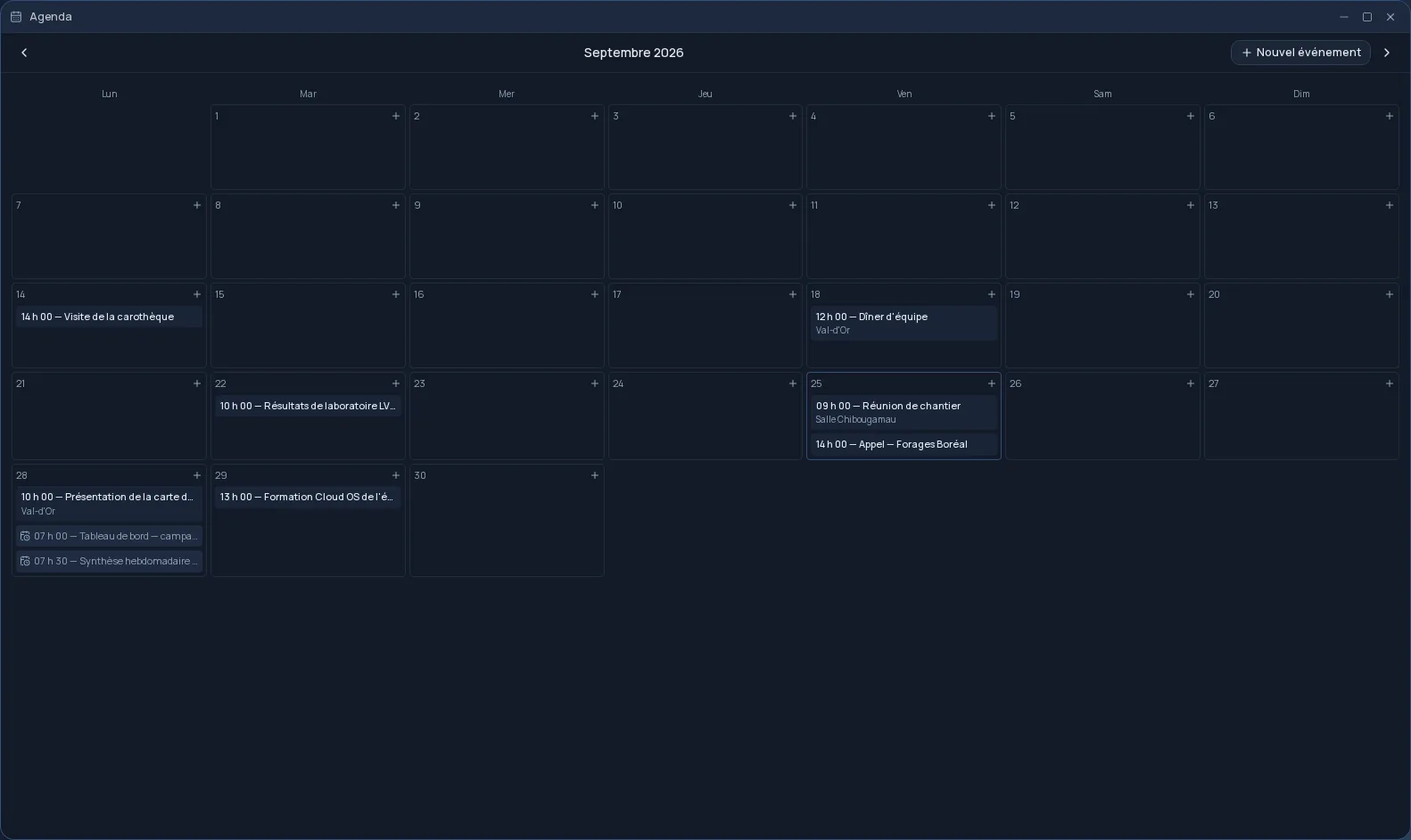
The Cloud OS Agenda shows the whole month. One click on a day adds an event: a title, a date, a start and end time, a location and a description, or the whole day. Times follow your own time zone.
- “Remind me”: a notification in Cloud OS at the time of the event.
- An event's location, or its recurrence, shows right in the day's cell.
- Spotlight search finds an event and opens the Agenda on the right month.
Your external calendars, in the same grid
Link your calendar server from Settings: your email address is often enough, and the server address is found for you. CalDAV-compatible calendars, such as iCloud or Fastmail, then show up in the Agenda, each with its own colour and a checkbox to show or hide it.
Sync runs again every five minutes, or right away on request. Recurring events are shown with their rule, and you can add a reminder to them even though they are edited in their original app.
Your scheduled tasks, next to your appointments
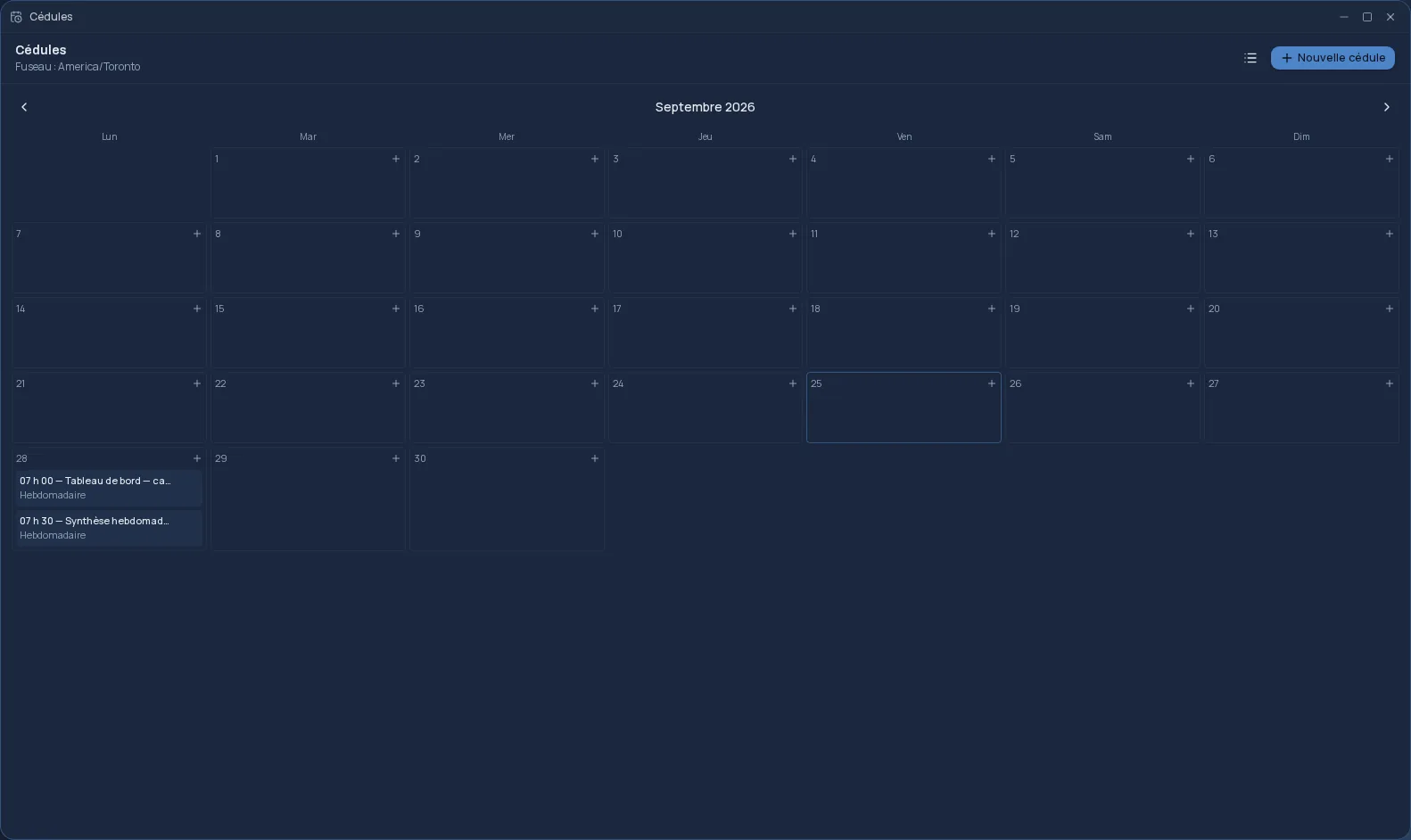
Your space's schedules — a report sent every Monday, a job that runs every night — appear in the grid on their date. You see at a glance what is ahead of you and what Cloud OS will do for you that day.
Frequently asked questions
- Can I see my iCloud calendar in the Agenda?
- Yes. Link your account from Settings with an app-specific password, as iCloud requires; your calendars appear in the Agenda and sync every five minutes. Fastmail and other CalDAV servers are linked the same way.
- What about Google Calendar?
- Not for now: Google requires a different kind of sign-in, which the Agenda does not offer yet. CalDAV-compatible servers, on the other hand, link directly.
- How do reminders work?
- Tick “Remind me” on an event: a notification is waiting for you in Cloud OS when it starts. On a recurring event, the reminder comes back for every occurrence.
- Does removing a linked server delete my events?
- No. Its calendars disappear from the Agenda, but nothing is deleted on the server.