Business and productivity
Schedules, to plan your recurring tasks
Your tasks, workflows and reports run again on their own, at the time you set.
Included from the Personal plan
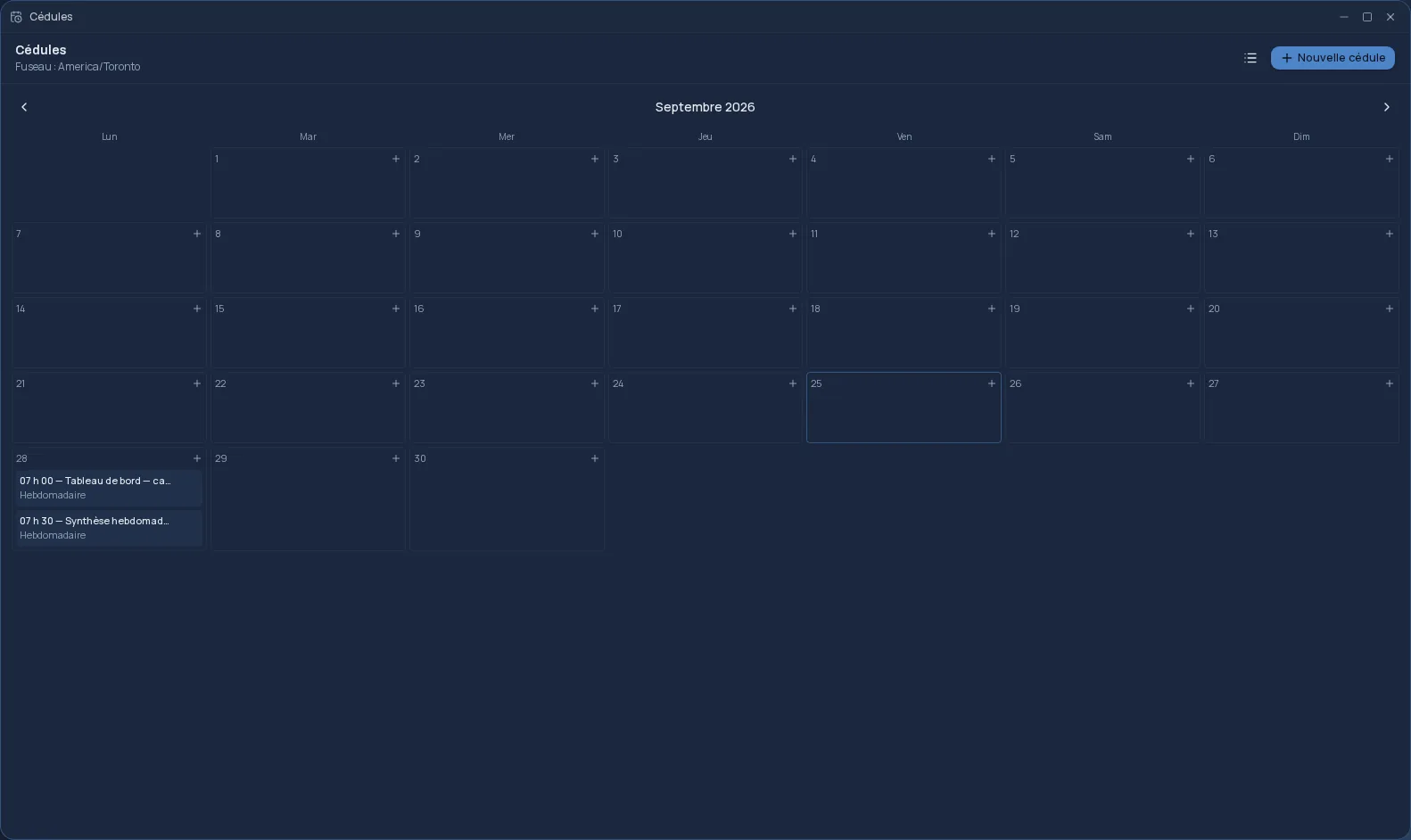
Once, or every Monday morning
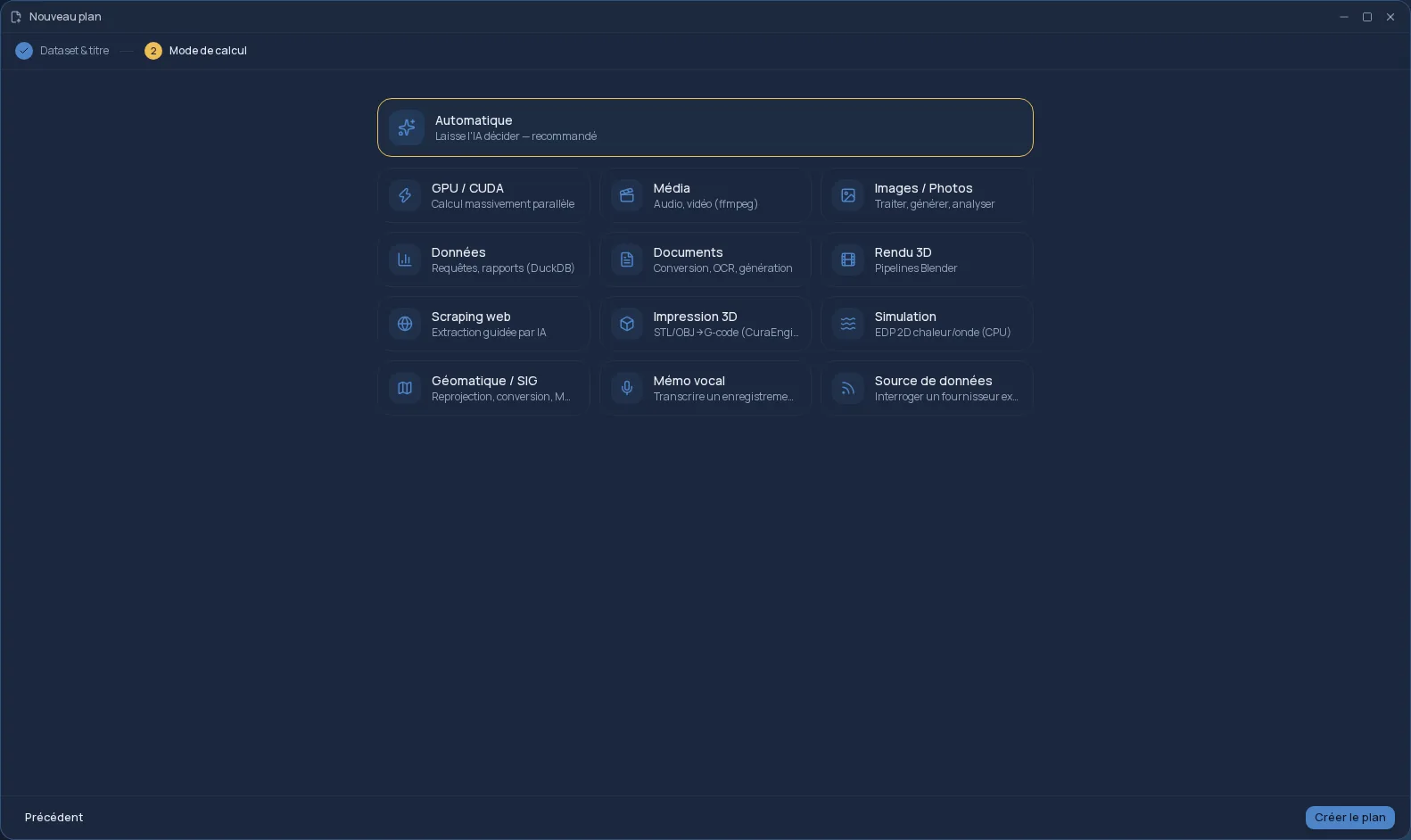
A schedule runs a ready-made plan, workflow or report at the date and time you set. You choose the target, the day, the time — in your own time zone — and, if you like, a recurrence.
The recurrence is written in plain language: “every day”, “every 2 weeks”, “every month”. It is translated once into a precise rule; after that, the run calendar is fixed and predictable.
What you can schedule
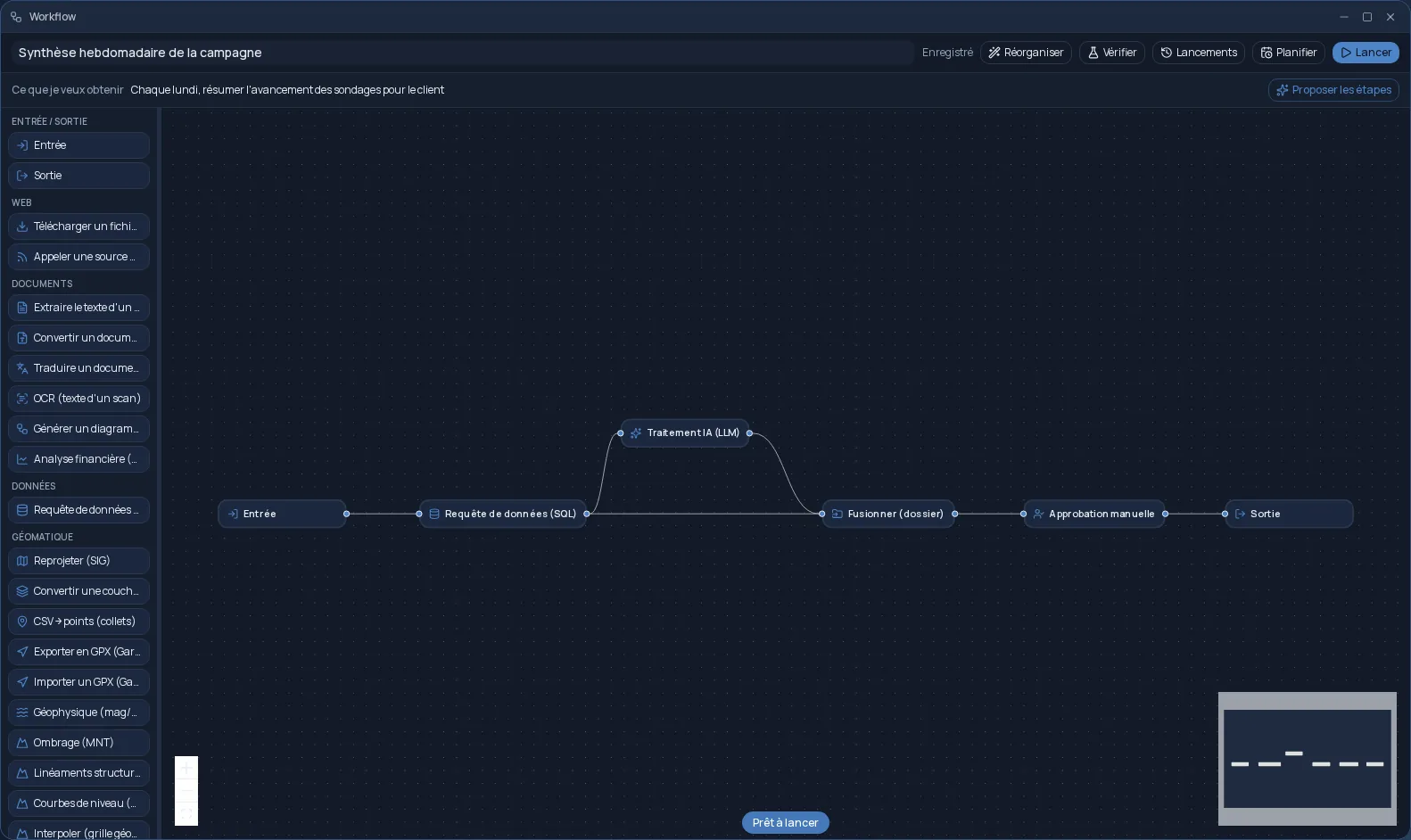
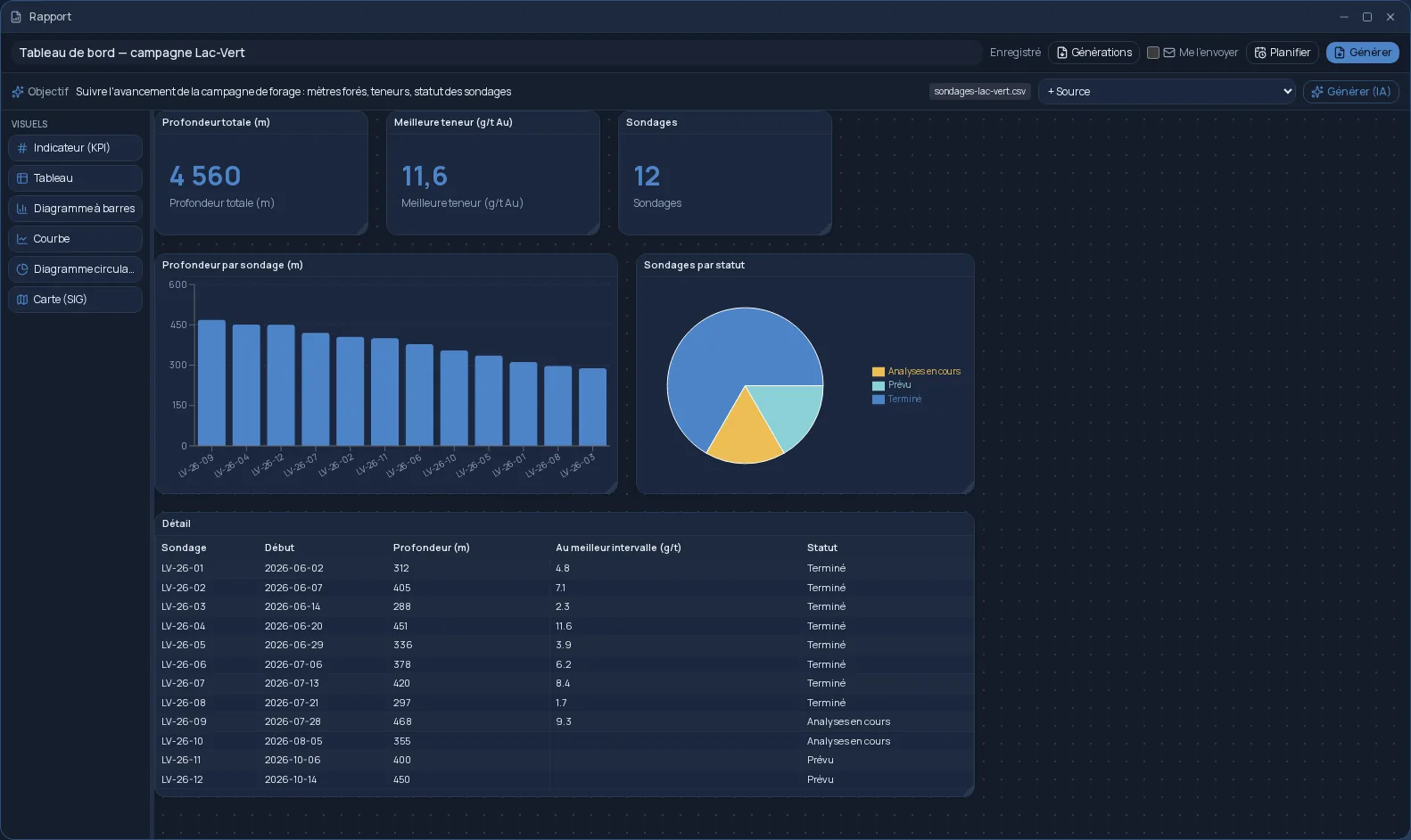
Anything you launch in Cloud OS can run again on its own. A few examples:
- A PDF report regenerated every Monday from the data of the day.
- A workflow that converts, translates or analyzes what came in during the week.
- Data extraction from a website, repeated every month with the same instructions.
- A spreadsheet analysis, run again on the first of every month.
You always know what is coming up
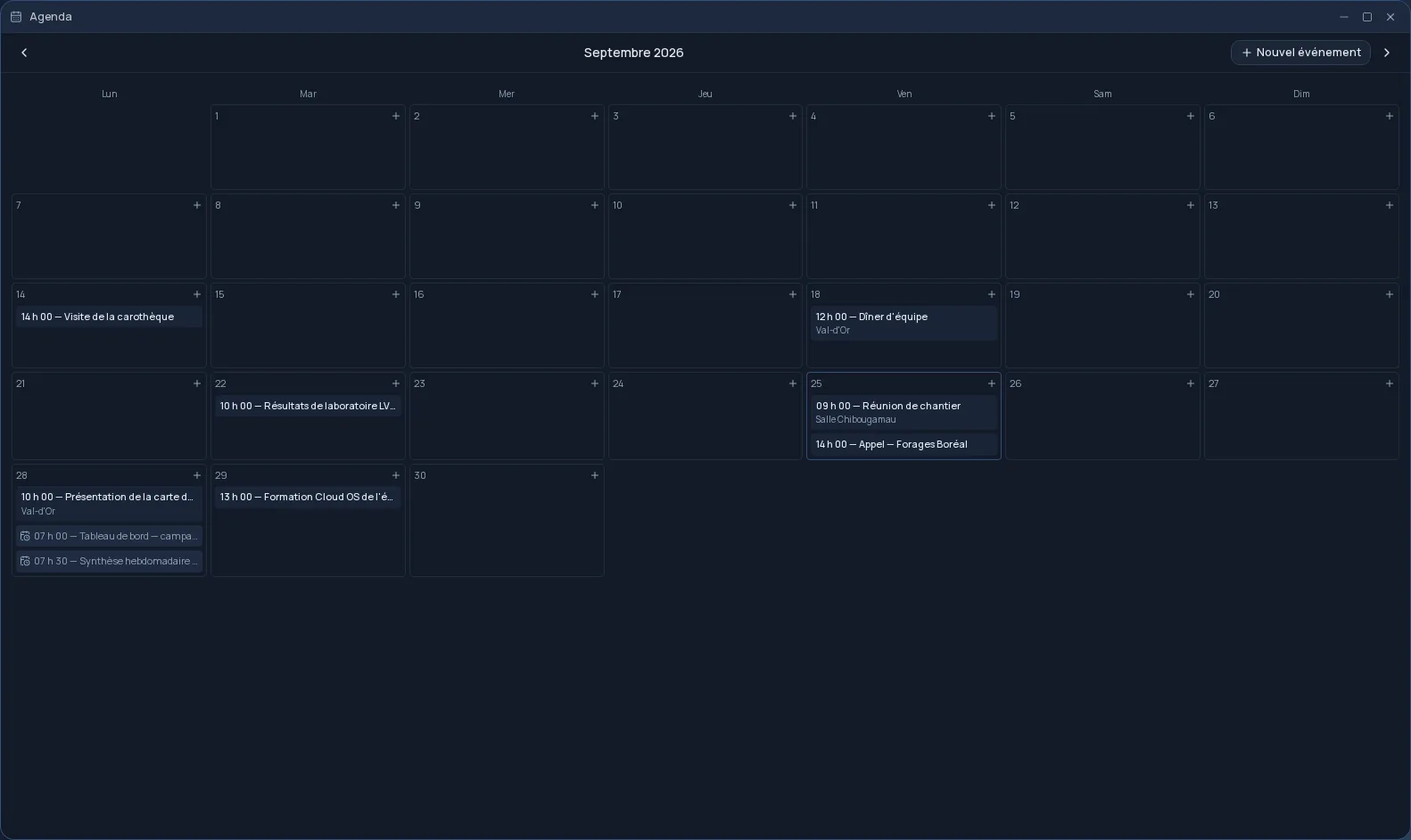
The list view shows the upcoming runs, nearest first; the calendar view places them on the month. Each schedule is edited or cancelled in one click, and its runs also show up in your Agenda.
On days when a schedule is due, a summary email tells you in the morning, and a notification lets you know when it runs. Schedules are included from the Personal plan, and nothing runs on your computer: it can stay off.
Frequently asked questions
- Which recurrences are possible?
- Every day, every week or every month, with an interval if needed: every 3 days, every 2 weeks, every 6 months. The day and time of the first run set the rhythm for the next ones.
- Does my computer need to stay on?
- No. Schedules run on Cloud OS servers; the result is waiting in your Files when you come back.
- Can I schedule a plan that is still a draft?
- No. Only a plan that has already been submitted can be scheduled, so that every run does exactly what you approved. Workflows and reports are scheduled straight from their editor.