Business and productivity
Plans, your files analyzed and processed online
Drop a file, describe the result: the task runs on our servers.
Included from the Personal plan
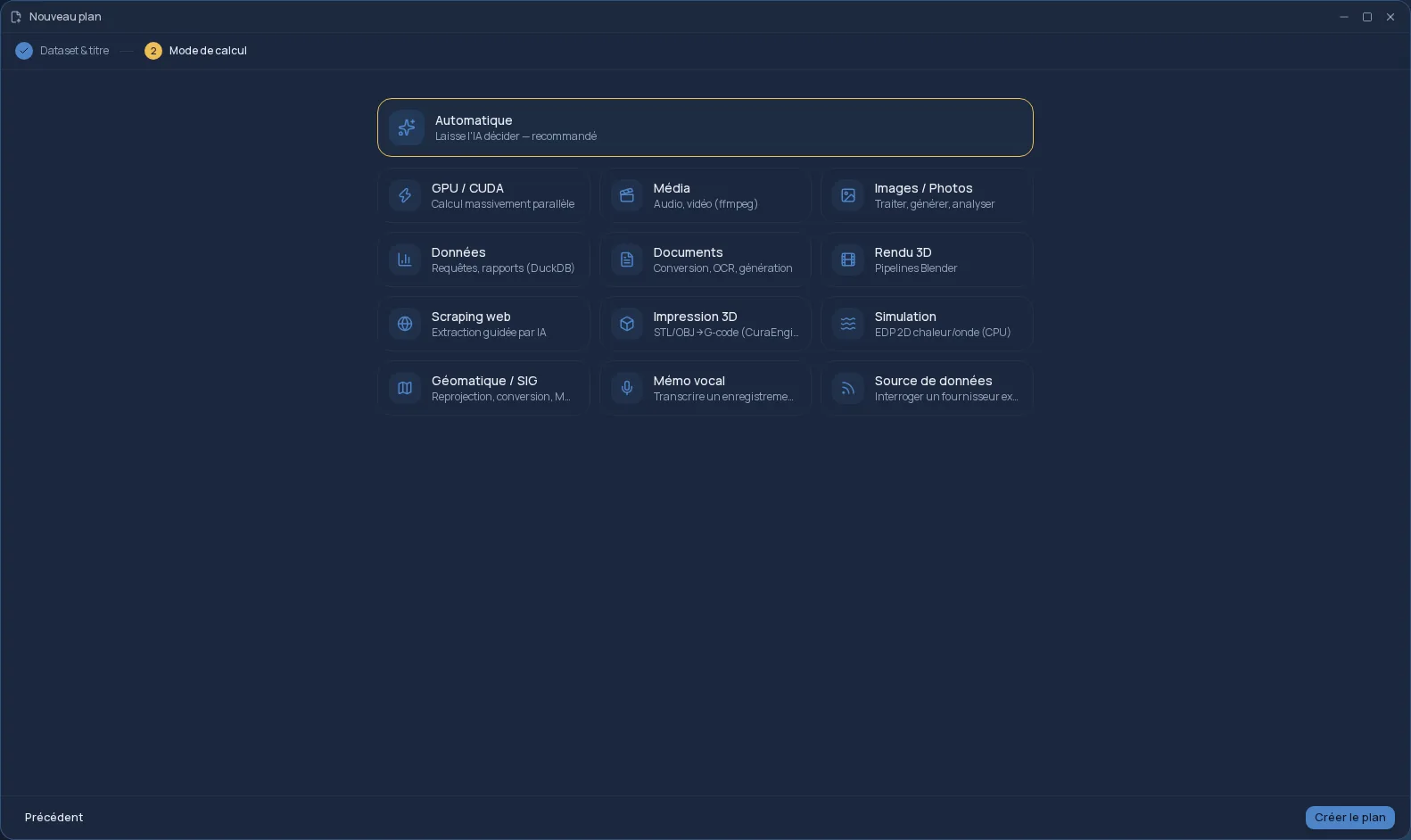
A plan is a task Cloud OS does for you
In Cloud OS, a plan is a compute task: you start from a file in your space — or from no file at all — and describe the result you want. The task runs on our servers, not on your computer, and the result comes back to your Files.
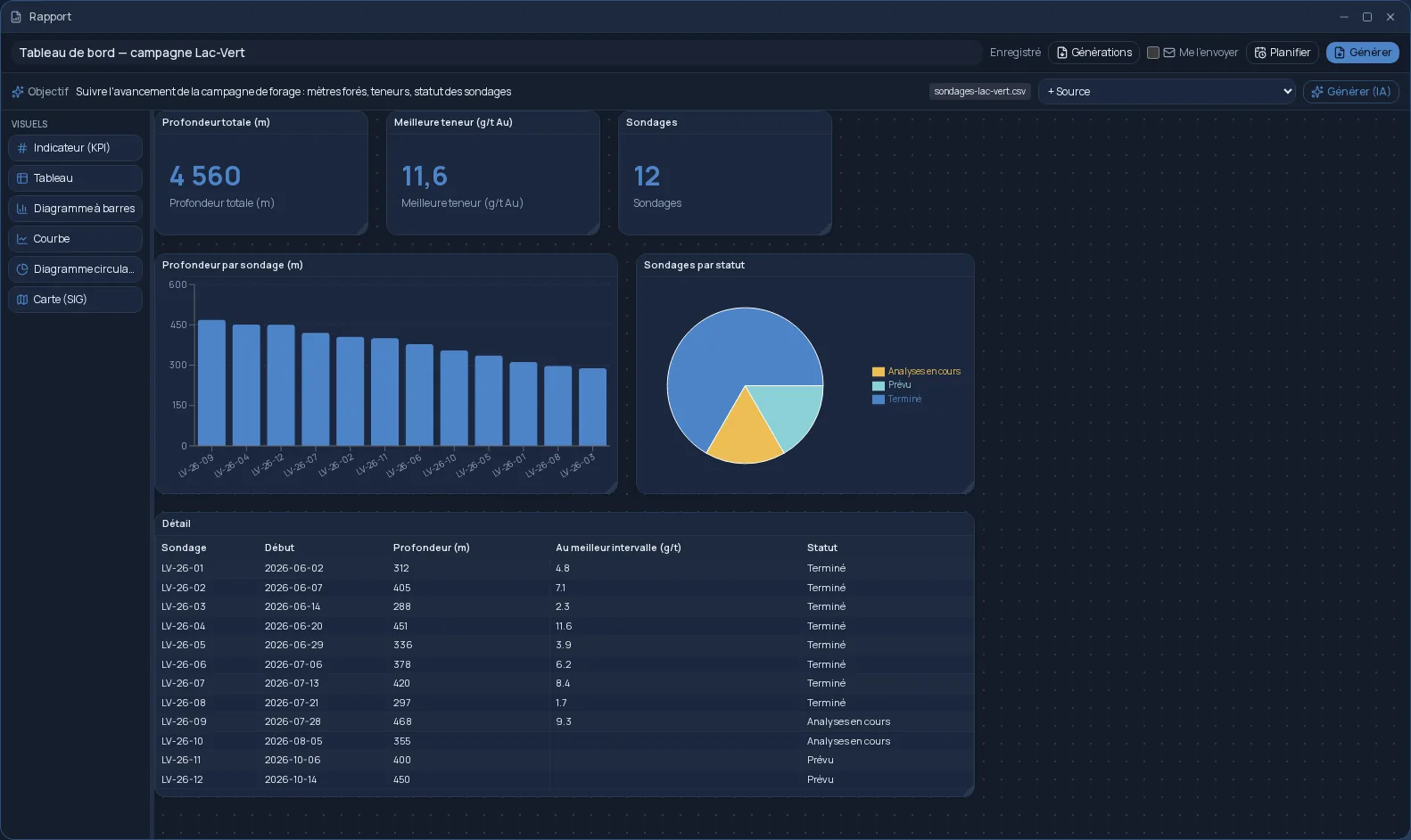
The quickest way: drop a file into Plans. A CSV or Excel spreadsheet becomes a data analysis, with a PDF report and an Excel workbook. A PDF or Word document becomes a summary in which every statement cites its page.
Describe it, or pick the engine
In Automatic mode, you explain what you want in a conversation; artificial intelligence builds the plan, then a deterministic engine produces the result. It never makes the result up. If you already know what you need, pick the engine yourself.
- Documents: conversion, OCR, PDF merging, translation, mail merge, encrypted archive.
- Data: SQL queries and charts on your spreadsheets.
- Images, audio and video: batch processing, voice memo transcription.
- 3D rendering with Blender, slicing for 3D printing, simulation, GIS.
- Indexing a folder of documents, then asking questions in plain language.
A result you can check
Every finished plan shows its work: a summary, the checks performed, what was done and what was left out. A “Verified” or “Needs review” badge says so at a glance. Something is not quite right? Run it again with your corrections.
Organized, shared, repeated
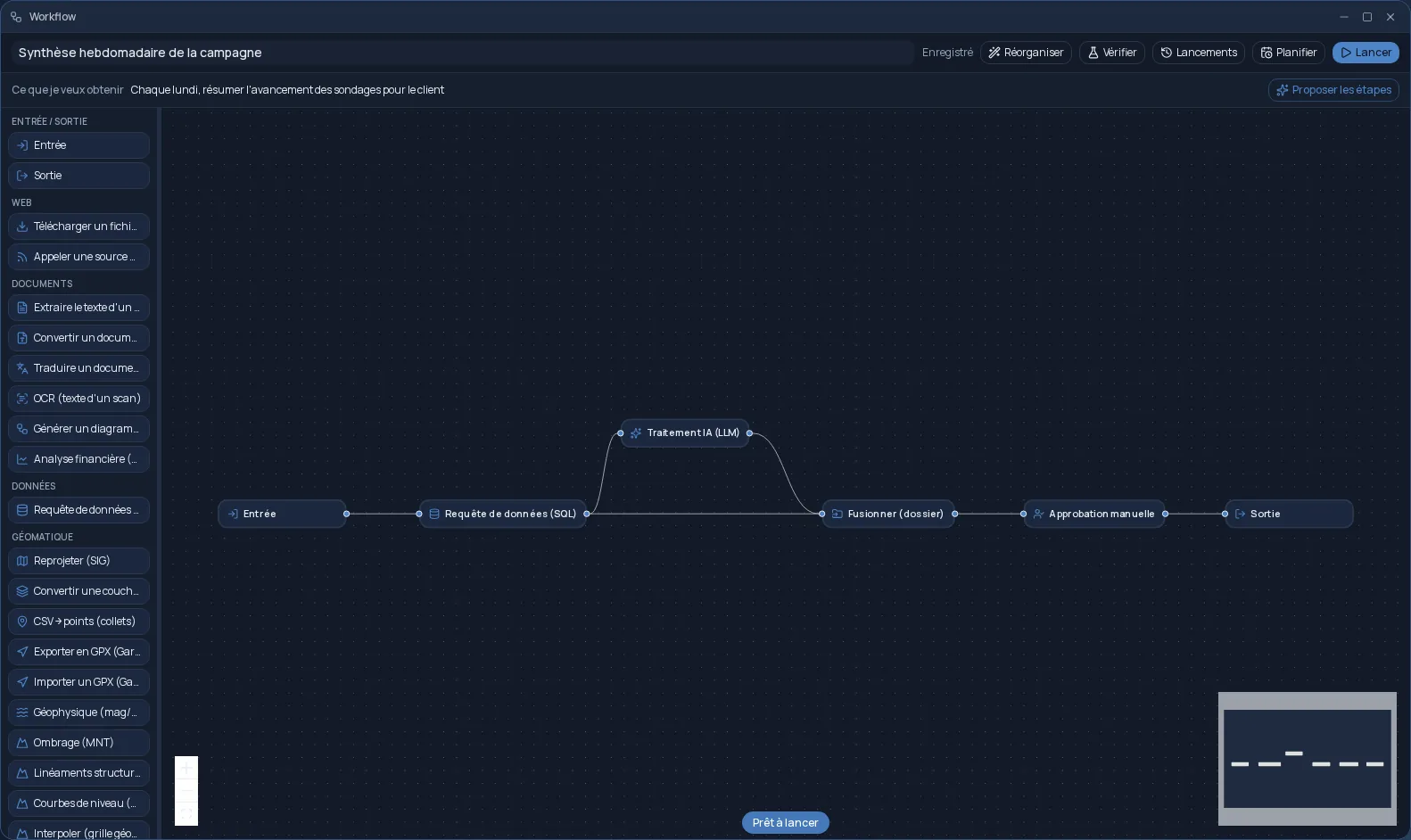
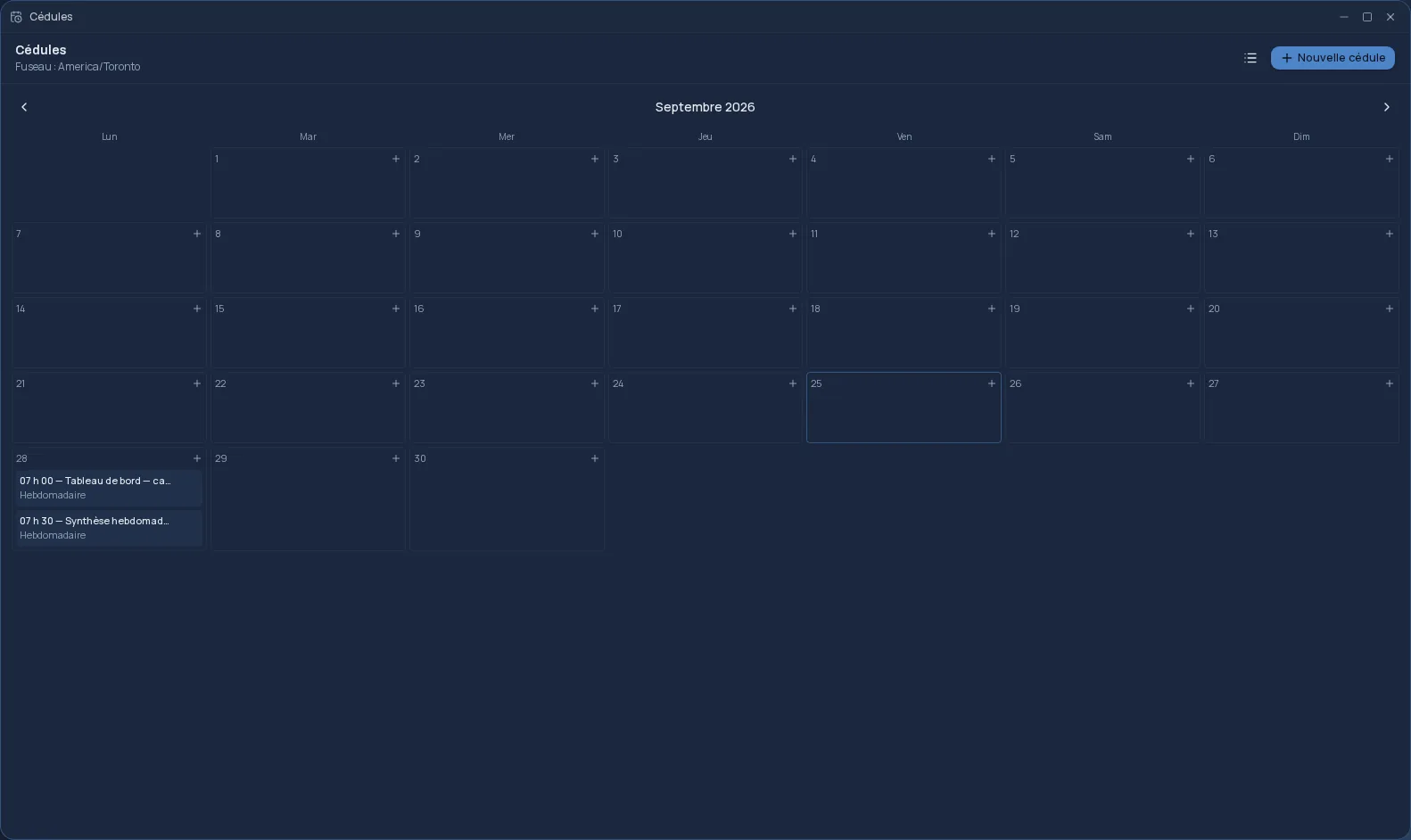
Your plans are sorted into drafts, active, finished and archived, with search and a filter by engine. You can share a plan and its results with a team, turn it into a workflow to chain more steps, or schedule it to run again on its own. Plans is included from the Personal plan; each task counts toward the plan's monthly allowance.
Frequently asked questions
- Do I need a file to start a plan?
- Not always. Most engines work on a file from your space, but simulation, graphics-card compute and image generation start from simple parameters.
- Can the AI make up a result?
- No. It understands your request and chooses how to go about it, but a deterministic engine computes the result. The “Verification” tab shows the checks performed and what was left out.
- Where do the results go?
- To your Files, in your space hosted in Québec. You can also download them from the plan.
- Does Plans cost extra?
- No. Plans is included from the Personal plan; the tasks you run count toward your plan's monthly allowance.