Business and productivity
Workflows, to automate the processing of your files
Several processing steps chained into one flow, run in one click or at a set time.
Included from the Personal plan
Your processing steps, end to end
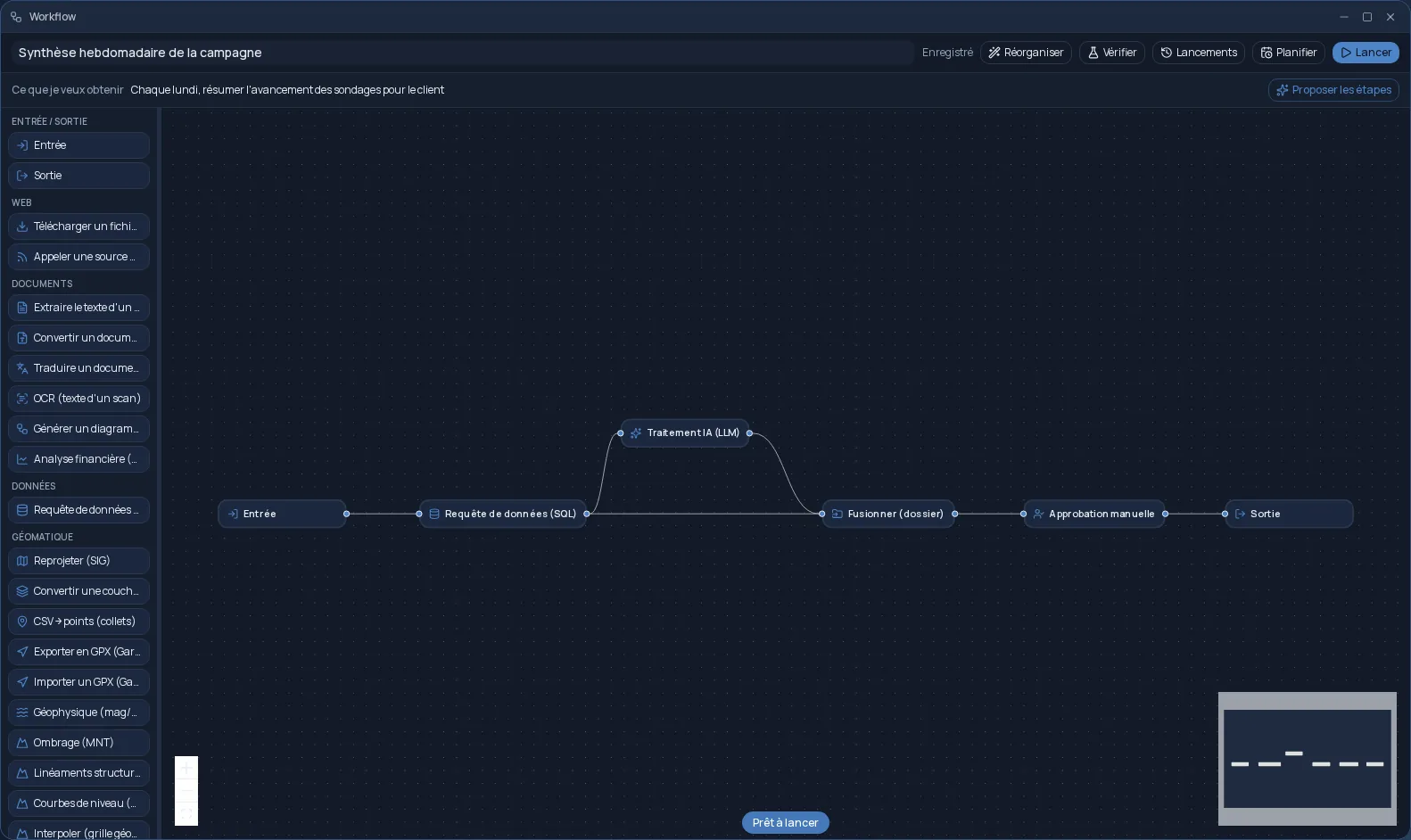
A workflow chains several tasks into one flow: the output of one step becomes the input of the next. You start from a file, a folder or a web address, and the final deliverable is filed in your Files.
It is all built on a visual canvas: you drag steps from the palette, connect them and set each one up in its panel. No code to write, and every change is saved as you go.
- Documents: PDF text extraction, OCR, conversion, translation, financial analysis.
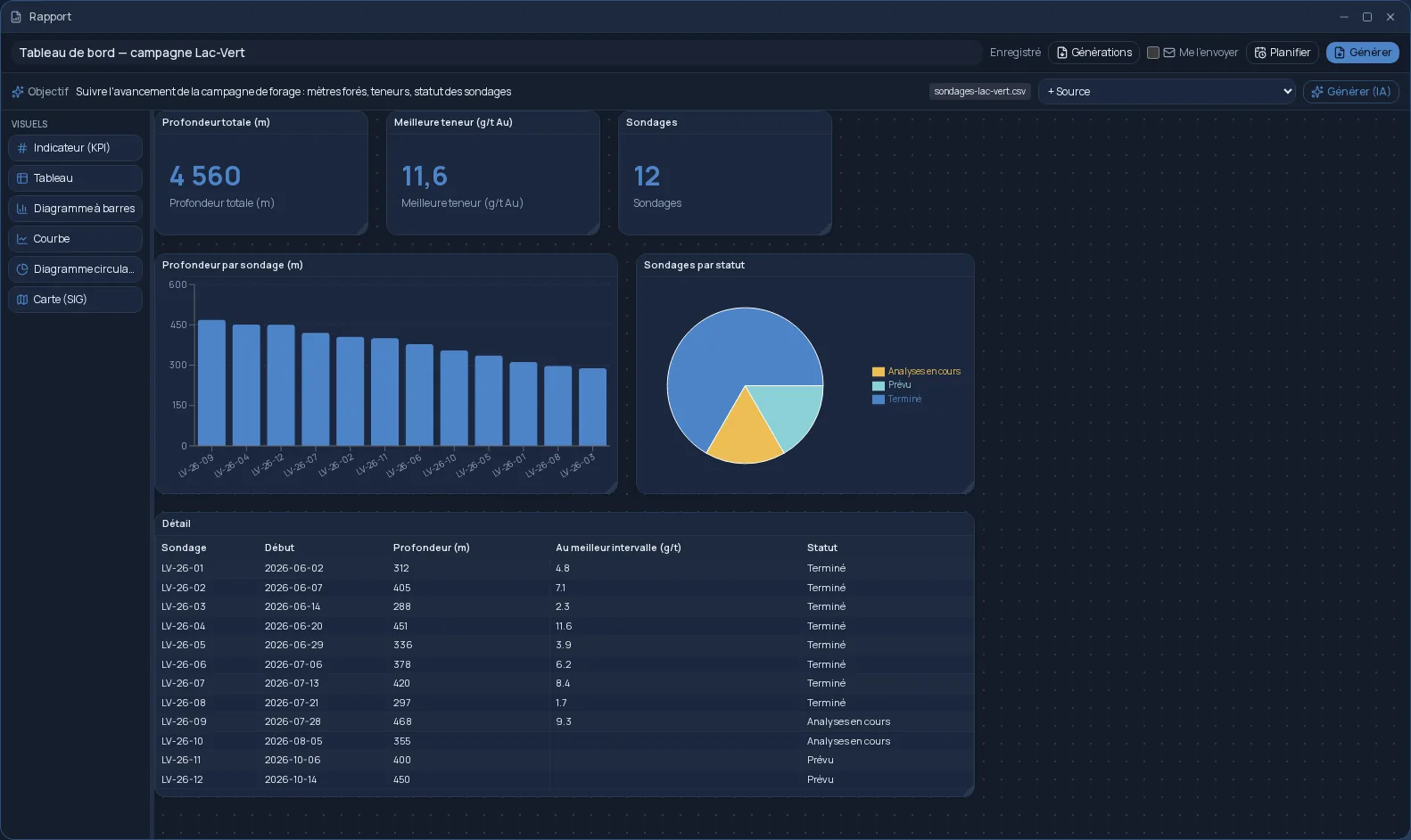
- Data: a query described in plain language or written in SQL, as a table or a chart.
- Images, audio and video: resize, remove backgrounds, convert, transcribe, render a Blender scene.
- GIS: reprojection, contour lines, anomalies, drill hole traces.
Describe the goal, the steps are suggested
Write what you want to get: artificial intelligence suggests the steps that lead there, and you keep, change or remove them. Before running, “Check” reviews the workflow and makes recommendations you apply in one click.
Utility steps add flexibility: an if/else condition written in plain language, a manual approval that pauses the workflow until you agree, a notification at a given point. A document step that receives a folder processes each file in turn.
Run in one click, or every Monday morning
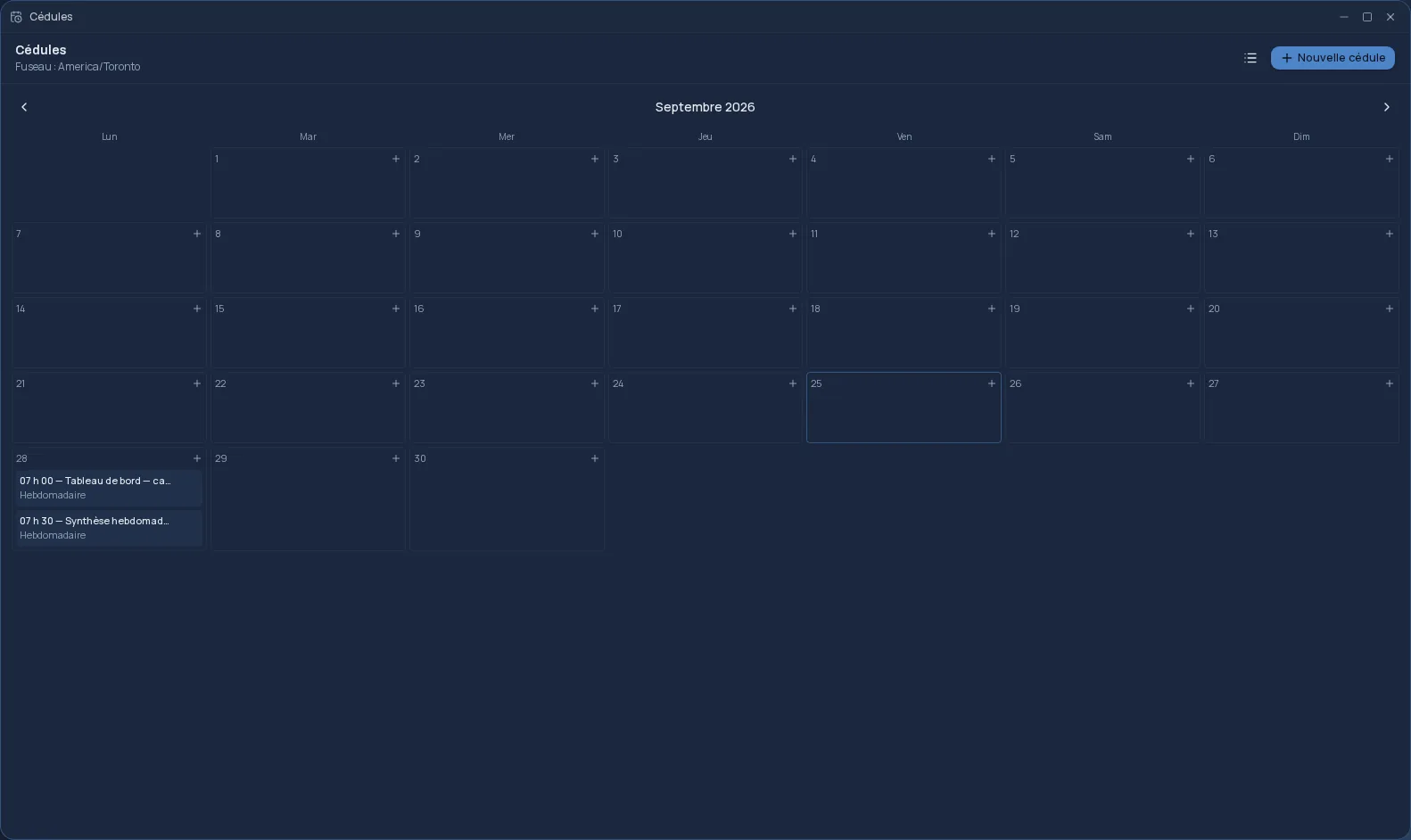
While it runs, you follow each step: what it produced, its log, its checks. Every run stays in the history. The deliverable can also go to your Google Drive or OneDrive, and the “Schedule” button turns it into a schedule that runs again on its own. A workflow can be shared with a team, and Workflows is included from the Personal plan.
Frequently asked questions
- Do I need to know how to code?
- No. Steps are dragged onto a canvas and set up in forms. You can even describe the result you want and let artificial intelligence suggest the steps.
- How is it different from Plans?
- A plan is a single task. A workflow chains several, with conditions, approvals and a final delivery. An existing plan can also be opened as a workflow to add steps to it.
- Can a workflow run without me?
- Yes. The “Schedule” button runs it at the date and time you choose, once or on a recurring basis, and the result is waiting in your Files.