Communication
Webmail in your browser for all your mailboxes
Your @cloudos.ca address and your other mailboxes, in one place.
Included from the Personal plan
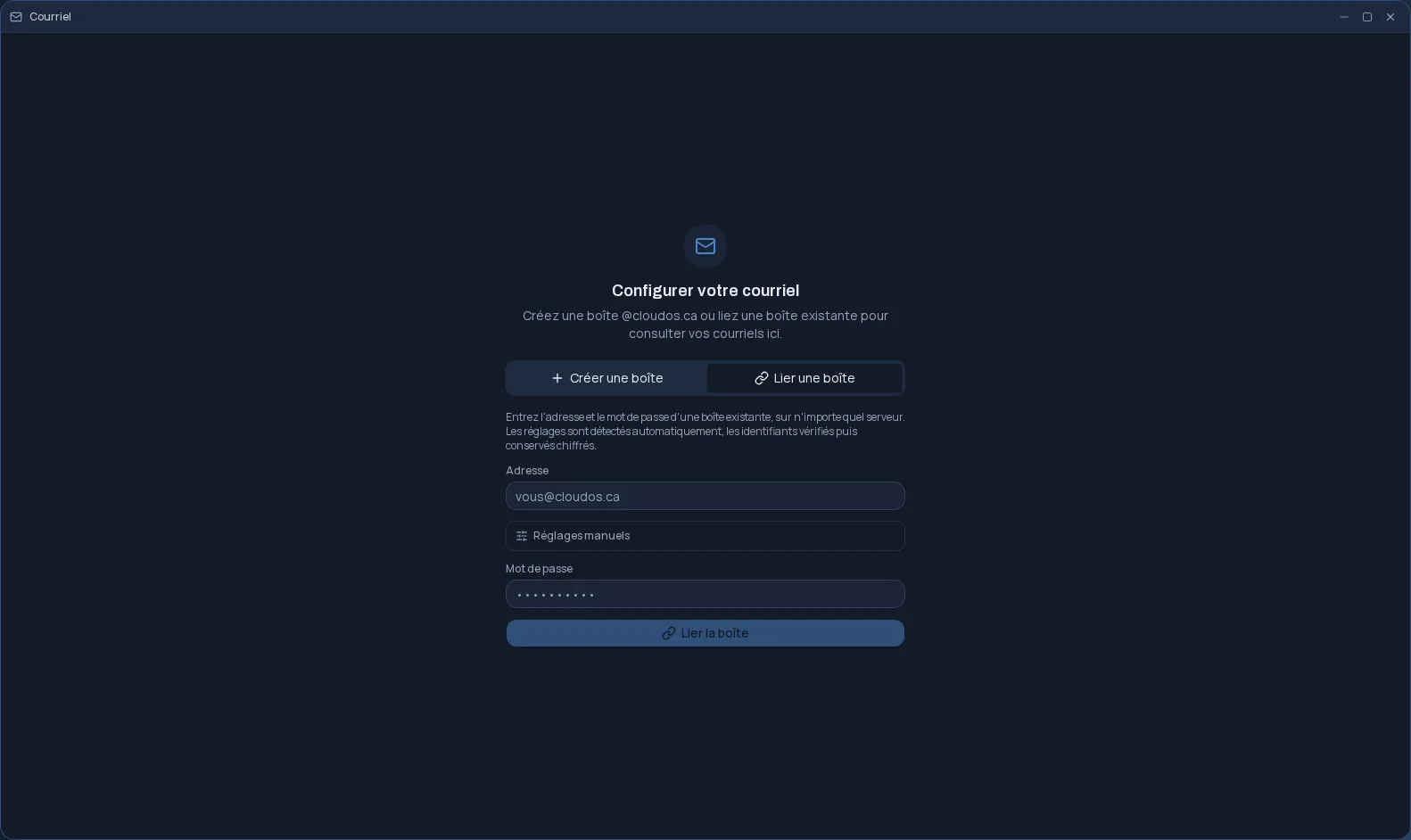
An address of your own, or the ones you already have
Cloud OS Mail gives you two options. You create a @cloudos.ca mailbox from the app, choosing the address and the password. Or you link a mailbox you already have, on any IMAP and SMTP server: you enter the address and password, and the server settings are detected for you.
- Known settings for Gmail, Outlook.com and Microsoft 365, iCloud, Yahoo, Fastmail, OVH and Vidéotron.
- Direct Microsoft sign-in for Outlook; an app password is flagged when the provider requires one.
- Manual settings when detection is not enough.
All your mailboxes in one window
You add as many accounts as you need and choose the one that sends by default. The “All accounts” view brings together the messages received in every mailbox; each account also keeps its own folders.
The rest is what you expect from an email client: reply, reply all, forward, flag a message, mark it unread, search a folder, download attachments.
Your credentials, protected
Before saving a mailbox, Cloud OS checks that the server accepts the connection; the credentials are then stored encrypted. Unlinking a mailbox deletes those credentials, without touching the mailbox itself at its provider.
If you choose to, account by account, the last 24 months of mail become searchable from the desktop search. Unchecking the option deletes the copy used for searching.
Next to your calendar and contacts
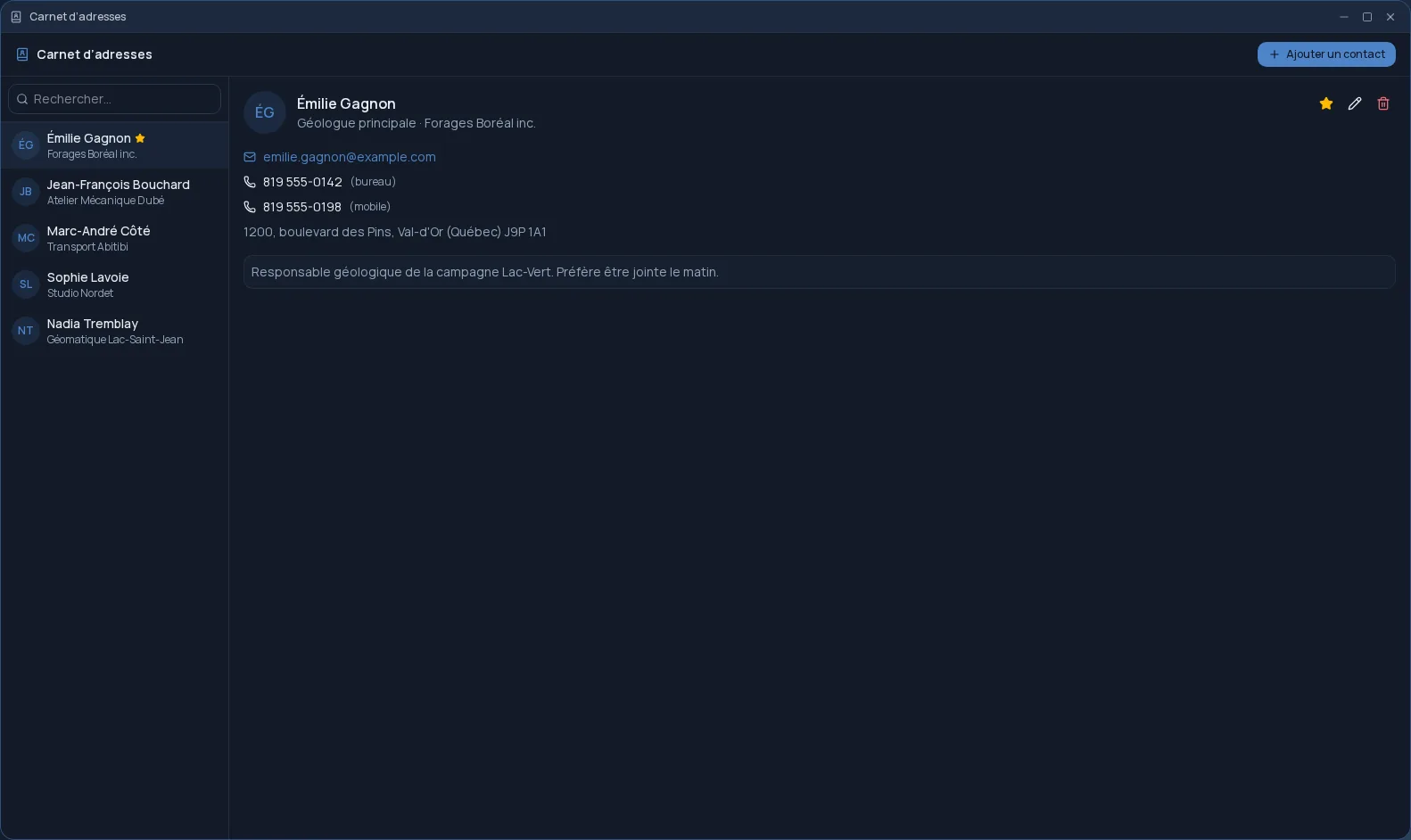
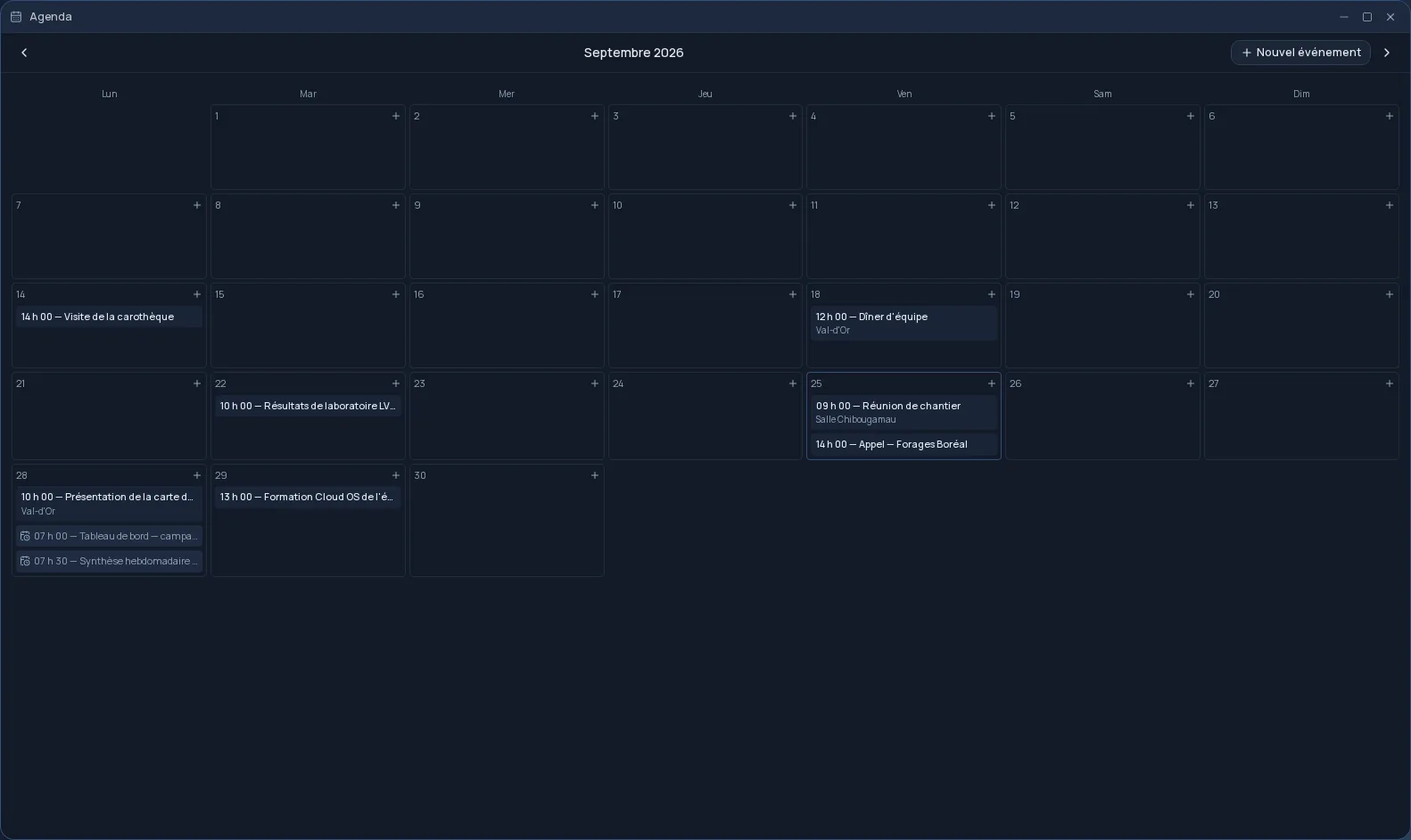
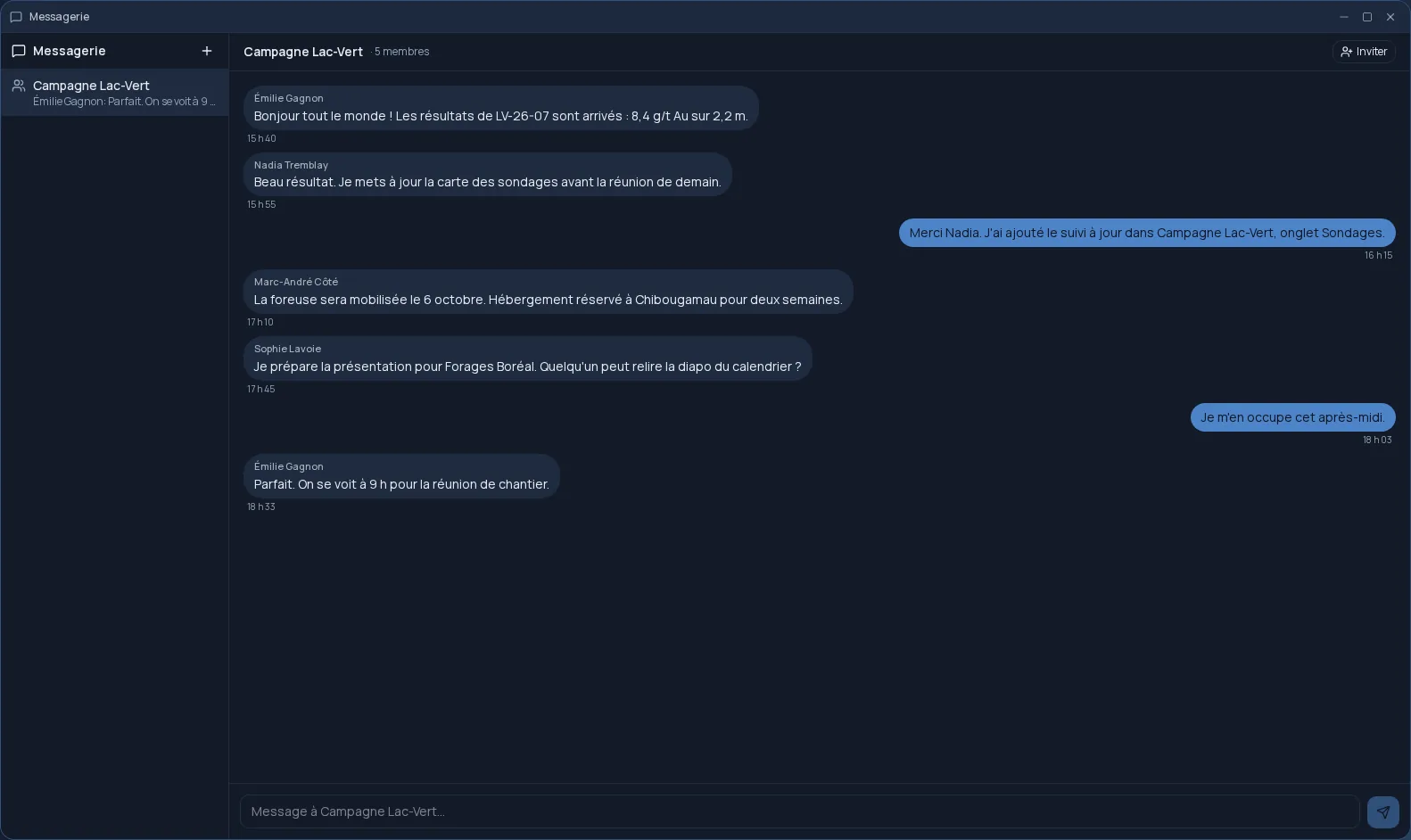
The Mail window opens the Calendar, Messaging and the Address book in a side panel: you check a date or find a phone number without leaving the message you are reading. Mail also opens on a tablet or phone, in the browser.
Frequently asked questions
- Can I get a @cloudos.ca address?
- Yes. You create it from the Mail app, choosing the part before the @ and a password of at least 10 characters, with letters and numbers.
- Can I read my Gmail or Outlook in Cloud OS?
- Yes. You link the mailbox with its address and password: an app password for Gmail, Microsoft sign-in for Outlook. Other IMAP and SMTP providers work too.
- Does unlinking a mailbox delete my messages?
- No. Cloud OS only deletes the credentials it was keeping. The mailbox and its messages stay with their provider.
- Does Mail cost extra?
- No. It is included in the subscription from the Personal plan.