Image and photo
Inkscape online, vector drawing with nothing to install
Free vector drawing for your logos and SVG files, in your browser.
Included from the Personal plan
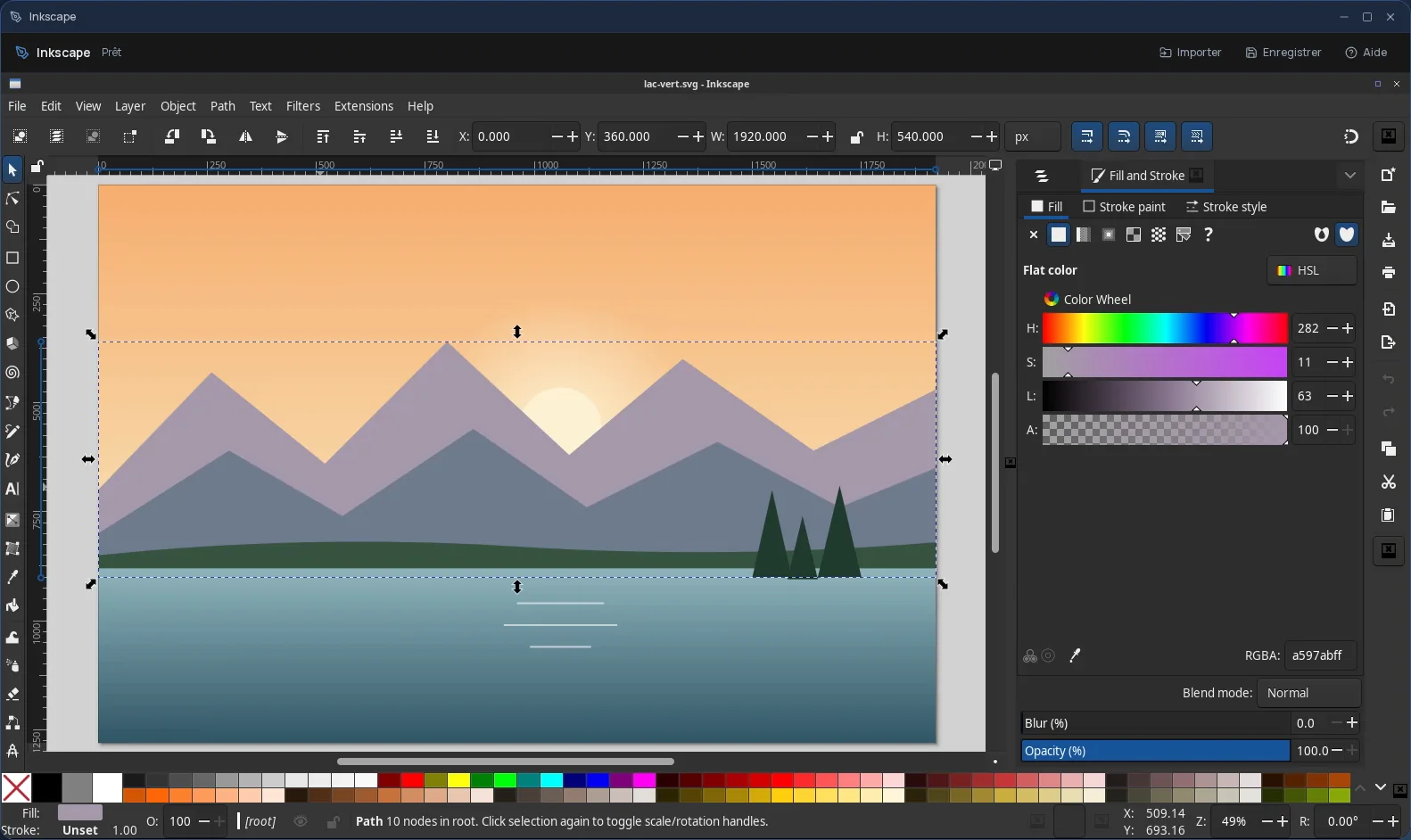
The real Inkscape, in a desktop window
Inkscape is the leading free vector drawing software. Its drawings are made of shapes and curves, not pixels: a logo stays sharp whether it is printed on a business card or a banner.
In Cloud OS, the software itself runs in a window of your online desktop. Nothing to install on your computer, no updates to keep up with, and the same Inkscape on every computer you sign in from.
Logos, illustrations, plans and SVG
Inkscape works natively in SVG, the web's vector format, and produces the files a printer or a website expects.
- Shapes, Bézier curves, text and layers, with precise alignment tools.
- Logos, icons, diagrams, posters and simple plans.
- Export to PNG at the resolution you need, or to PDF or EPS for print.
- Opens existing SVG and PDF files, so you can rework them.
Your drawings stay in your own space
You pick a file in the Files app, and it opens straight in Inkscape; repeat to add more. Once the work is done, the Save button sends your drawings and exports back to Files.
- Every file sent back arrives as a new file: the original version is never overwritten.
- Only new or changed files go back: an original you did not touch is not duplicated.
- Your files are hosted in Québec.
Good to know
Save and export straight into the app's “Stockage” (Storage) folder: files go back to Files from there, not from its subfolders. An Inkscape session is temporary: anything not sent back to Files disappears with it.
Inkscape is used from a computer; it is not offered on phones.
Frequently asked questions
- Do I need to install Inkscape to use it in Cloud OS?
- No. Inkscape runs in a window of your online desktop, from the browser. There is nothing to install or update on your computer.
- Can Inkscape replace Illustrator?
- For much of vector drawing (logos, illustrations, diagrams, SVG and PDF files), yes: it is free software that covers that work. Its interface and shortcuts differ, so expect some time to adjust if you are coming from Illustrator.
- How is it different from GIMP?
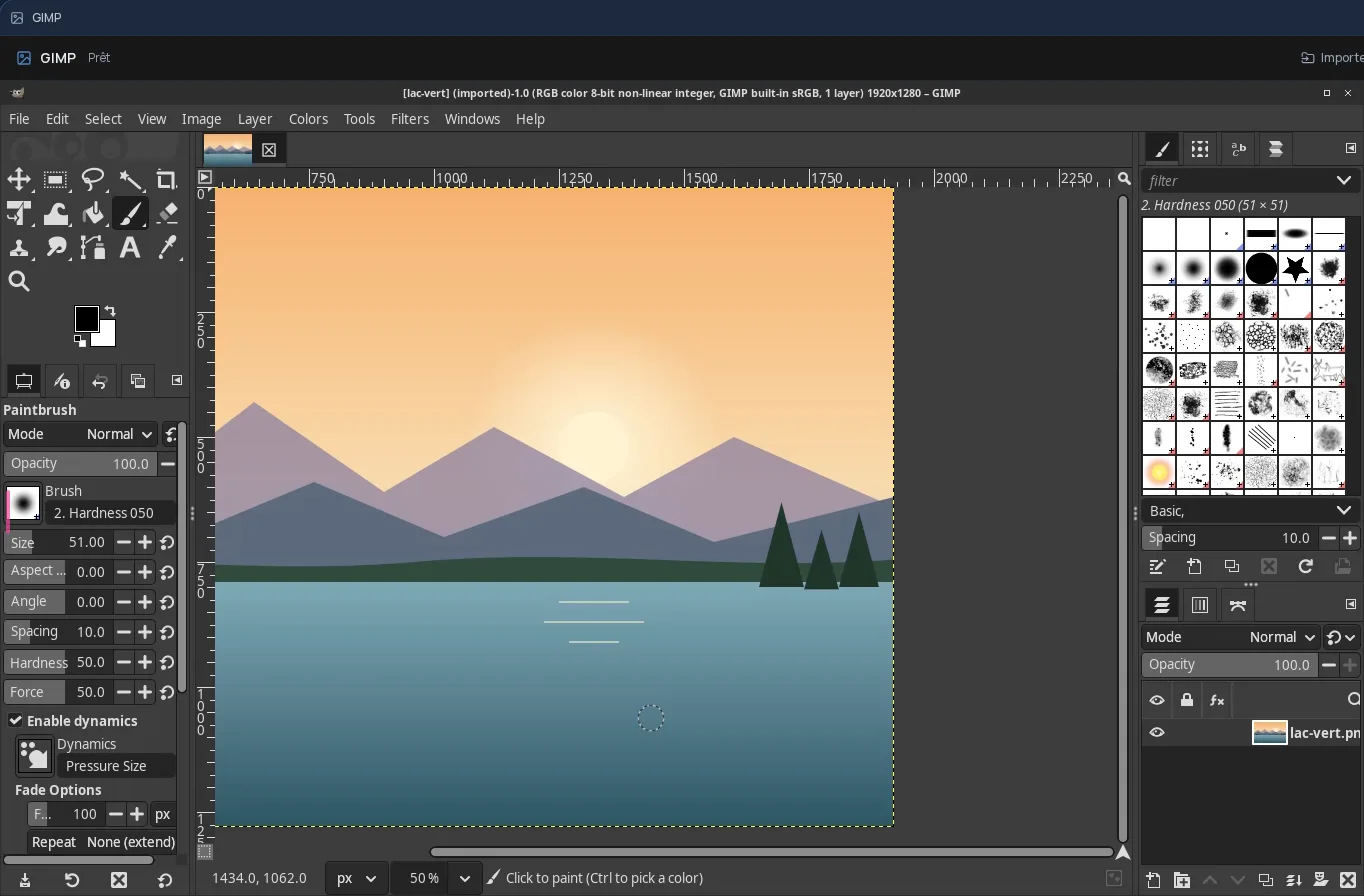
- GIMP edits images made of pixels, such as photos. Inkscape draws in vector form: shapes and curves that stay sharp at any size. For a logo, use Inkscape; to retouch a photo, GIMP. Both are offered in Cloud OS.
- Is Inkscape included in the subscription?
- Yes, from the Personal plan, like the other desktop software. There is no fee per app: each launch counts as one task in your plan's allowance.