Audio and video
An online audio editor, with nothing to install
Cut and touch up a recording in a few clicks, right in your browser.
Included from the Personal plan
Touch up audio with nothing to install
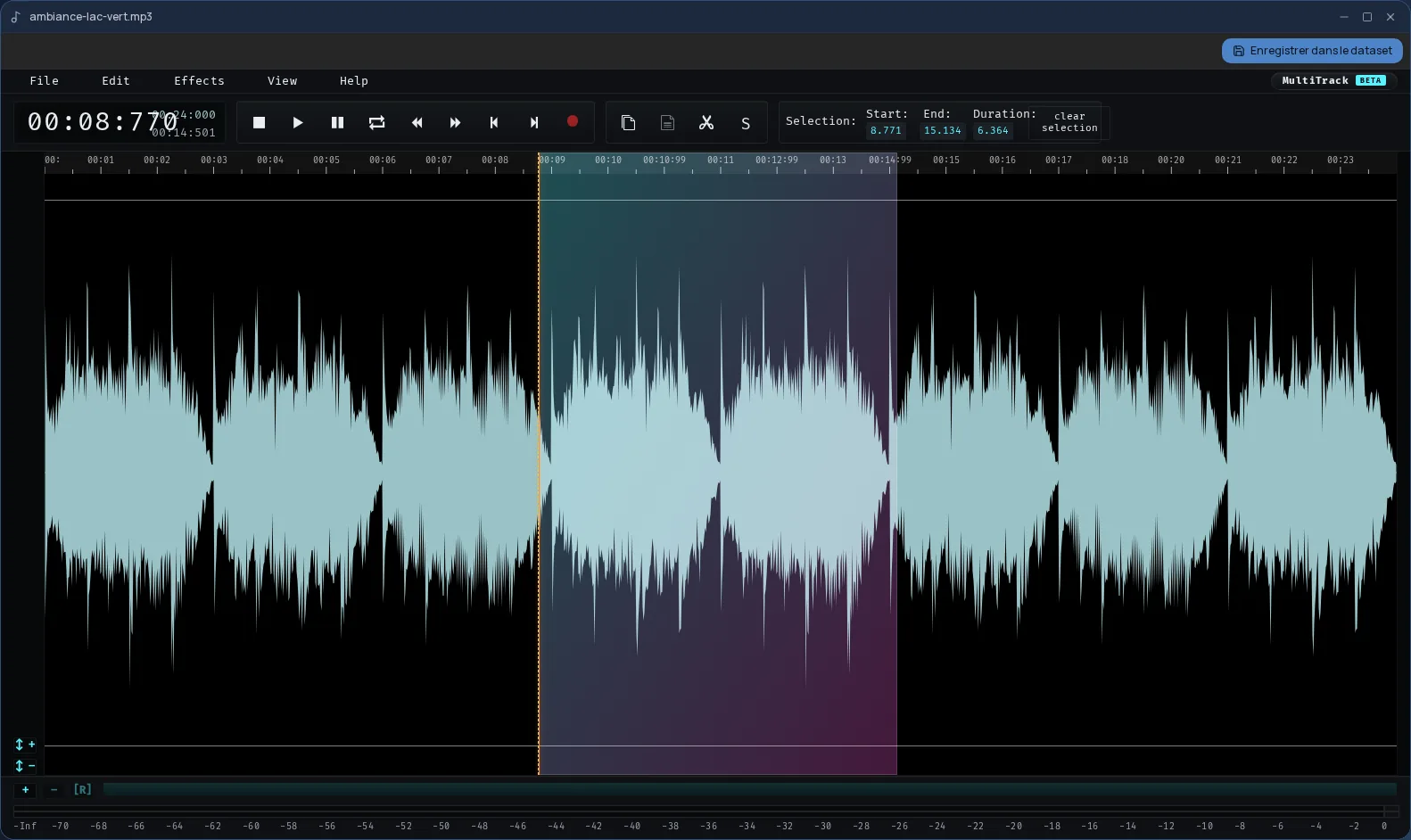
The Cloud OS audio editor handles everyday touch-ups: shortening a recording, cutting a silence or a stumble, adjusting the volume, softening a start or an ending. It opens in a window of your online desktop, right in the browser.
It is AudioMass, a free web-based audio editor, built into Cloud OS: you see the waveform, select a passage and edit it.
Your files, from start to finish
You open an audio file from the Files app in the editor, for example an MP3, WAV, FLAC or Ogg file. A button at the top of the window saves your work to Files, next to the original.
- The result is a WAV file, named after the original followed by “-édité” (edited).
- The original is never modified.
- Your files are hosted in Québec.
Good to know
The result is always saved as WAV, a lossless format that is larger than an MP3. The editor is used from a computer; it is not offered on phones.
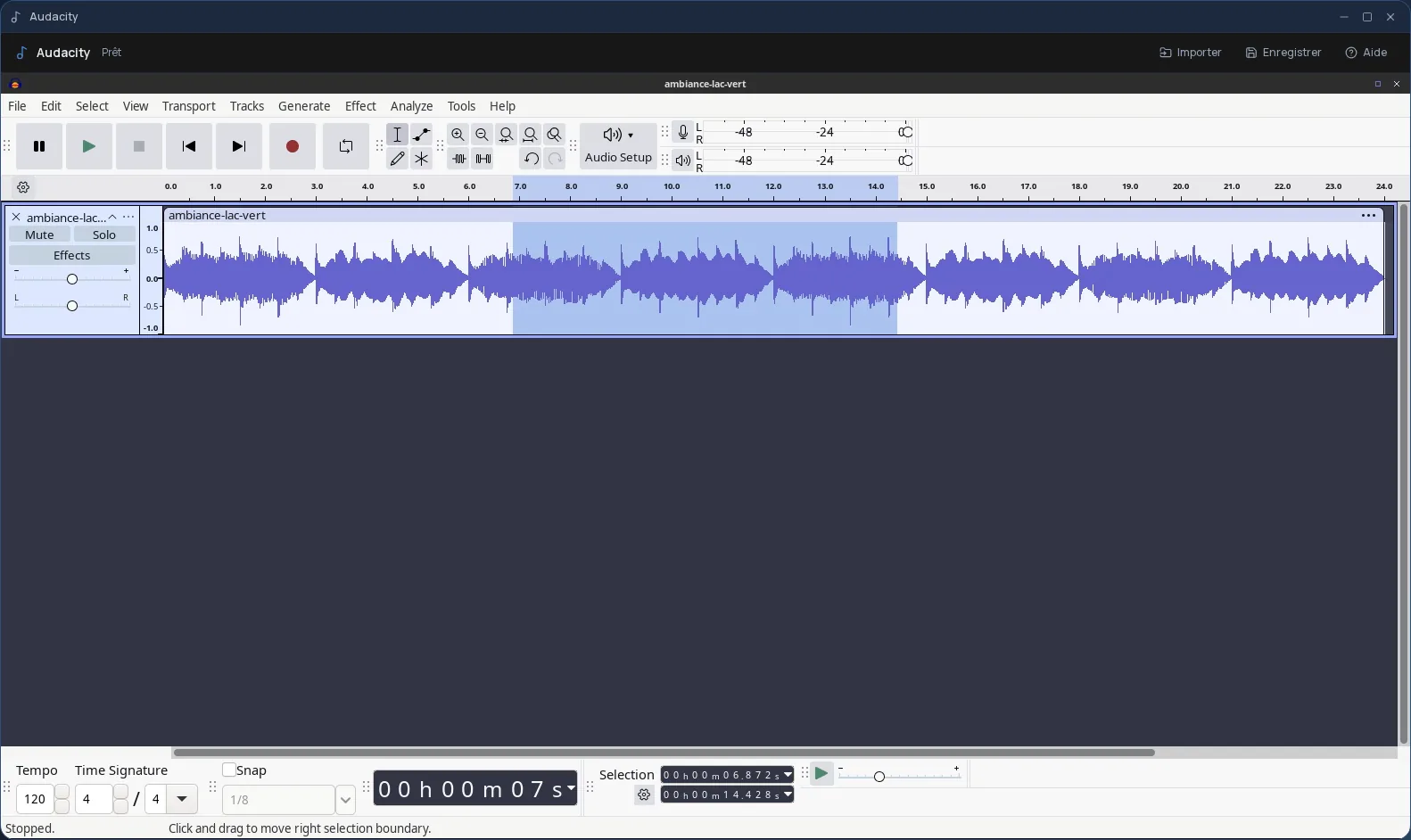
To record or mix several tracks, Cloud OS also offers Audacity, a full audio application, in a window of the same desktop.
Frequently asked questions
- Which audio files can I open?
- Common formats: MP3, WAV, FLAC, Ogg, M4A or AAC, for example. You open them from the Files app in Cloud OS.
- What format is my work saved in?
- WAV, as a new file placed next to the original. The original file stays as it was.
- Is the audio editor included in the subscription?
- Yes, from the Personal plan, like the other apps on the desktop. There is no extra charge per app.