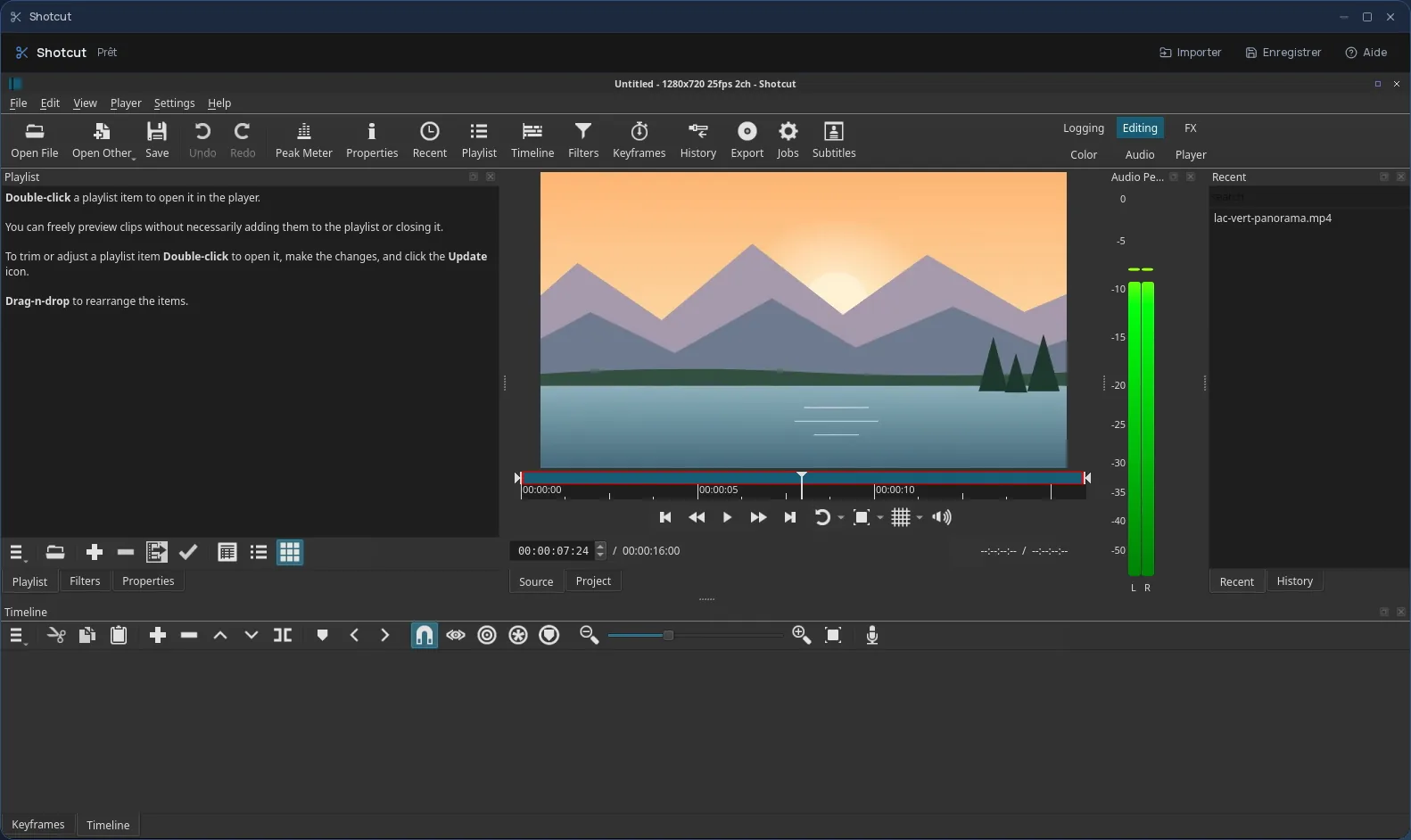
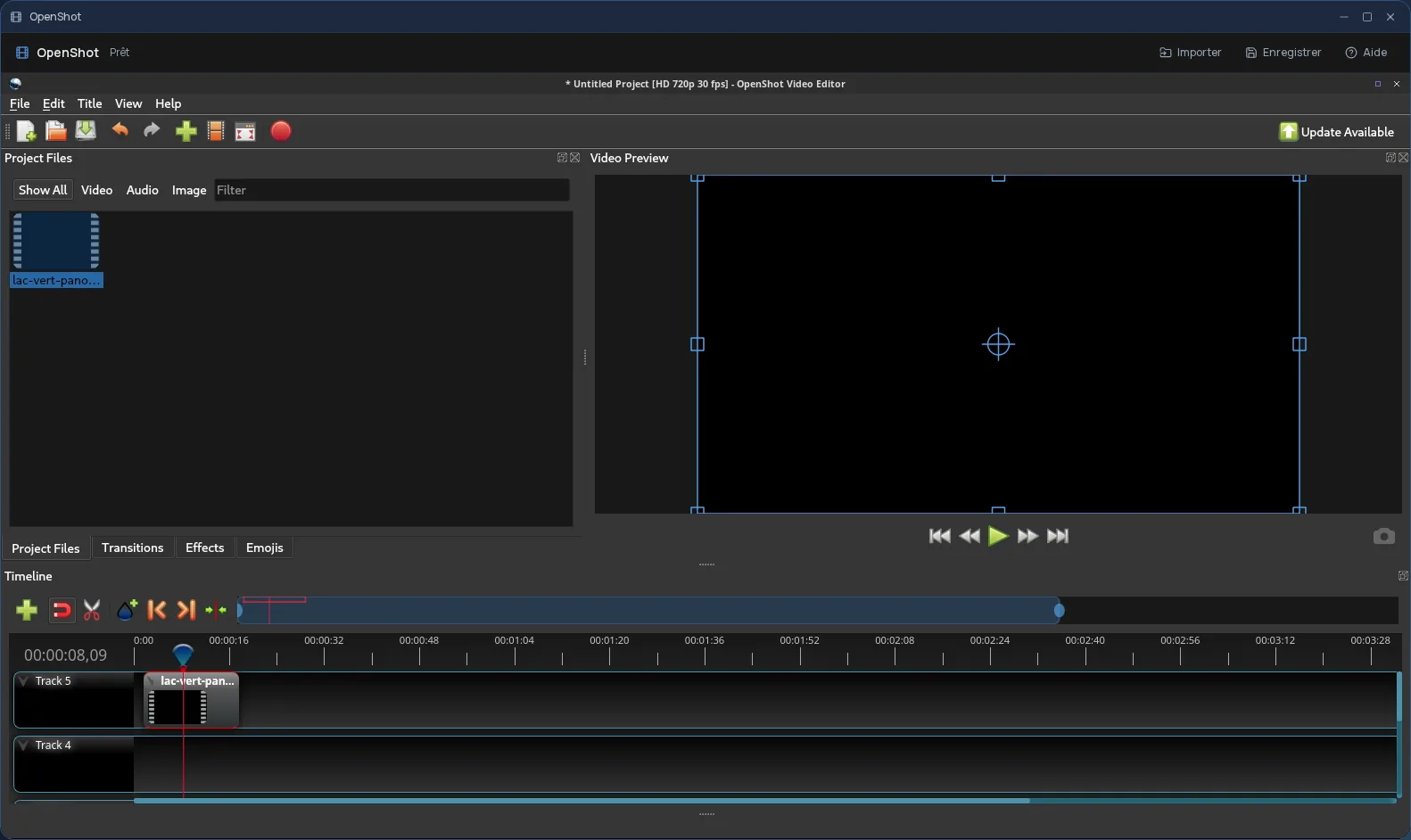
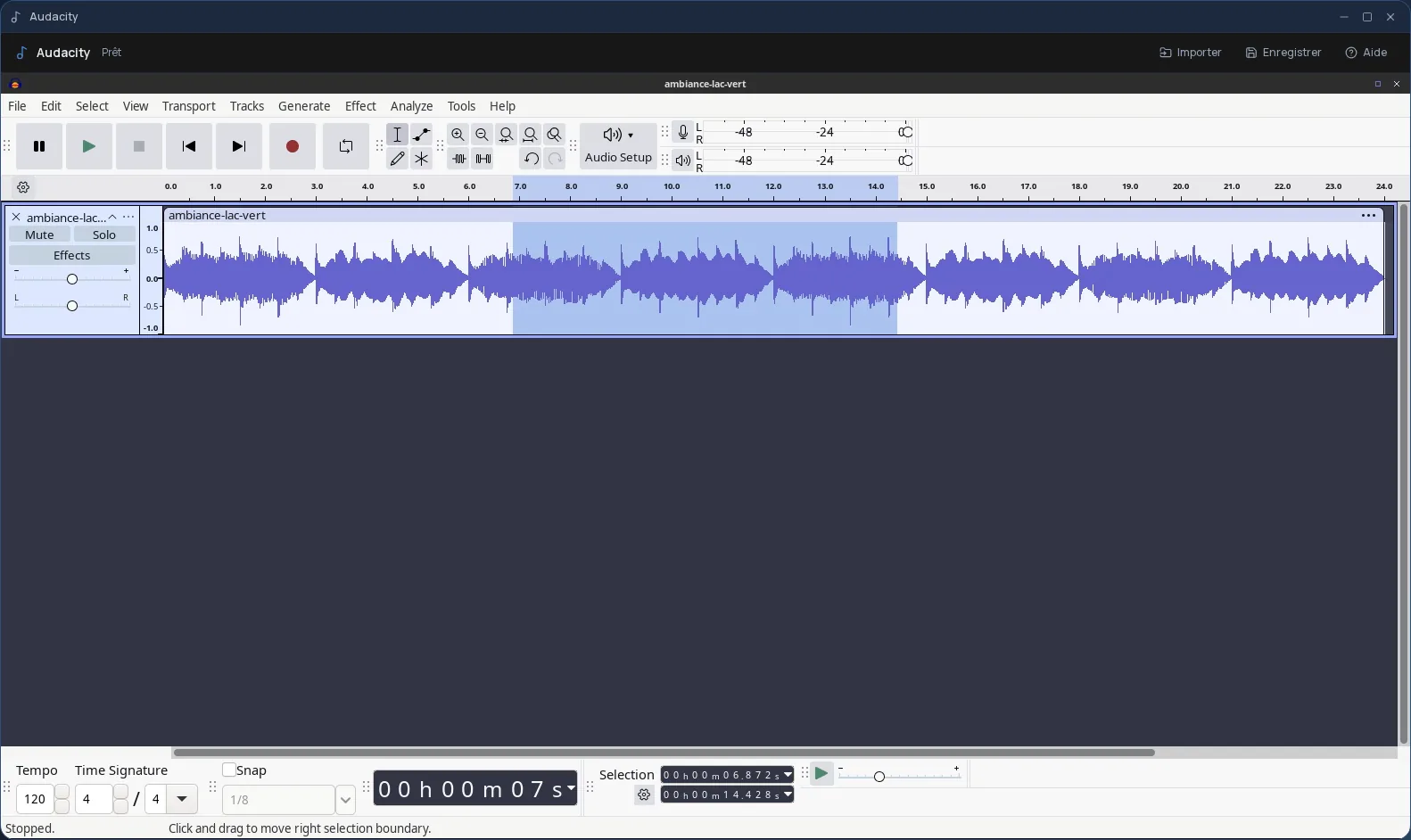
Audio and video
Kdenlive online, with nothing to install
Free multi-track video editing, in your browser.
Included from the Personal plan
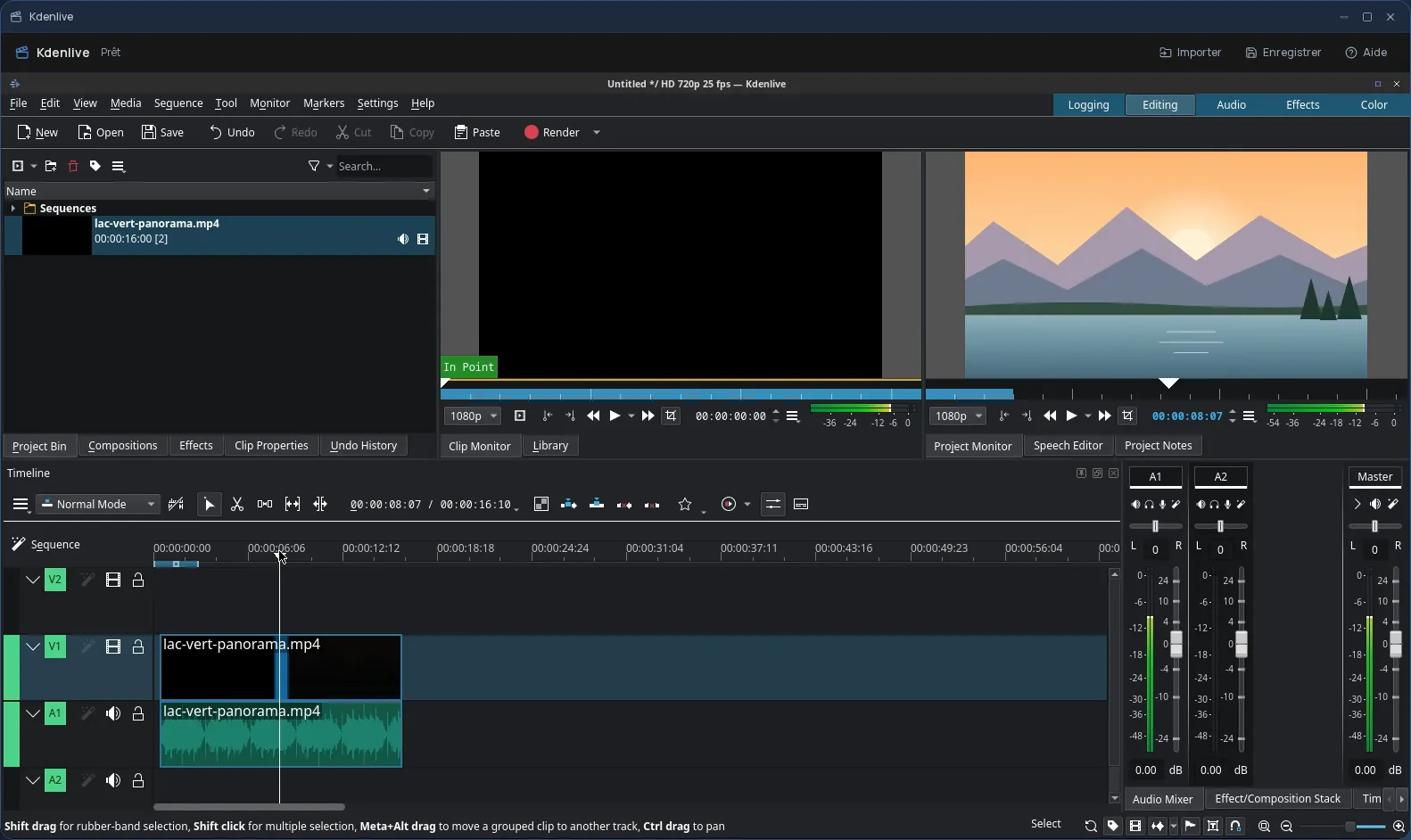
The real Kdenlive, not a cut-down version
Kdenlive is the KDE community's free video editing software: multi-track timeline, audio and video tracks, transitions, effects, titles, rendering to many formats. In Cloud OS, the software itself runs in a window of your online desktop.
You open it like any other app on the desktop. Nothing to install on your computer, no updates to keep up with, and the same Kdenlive on every computer you sign in from.
Your footage comes from your Files
You pick your videos, sounds and images in the Files app: they arrive in the “Stockage” (storage) folder of the Kdenlive session, where you add them to your project. Once the edit is done, you save the render and the project in that same folder, then send them back to Files.
- Several files imported one after another, without closing the import window.
- Every file sent back arrives as a new file: the original is never overwritten.
- Your files are hosted in Québec.
Good to know
A Kdenlive session is temporary: remember to send your render and project back to Files before closing it, since that is where they are kept. Kdenlive is used from a computer; it is not offered on phones.
For a quick trim on a single video, the built-in Cloud OS video editor is often enough; Kdenlive takes over as soon as the project has several tracks.
Frequently asked questions
- Do I need to install Kdenlive to use it in Cloud OS?
- No. Kdenlive runs in a window of your online desktop, from the browser. There is nothing to install or update on your computer.
- Can Kdenlive replace Premiere Pro?
- For many projects, yes: multi-track editing, transitions, effects and titles are all there, and it is free software, with no licence to buy. Teams deeply tied to the Adobe ecosystem will keep their habits; others will find what they need.
- Where do I find my video once the edit is done?
- Save the render in the session's “Stockage” folder, then send it back to Files: it arrives there as a new file. Do the same with the project if you plan to pick it up again.
- Is Kdenlive included in the subscription?
- Yes, from the Personal plan, like the other desktop software. There is no fee per app: each launch counts as one task in your plan's allowance.