Audio and video
OpenShot online: easy video editing, with nothing to install
Free video editing built to get straight to the point, in your browser.
Included from the Personal plan
Video editing you can pick up in minutes
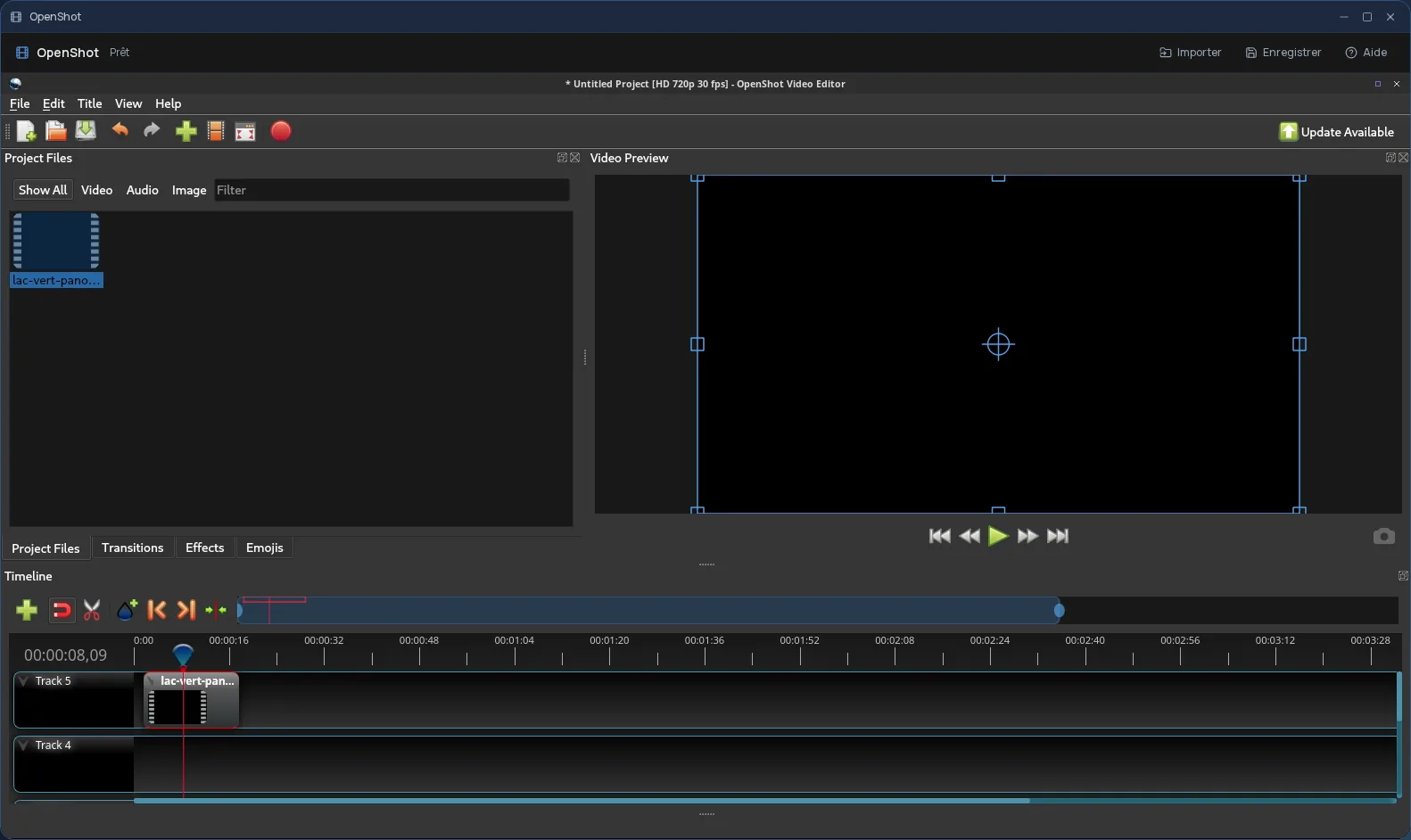
OpenShot is free video editing software designed to be simple: drop your clips on the timeline, trim, add a transition, a title, some music, and export. It can do more — unlimited tracks, keyframe animation, speed changes — without forcing any of it on someone who just wants to put a few shots together.
It is the right choice for a presentation video, a tutorial, an event recap or a short clip for social media, when you are not an editor by trade.
The real OpenShot, in a desktop window
In Cloud OS, the software itself runs in a window of your online desktop. Nothing to install on your computer, no updates to keep up with, and the same OpenShot on every computer you sign in from. The video is exported on the server, not on your machine.
Your clips stay in your own space
You pick your clips, pictures and music in the Files app, and they open straight in OpenShot. Once the video is exported to the app's “Stockage” folder, one click sends it back to Files.
- Several files imported one after another, without closing the import window.
- Every file sent back arrives as a new file: your original footage is never overwritten.
- Your files are hosted in Québec.
Good to know
An OpenShot session is temporary: export your video to the “Stockage” folder and send it back to Files before closing the window, since that is where it is kept. OpenShot is used from a computer; it is not offered on phones. For more advanced multitrack editing, Kdenlive is also available in Cloud OS.
Frequently asked questions
- Do I need to install OpenShot to use it in Cloud OS?
- No. OpenShot runs in a window of your online desktop, from the browser. There is nothing to install or update on your computer.
- OpenShot, Shotcut or Kdenlive: which should I choose?
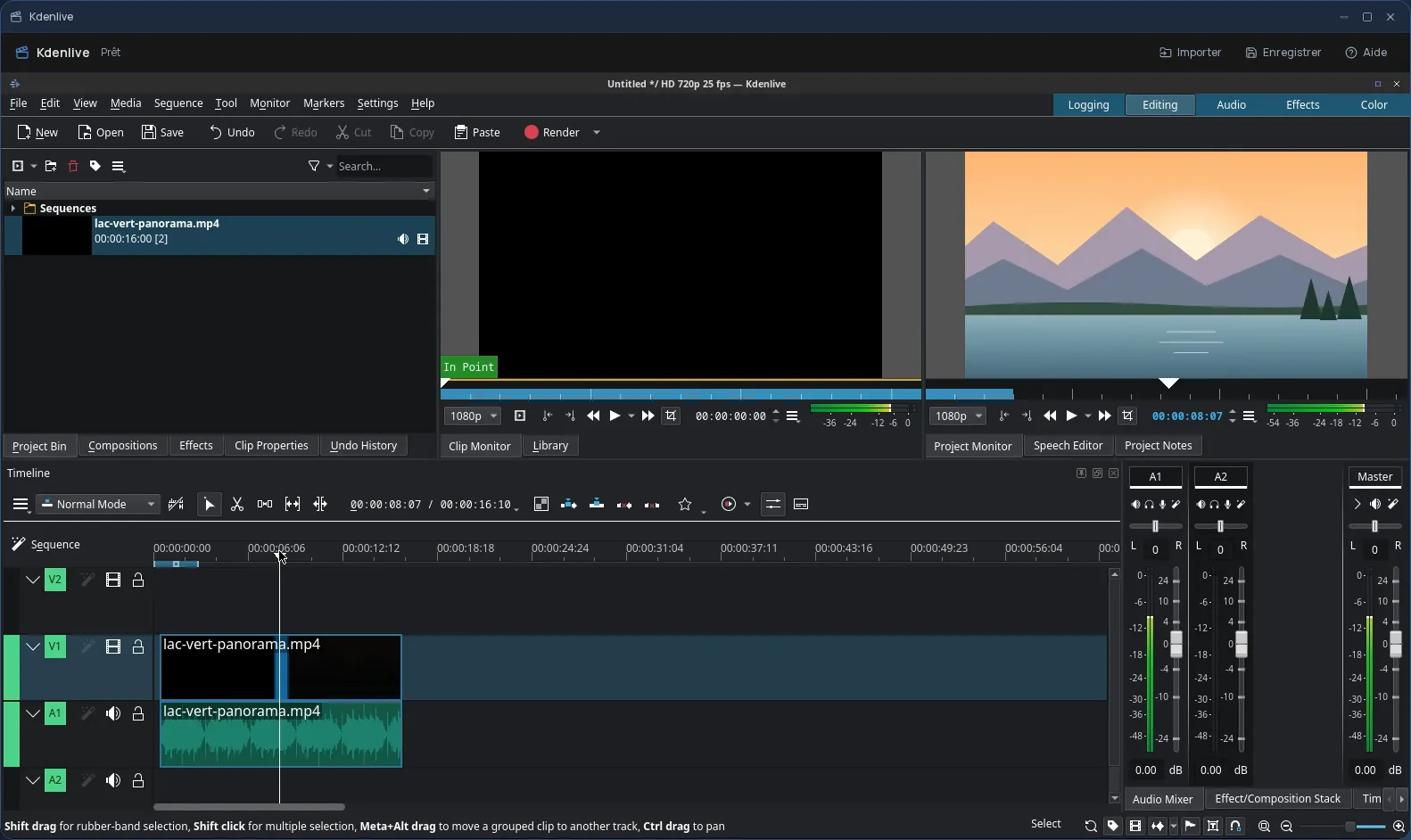
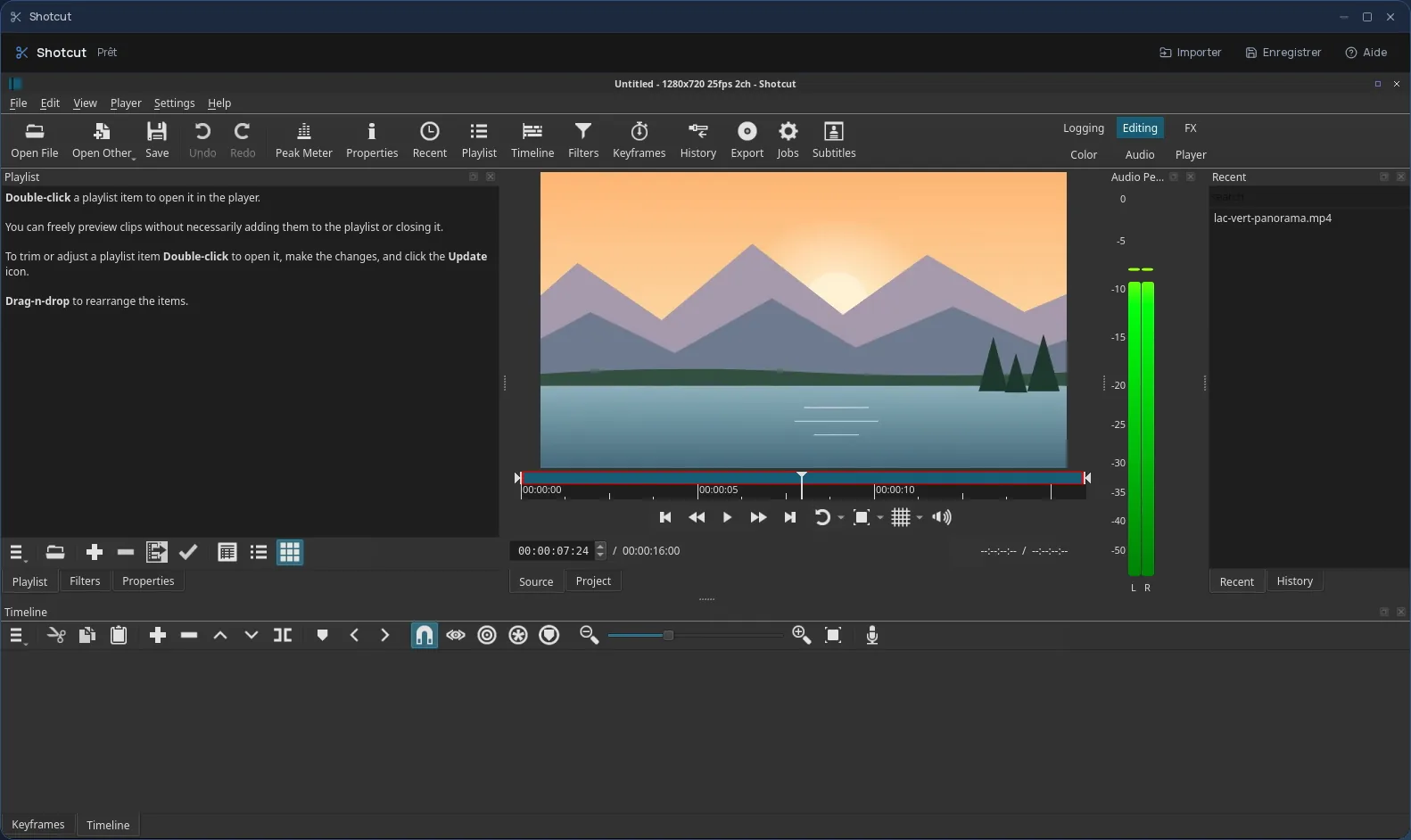
- OpenShot is the easiest to pick up, for a short video or a first edit. Shotcut suits people who want more filters and settings; Kdenlive, a more ambitious multitrack edit. All three are included in Cloud OS, so you can try each one in turn.
- Is OpenShot included in the subscription?
- Yes, from the Personal plan, like the other desktop software. There is no fee per app: each launch counts as one task in your plan's allowance.
- Could my original videos be overwritten?
- No. Files you send back from OpenShot to Files arrive as new files; your originals stay as they were.