Audio and video
Shotcut online: a free, precise video editor with nothing to install
The free video editor packed with filters, which opens your files as they are.
Included from the Personal plan
A video editor for people who like to fine-tune
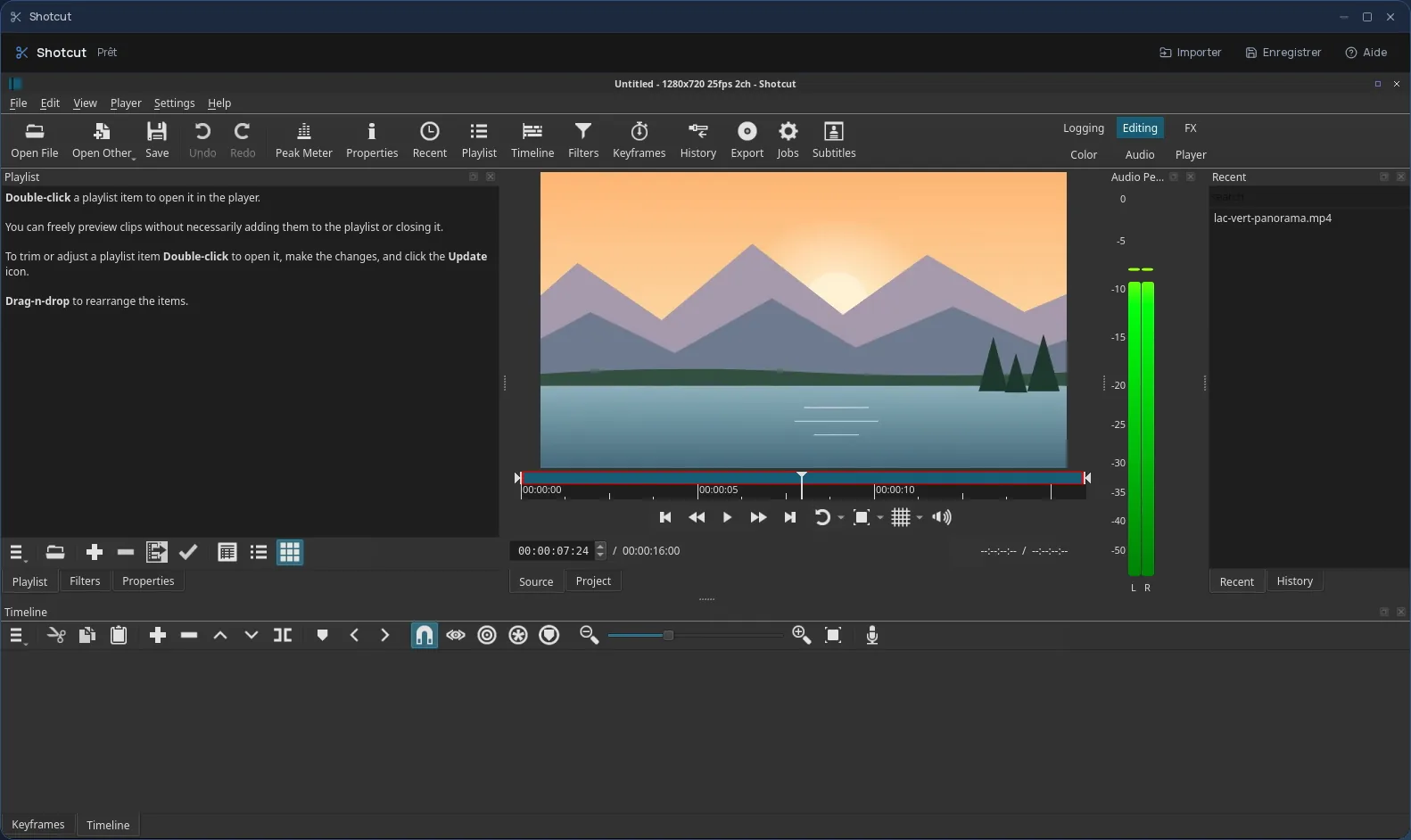
Shotcut is free video editing software built on the MLT framework and FFmpeg. Its strength: it opens a very wide range of video, audio and image formats directly, with no prior conversion, and places them on the timeline as they are.
Around the multitrack timeline sits a rich library of video and audio filters: colour correction, cropping, stabilization, compositing, text, fades, volume control. Most of them can be animated with keyframes, and the panels can be arranged the way you like.
The real Shotcut, in a desktop window
In Cloud OS, the software itself runs in a window of your online desktop. Nothing to install on your computer, no updates to keep up with, and the same Shotcut on every computer you sign in from. The export happens on the server, not on your machine.
Your media stays in your own space
You pick your clips in the Files app, and they open straight in Shotcut. Once the video is exported to the app's “Stockage” folder, one click sends it back to Files.
- Several files imported one after another, without closing the import window.
- Every file sent back arrives as a new file: your original footage is never overwritten.
- Your files are hosted in Québec.
Good to know
A Shotcut session is temporary: export your video to the “Stockage” folder and send it back to Files before closing the window, since that is where it is kept. Shotcut is used from a computer; it is not offered on phones.
Frequently asked questions
- Do I need to install Shotcut to use it in Cloud OS?
- No. Shotcut runs in a window of your online desktop, from the browser. There is nothing to install or update on your computer.
- What is the difference between Shotcut and OpenShot?
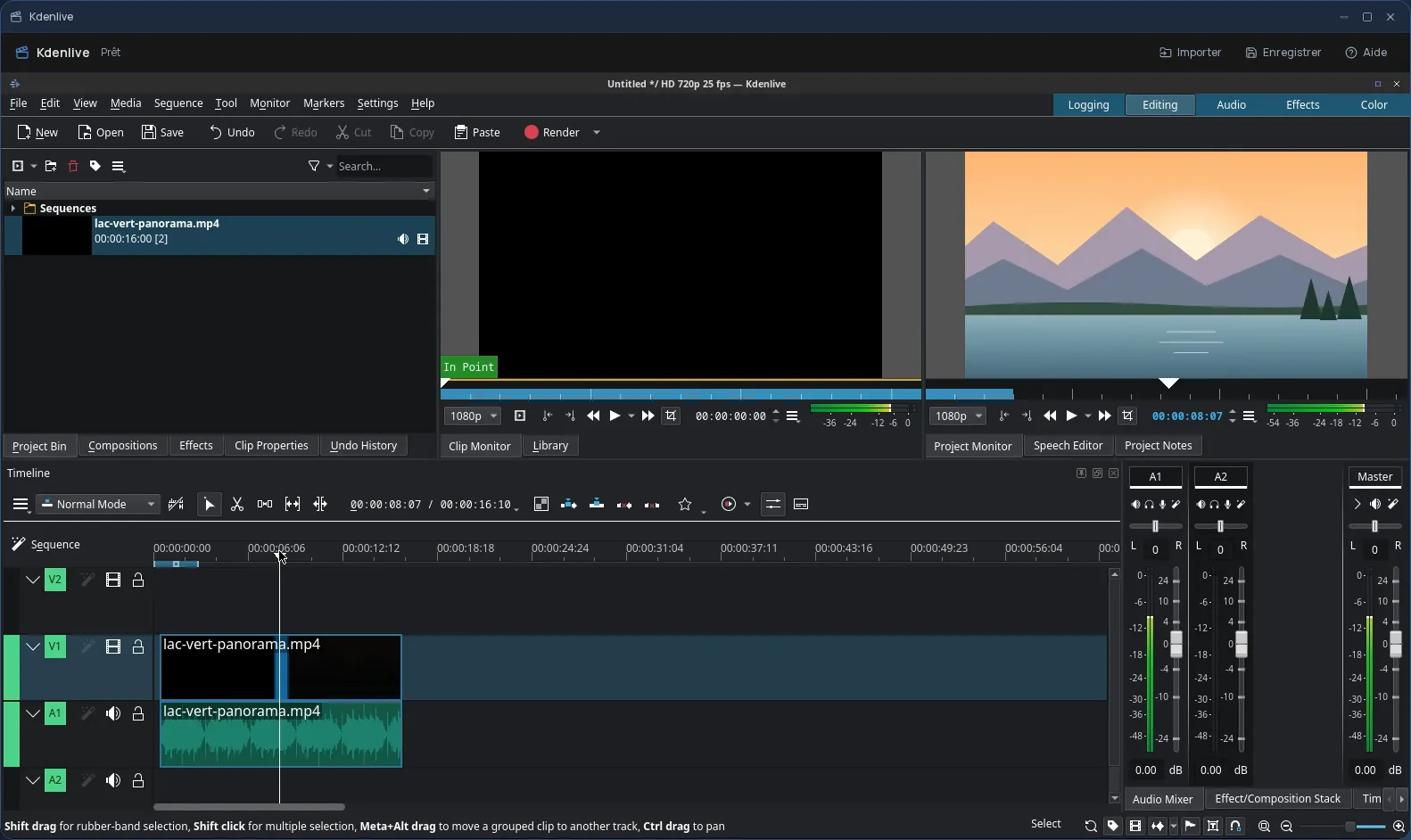
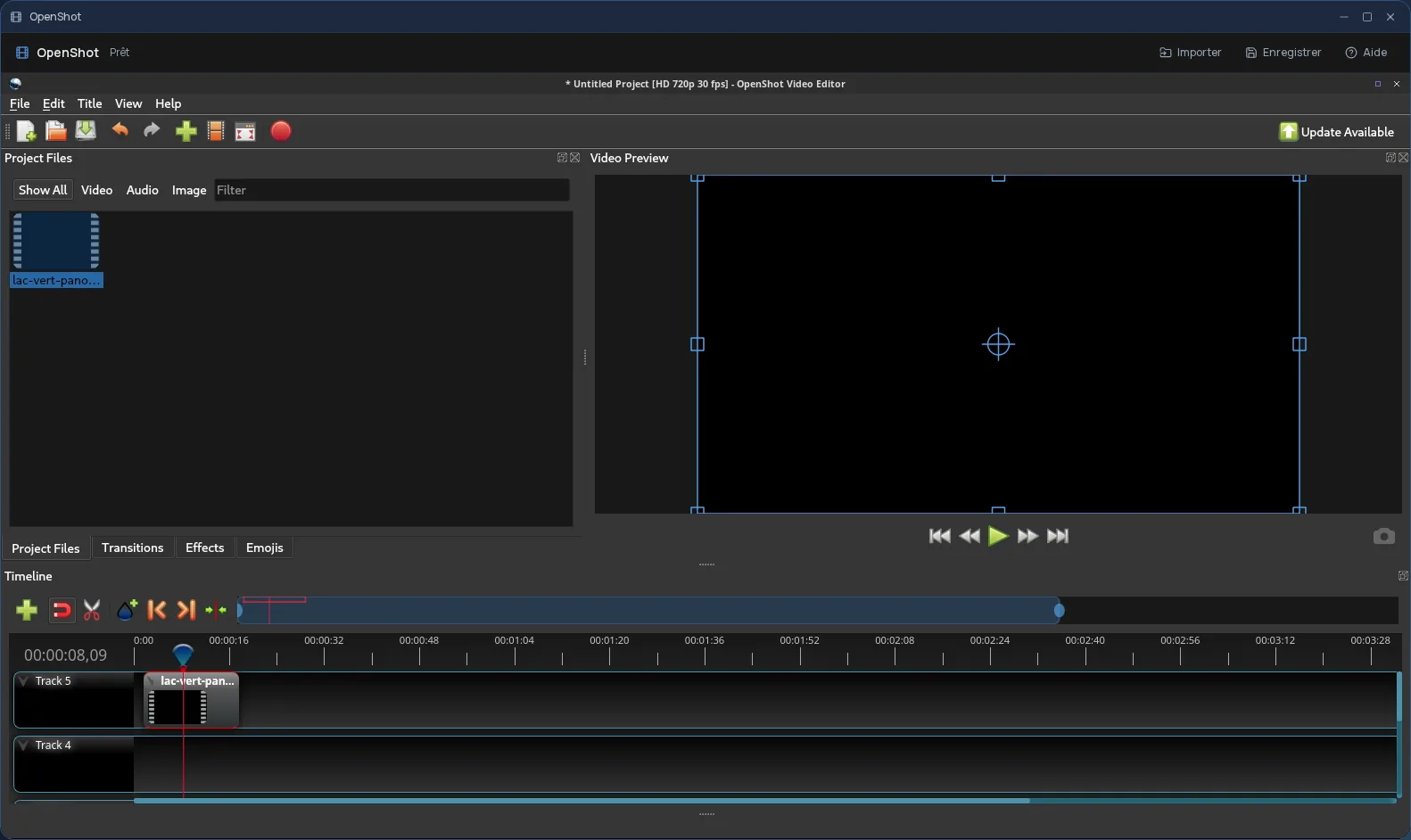
- OpenShot focuses on simplicity, for a first edit or a short video. Shotcut offers more filters and settings, and opens a very wide range of formats with no conversion. Both are included in Cloud OS, as is Kdenlive.
- Is Shotcut included in the subscription?
- Yes, from the Personal plan, like the other desktop software. There is no fee per app: each launch counts as one task in your plan's allowance.
- Could my original videos be overwritten?
- No. Files you send back from Shotcut to Files arrive as new files; your originals stay as they were.