Business and productivity
Calibre online, to convert your e-books
The free Swiss Army knife for e-books, in your browser.
Included from the Personal plan
The go-to e-book software
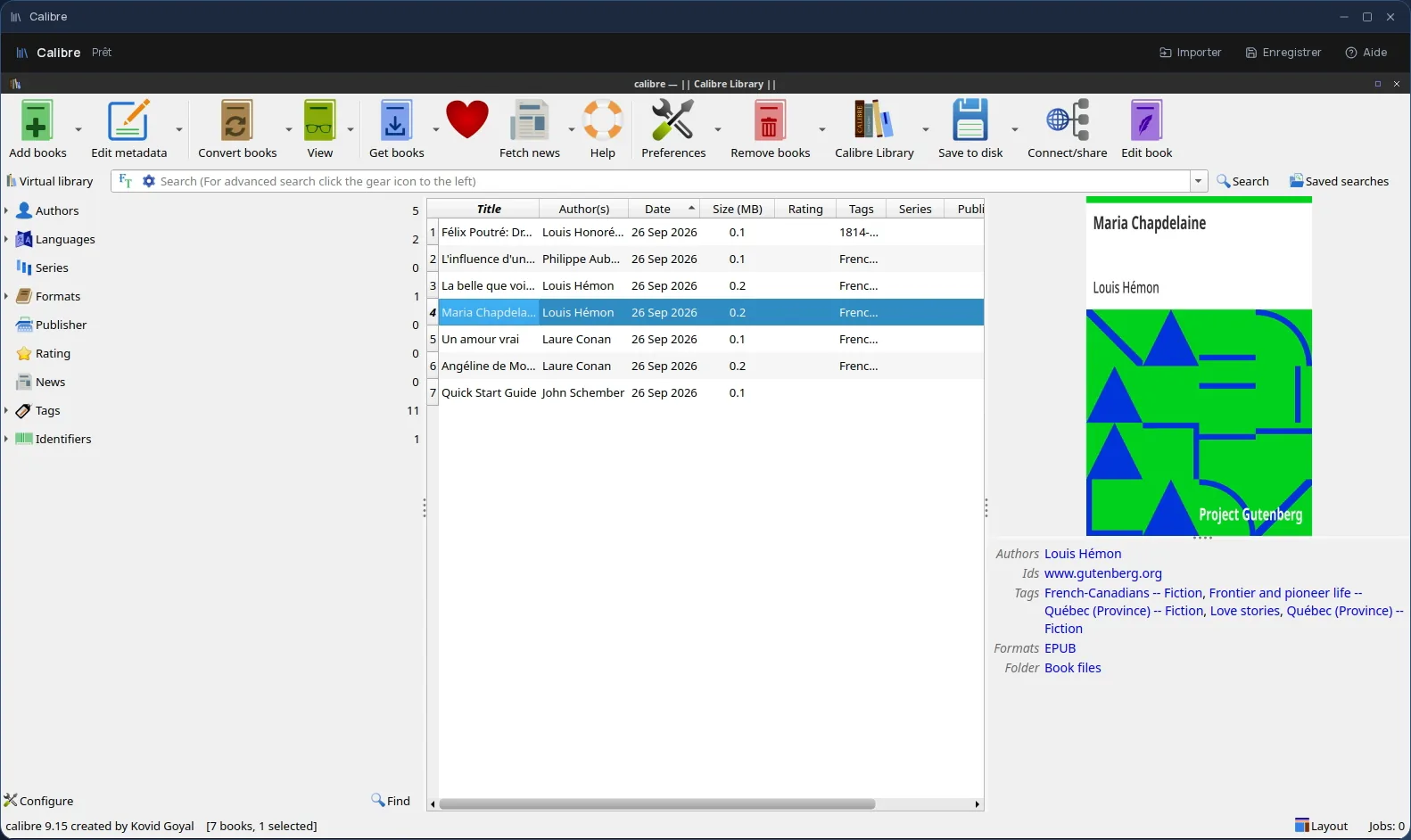
Calibre is free software for managing e-books. It converts a book from one format to another (EPUB, MOBI, AZW3, PDF, DOCX and many more), displays it in its reader, edits its metadata (title, author, cover) and, with its built-in editor, lets you touch up the contents of an EPUB.
In Cloud OS, the software itself runs in a window of your online desktop. Nothing to install on your computer, and the same Calibre on every computer you sign in from.
From file to converted book
You pick your books in the Files app: they are copied to Calibre's “Stockage” folder, from which you add them to the library. Once the book is converted or corrected, you save it to that same folder and send it back to Files.
- Several files imported one after another, without closing the import window.
- Every file sent back arrives as a new file: the original is never overwritten.
- Your files are hosted in Québec.
Good to know
A Calibre session is temporary, and the library it builds goes away with it: here, Calibre is for converting, reading and correcting books, not for keeping a collection from one session to the next. Your books themselves stay in Files.
Only files placed directly in the “Stockage” folder go back to Files, not those in a subfolder: when you save a book, pick that folder itself. Calibre is used from a computer; it is not offered on phones.
Frequently asked questions
- Do I need to install Calibre to use it in Cloud OS?
- No. Calibre runs in a window of your online desktop, from the browser. There is nothing to install or update on your computer.
- Is Calibre included in the subscription?
- Yes, from the Personal plan, like the other desktop software. There is no fee per app: each launch counts as one task in your plan's allowance.
- Is my Calibre library kept?
- No. The session is temporary and Calibre's library goes away when you close it. Whatever you send back to Files, however, stays there.
- Does Calibre remove the locks on purchased books?
- No. Calibre does not remove digital locks (DRM): it converts and reads books that have none.