Geoscience and mining
The first draft of your exploration report, written with AI
The first draft is already written; all that is left is to review and sign it.
Included from the Personal plan
From form to PDF
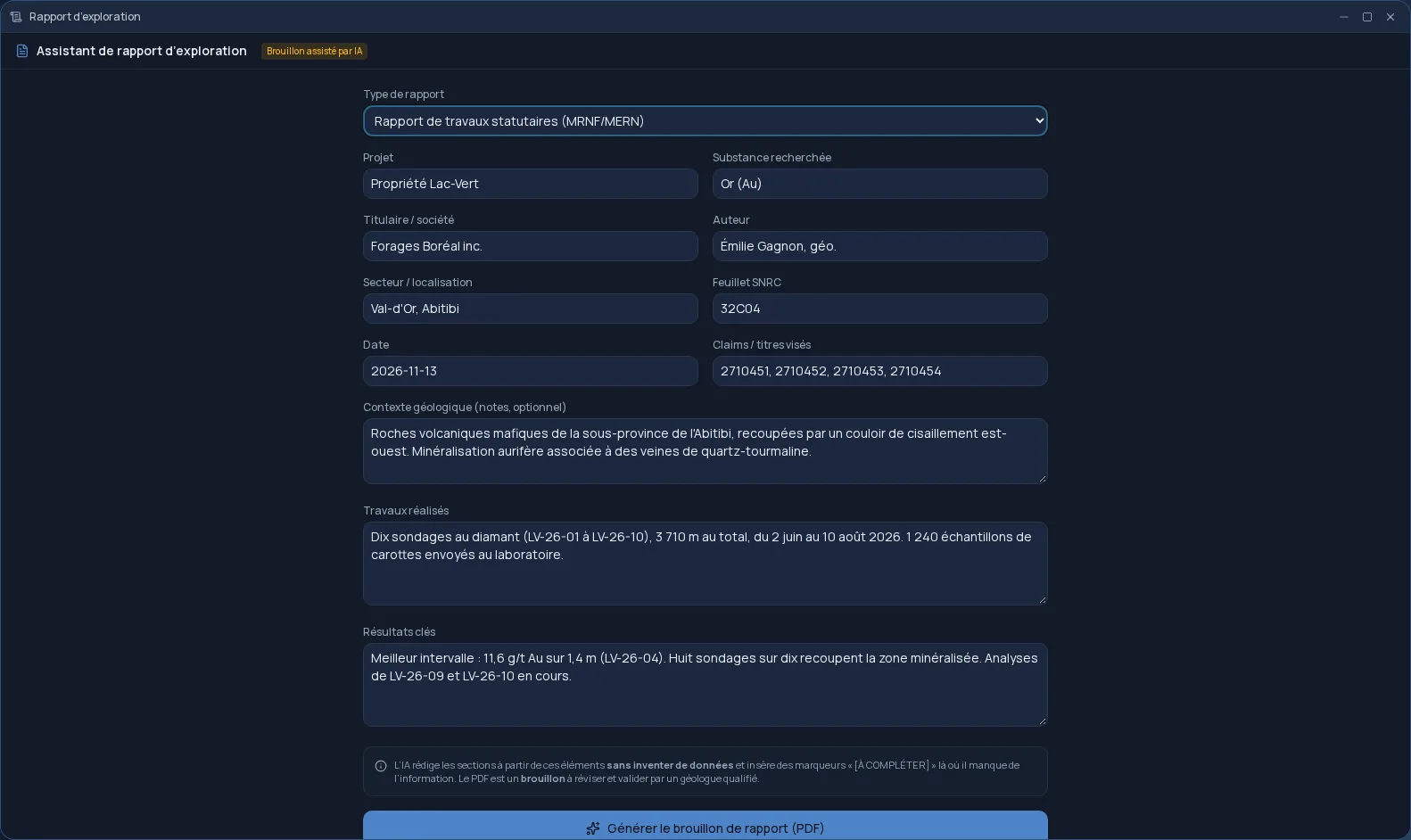
Exploration report starts from what you already know about your project. You fill in a form: the property, the holder, the author, the area, the NTS sheet, the claims concerned, the target commodity, then the work carried out and the key results. AI writes the report sections, and a laid-out PDF lands in your Files space, with a notification when it is ready. The draft is written in French.
Two templates
You choose the type of report, and the AI follows the matching structure:
- Québec statutory work report (MRNF): summary, introduction and objectives, location and access, geological setting, work carried out, results, interpretation, conclusions and recommendations.
- Technical sections in the style of an NI 43-101 report, which add terms of reference, history and mineralization.
No made-up grades
The AI has a strict instruction: invent no figures. Grades, coordinates, dates, metres drilled, sample counts: it only uses what you provided. Where information is missing, it leaves a “[À COMPLÉTER]” (to be completed) marker rather than filling the gap.
The PDF says so on its title page: it is a draft, to be reviewed, completed and approved by a qualified geologist before any filing. It spares you the blank page; the signature remains yours.
Alongside the rest of your exploration
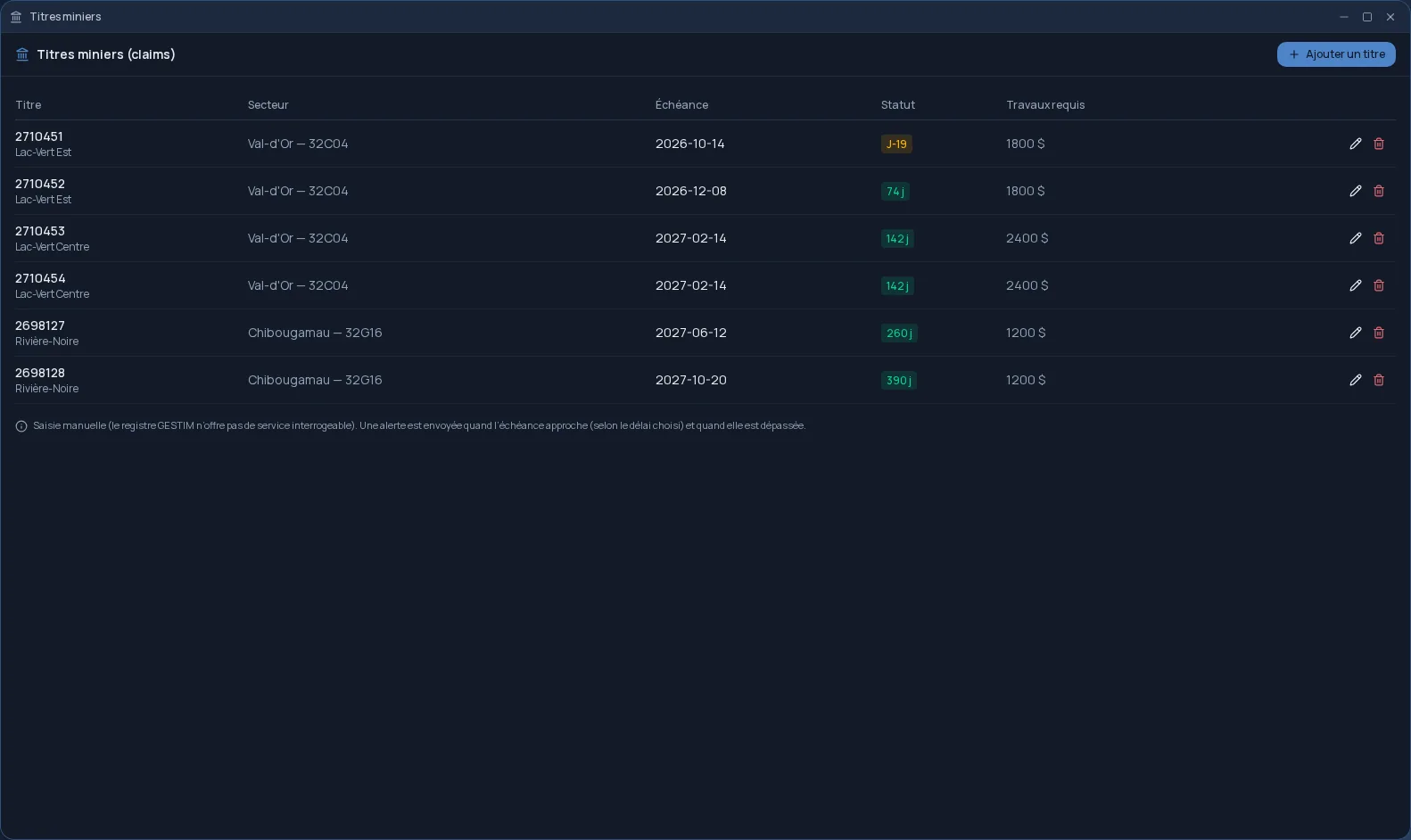
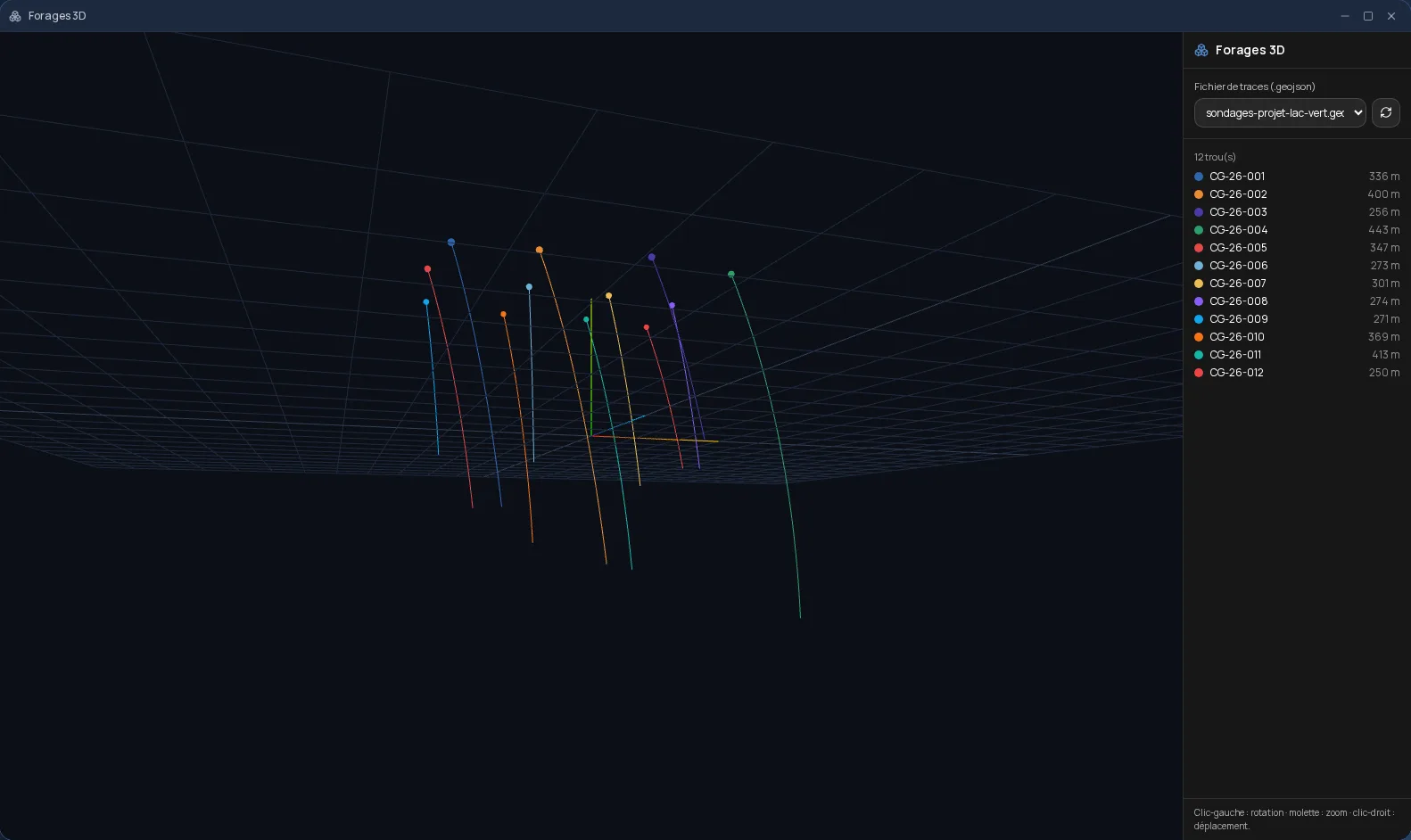
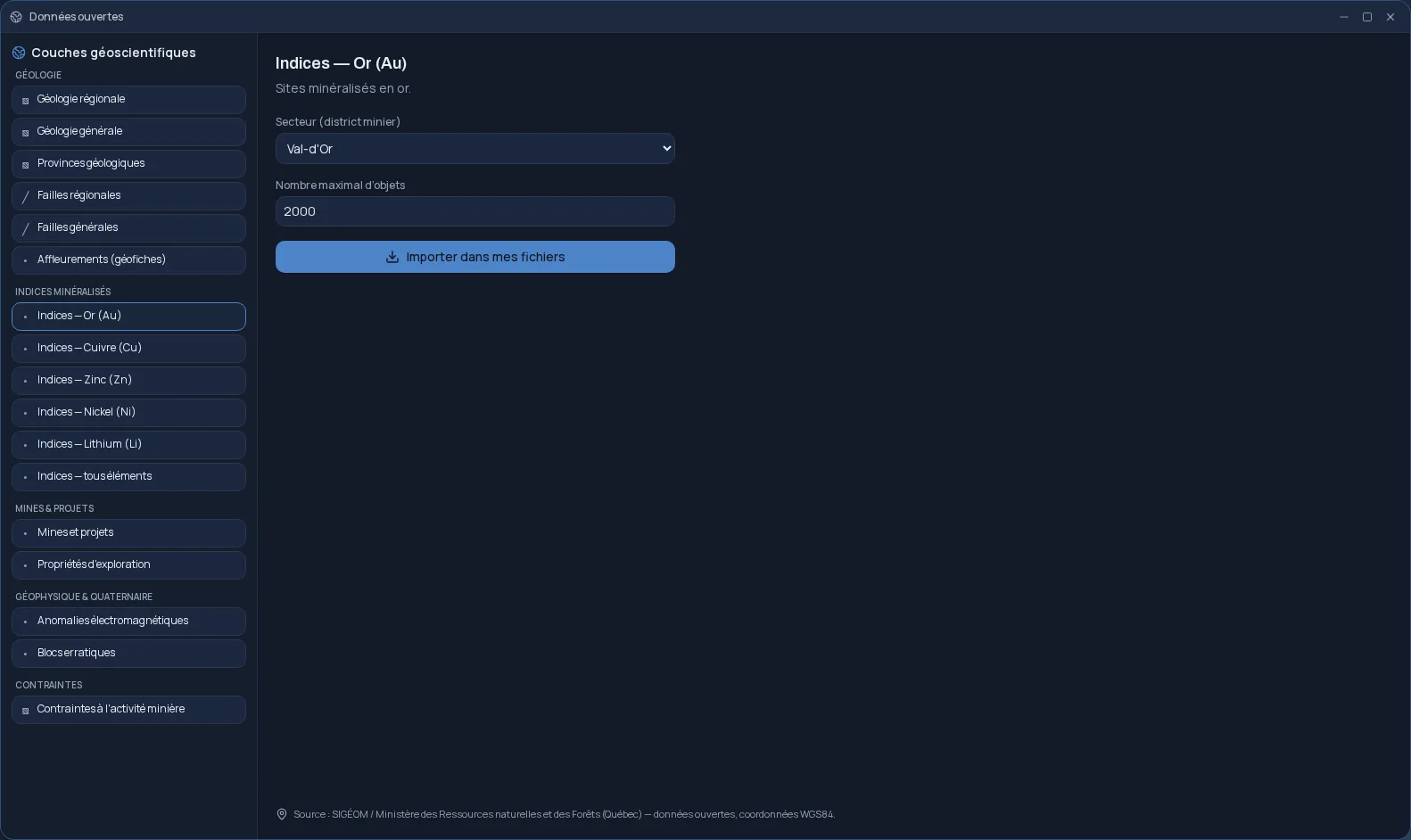
Exploration report is part of the Cloud OS mineral exploration tools, together with mining claim tracking, SIGÉOM layers imported by district and 3D drillholes. Each generated draft counts as one task in your plan's allowance.
Frequently asked questions
- Can the report be filed as is?
- No. It is a draft: it must be reviewed, completed wherever the “[À COMPLÉTER]” markers appear, then approved by a qualified geologist before any filing.
- Can the AI make up results?
- It is instructed never to invent figures and to elaborate only on the information you provide. Missing information becomes a marker to complete.
- What kinds of reports can I produce?
- A Québec statutory work report, or the technical sections of an NI 43-101-style report. Drafts are written in French.
- Is Exploration report included in my plan?
- Yes, from the Personal plan. Each generated draft counts as one task in your plan's allowance.