Development and CAD
A graphical Git client in your browser, with GitHub Desktop
Git without the command line, in your browser.
Included from the Personal plan
Git, without the command line
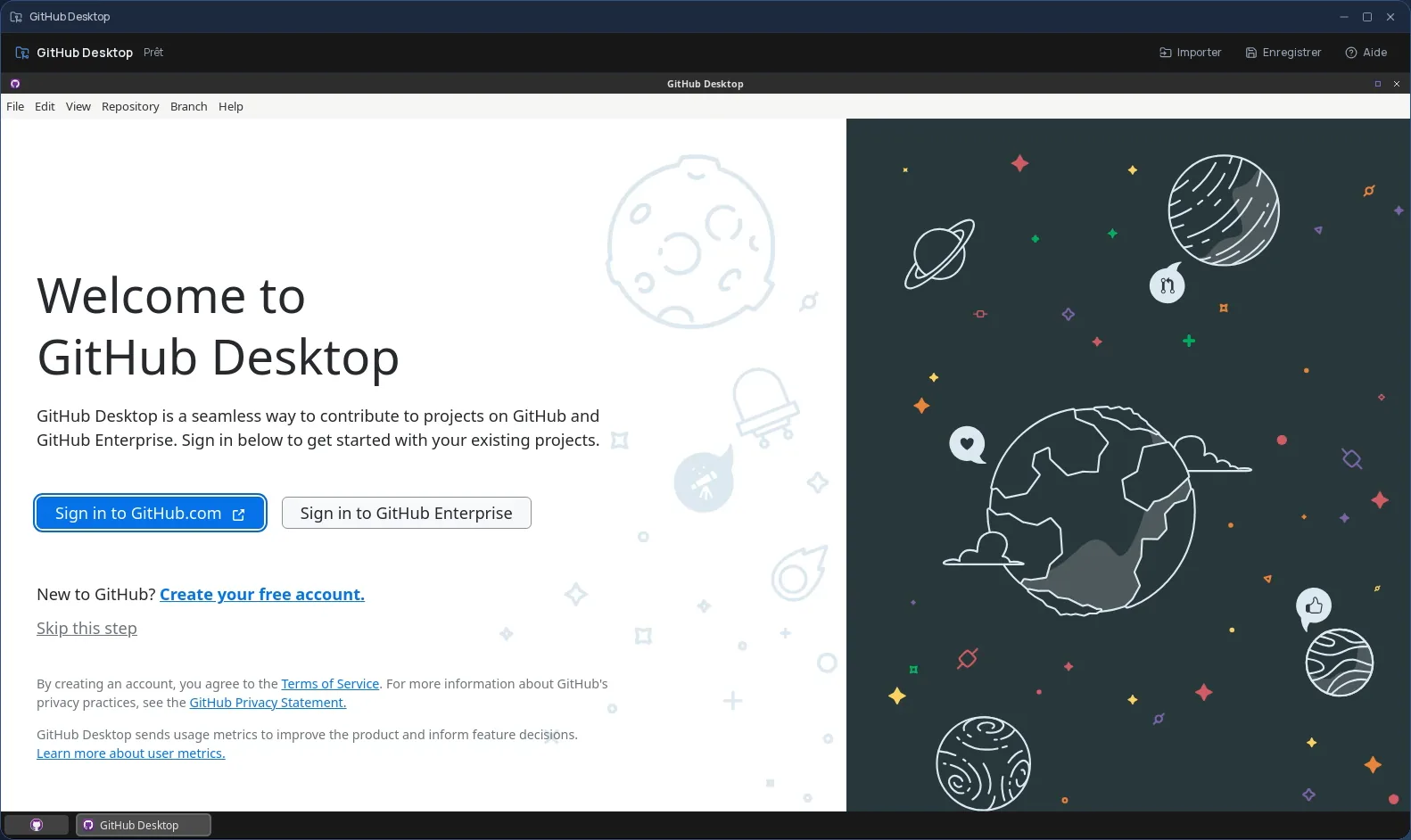
GitHub Desktop is a graphical Git client: you clone a repository, see changes file by file, pick what goes into a commit, switch branches, then push your work. The Git commands stay behind the scenes.
GitHub only publishes GitHub Desktop for Windows and macOS. Cloud OS runs its community Linux port, the open-source shiftkey/desktop project, in a window of your online desktop.
A complete Git workstation in the session
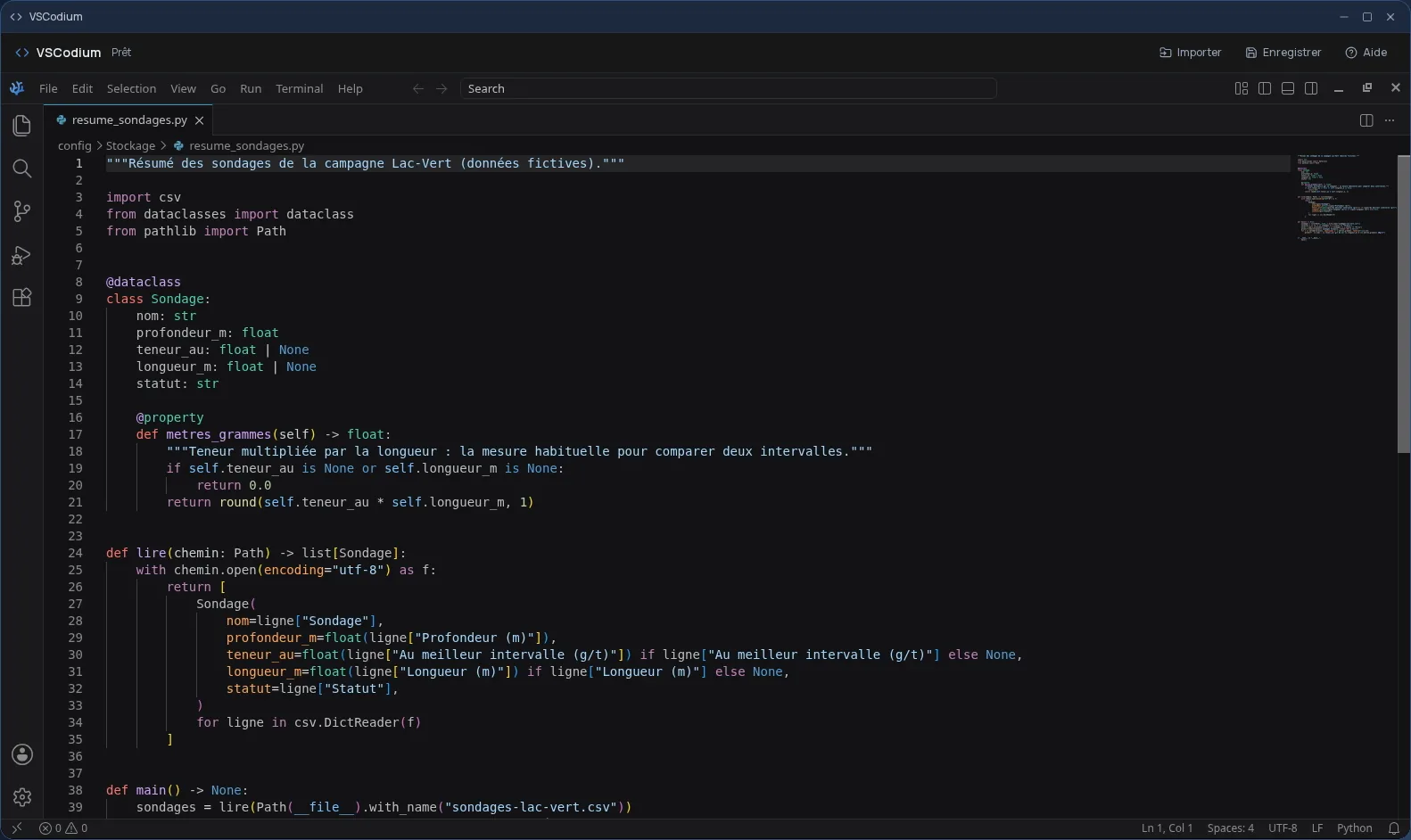
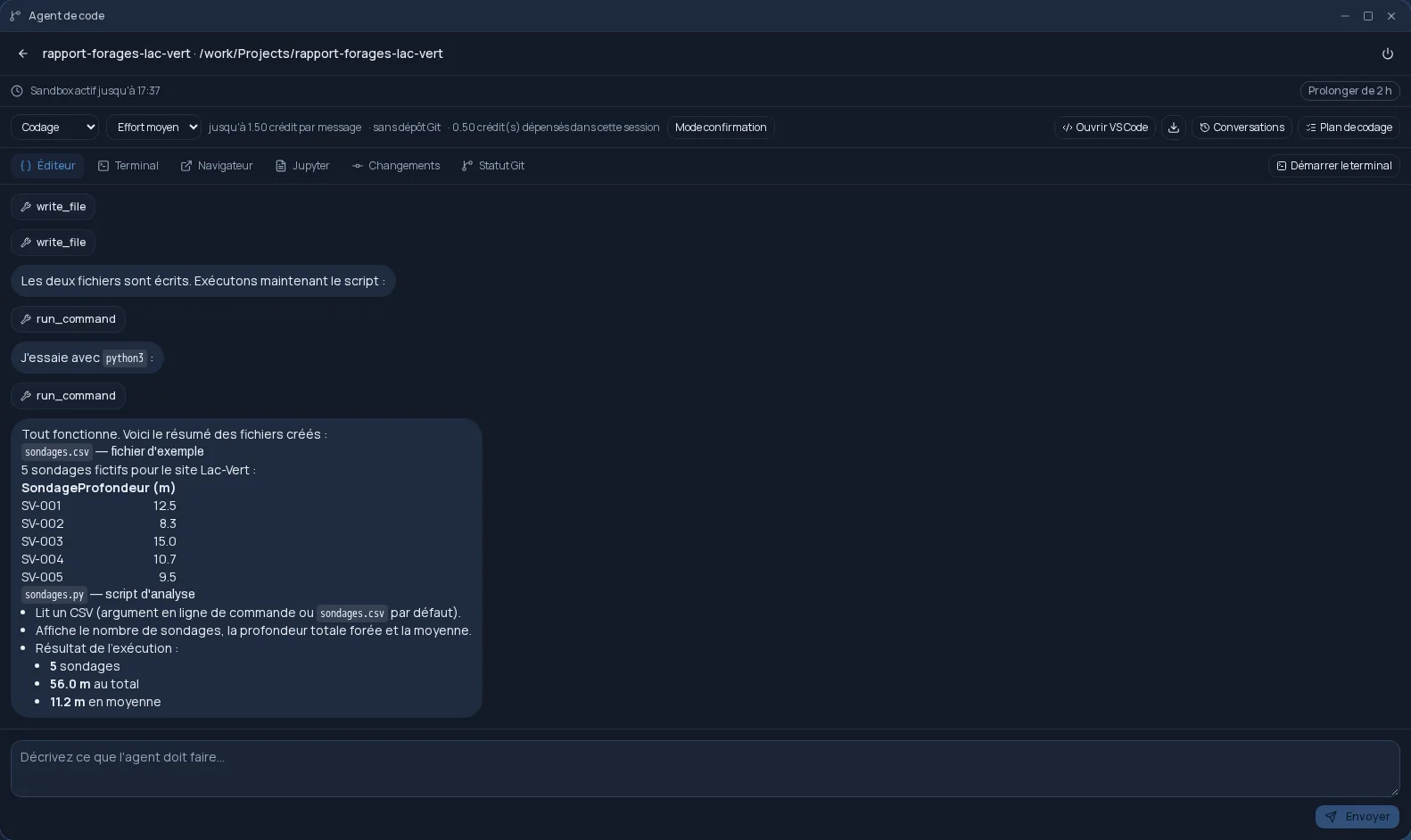
Git, a terminal and the VSCodium code editor are installed alongside GitHub Desktop: you open a file from the repository to edit it, then come back to commit, without leaving the window.
- Nothing to install on your computer, and the same tool on every computer you sign in from.
- Handy on a computer where you cannot install software.
Good to know
The session is temporary: cloned repositories are gone when it closes. Push your commits to your remote repository before closing; that is where your work is kept. GitHub Desktop is used from a computer; it is not offered on phones.
Frequently asked questions
- Is Cloud OS connected to GitHub?
- No. Cloud OS runs the free, community Linux port of GitHub Desktop (the shiftkey/desktop project), as is. Cloud OS is not affiliated with or endorsed by GitHub.
- Are my cloned repositories kept after closing?
- No. The session is temporary: push your commits to your remote repository before closing it, and clone it again next time.
- Is GitHub Desktop included in the subscription?
- Yes, from the Personal plan, like the other desktop software.