Development and CAD
VSCodium online, the open-source code editor with nothing to install
The open-source code editor, without telemetry, in your browser.
Included from the Personal plan
VS Code's source, without the telemetry
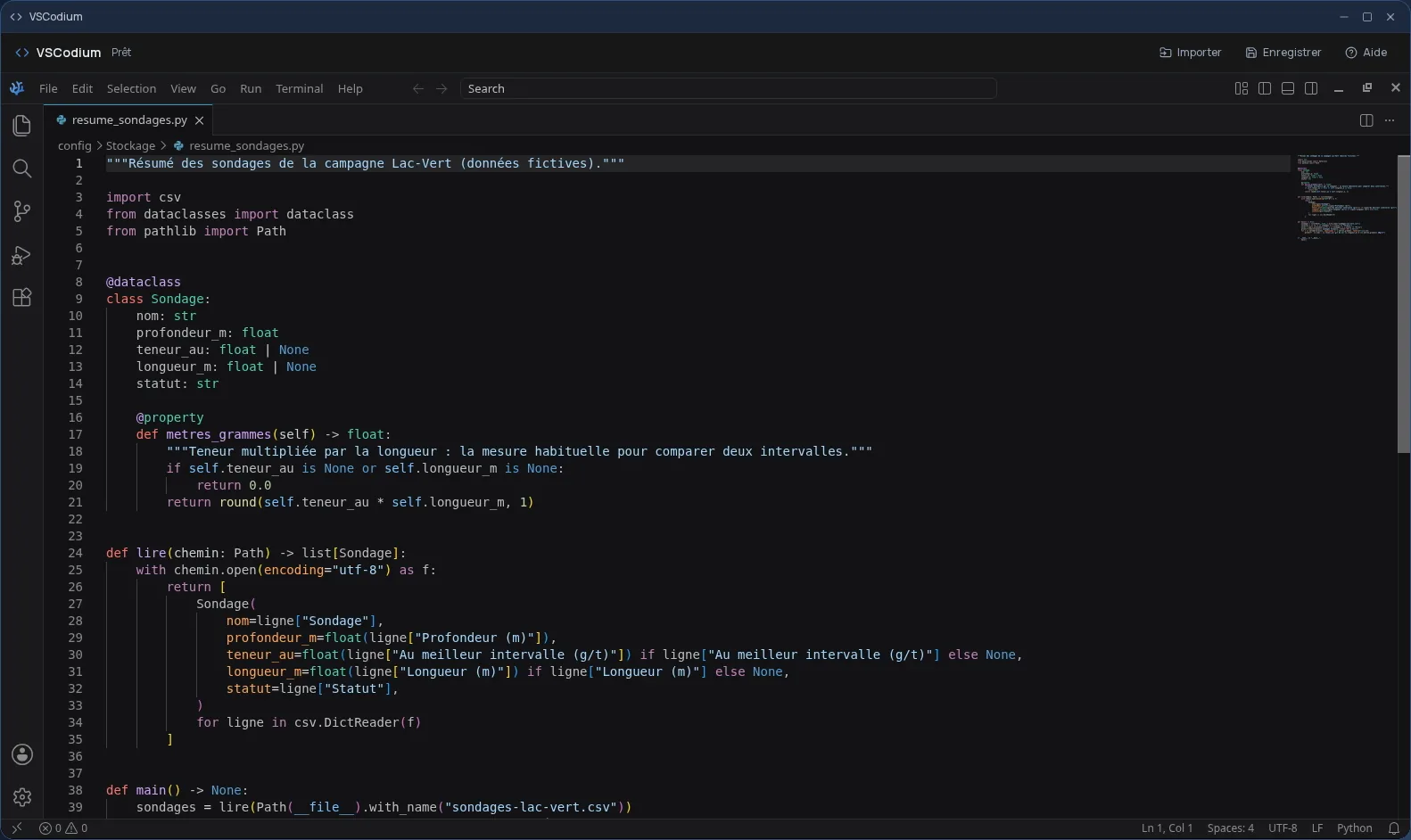
VSCodium is built from the open-source code of the VS Code editor, under the MIT licence, without the telemetry or the proprietary licence of Microsoft's binary. You get the interface you know: file explorer, search, built-in terminal, highlighting and completion for most languages.
Extensions install from Open VSX, the open registry VSCodium uses. In Cloud OS, the editor itself runs in a window of your online desktop.
Your files, or your Git repository
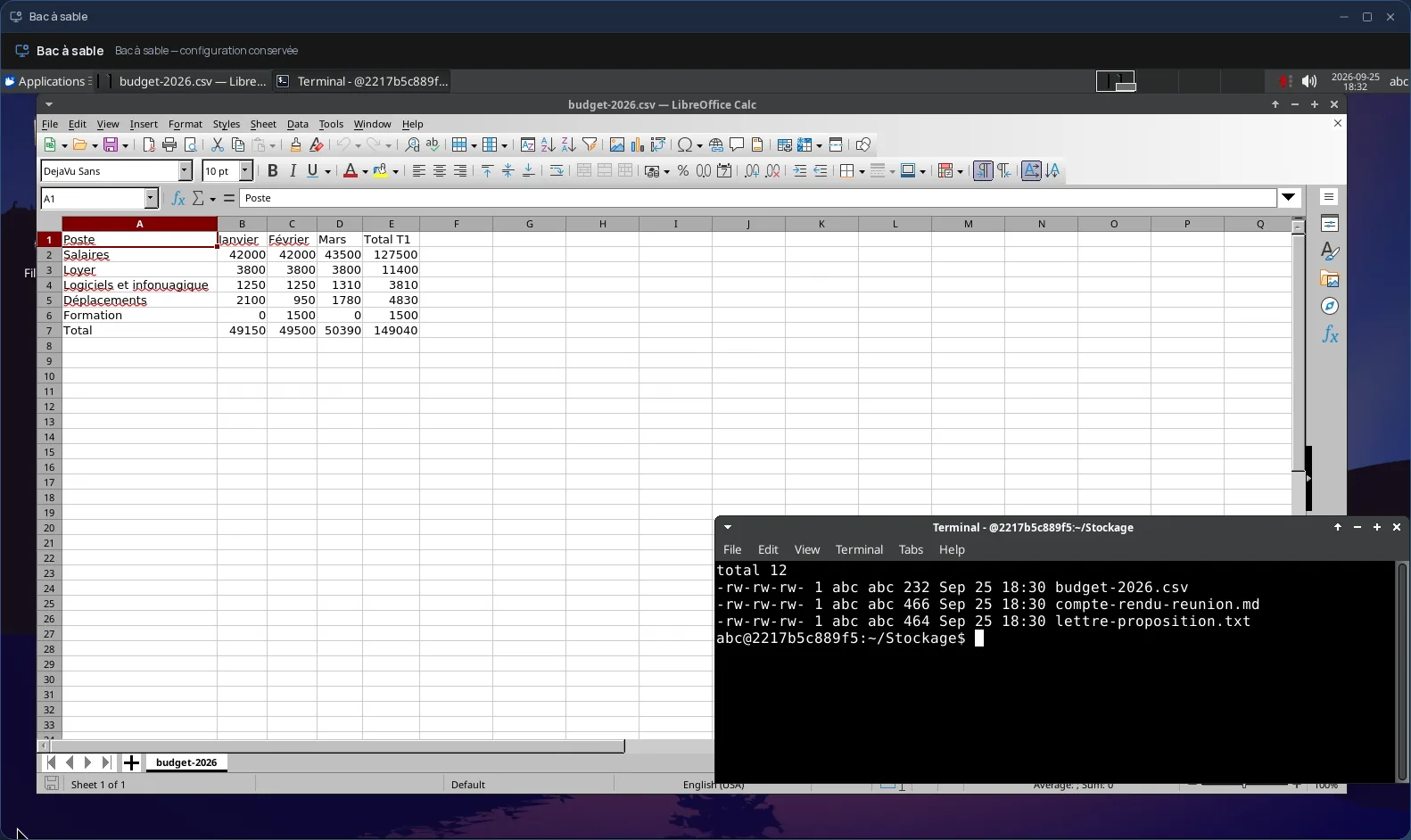
To touch up a few files, send them from the Files app: they open straight in the editor, and you send them back to Files once edited, as new files. The original is never overwritten.
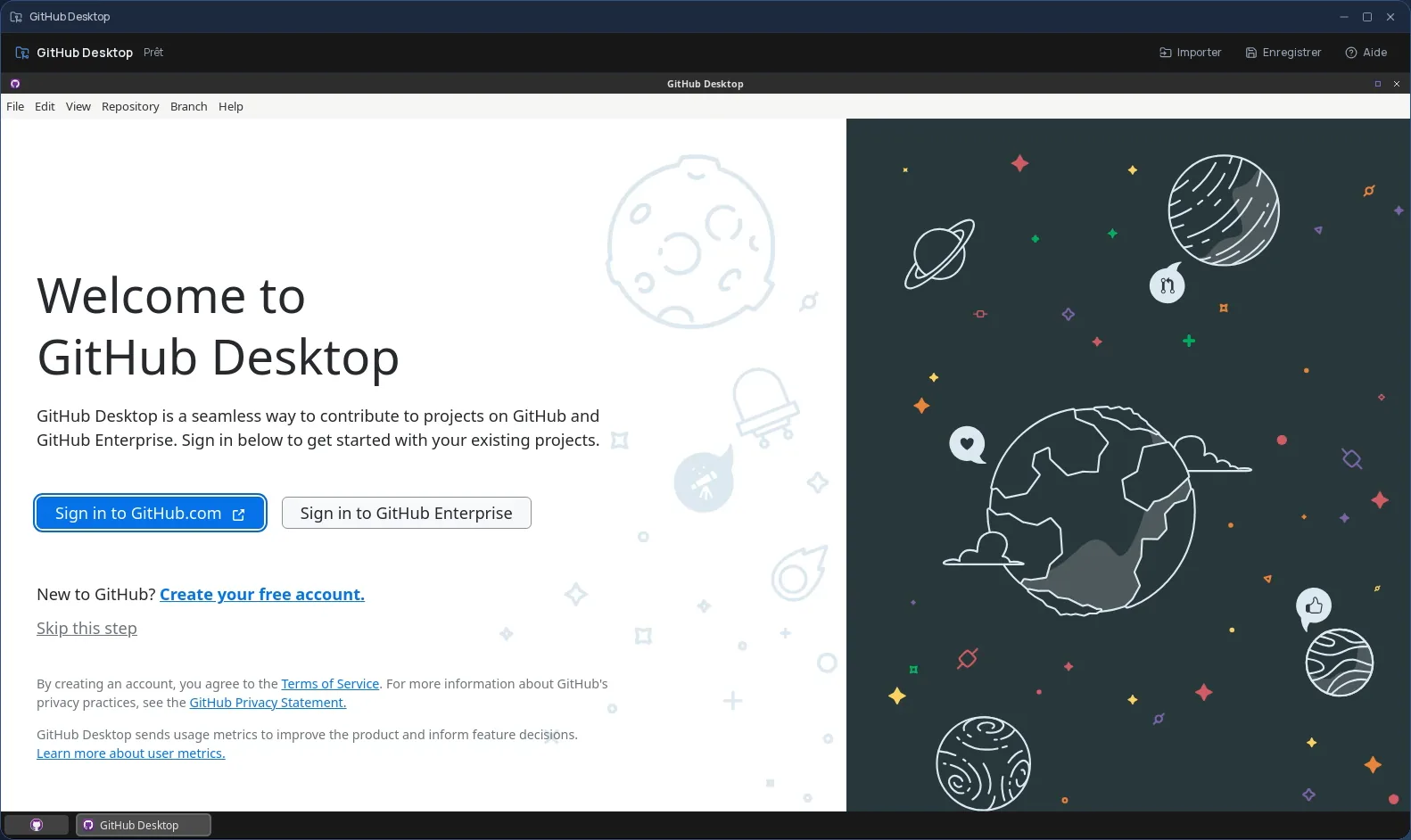
For a whole project, Git is installed in the session: clone your repository, work, then push your commits before closing.
Good to know
A VSCodium session is temporary: anything neither sent back to Files nor pushed to your repository is gone when it closes, extensions and settings included. VSCodium is used from a computer; it is not offered on phones.
Frequently asked questions
- What is the difference between VSCodium and VS Code?
- VSCodium is compiled from the same open-source code, but without the telemetry or the proprietary licence of Microsoft's binary. Its extensions come from the open Open VSX registry.
- Are my extensions and settings kept?
- No. The session is temporary: extensions and settings start fresh each time. Your code is kept if it is sent back to Files or pushed to your Git repository.
- Is VSCodium included in the subscription?
- Yes, from the Personal plan, like the other desktop software.