Development and CAD
KiCad online, for your schematics and circuit boards
Free electronic design, from schematic to circuit board.
Included from the Personal plan
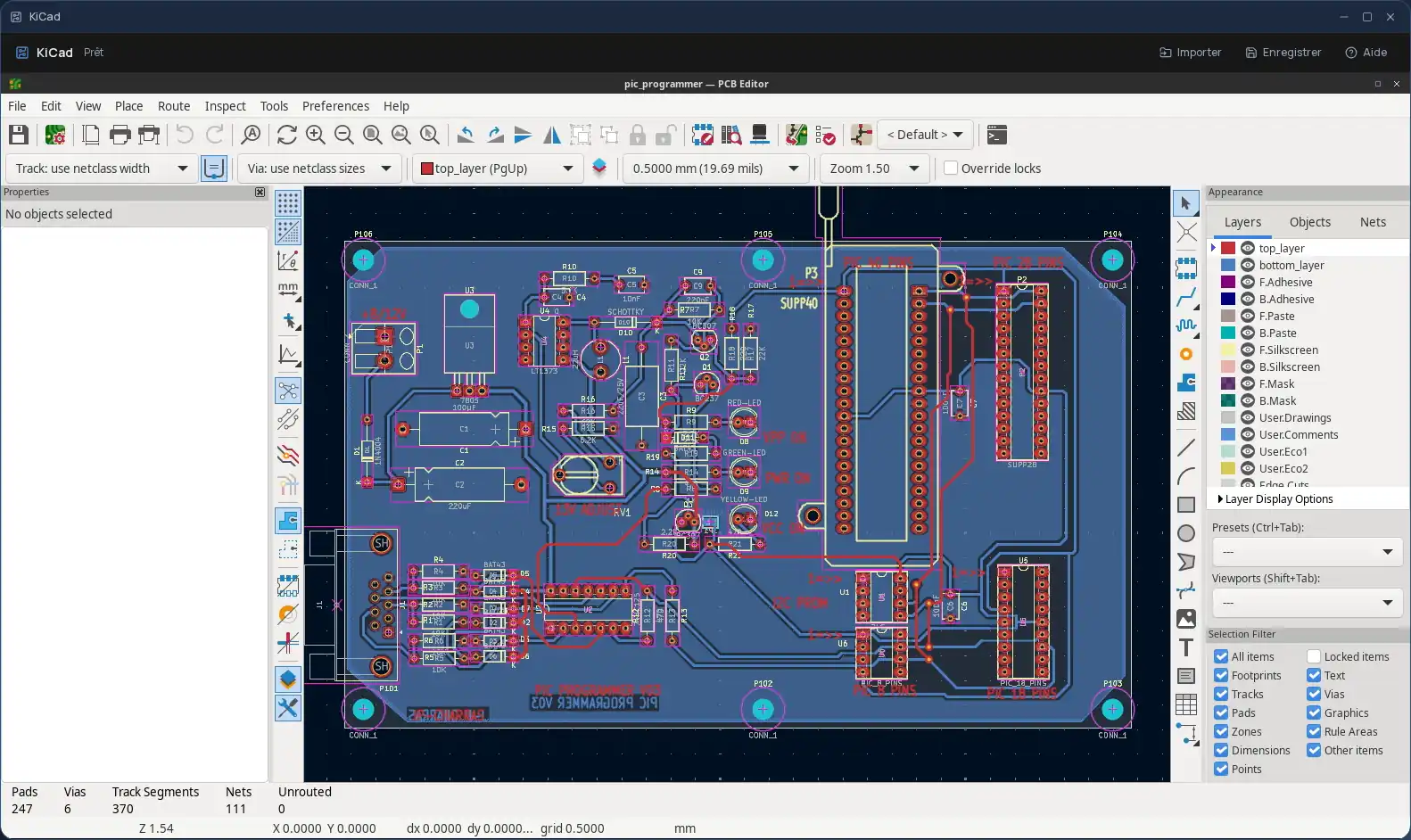
KiCad, from schematic to circuit board
KiCad is a free, open-source electronic design suite: schematic capture, printed circuit board layout, 3D board viewing and fabrication output. In Cloud OS, the software itself runs in a window of your online desktop.
KiCad's symbol, footprint and 3D model libraries are installed with it: you start a project without downloading anything.
Your projects stay in your own space
You send files from the Files app to KiCad: they land in its “Stockage” (storage) folder, where you open them from the software. Once the work is done, you send your files back to Files.
- Every file sent back arrives as a new file: the original is never overwritten.
- Only files saved directly in “Stockage” are sent back, not those in its subfolders: save your fabrication files there too.
- Your files are hosted in Québec.
Good to know
A KiCad session is temporary: remember to send your work back to Files before closing it, since that is where it is kept. KiCad is used from a computer; it is not offered on phones.
Frequently asked questions
- Do I need to install KiCad to use it in Cloud OS?
- No. KiCad runs in a window of your online desktop, from the browser, with its component libraries. There is nothing to install or update on your computer.
- How do I open a KiCad project I already have?
- Send its files from the Files app: they land in the session's “Stockage” folder, and you open them from KiCad.
- Is KiCad included in the subscription?
- Yes, from the Personal plan, like the other desktop software.