Development and CAD
PyCharm Community online, a Python IDE with nothing to install
The free Community edition of PyCharm, with Python already installed, in your browser.
Included from the Personal plan
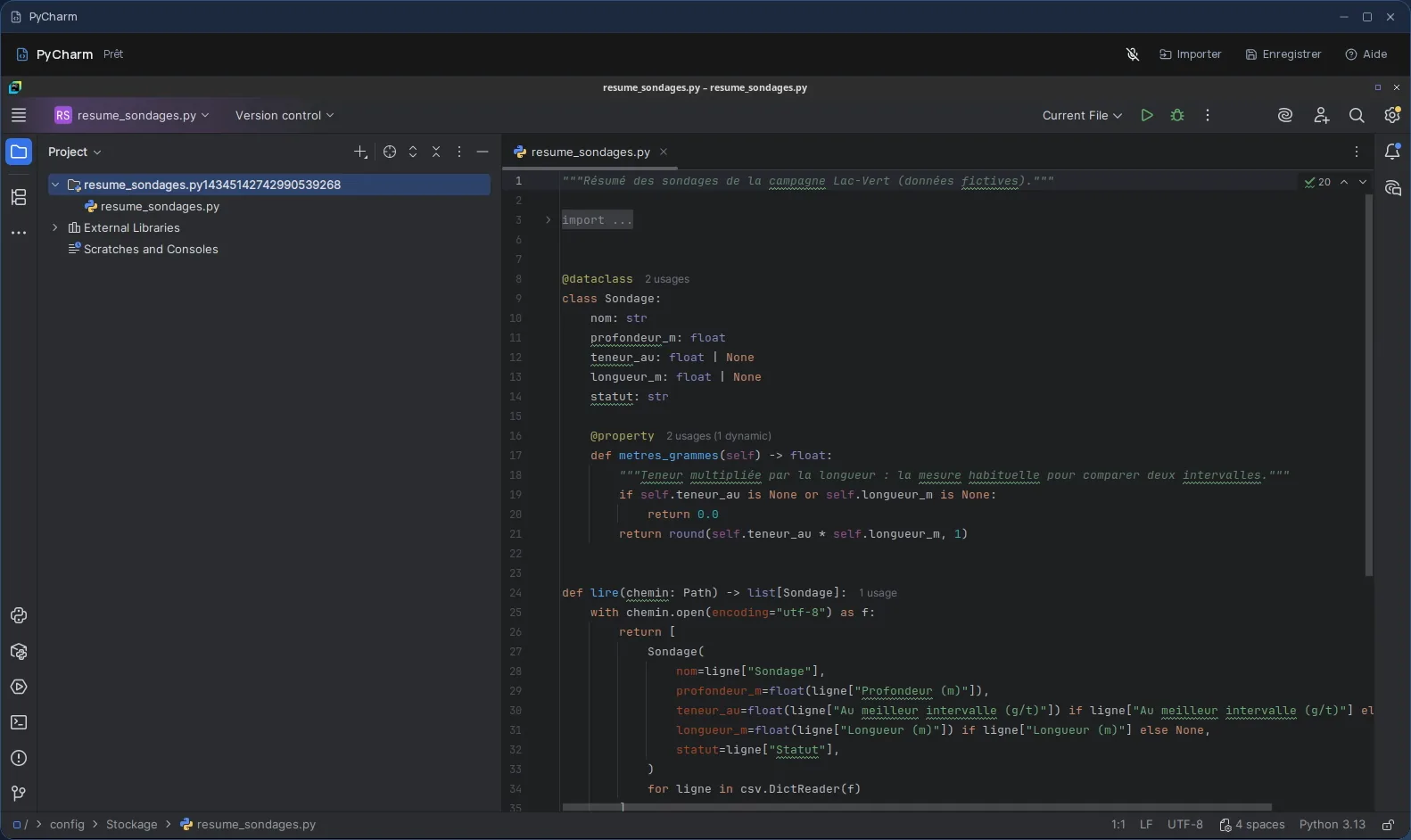
The free Community edition of PyCharm
PyCharm is a Python development environment: an editor with code completion and inspections, refactoring, a debugger, test running, virtual environments. Cloud OS runs its free edition (Community), in its latest release, 2025.2: JetBrains publishes its code under the Apache 2.0 licence.
Python 3 is installed with the IDE: you create a project and run it right away, with no setup. Features reserved for JetBrains' paid edition are not part of this edition.
Your code, in Files or in Git
For a few scripts, send them from the Files app: they land in the session's “Stockage” (storage) folder, where you open them from PyCharm. You then send them back to Files as new files; the original is never overwritten.
Only files placed directly in “Stockage” are sent back, not its subfolders. For a full project, work with your Git repository instead: clone it, then push your commits before closing.
Good to know
A PyCharm session is temporary: anything neither sent back to Files nor pushed to your repository is gone when it closes, settings and installed packages included. PyCharm is used from a computer; it is not offered on phones.
Each time it opens, PyCharm shows the JetBrains terms for the Community edition, which you accept to continue. The IDE also offers to move to JetBrains' unified PyCharm: that is not the edition Cloud OS provides, so ignore those prompts.
Frequently asked questions
- Which edition of PyCharm is offered?
- The free edition (Community) 2025.2, the last one JetBrains released, whose code is under the Apache 2.0 licence. The paid edition's features are not included.
- Is Cloud OS connected to JetBrains?
- No. Cloud OS runs this software as is, in the free version distributed by JetBrains. Cloud OS is not affiliated with or endorsed by JetBrains.
- Is my project kept after closing?
- Only what you sent back to Files or pushed to your Git repository. The session is temporary: everything else is gone when it closes.
- Is PyCharm Community included in the subscription?
- Yes, from the Personal plan, like the other desktop software.