Development and CAD
Data sources: connect an external API to your plans and workflows
Your API key, an external provider, and its data in your automations.
Included from the Personal plan
External data, without writing an integration
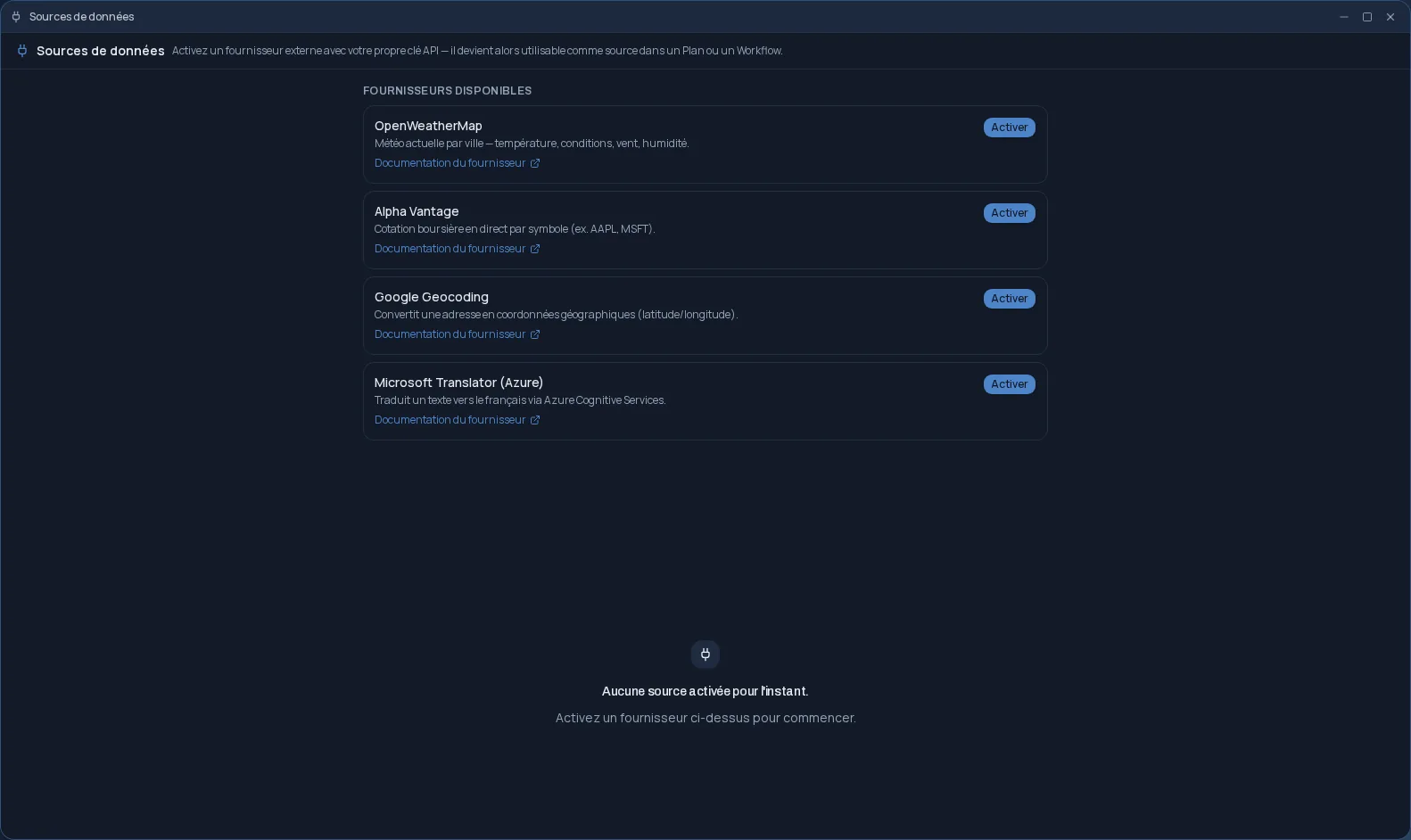
Data sources connects Cloud OS to external services. You pick a provider, paste your API key, and it becomes a source your Plans and Workflows can query. Each provider has its own connector, written for it: no generic form to configure.
- OpenWeatherMap: current weather for a city.
- Alpha Vantage: the stock quote for a symbol.
- Google Geocoding: the geographic coordinates of an address.
- Microsoft Translator (Azure): a text translated into French.
Fresh data on every run
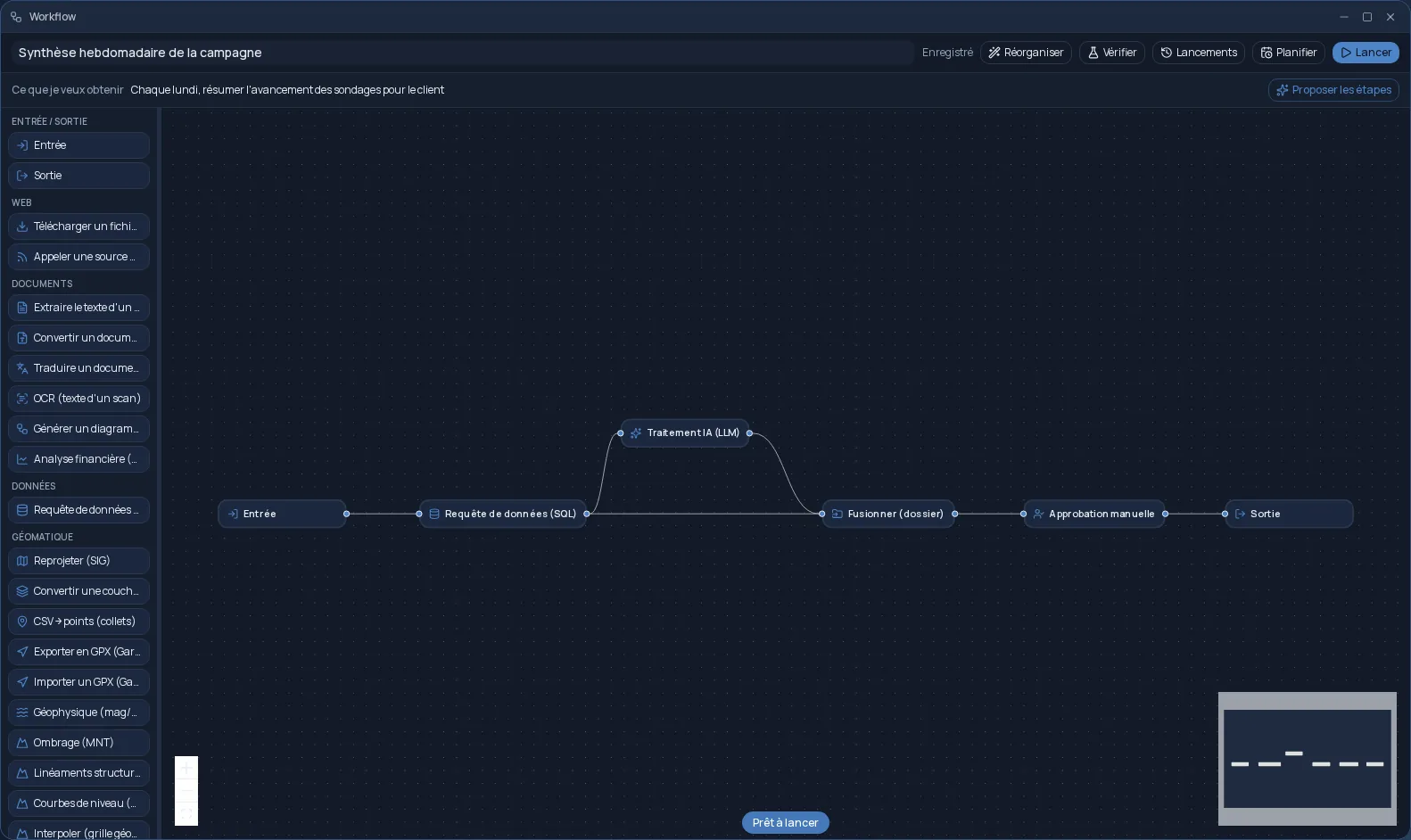
In a Plan, or as a “Call a data source” step in a Workflow, you enter the query: a city, a symbol, an address, a text. The provider is called live on every run, never from a cache, and the response is saved to Files as a JSON file.
Your key, protected
The key is first tried against the provider: if it is refused, it is not saved. Once accepted, it is stored encrypted and never appears in the logs. You can deactivate a source, reactivate it (the key is then checked again) or delete it.
The account with the provider and any fees it charges remain yours: Cloud OS uses your key, not its own.
Frequently asked questions
- Do I need to know how to code?
- No. You paste your API key once, then pick the source in a Plan or Workflow and type the query: a city, a symbol, an address or a text.
- Where do I get an API key?
- From the provider itself: each source links to its provider's documentation. The account and any fees are with the provider, not with Cloud OS.
- Is the data cached?
- No. The provider is called live on every run, including when you rerun a job: the result reflects the state of the service at the time of the call.
- Can I add another provider?
- Not yourself: each provider needs a connector written for it. Let us know if a service is missing.