Your desktop
Browser, an isolated Chromium that runs in the cloud
A fresh browser every session, running away from your computer.
Included from the Personal plan
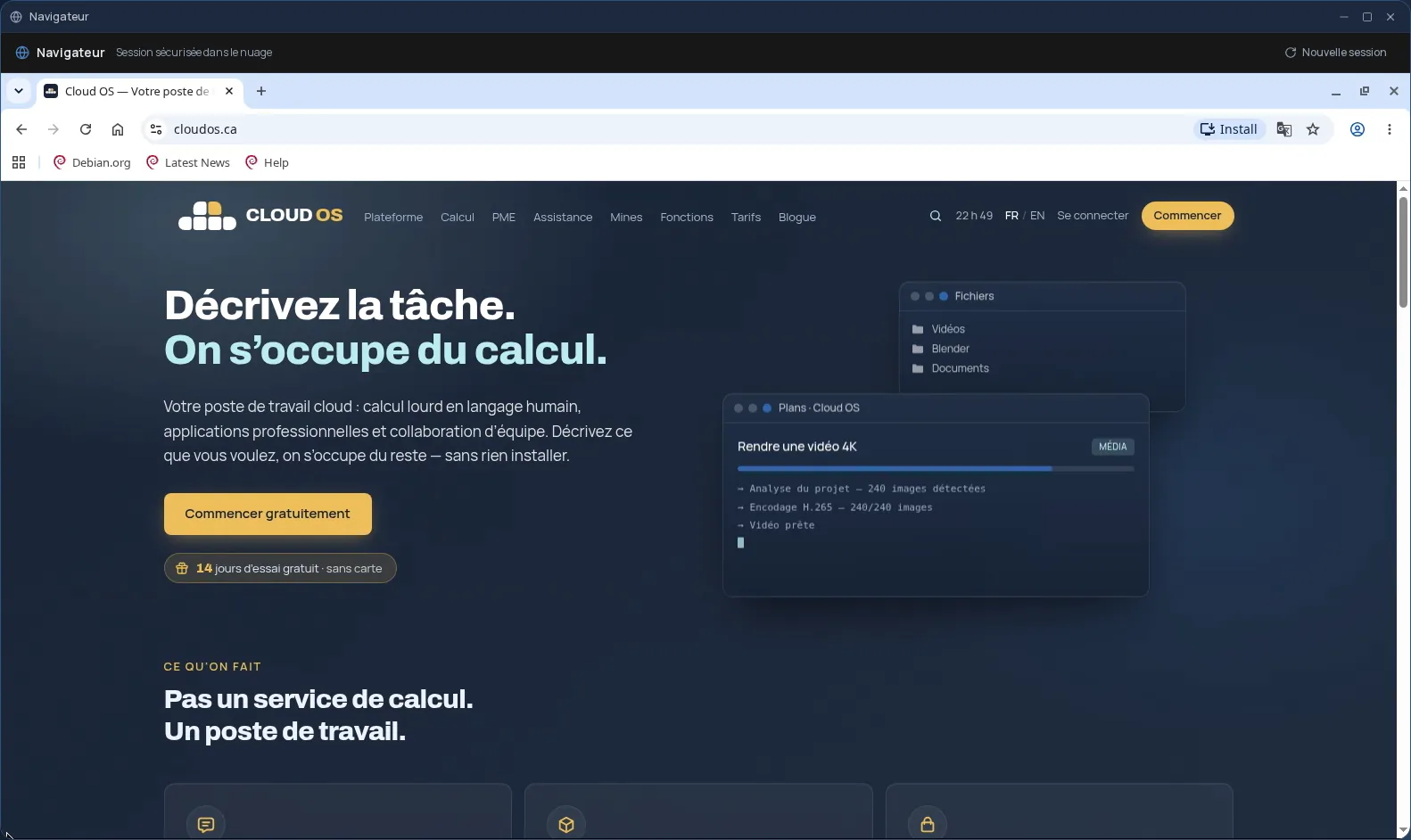
A real browser, not a page inside a page
The Cloud OS Browser is a full Chromium, with its tabs and address bar, that runs on a server and shows up in a window on your desktop. Because it is a real browser, every site works, including those that refuse to display inside another page.
Fresh every session
Every session starts on a blank browser and disappears when you close the window: history, cookies and open tabs go with it. The “New session” button starts over without closing the window.
Pages run on the server, not on your computer. That helps when you want to open a link you are unsure about, look at a site without leaving anything on your machine, or browse from a device where you cannot install anything.
Good to know
Starting up often takes about thirty seconds, sometimes longer. The Browser keeps nothing from one session to the next; for an environment that keeps your settings and bookmarks, you want the Sandbox. What you download in it does not land in your Files.
The Browser is included from the Personal plan. It is used from a computer; it is not offered on phones.
Frequently asked questions
- Is my history kept?
- No. Every session starts from a blank browser, and everything in it disappears when you close the window.
- Is it a VPN or an anonymity tool?
- No. The Browser keeps pages away from your computer, since they run on a server, but it does not make your browsing anonymous. The sites you sign in to still know who you are.
- How is it different from the Sandbox?
- The Browser is disposable: it starts fresh every session. The Sandbox is a full Linux desktop, included in the Business plan, that keeps your settings, bookmarks and files from one visit to the next.