Image and photo
darktable online, to develop your RAW photos
The photographer's free RAW developer, in your browser.
Included from the Personal plan
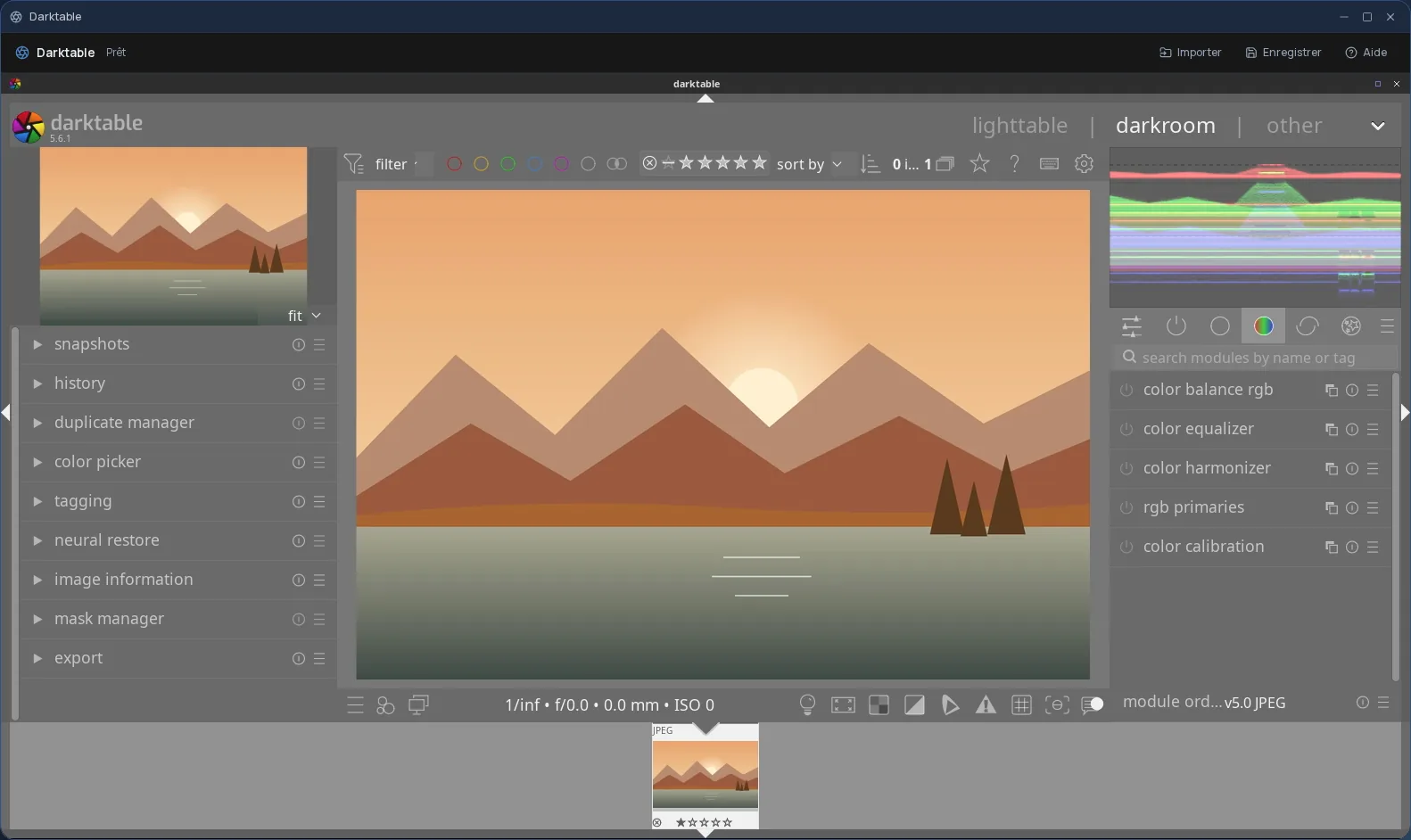
The real darktable, not a web version
darktable is the free RAW photo developer that many photographers use instead of Lightroom. It works non-destructively: your adjustments stack up like a recipe applied to the photo, never to the original file.
In Cloud OS, the software itself runs in a window of your online desktop. Nothing to install on your computer, no updates to keep up with, and the same darktable on every computer you sign in from.
From RAW file to finished photo
darktable takes the raw file from your camera and lets you draw out the image you had in mind, then export it for the web or for print.
- Exposure, white balance, colour, tones and contrast, adjusted module by module.
- Drawn and parametric masks, to correct only part of the image.
- Noise reduction, sharpening, lens correction, cropping and straightening.
- Export to JPEG, TIFF, PNG and other formats, at the size you need.
Your photos stay in your own space
You pick a photo in the Files app, and it opens straight in darktable; repeat to add more. Once the work is done, the Save button sends your exports back to Files.
- Every file sent back arrives as a new file: your original RAW is never overwritten.
- The .xmp file darktable writes next to each photo, which records your adjustments, is sent back along with the rest.
- Your files are hosted in Québec.
Good to know
By default, darktable exports to a “darktable_exported” subfolder. In the export module, pick the “Stockage” (Storage) folder itself instead: files go back to Files from there, not from its subfolders.
A darktable session is temporary: its library is not kept from one session to the next, and anything not sent back to Files disappears with it. darktable is used from a computer; it is not offered on phones.
Frequently asked questions
- Do I need to install darktable to use it in Cloud OS?
- No. darktable runs in a window of your online desktop, from the browser. There is nothing to install or update on your computer.
- Is darktable an alternative to Lightroom?
- For developing RAW files, yes: it is free software that covers the same work, from exposure to export. It has its own logic and vocabulary, so expect some time to adjust if you are coming from Lightroom.
- How is it different from RawTherapee and digiKam, also offered in Cloud OS?
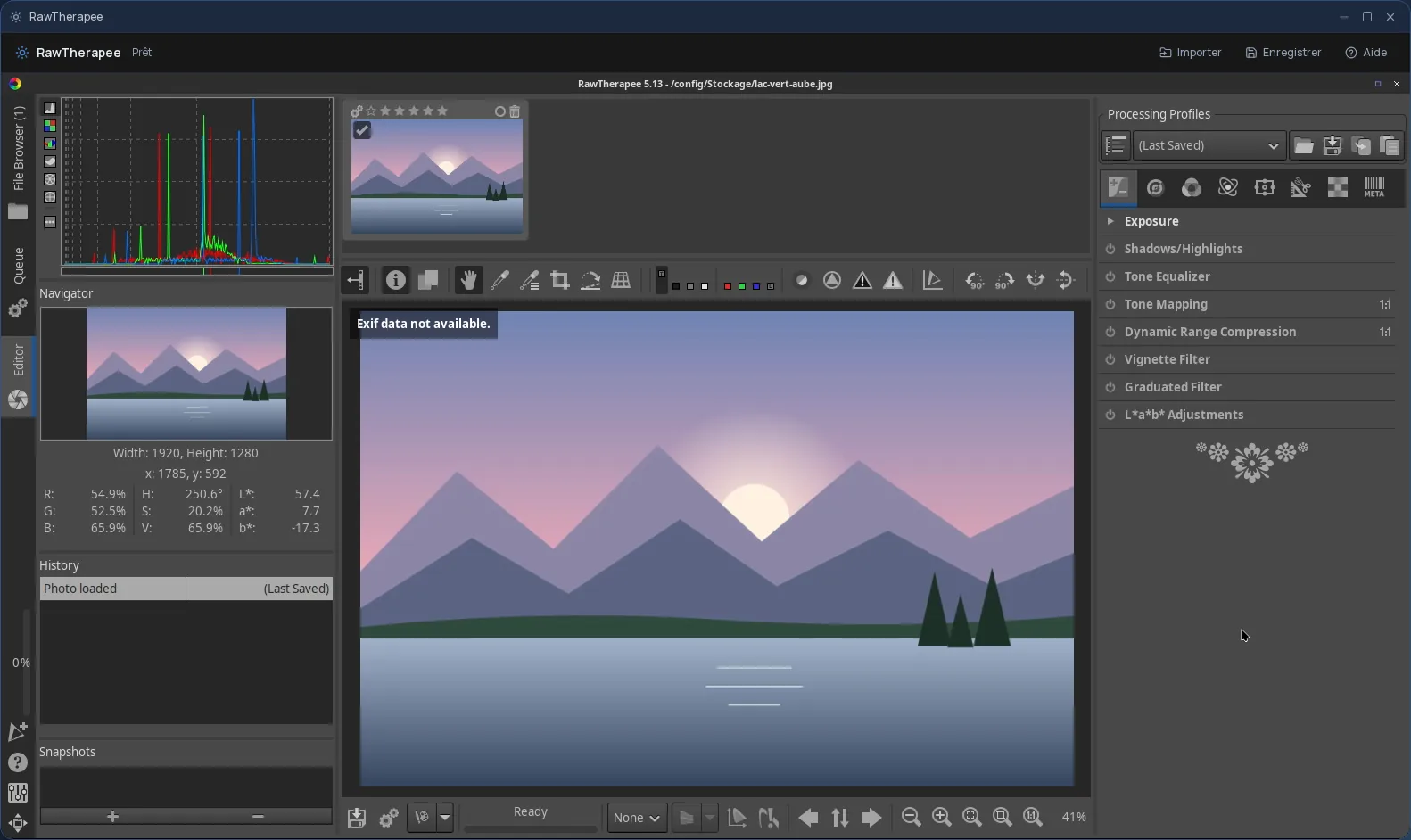
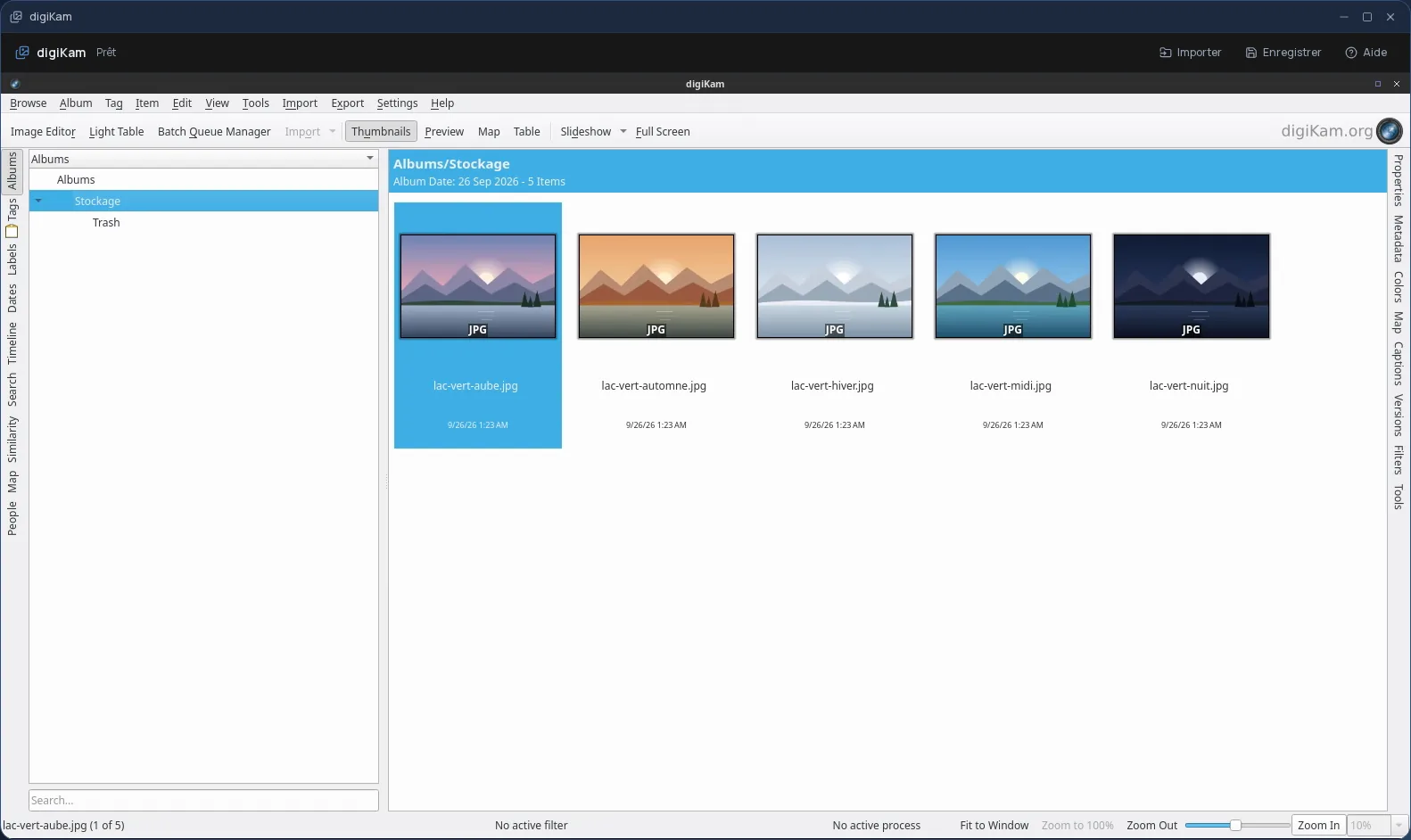
- darktable and RawTherapee both develop RAW files; darktable focuses on a complete workflow built on modules and masks, RawTherapee on fine control of the rendering and a processing queue. digiKam is first and foremost for sorting, tagging and batch-processing photos.
- Is darktable included in the subscription?
- Yes, from the Personal plan, like the other desktop software. There is no fee per app: each launch counts as one task in your plan's allowance.