Image and photo
digiKam online, to sort and batch-process your photos
Sort, tag and process a whole series of photos at once, in your browser.
Included from the Personal plan
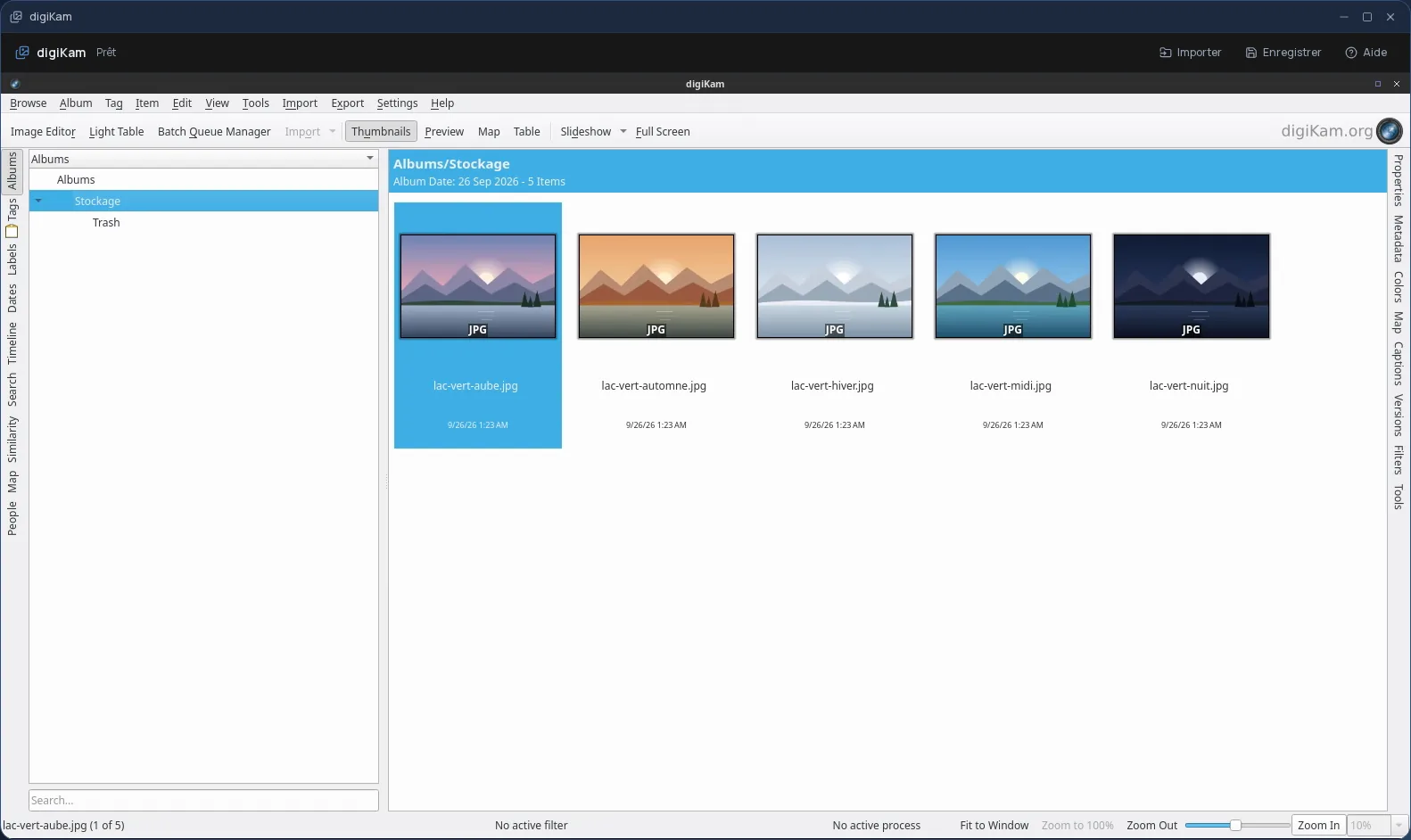
The real digiKam, in a desktop window
digiKam is free photo management software from the KDE community. It is built to view, sort and describe large numbers of images, then apply processing to them in series.
In Cloud OS, the software itself runs in a window of your online desktop. Nothing to install on your computer, no updates to keep up with, and the same digiKam on every computer you sign in from.
Bringing order to a series of photos
A photo shoot, a job site, an event: digiKam helps you review a series of photos and get it ready for what comes next, without opening them one by one.
- Tags, ratings and colour labels, with filters so you only see what matters.
- Read and edit EXIF, IPTC and XMP metadata: date, author, caption, rights.
- A batch queue manager: rename, resize, convert or watermark a whole series.
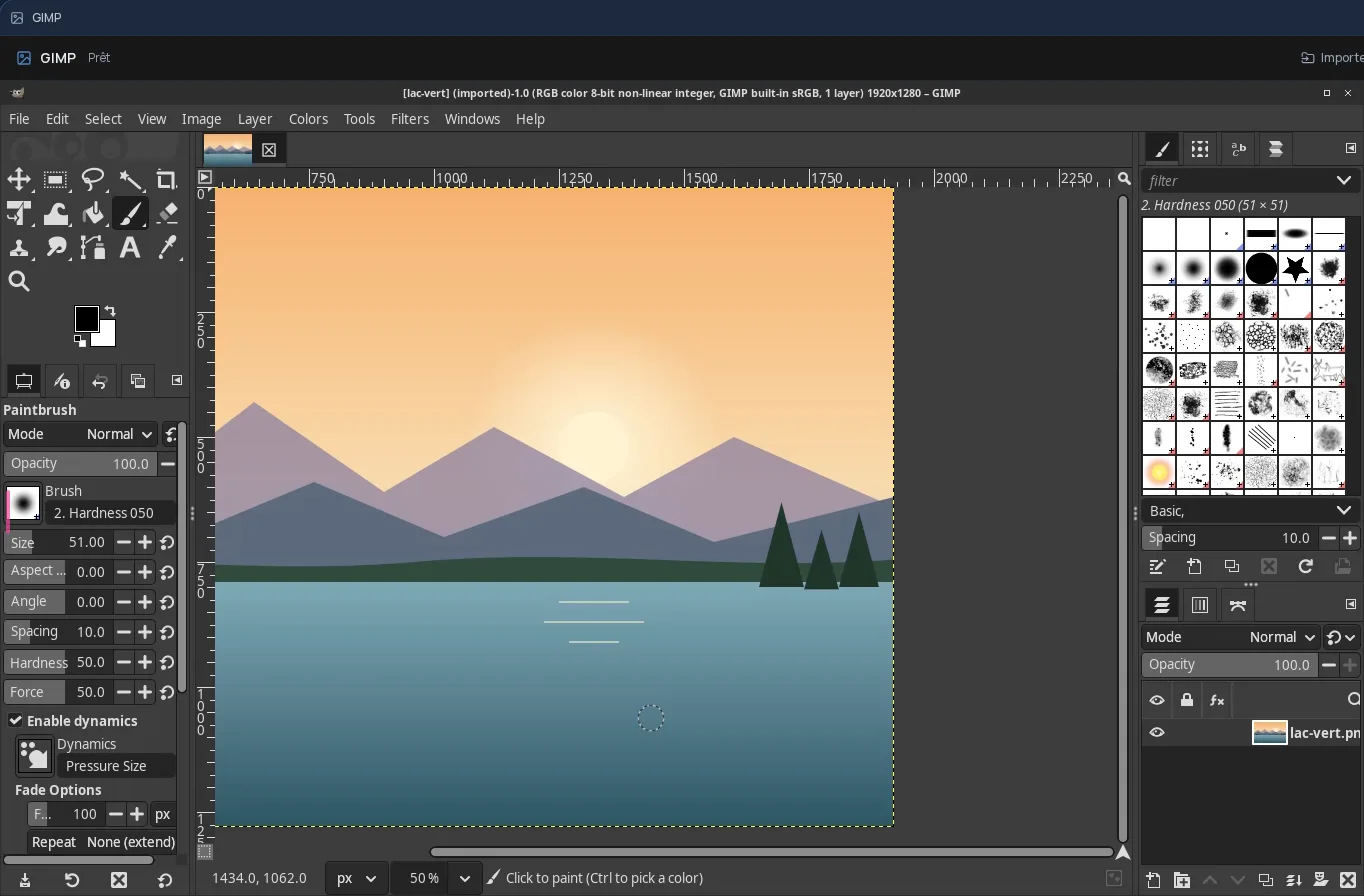
- An editor for everyday fixes: cropping, rotation, colour.
Your photos stay in your own space
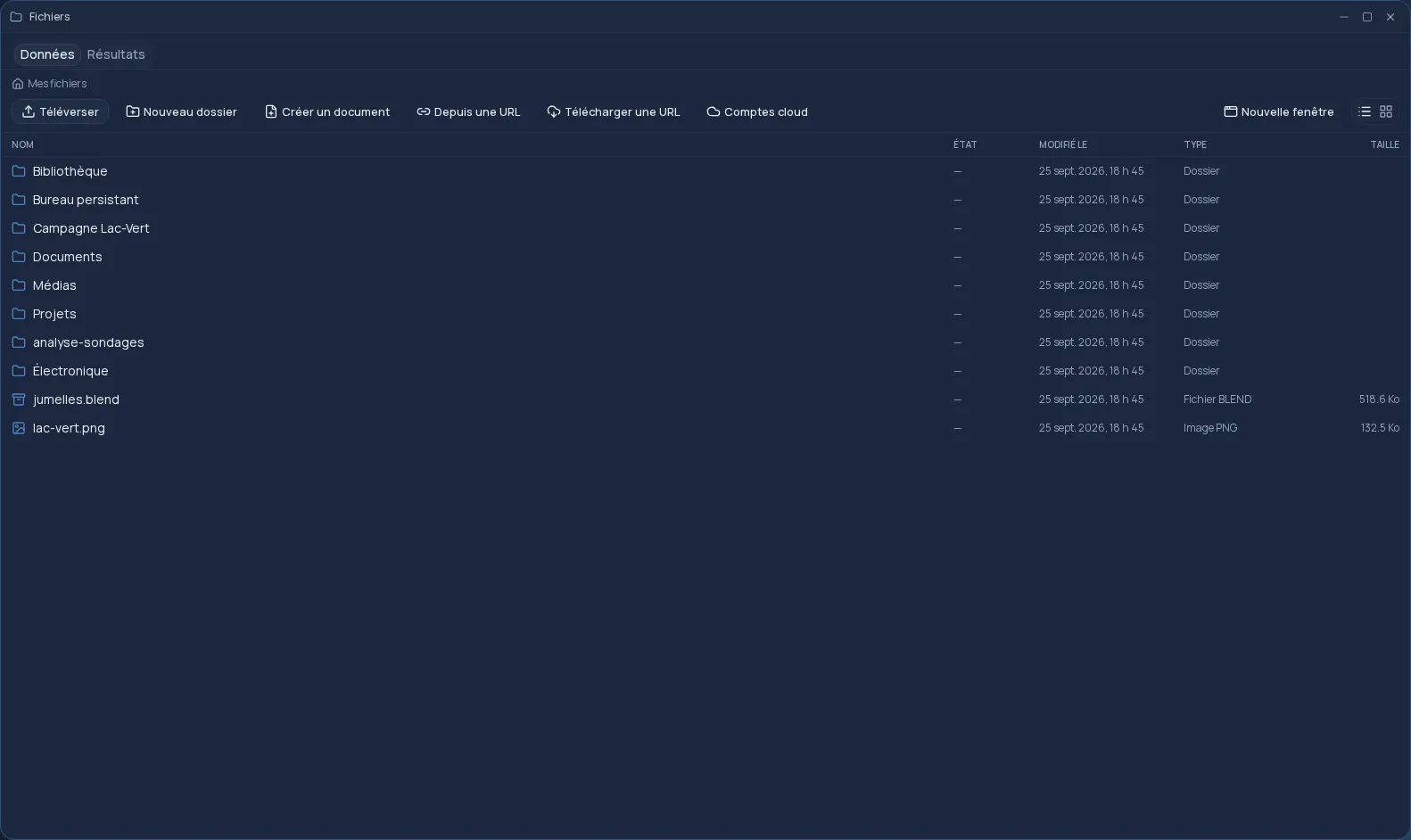
You pick your photos in the Files app, one at a time: they are copied into digiKam's “Stockage” (Storage) folder, where you will find them. Once the work is done, the Save button sends the processed photos back to Files.
- Every file sent back arrives as a new file: your originals are never overwritten.
- Only new or changed files go back: a photo you did not touch is not duplicated.
- Your files are hosted in Québec.
Good to know
A digiKam session is temporary, and so is its photo library: in Cloud OS, digiKam is for processing a batch of photos during one session, not for keeping a collection from one session to the next. Point it to the “Stockage” (Storage) folder as the location of your photos, and save your results there: subfolders are not sent back.
By default, digiKam keeps tags and ratings in its own database. To keep them, have it write them into the files, in its metadata settings, before you save. digiKam is used from a computer; it is not offered on phones.
Frequently asked questions
- Do I need to install digiKam to use it in Cloud OS?
- No. digiKam runs in a window of your online desktop, from the browser. There is nothing to install or update on your computer.
- Can I rename or resize photos in batches?
- Yes, with digiKam's batch queue manager: you choose the photos and the sequence of operations (rename, resize, convert…), and it applies them to the whole series. Save the result to the “Stockage” (Storage) folder so you can then send it back to Files.
- Does digiKam keep my photo library between sessions?
- No: in Cloud OS, its session is temporary. Your photos themselves stay in Files. To keep tags and ratings, have them written into the files before you send them back.
- How is it different from darktable and RawTherapee?
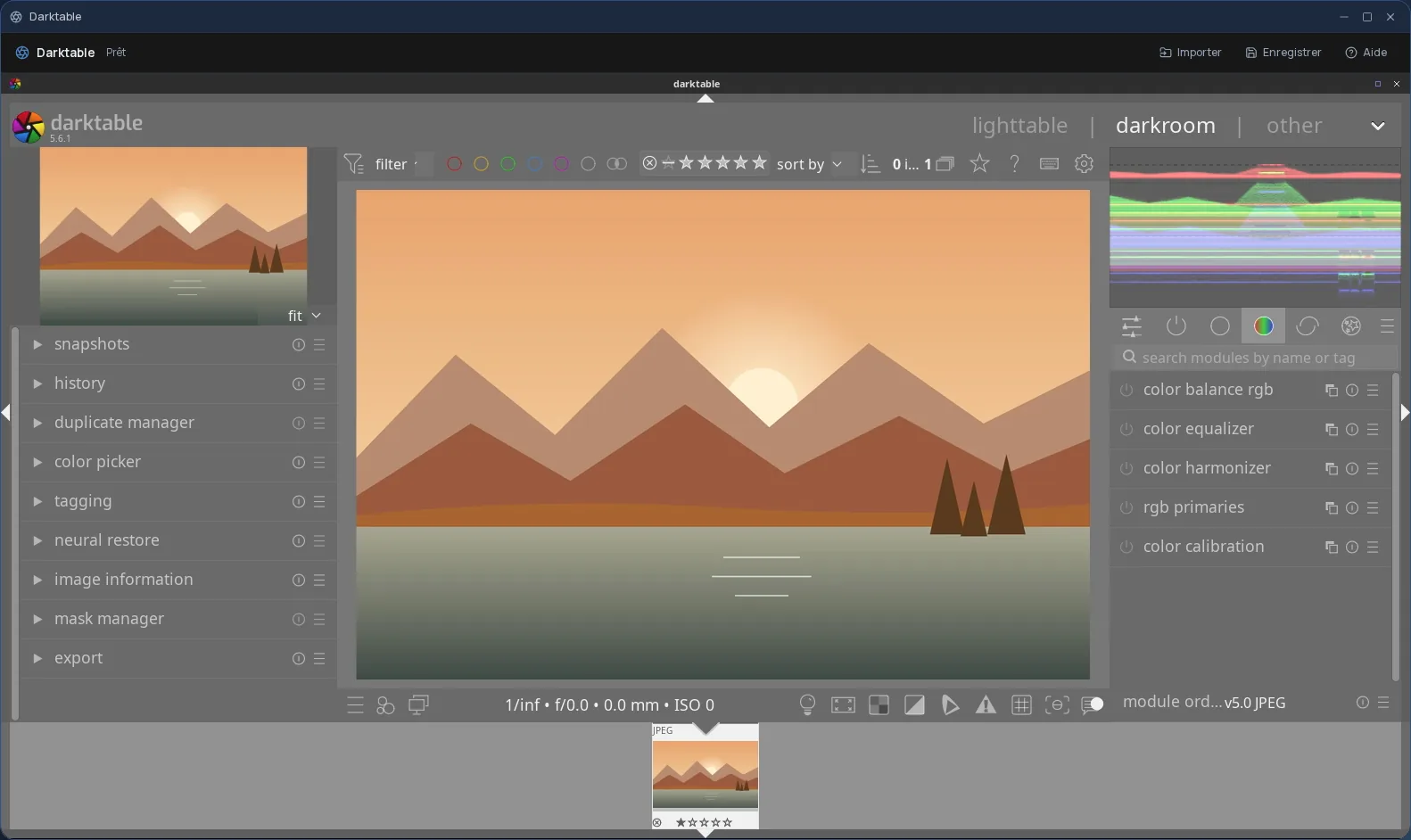
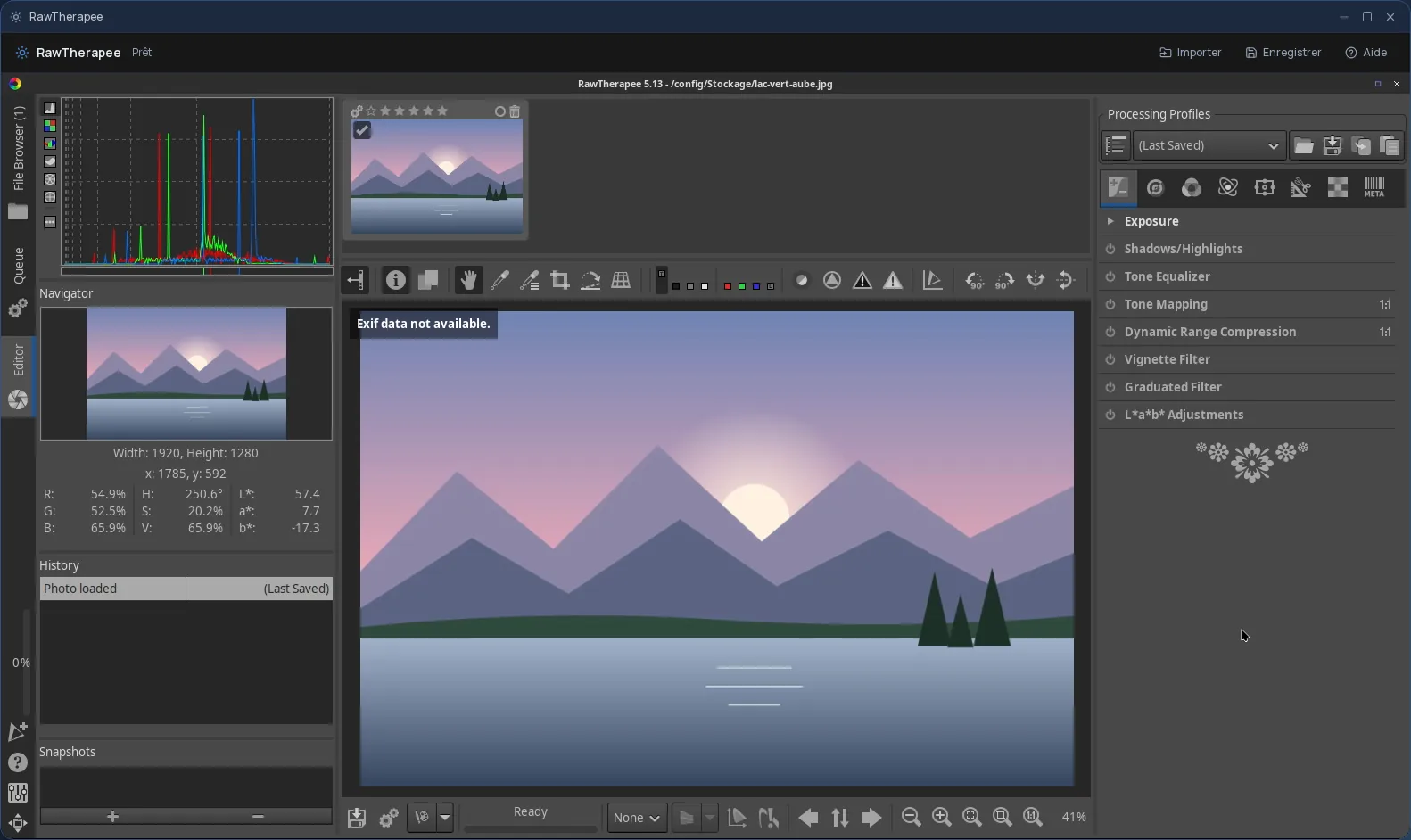
- darktable and RawTherapee develop RAW files, photo by photo, to get the best rendering out of them. digiKam is for sorting, describing and processing series of photos. All three are offered in Cloud OS, from the Personal plan.