Development and CAD
Terminal, all of Cloud OS from the keyboard in a text console
Your apps as numbered menus and function keys, no mouse needed.
Included from the Personal plan
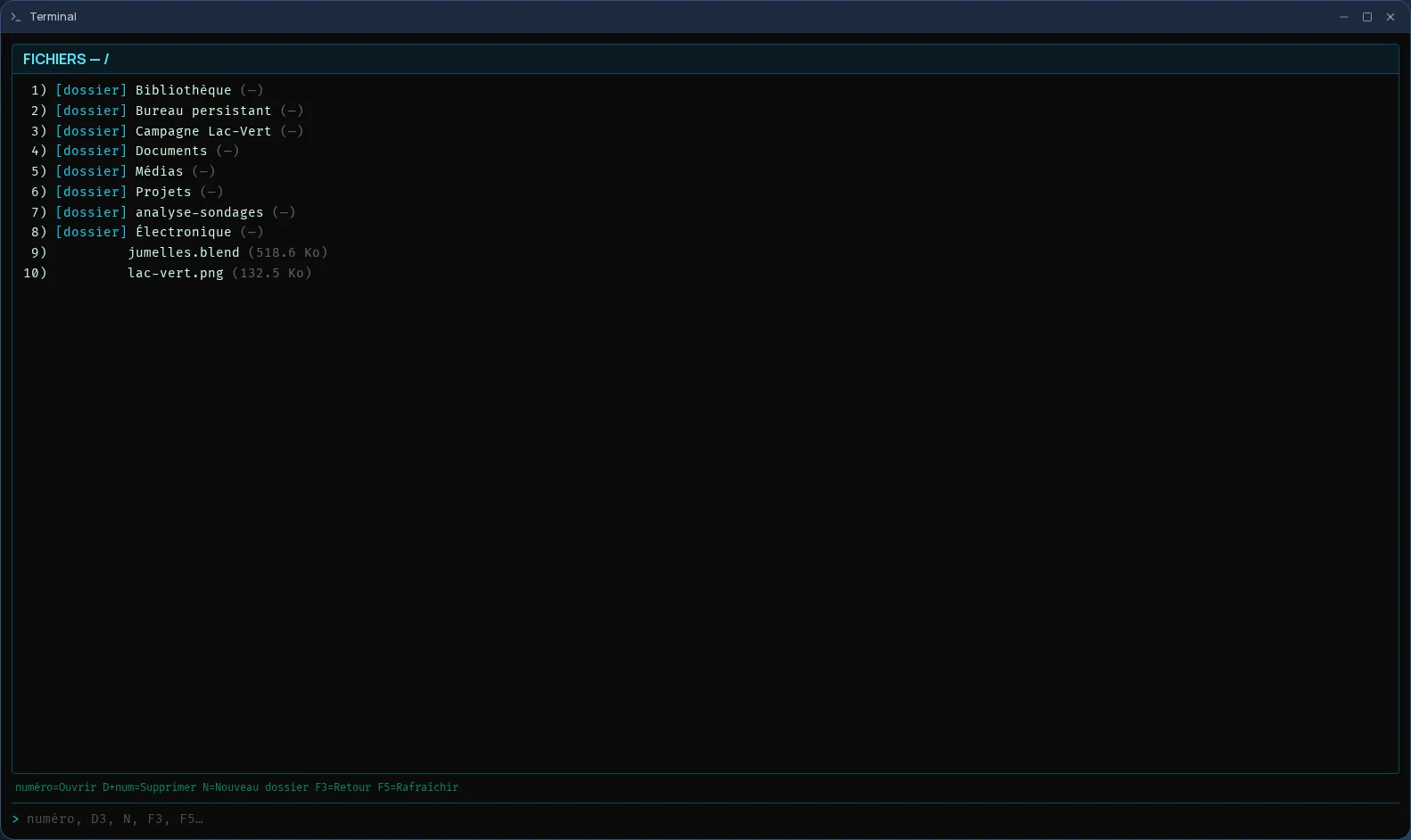
A menu console, not a command line
The Cloud OS Terminal is not a Linux shell: it is a text console in the spirit of mainframe terminals. Each screen shows a numbered menu; you type a number or a one-letter command, then Enter. F1 shows help, F3 goes back to the previous screen, F5 refreshes.
No syntax to learn: each screen's commands are listed at the bottom of the window, and the help screen sums them all up. The console's screens are in French for now.
All of Cloud OS, screen by screen
The main menu opens the apps you have access to, without leaving the keyboard:
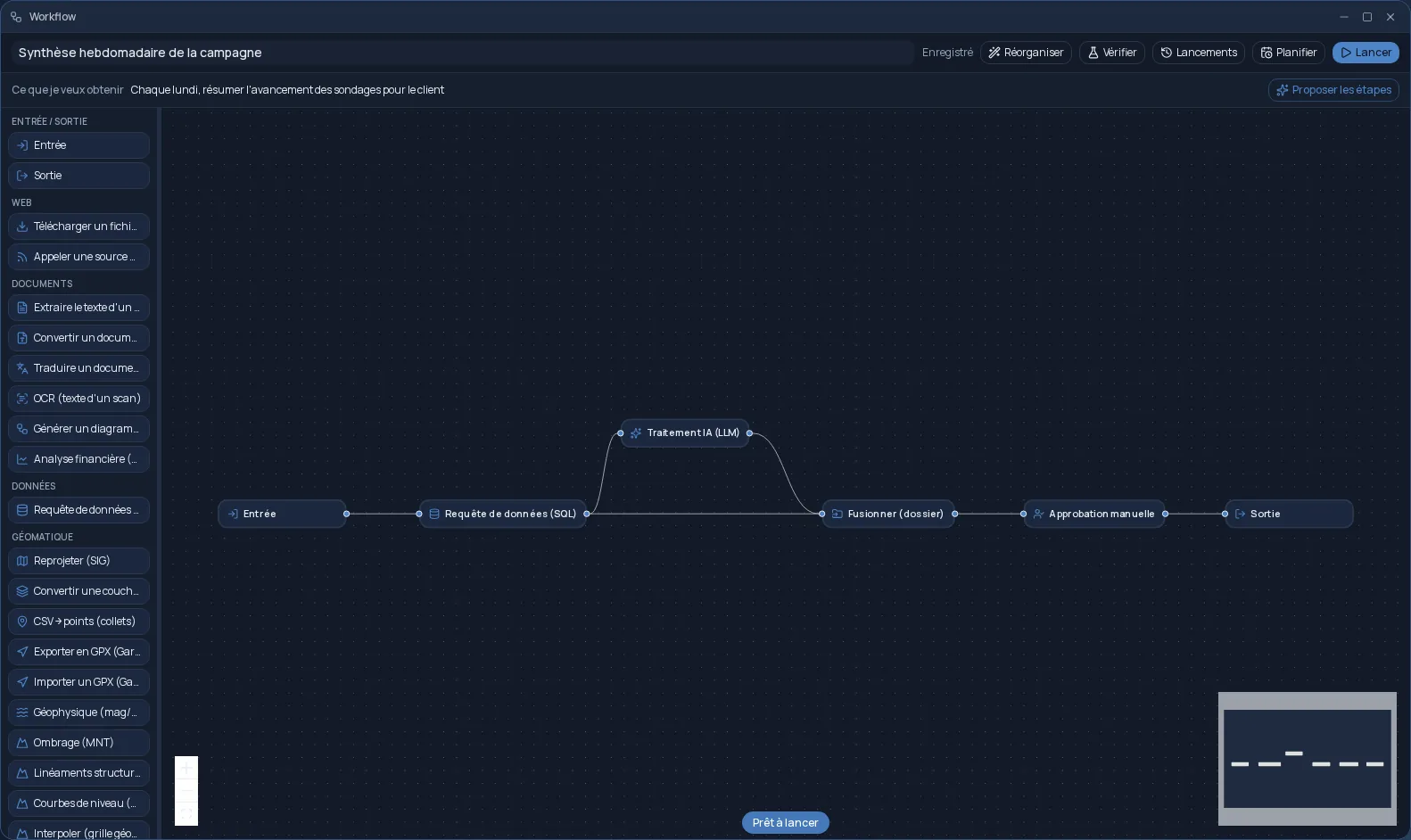
- Plans & Jobs and Workflows: create, run, follow progress, download a plan's result.
- Files, Trash, Calendar, Contacts, Notifications and Teams.
- Email and Messaging: read, reply, post in a channel.
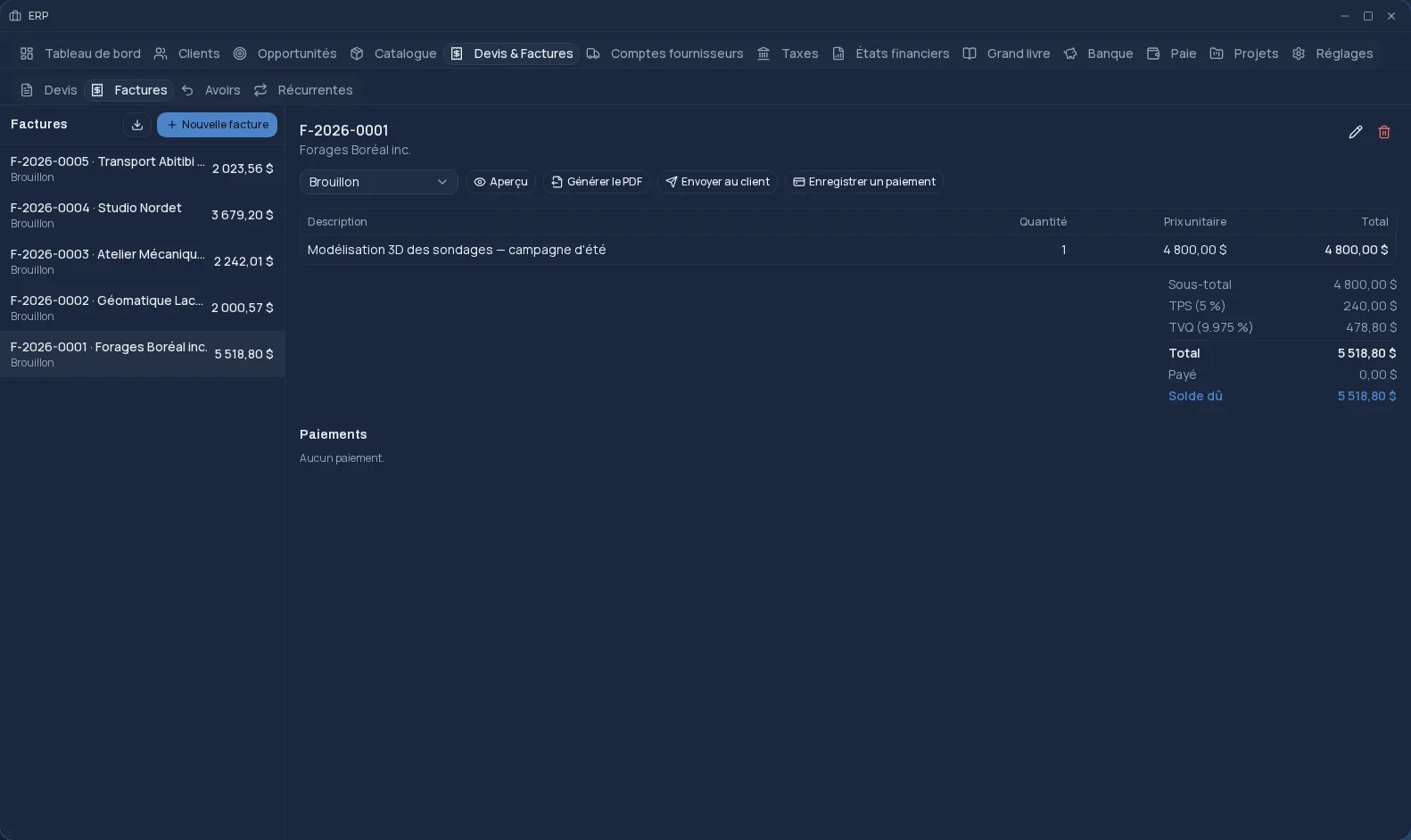
- ERP: quotes, invoices, payments, stock, projects and general ledger entries.
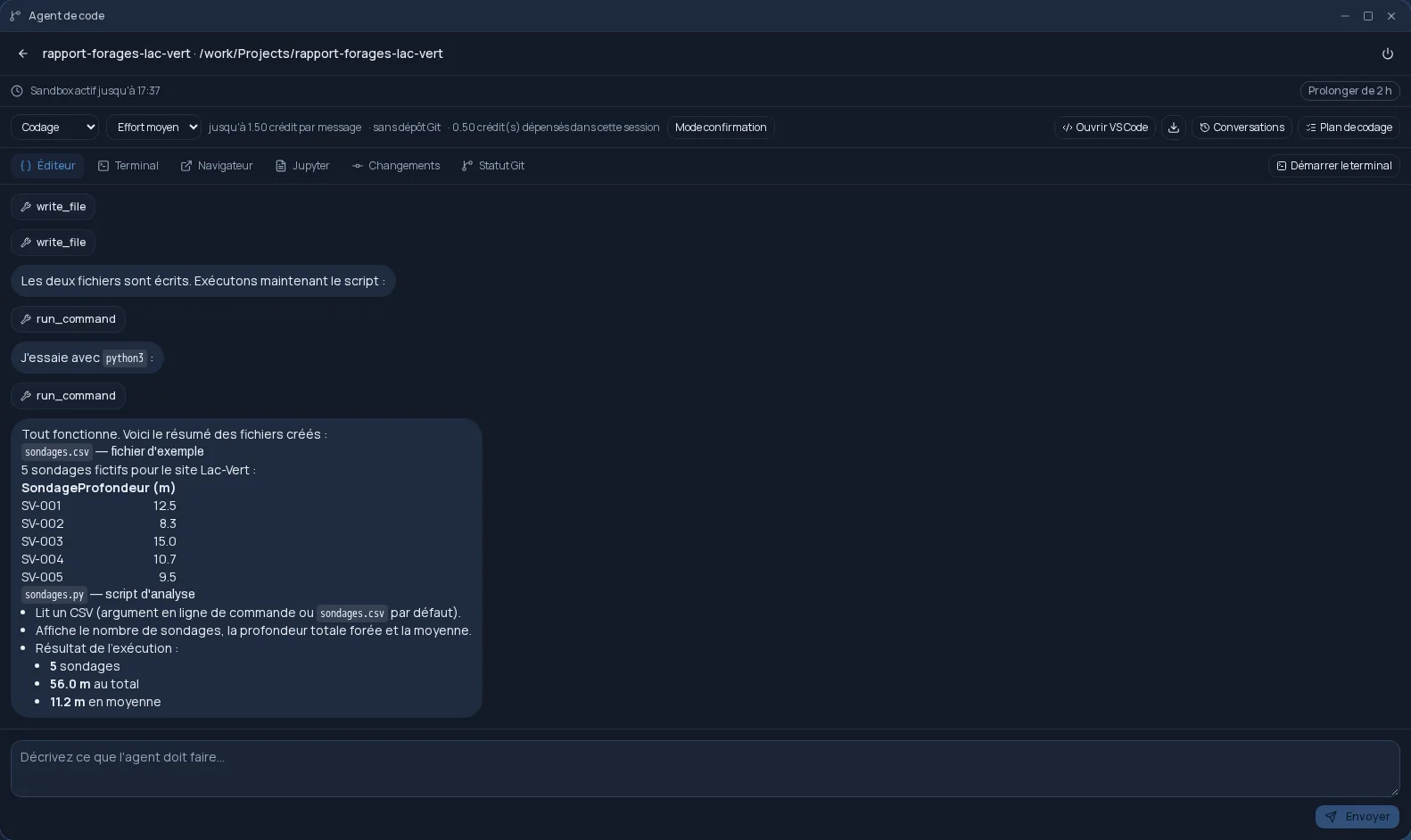
- Coding agent: send the agent a request, approve or reject its actions.
- Job monitoring, Settings and the AI Assistant.
Who it is for
For people who are faster on the keyboard than with a mouse, for repetitive data entry (invoices, ledger entries), and for those who used the terminals of old and still value their efficiency. The Terminal works on the same data as the desktop windows: an invoice created in the console is the same one you see in the ERP.
Frequently asked questions
- Can I type Linux commands in it?
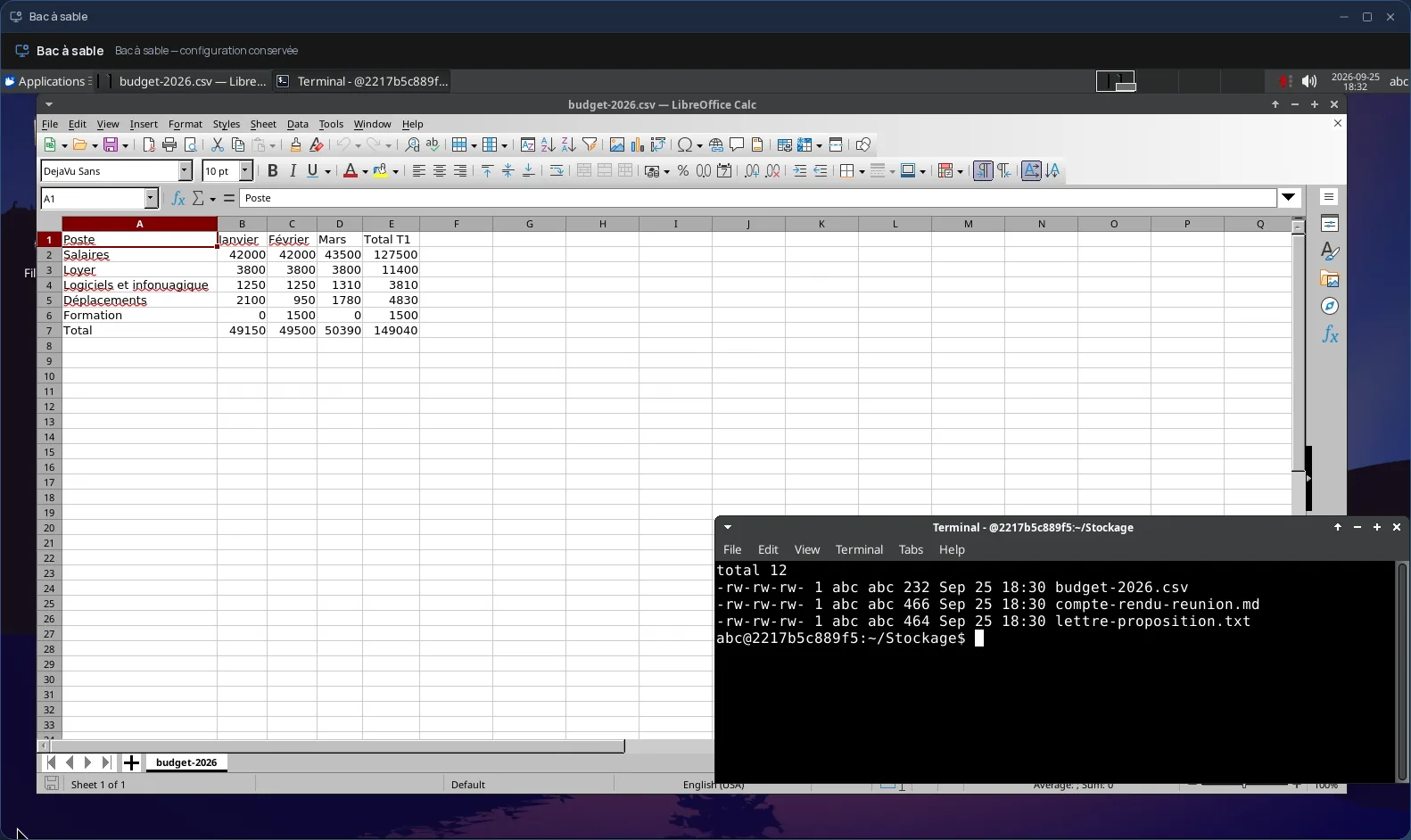
- No. The Terminal is a menu console that runs the Cloud OS apps, not a shell. For a real Linux desktop with a terminal, see the Sandbox.
- How do I use the function keys?
- Type them as text, for example “F3”, then press Enter. An empty line followed by Enter also goes back to the previous screen.
- Does what I do in the Terminal show up in the other apps?
- Yes. The console works on the same data as the desktop windows: an email deleted or an invoice sent there is deleted or sent everywhere.