Audio and video
An online voice recorder that transcribes what was said
Record a meeting or a voice memo, and get back the text of what was said.
Included from the Personal plan
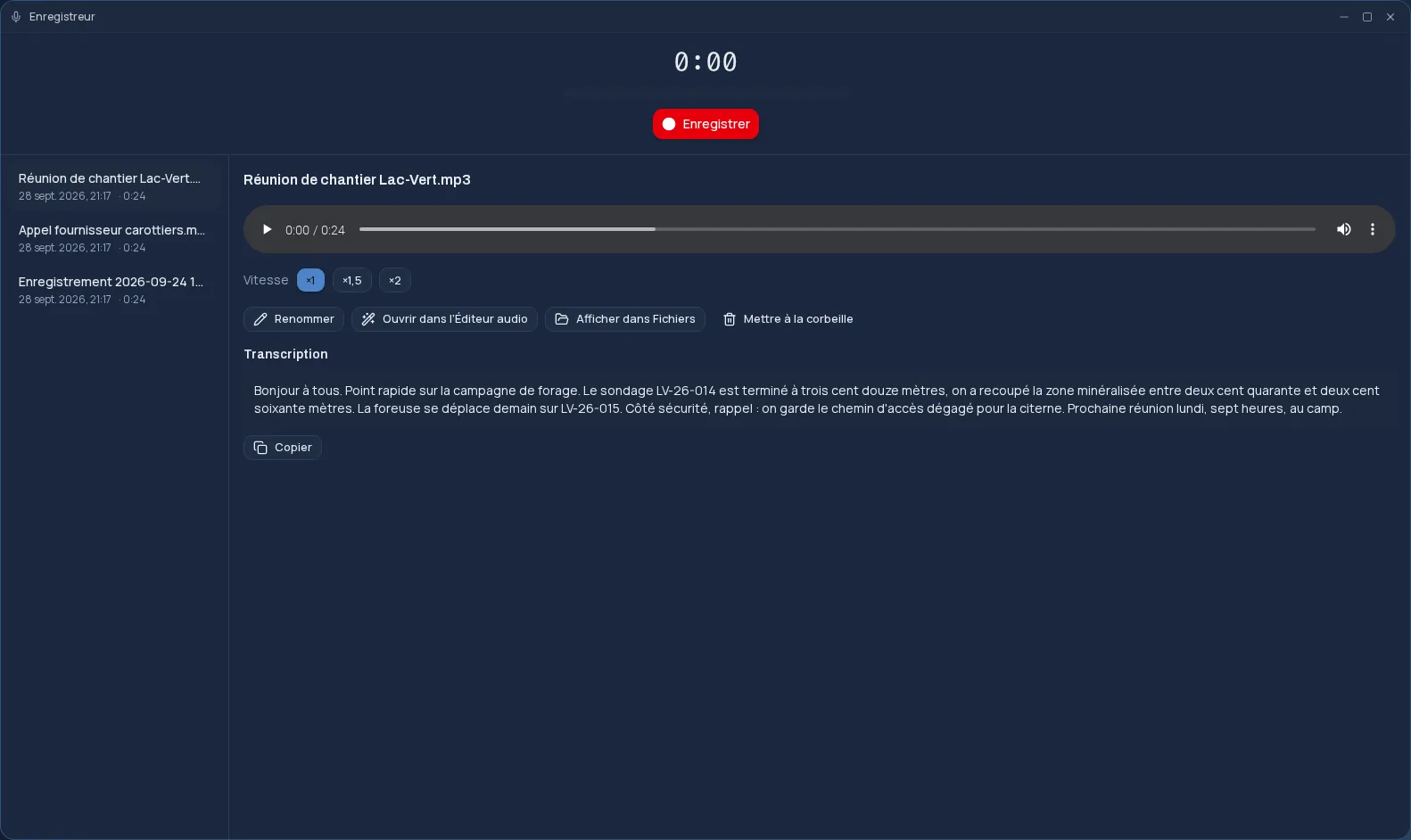
A dictaphone in your browser
The Cloud OS Recorder records the microphone of your computer or phone: a big button to start, a timer, and a level meter that shows the sound is coming through. You pause and resume as often as you need; it all stays one recording.
A meeting, an interview, an idea you don't want to lose: when you stop, the recording goes to your files, in a “Enregistrements” (recordings) folder created for it.
The transcript, with nothing else to do
Every recording is transcribed automatically by the platform. The text appears under the recording, ready to copy into minutes or an email.
- The language is detected automatically.
- The text also feeds search: you find a recording by what was said in it.
- Transcription runs on Cloud OS servers, hosted in Québec, not on an outside service.
Listen, organize, touch up
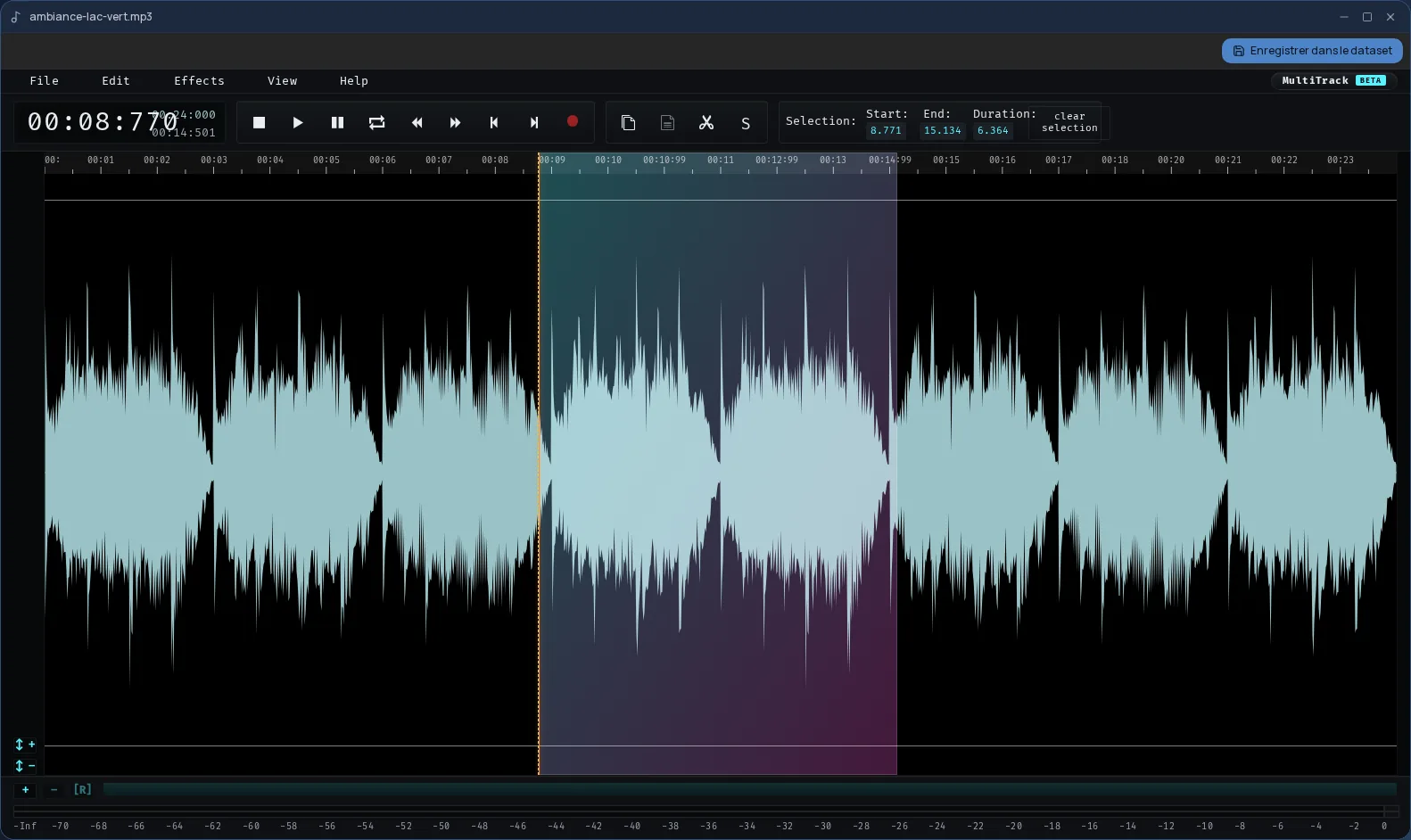
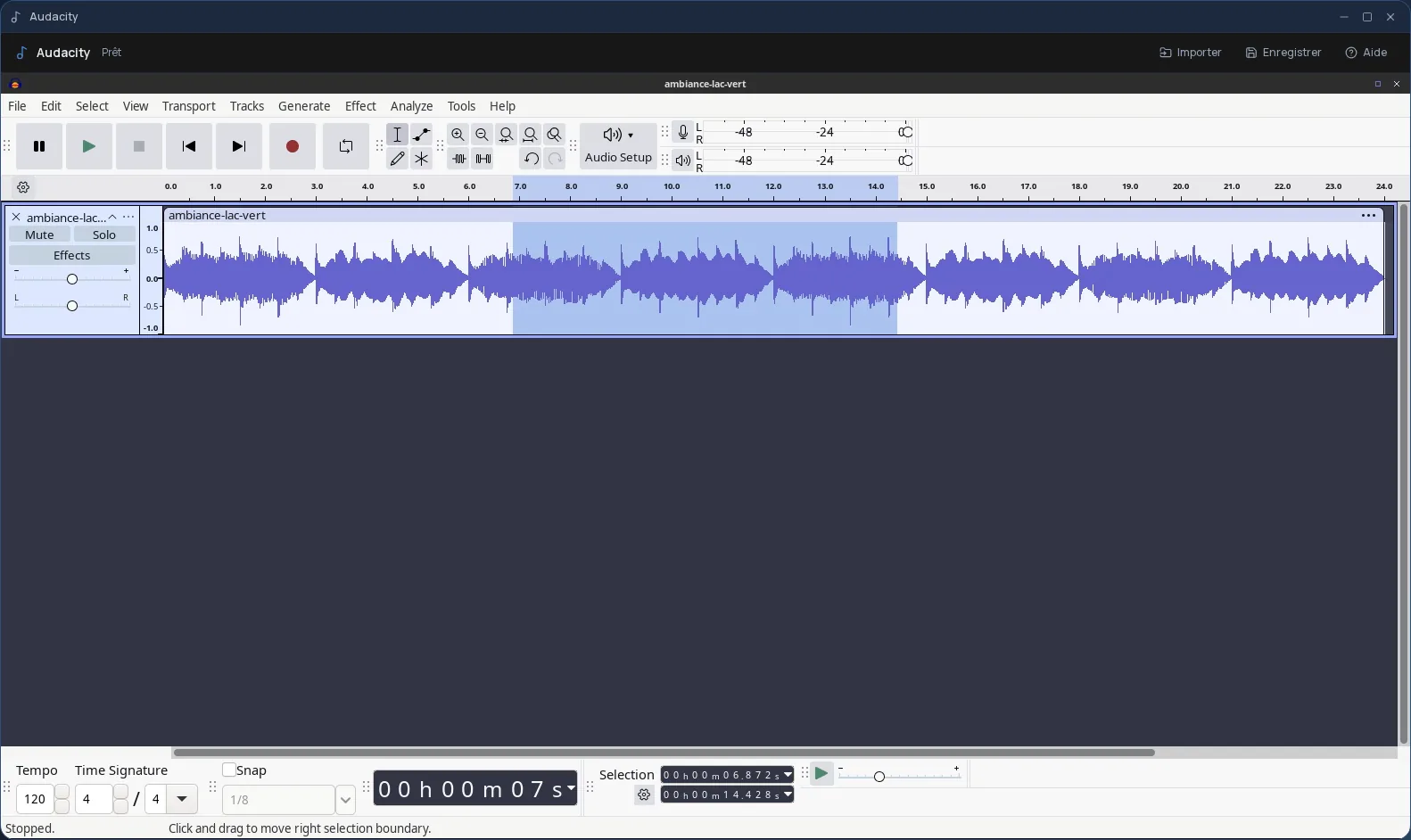
The list shows your recordings, newest first, with their length. You play them at normal speed, ×1.5 or ×2, rename them, move them to the trash, or open them in the audio editor to cut a passage.
If the tab closes or the browser crashes in the middle of a recording, nothing is lost: next time you open it, the Recorder offers to recover what was captured.
Frequently asked questions
- Can I record from my phone?
- Yes. The Recorder works in your phone's browser just like on a computer, and switching to another Cloud OS app doesn't interrupt a recording in progress.
- Where do my recordings and their transcripts go?
- To your Cloud OS files, in the “Enregistrements” (recordings) folder. Transcription is done by the platform's servers, hosted in Québec.
- Is there a length limit?
- Not for recording. Transcription stops at files over 500 MB, which is well beyond several hours of speech.