Audio and video
Take photos and videos with your webcam, online
Photos and videos from your camera, saved straight to your files.
Included from the Personal plan
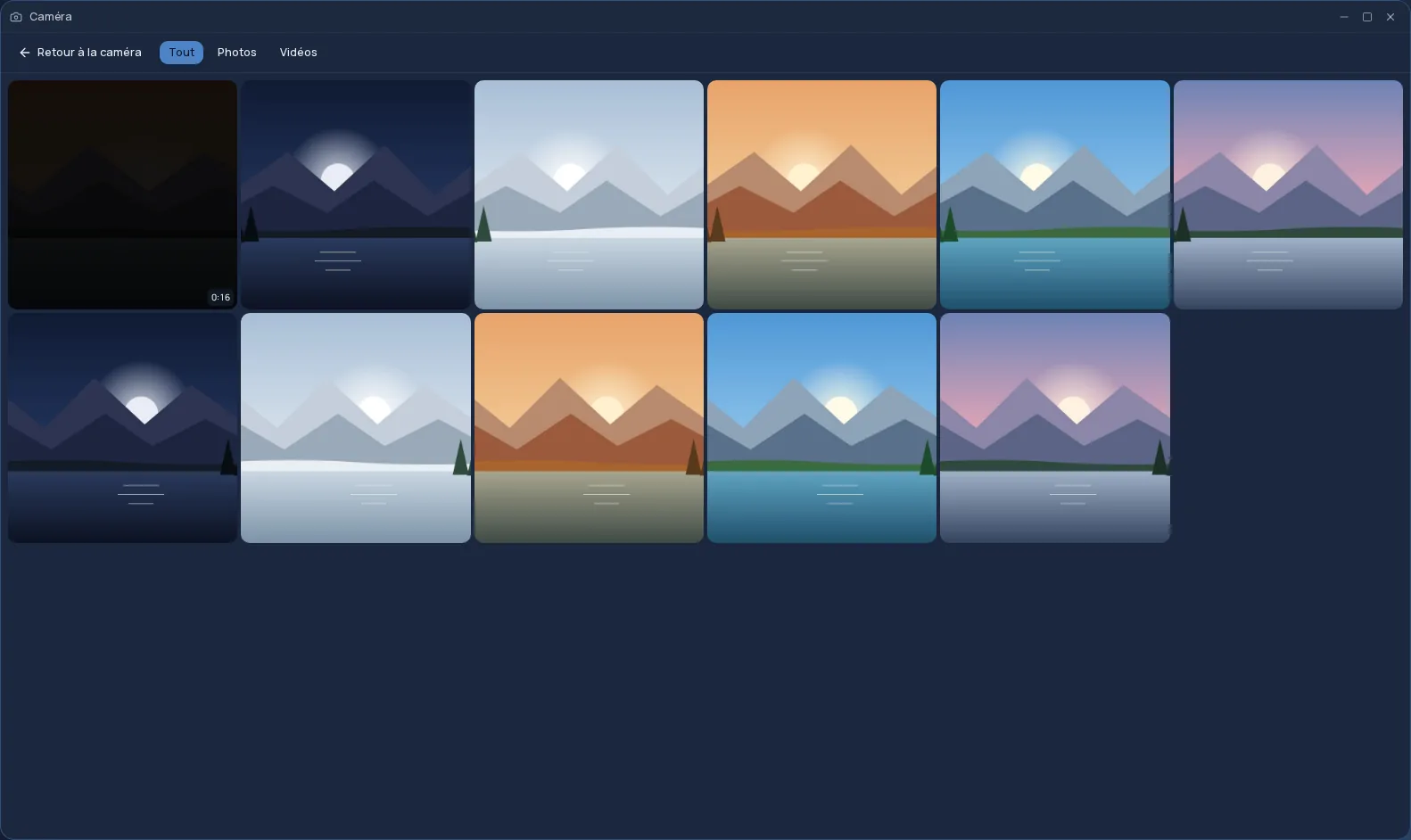
Your camera, right inside Cloud OS
The Webcam app uses your computer's webcam or your phone's cameras: a viewfinder, a shutter button, and a switch between photo and video. In video mode a timer runs, and you pause and resume without creating several files.
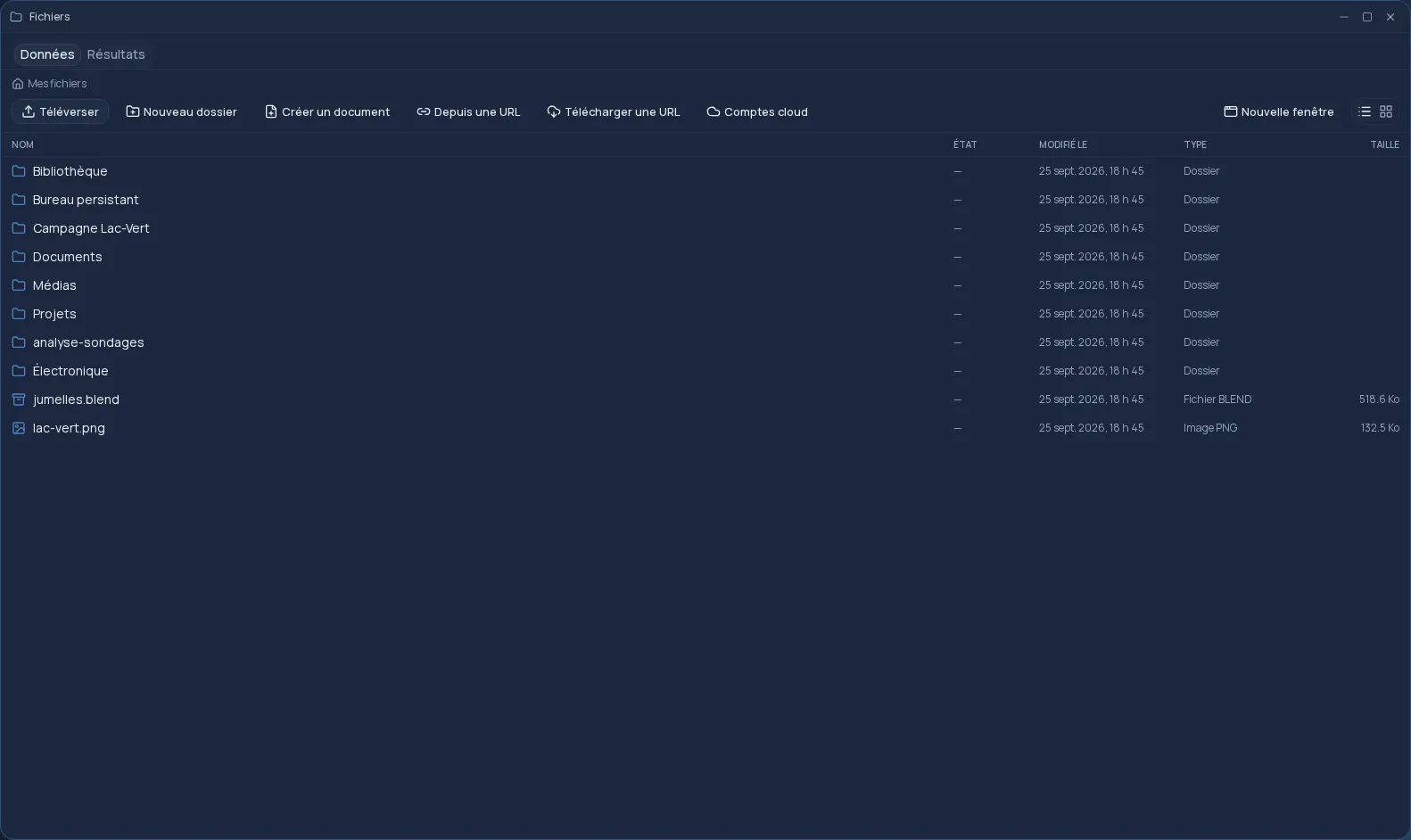
Every shot goes straight to your files, in a “Caméra” folder. No cable, no copying from your phone: the photo taken on site is already on your online desktop.
- Standard (720p) or High (1080p) quality, your choice.
- Switch between cameras, front or back, when there is more than one.
- The camera only turns on while you use it, with an indicator in the taskbar.
A gallery tied to your files
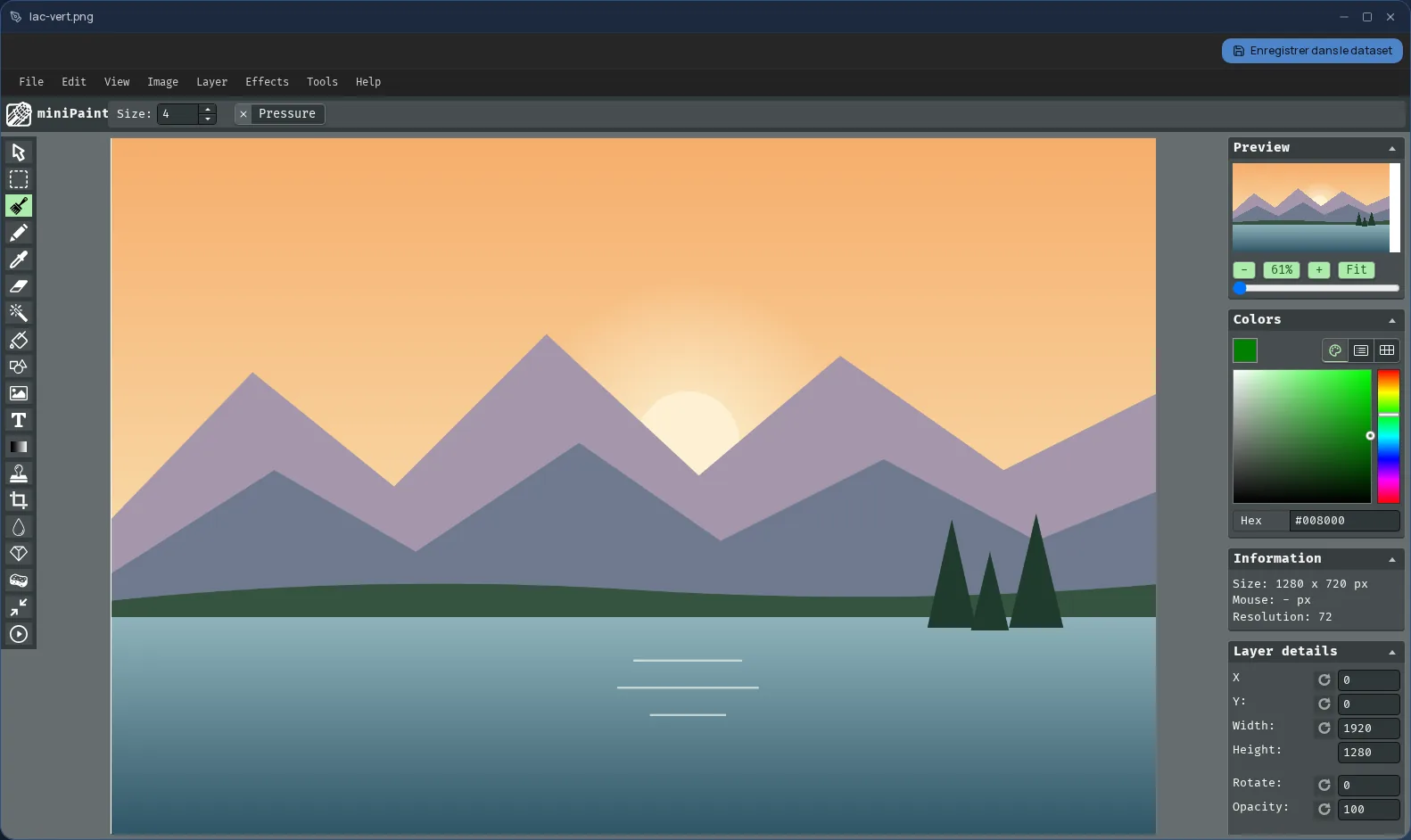
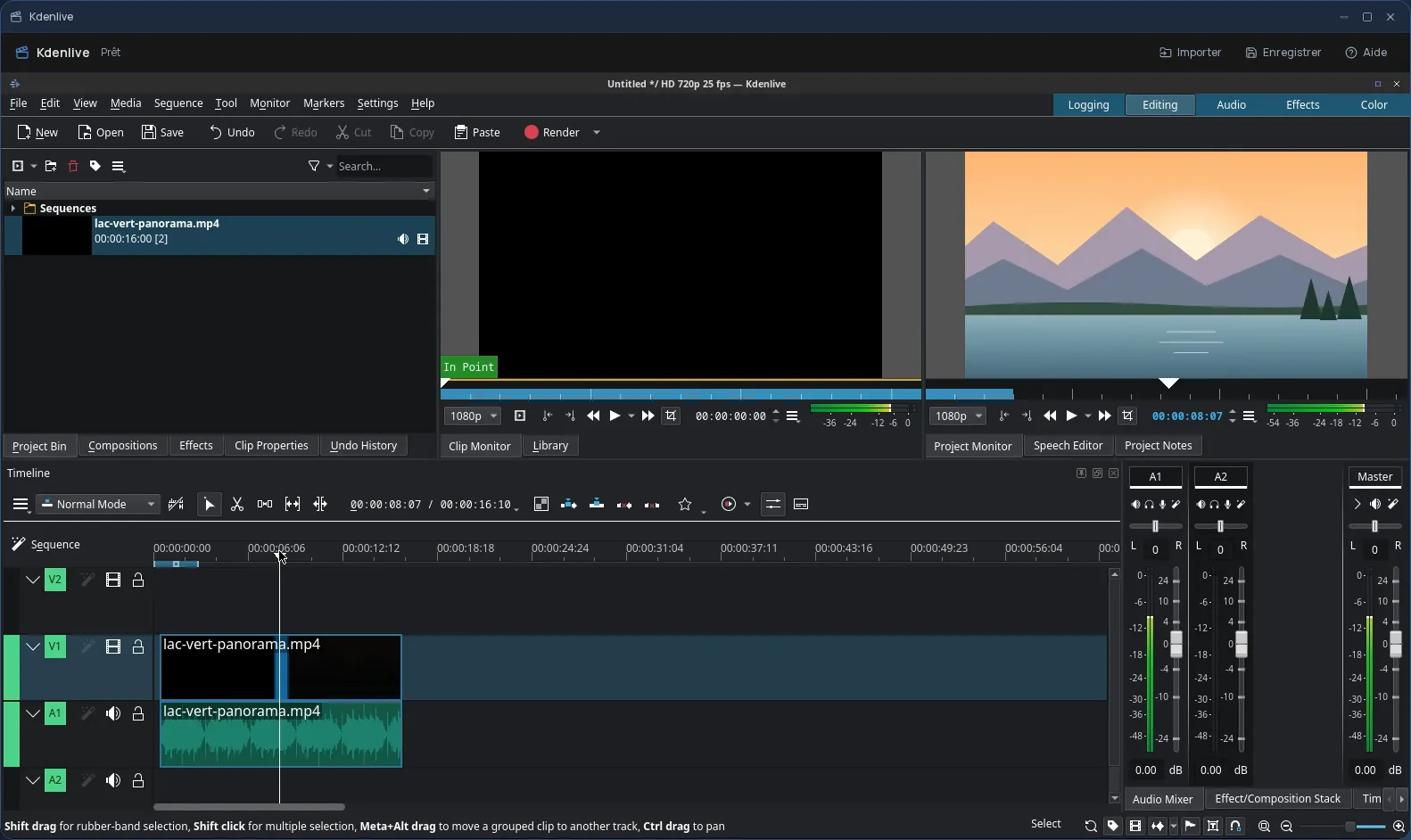
The gallery shows your photos and videos, newest first, with a filter to show only one or the other. You rename a shot, move it to the trash, show it in Files, or open it in the Cloud OS image editor or video editor.
Video transcripts, if you want them
A video can be transcribed by Cloud OS servers, hosted in Québec: the text appears under the video and lets you find it through search. It is off by default; turn it on for all your videos, or ask for a single one with the Transcribe button.
If the tab closes in the middle of a video, nothing is lost: next time you open the app, it offers to recover the shot.
Frequently asked questions
- Does it work on a phone?
- Yes, in your phone's browser, with its front and back cameras. Switching to another Cloud OS app doesn't interrupt a video in progress.
- Where do my photos and videos go?
- To your Cloud OS files, in the “Caméra” folder, hosted in Québec. Nothing stays on the device once the shot is uploaded.
- Are my videos transcribed automatically?
- No, not by default. You turn transcription on in the app's settings, or ask for it one video at a time.